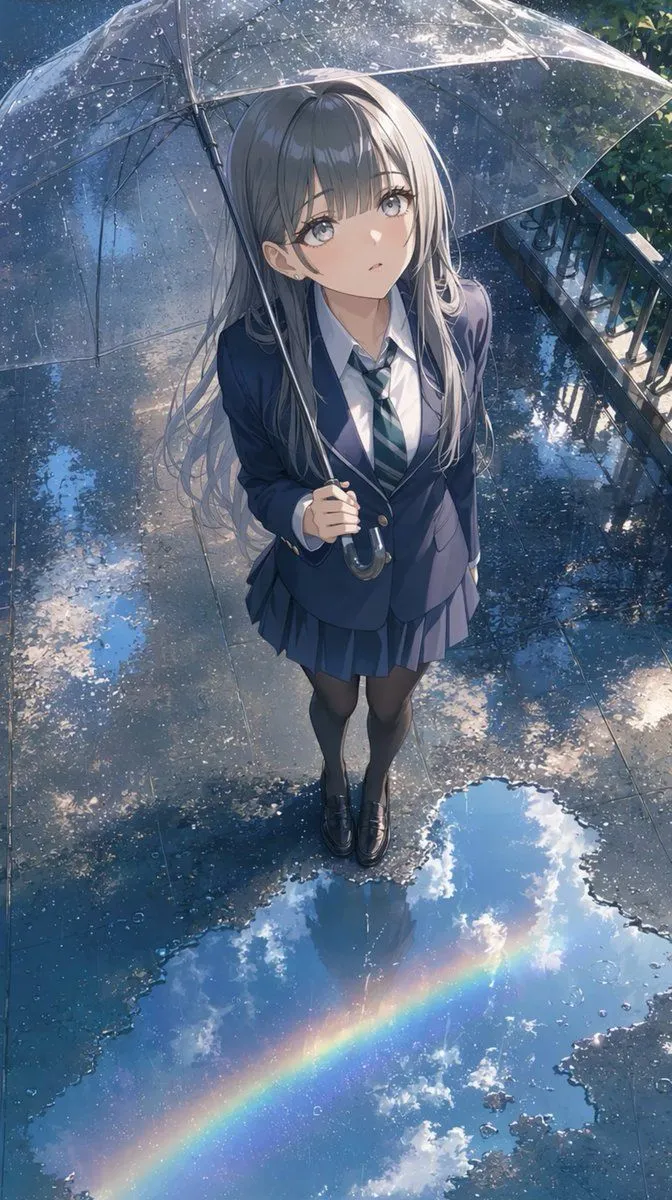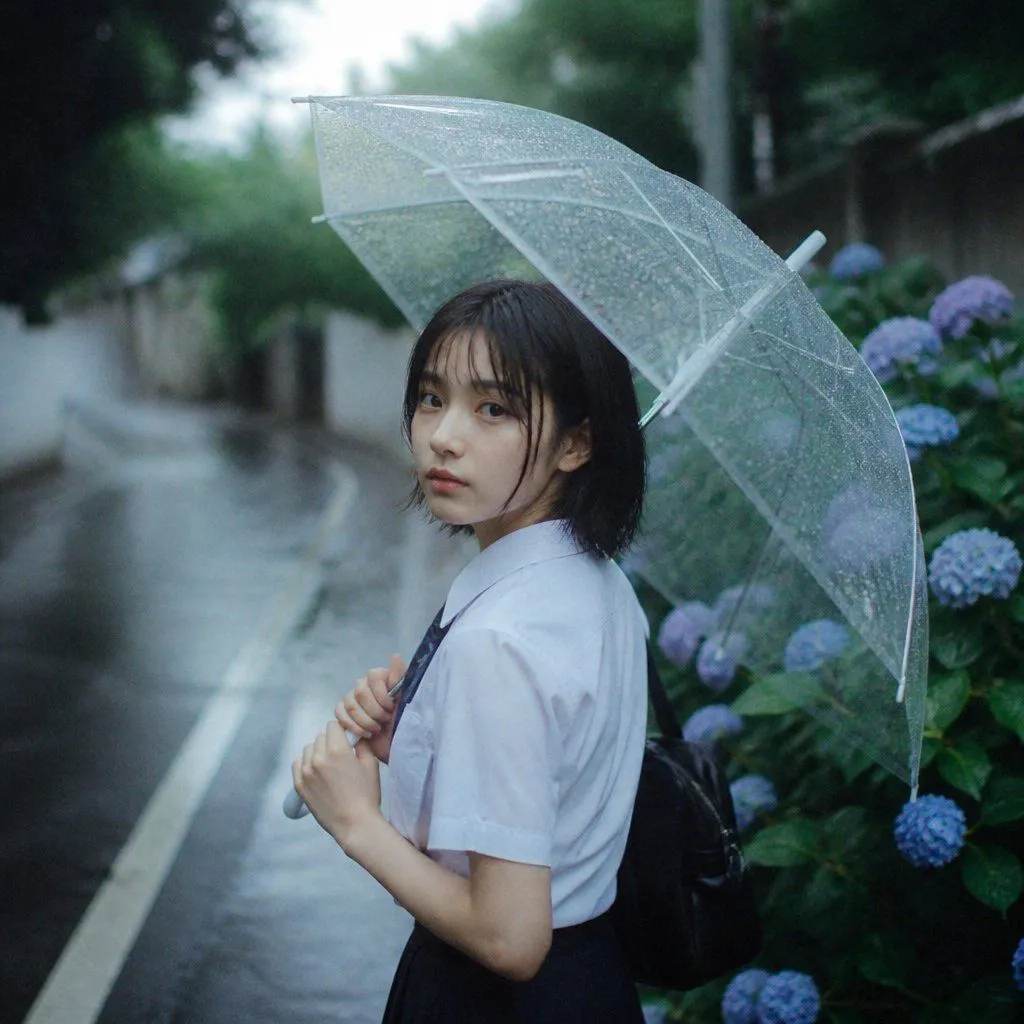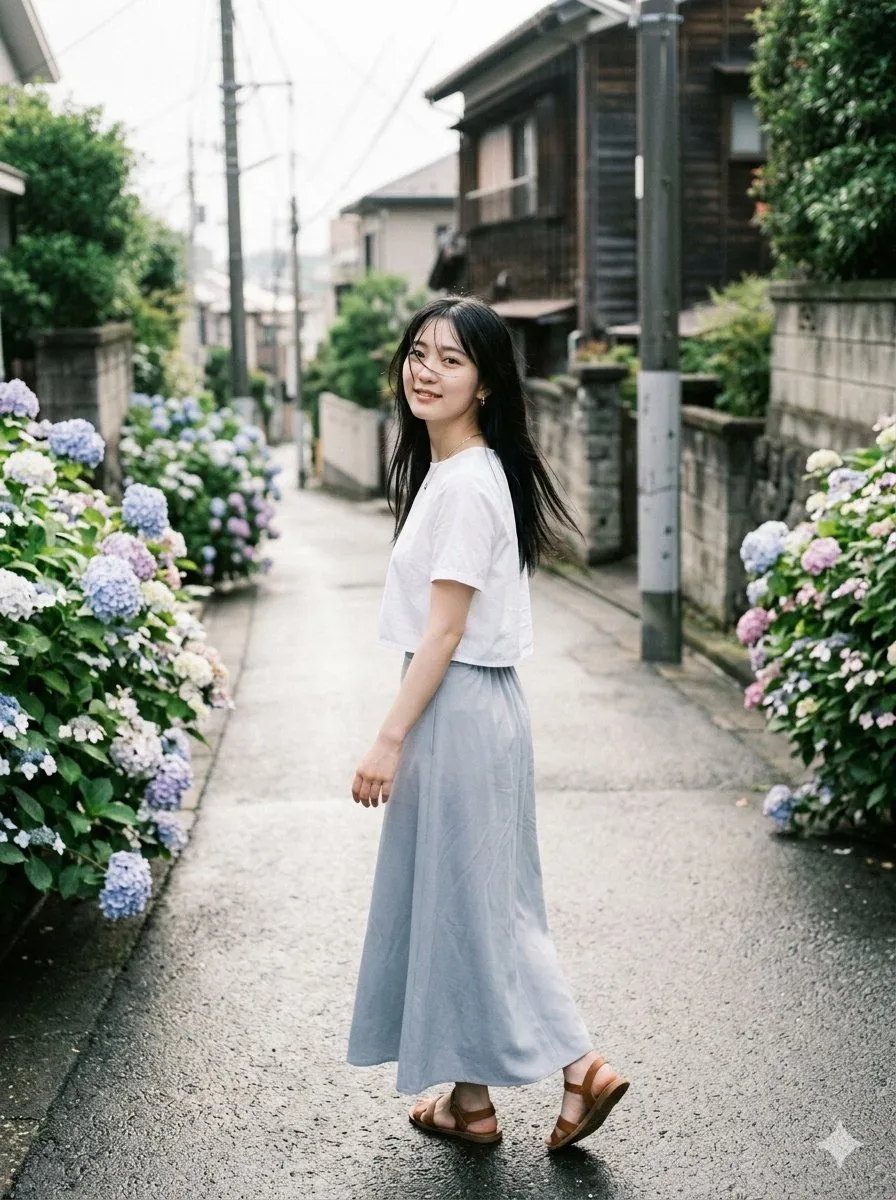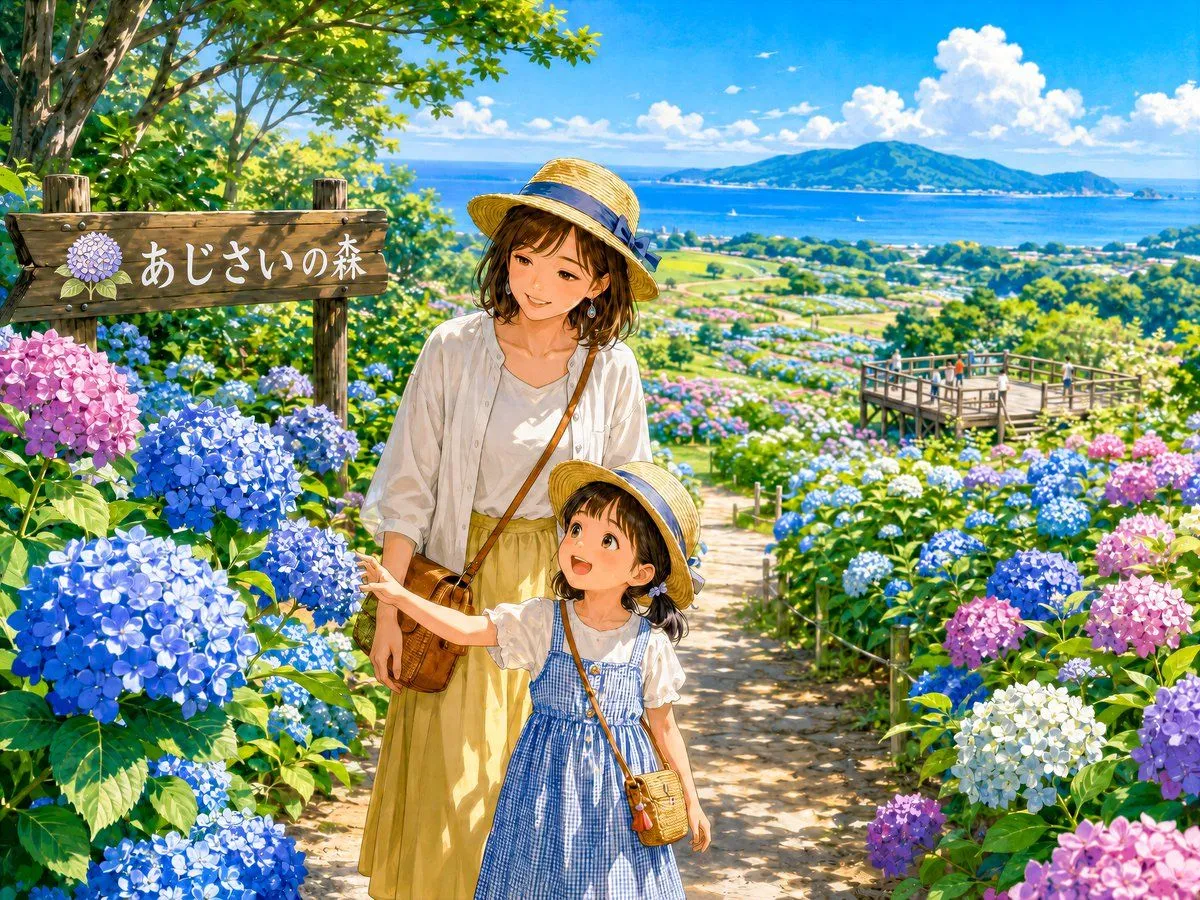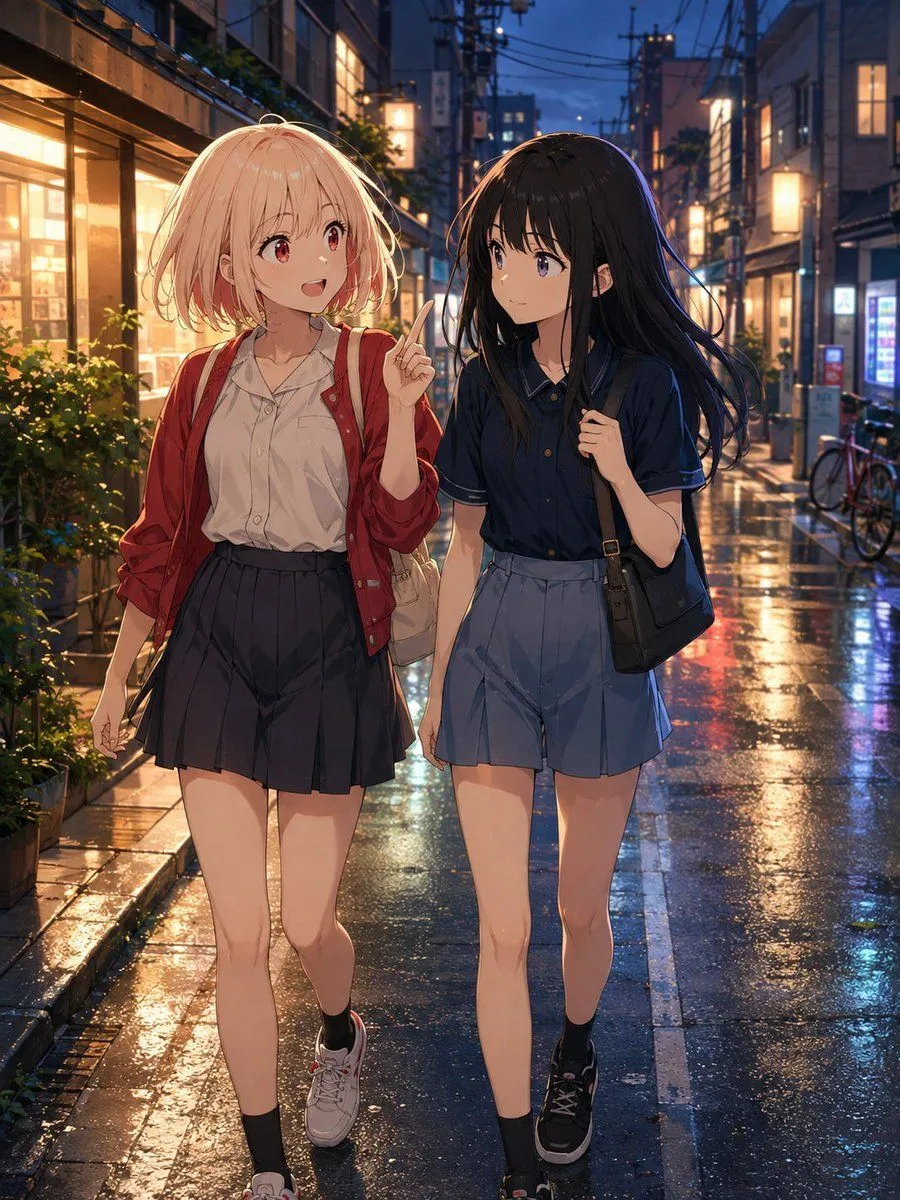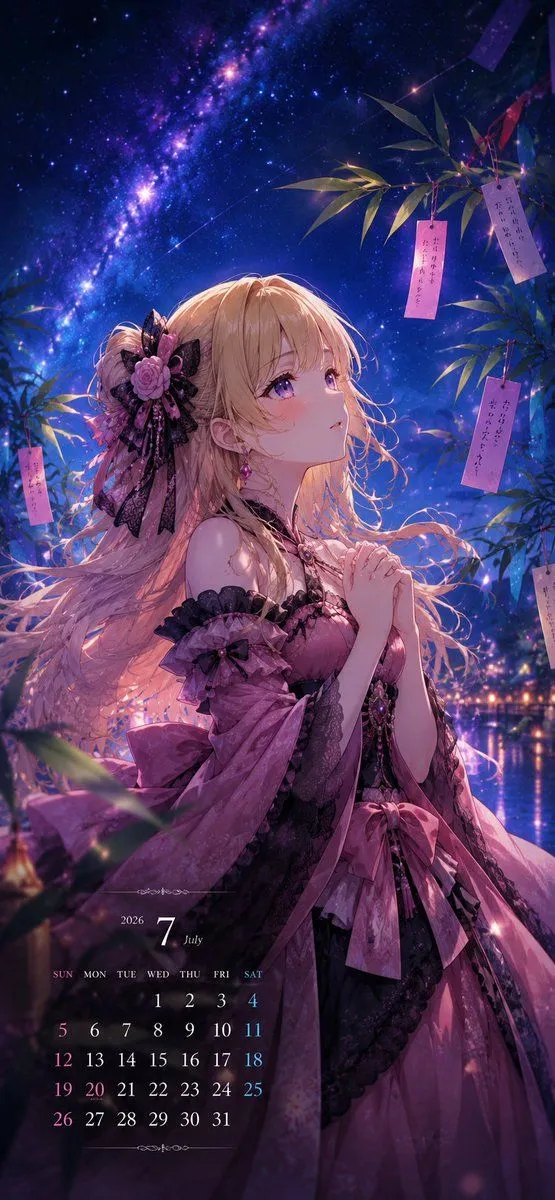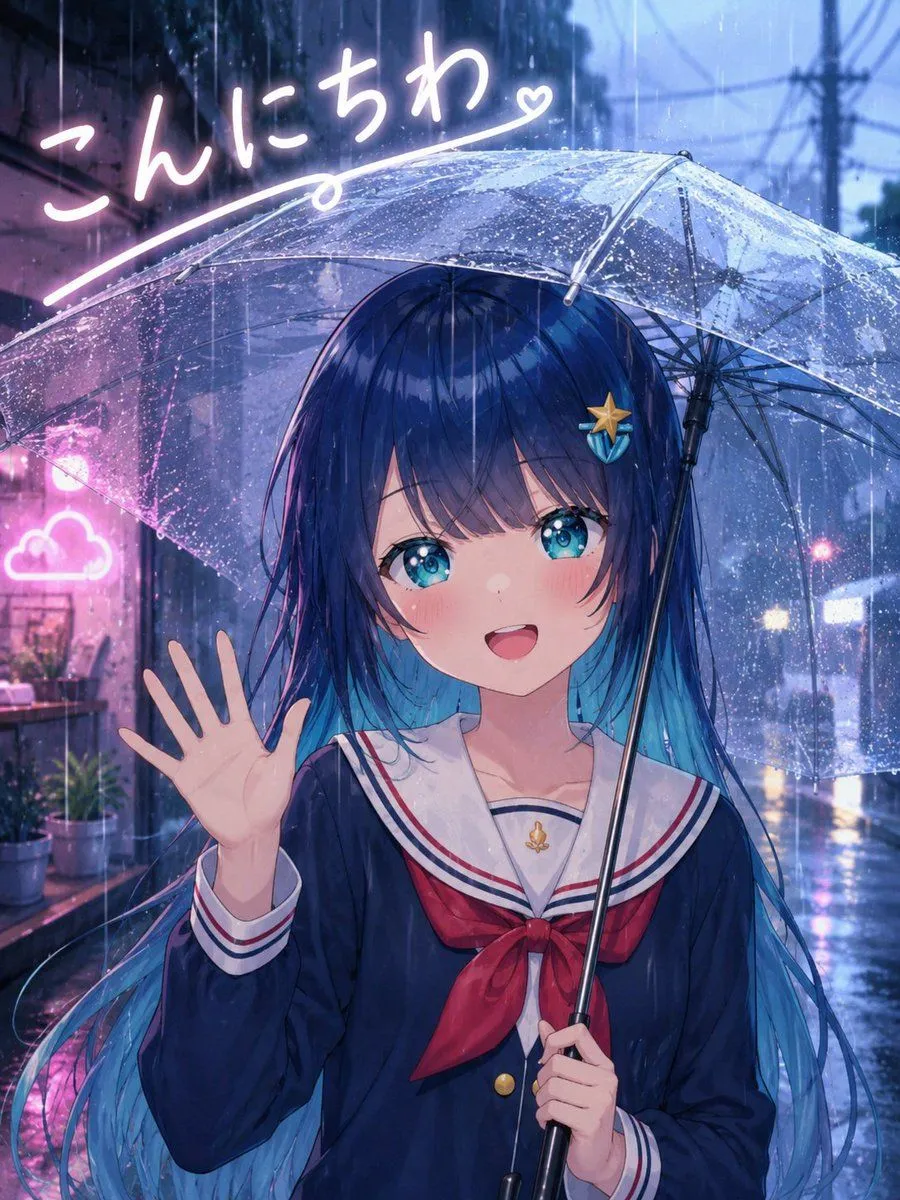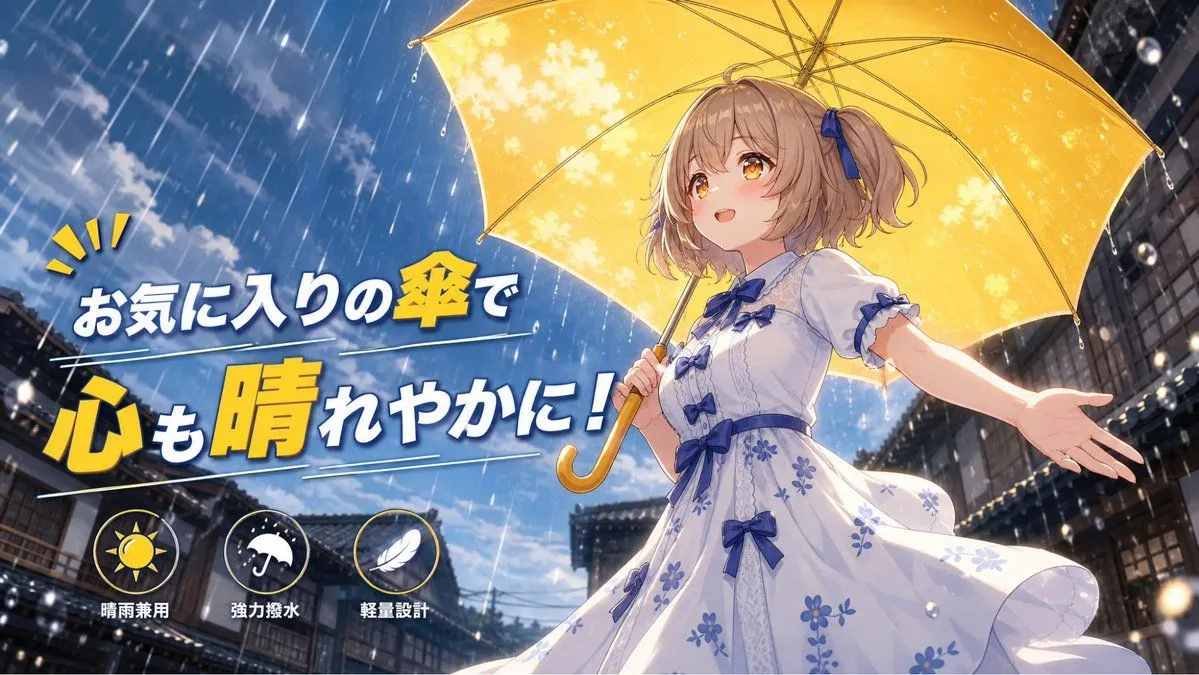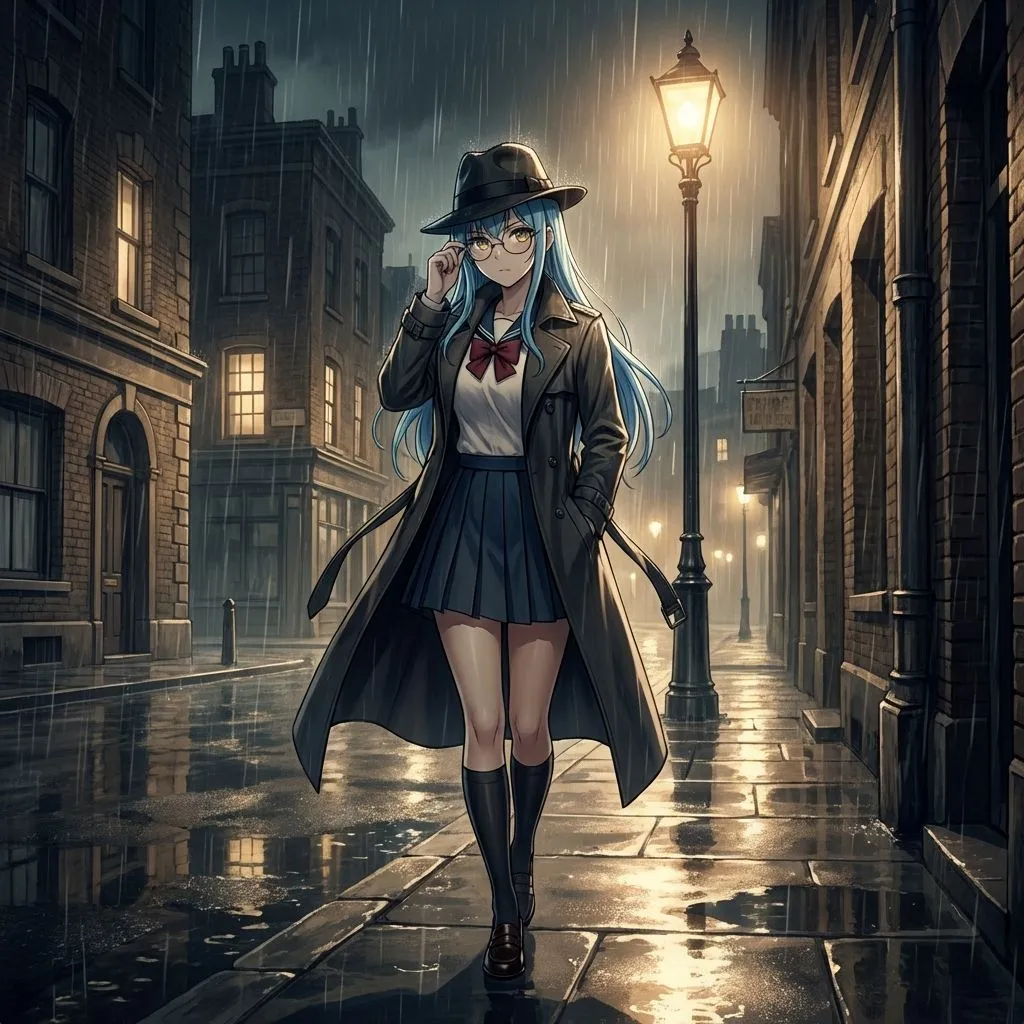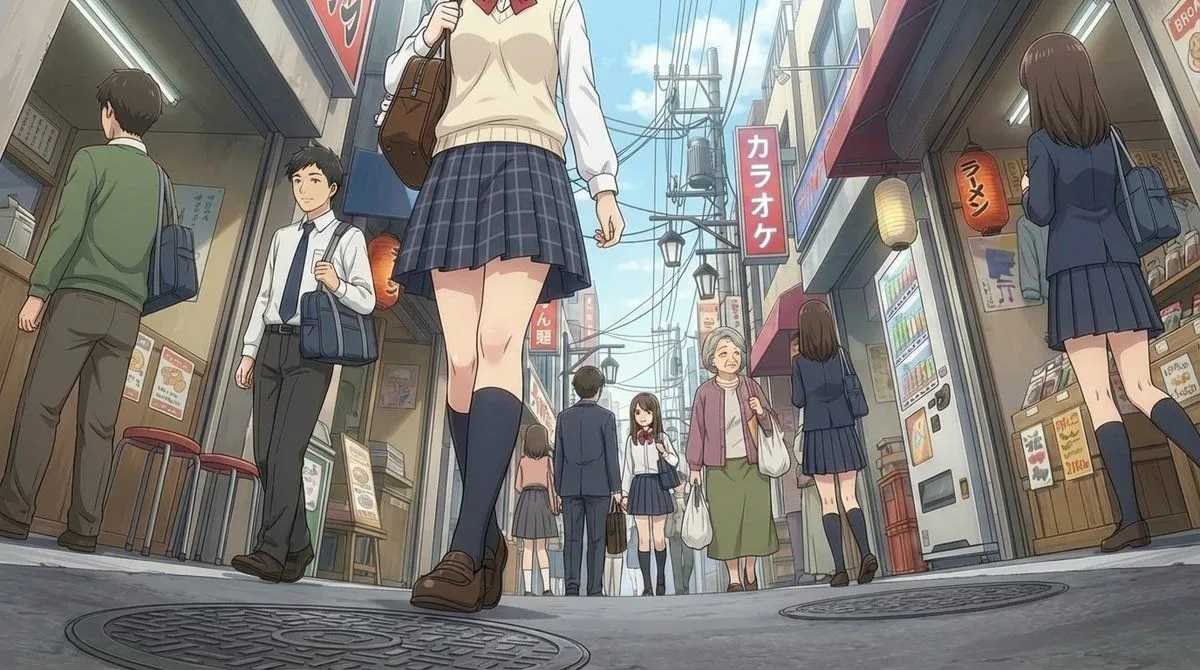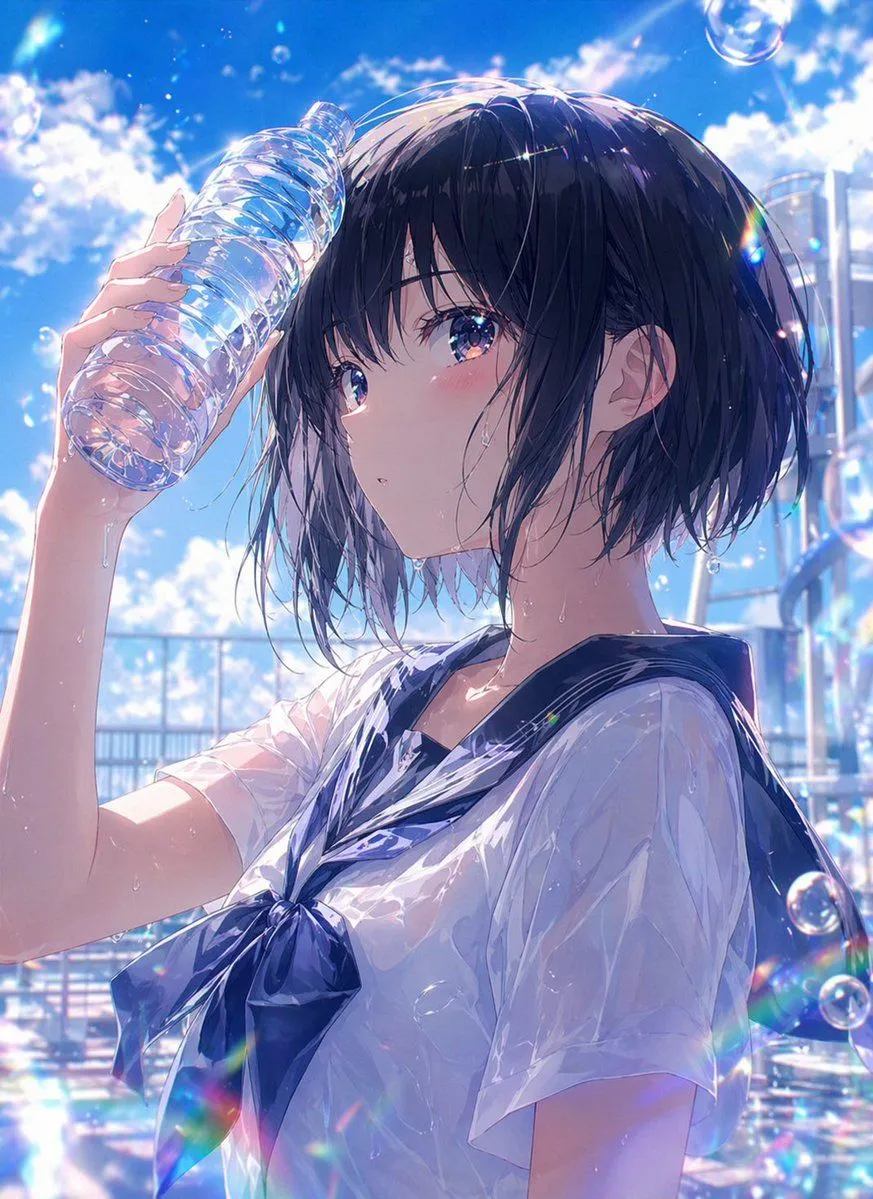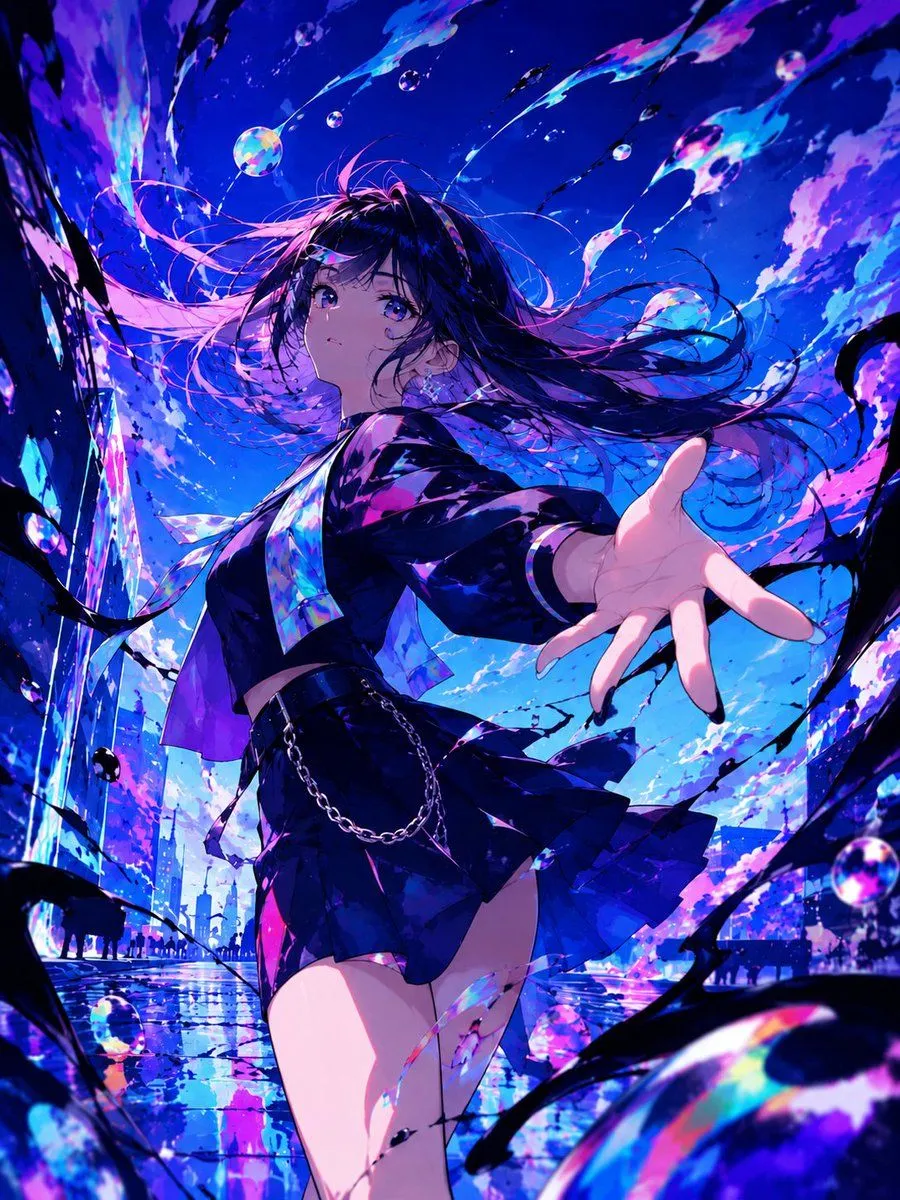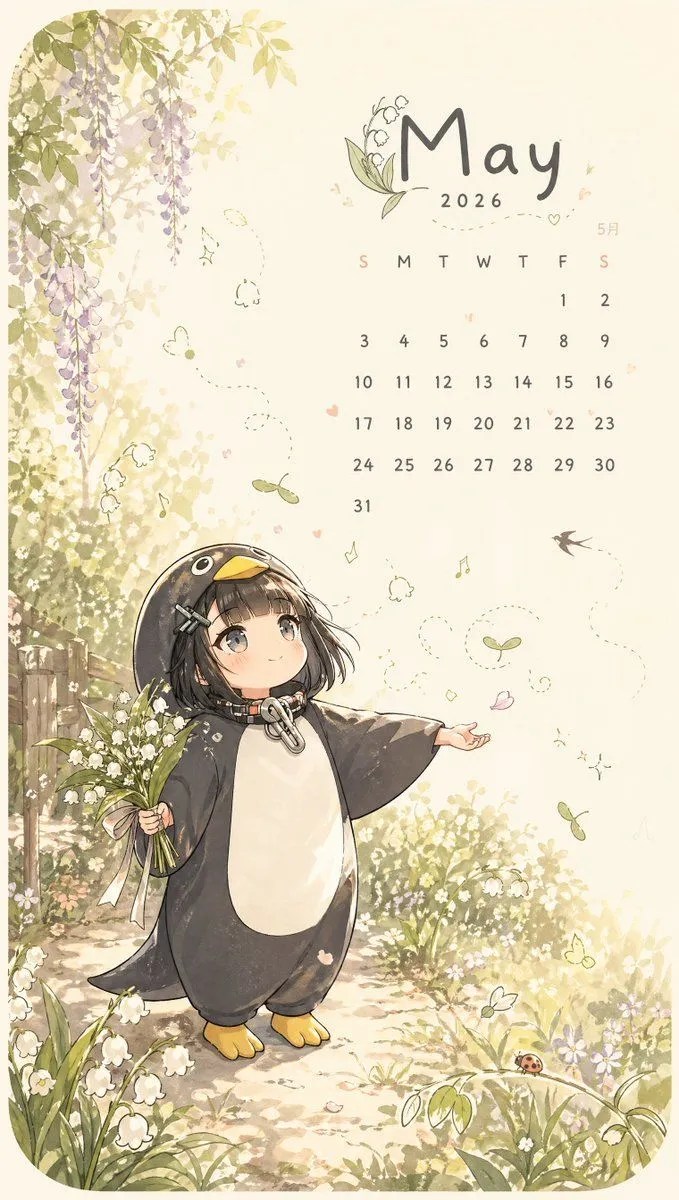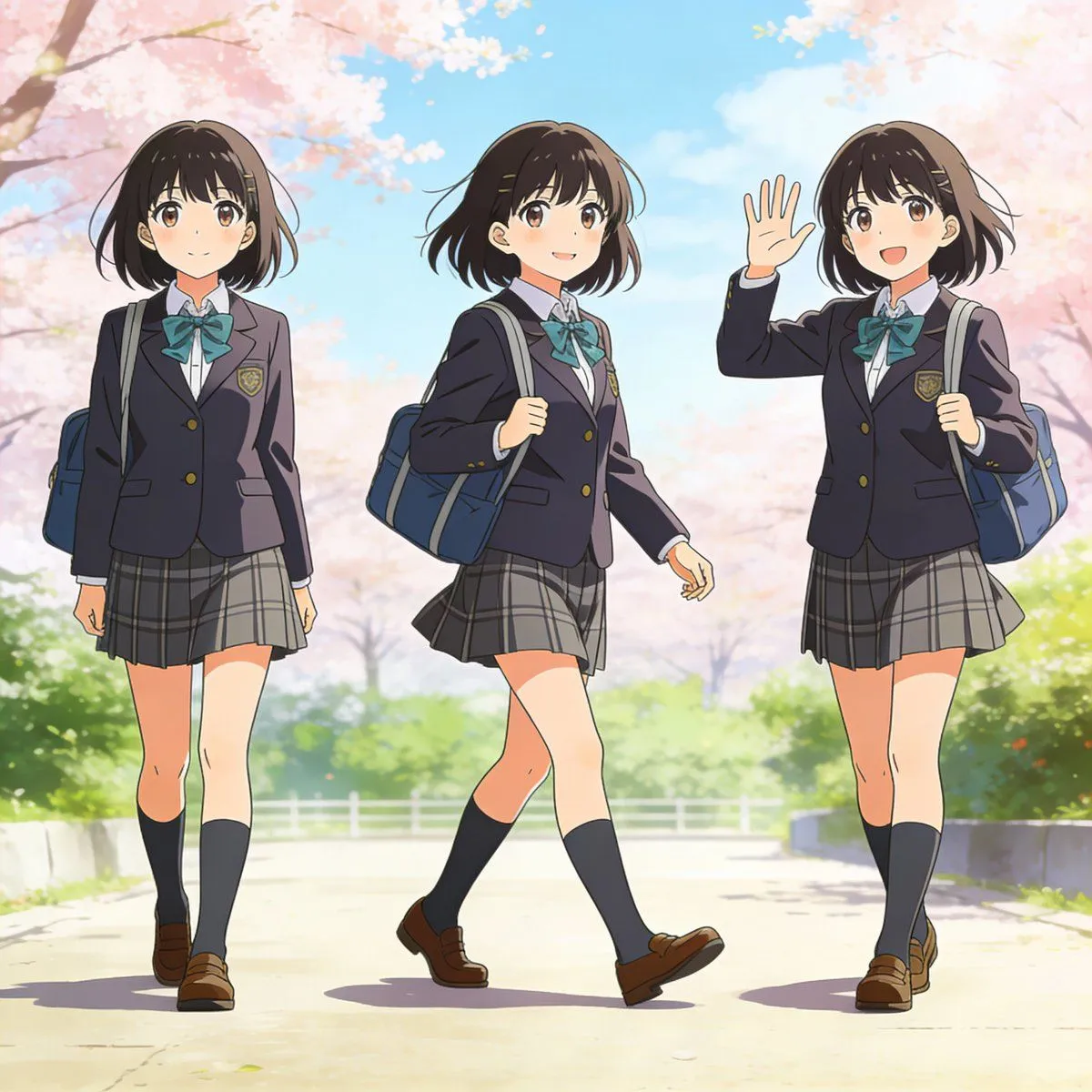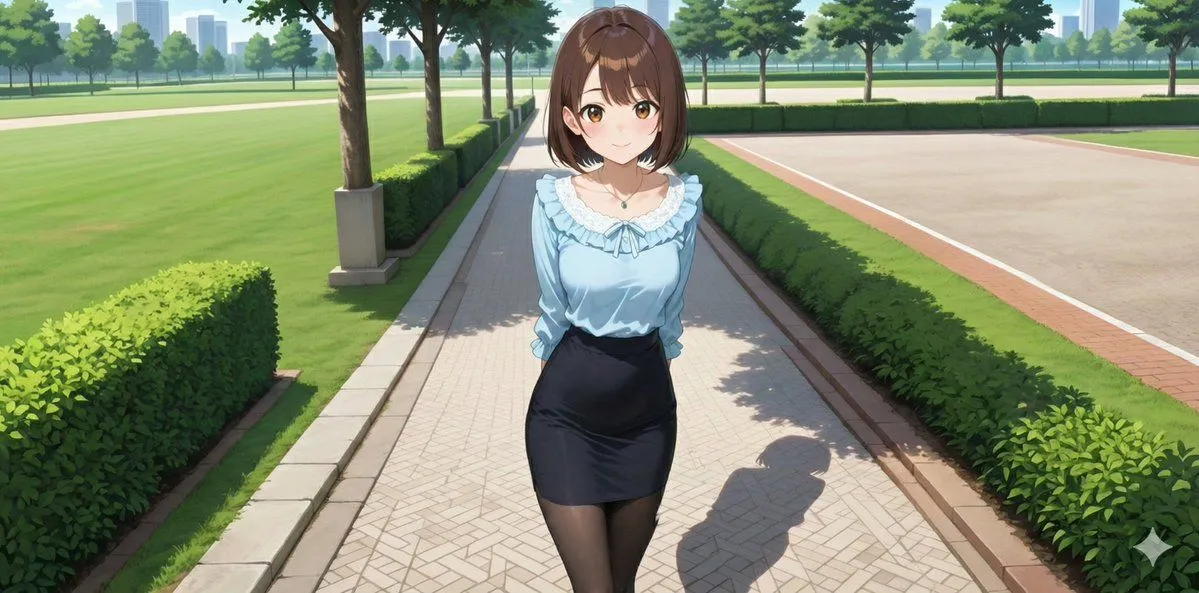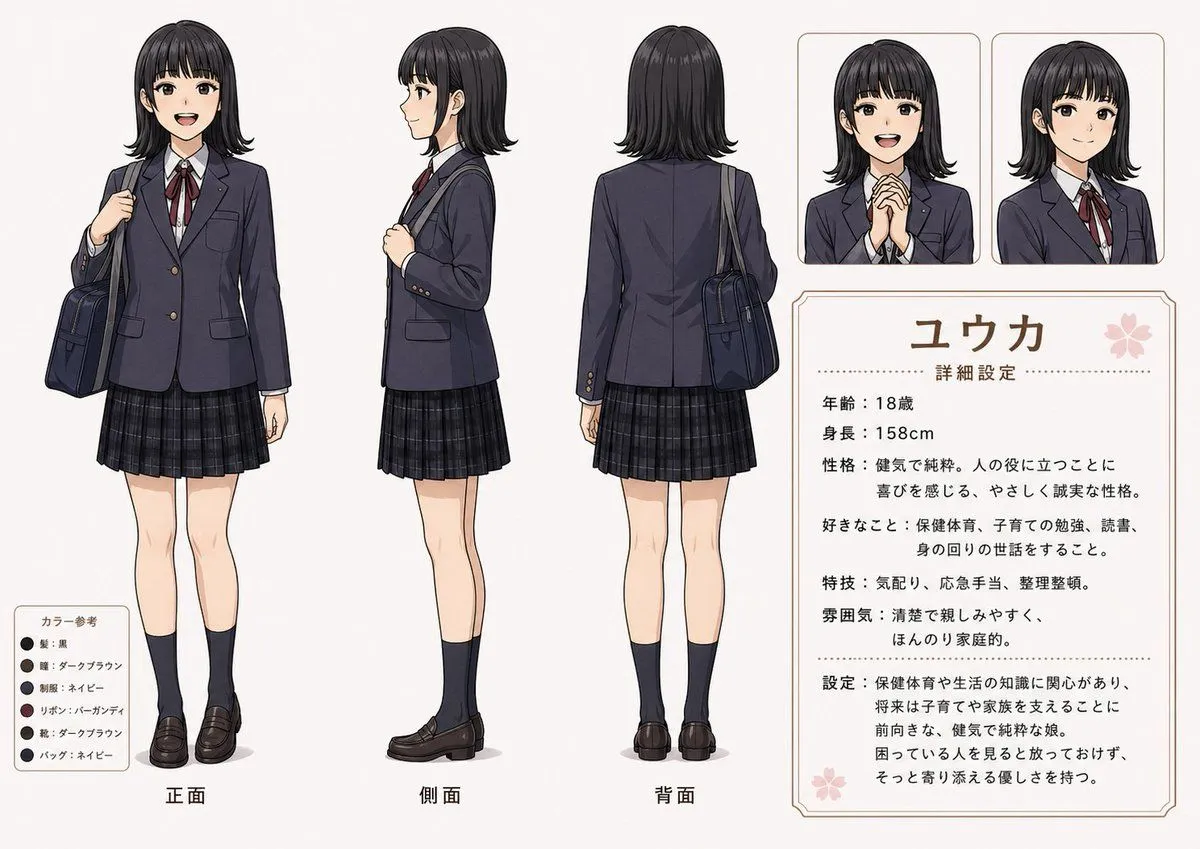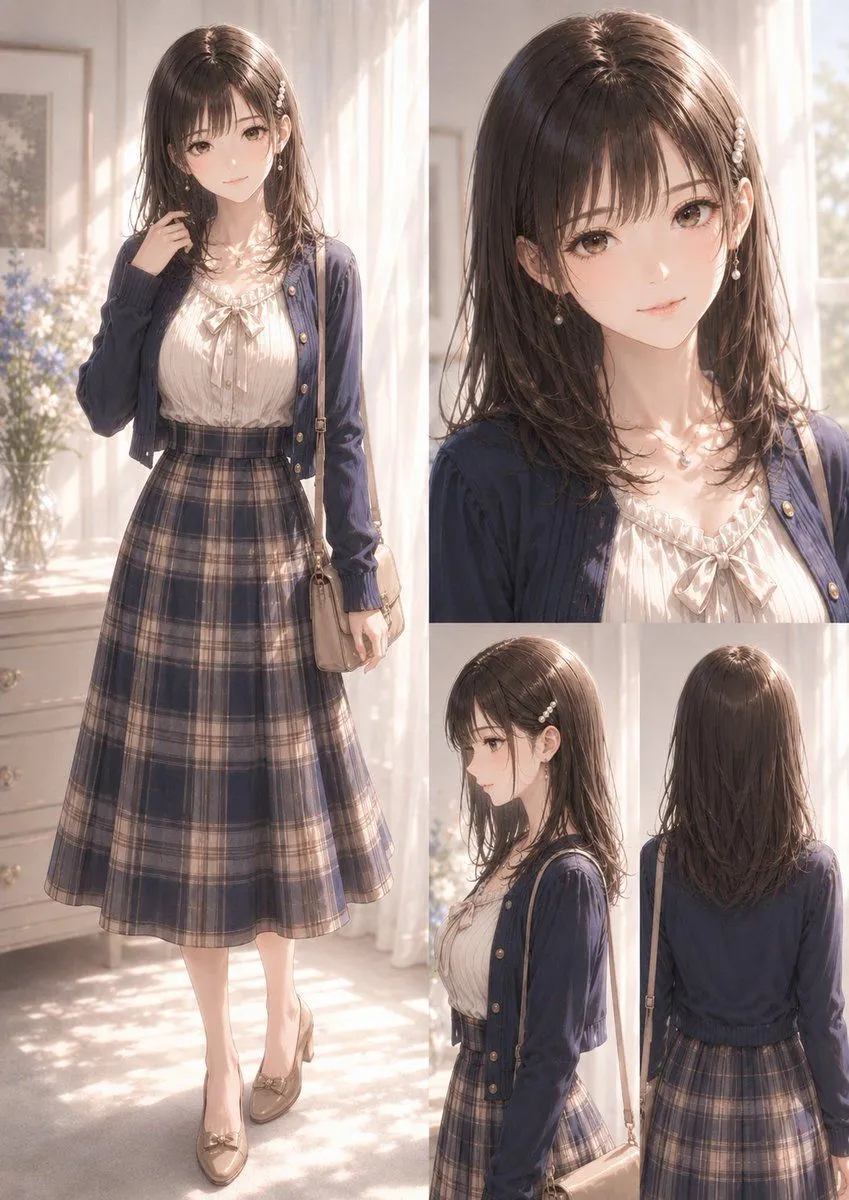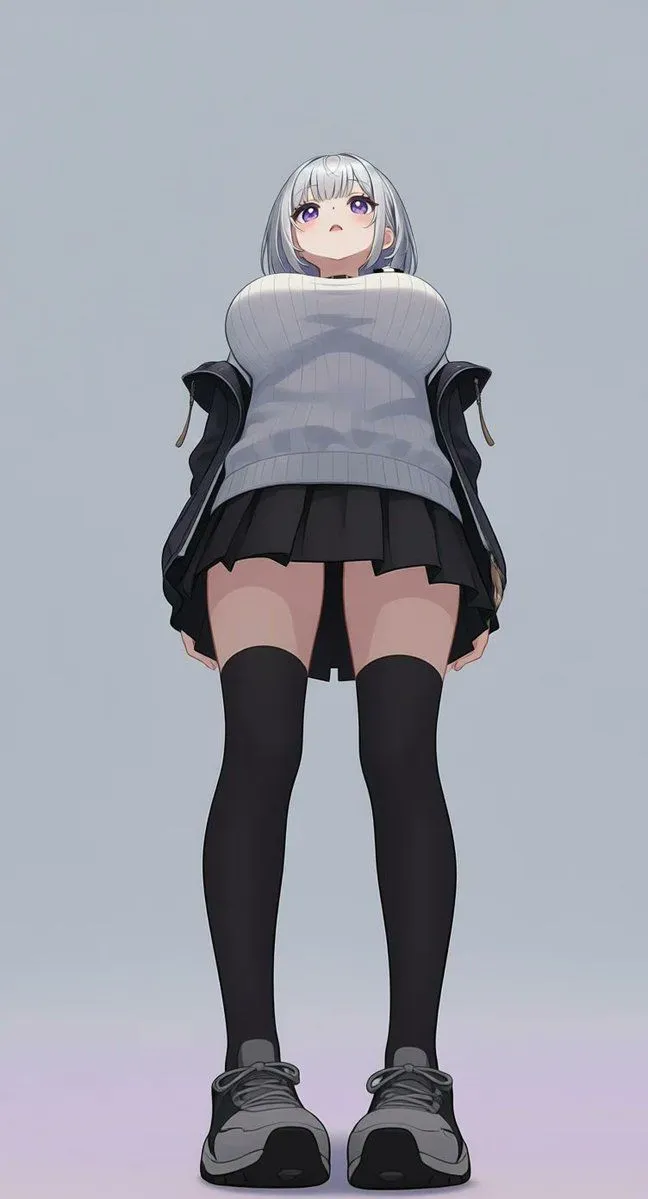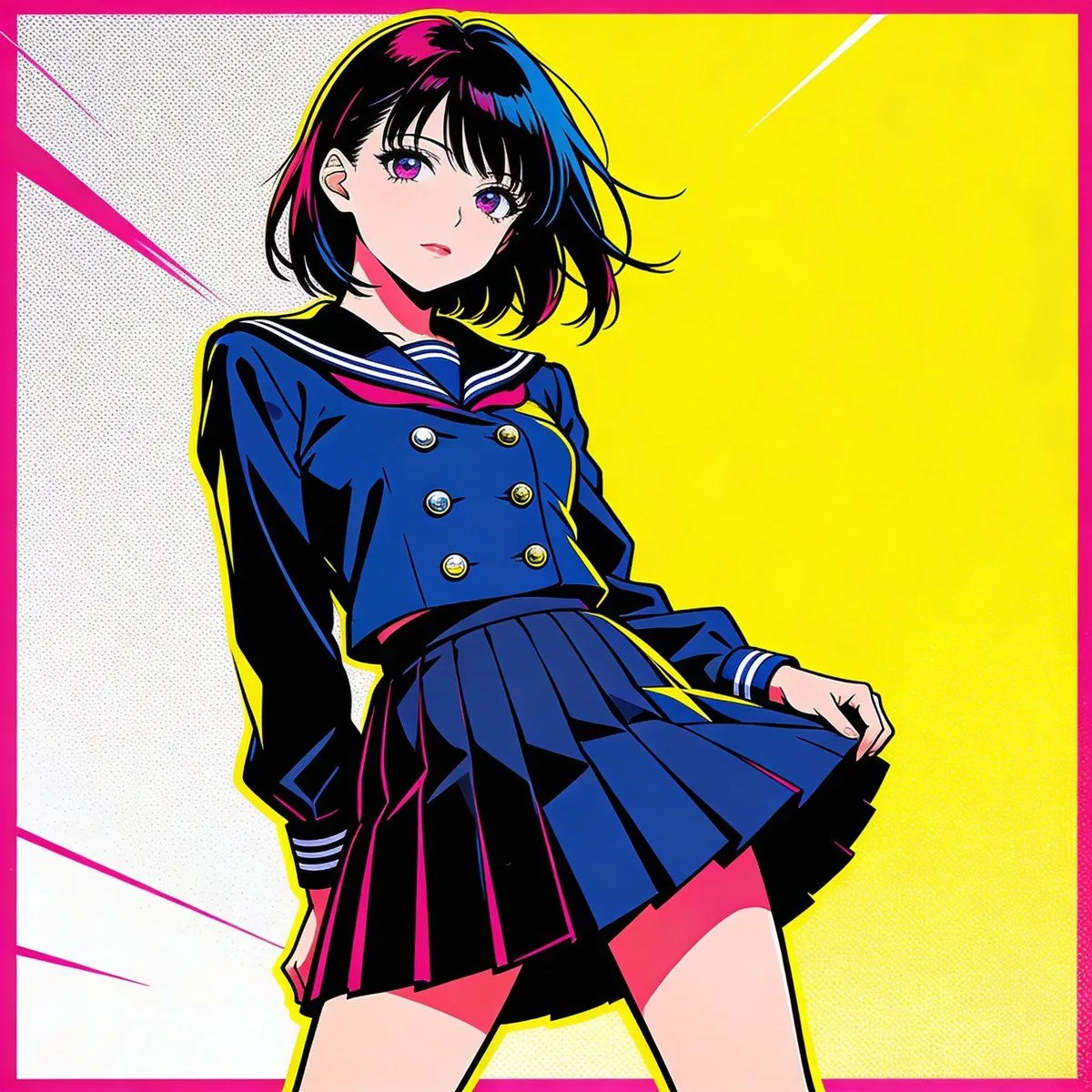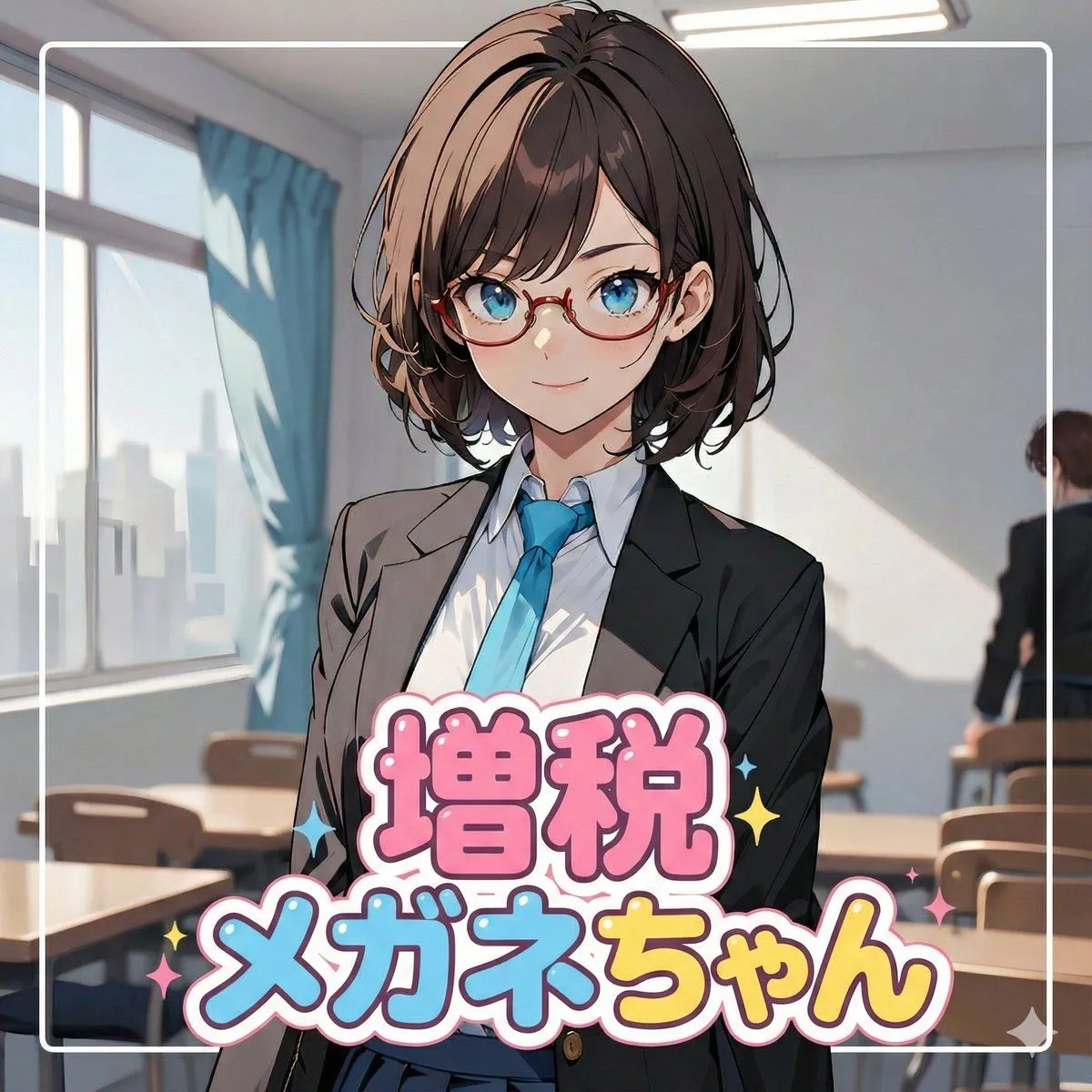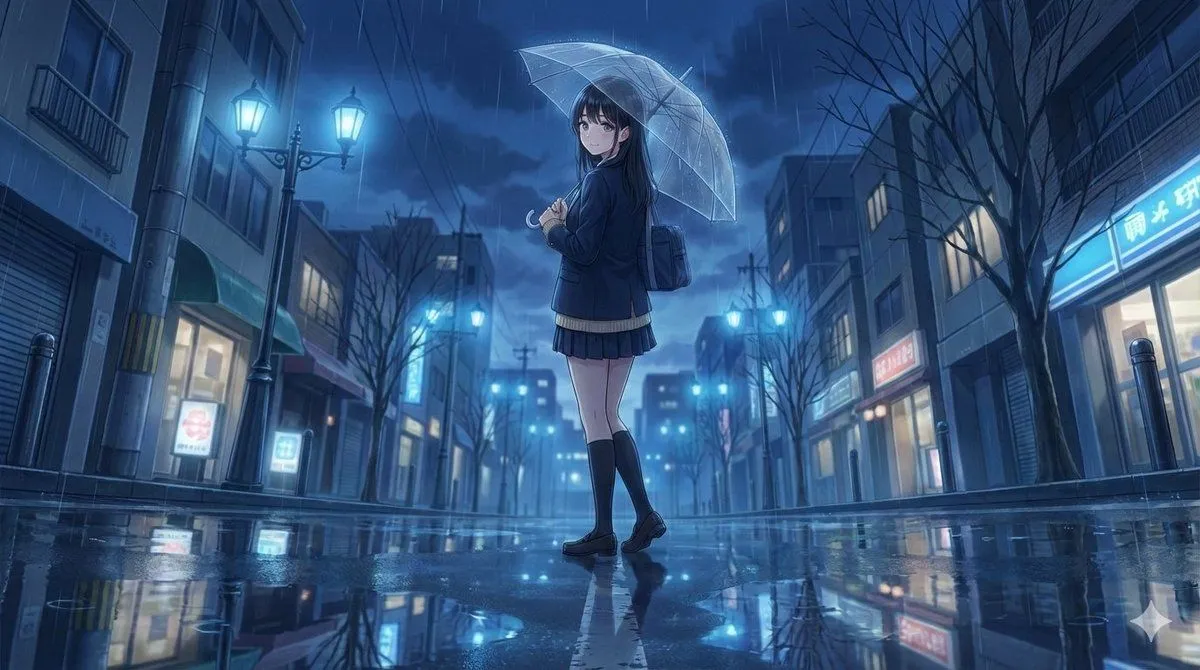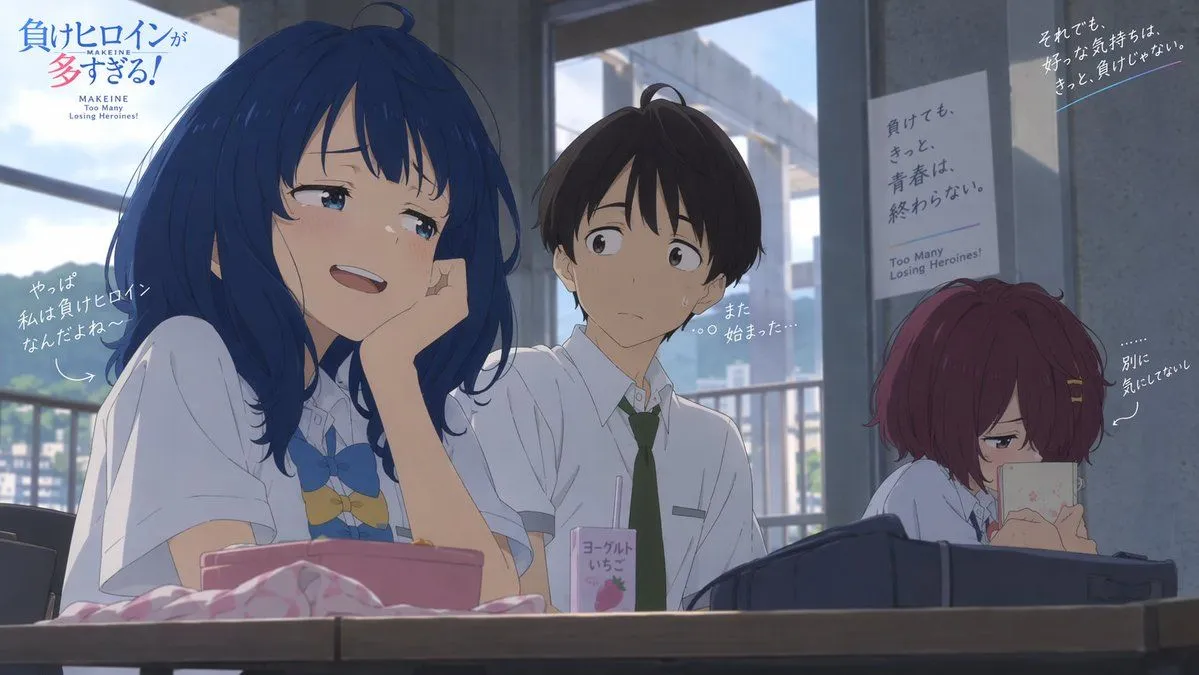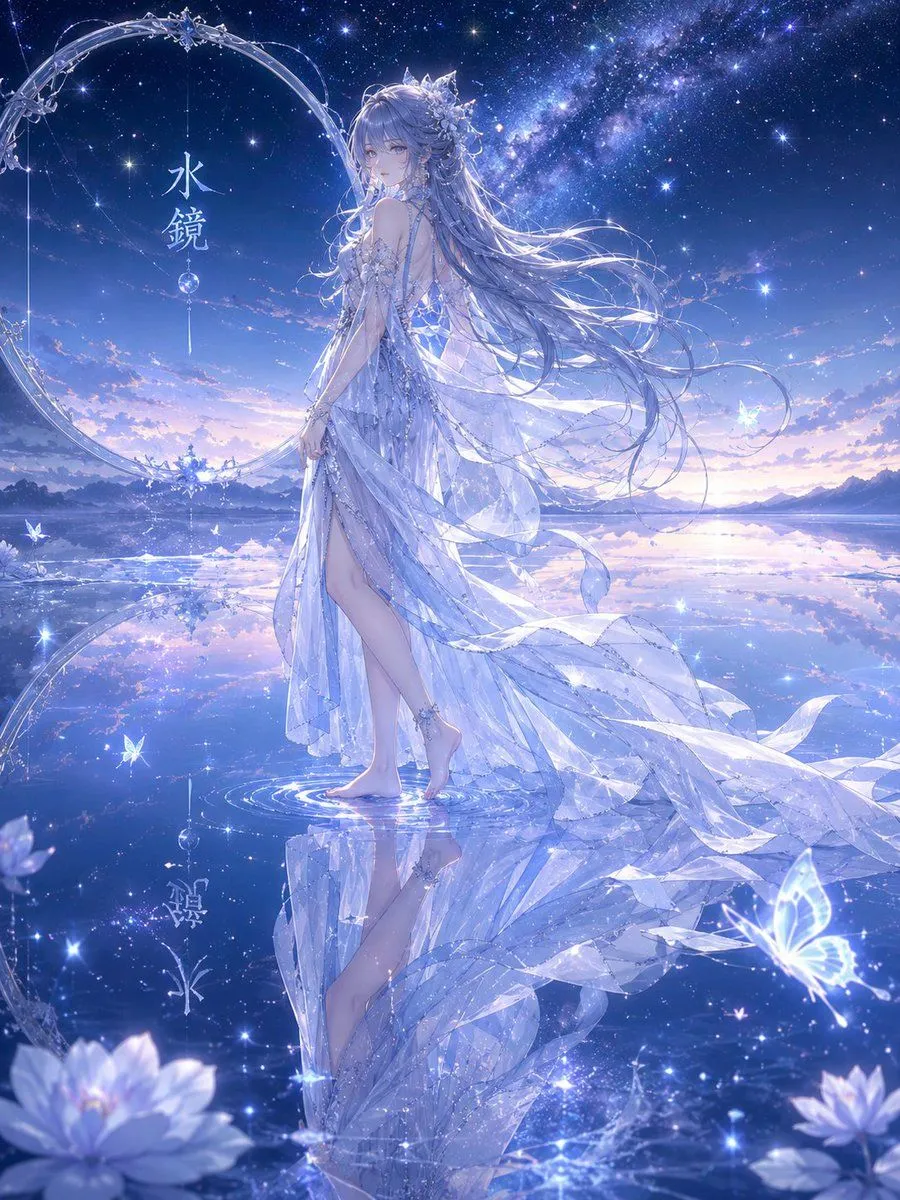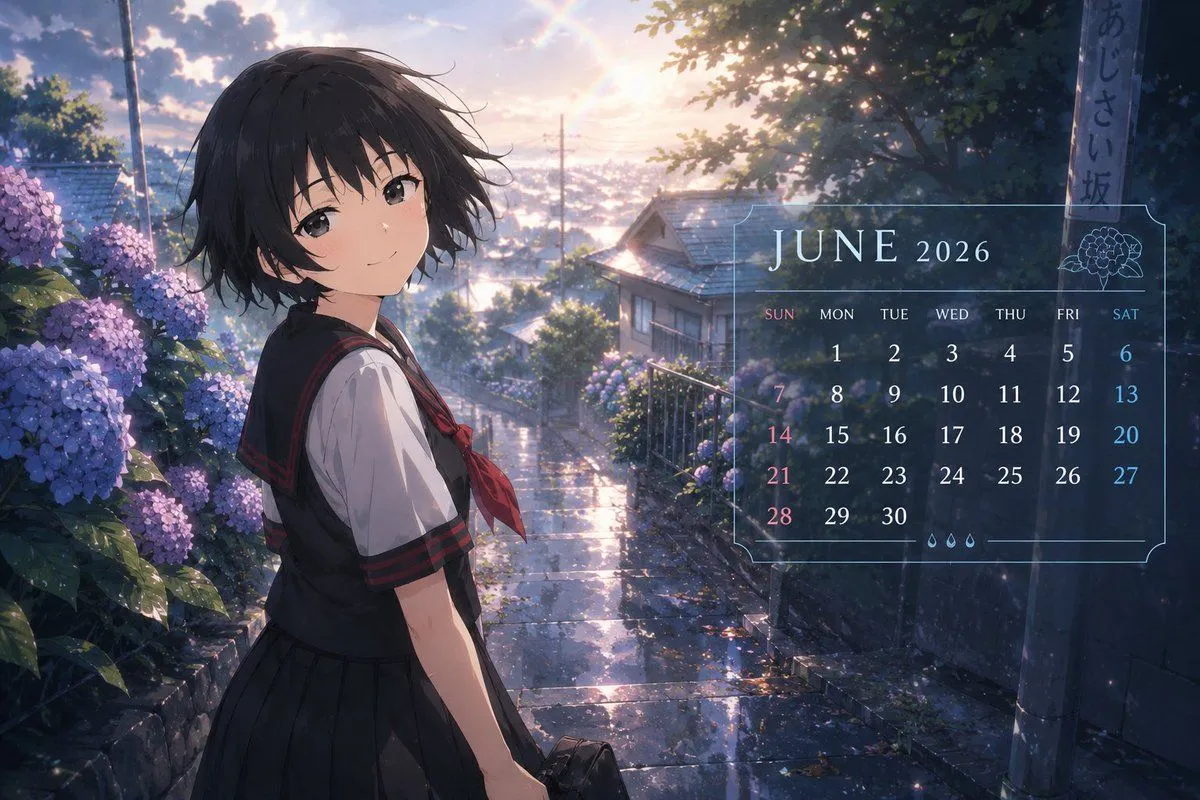
Made with GPT Image 2 in ChatGPT, collected by Library Anime. Promptclay never generates images.
Did it work?
No reports yet. Tell others if it worked for you.
Anime Character Calendar Generator
Prompt
2 blanks to fillPlease create the following image using the uploaded character. Maintain the character's face, hairstyle, hair color, eyes, silhouette, perceived age, costume vibe, and emotional atmosphere. Do not change the person. Do not make it photorealistic. Describe it as an anime illustration. The theme is "{theme}". Style: High-quality Japanese TV anime official calendar illustration style. 2020s anime vibe. Completed look like an anime magazine supplement calendar, social game monthly login visual, or official wallpaper. Setting: Typical June vibes—early summer, rainy season, after the rain, hydrangeas, soft humidity, light shining through cloudy skies, transparent air, and color design centered on blue and light blue. The character is spending a natural daily moment. Examples: walking with an umbrella, looking at the city after rain, looking out the window, sitting near hydrangeas, walking home from school, reflections on wet asphalt, hair or clothes swaying in early summer wind. The pose should be natural, like a moment captured for a calendar. Important: Naturally incorporate the calendar design element "{date}" within the screen. However, instead of giant letters or poster style, use: a subtle layout at the edge of the screen, a transparent UI-style design, and elegant text placement like an official anime calendar. Include the date part lightly, but keep information density low. Look: Anime-style screen capture. Delicate lighting. Humid air. Film-like light. Soft reflected light. High-quality background art. Cinematic. High-quality Japanese full-color anime. 8K. Official anime wallpaper quality. The text should not be distorted and should be depicted as legible English typography. The calendar UI should be a simple and sophisticated design. Prioritize the character, with calendar elements being auxiliary.
Preview of your prompt
Please create the following image using the uploaded character. Maintain the character's face, hairstyle, hair color, eyes, silhouette, perceived age, costume vibe, and emotional atmosphere. Do not change the person. Do not make it photorealistic. Describe it as an anime illustration. The theme is "June 2026 Anime Calendar". Style: High-quality Japanese TV anime official calendar illustration style. 2020s anime vibe. Completed look like an anime magazine supplement calendar, social game monthly login visual, or official wallpaper. Setting: Typical June vibes—early summer, rainy season, after the rain, hydrangeas, soft humidity, light shining through cloudy skies, transparent air, and color design centered on blue and light blue. The character is spending a natural daily moment. Examples: walking with an umbrella, looking at the city after rain, looking out the window, sitting near hydrangeas, walking home from school, reflections on wet asphalt, hair or clothes swaying in early summer wind. The pose should be natural, like a moment captured for a calendar. Important: Naturally incorporate the calendar design element "JUNE 2026" within the screen. However, instead of giant letters or poster style, use: a subtle layout at the edge of the screen, a transparent UI-style design, and elegant text placement like an official anime calendar. Include the date part lightly, but keep information density low. Look: Anime-style screen capture. Delicate lighting. Humid air. Film-like light. Soft reflected light. High-quality background art. Cinematic. High-quality Japanese full-color anime. 8K. Official anime wallpaper quality. The text should not be distorted and should be depicted as legible English typography. The calendar UI should be a simple and sophisticated design. Prioritize the character, with calendar elements being auxiliary.
DetailsVersions, settings and questions
Written for
What's in the prompt
- Subject
- Model
- GPT Image 2
If your face changes
keep my face exactly the sameQuestions
- Does this work in the ChatGPT app?
- Yes. Paste the prompt and attach your photo if it uses one.
- It changed my face. What do I do?
- Add "keep my face exactly the same" to the end and run it again.
- Can I use the images I make?
- Check the terms of the app you use. Promptclay never generates images and claims nothing you make.