Tell us anything

An idea, a bug, something you love. We read every note.

⌘↵ to send. The page you're on comes along.

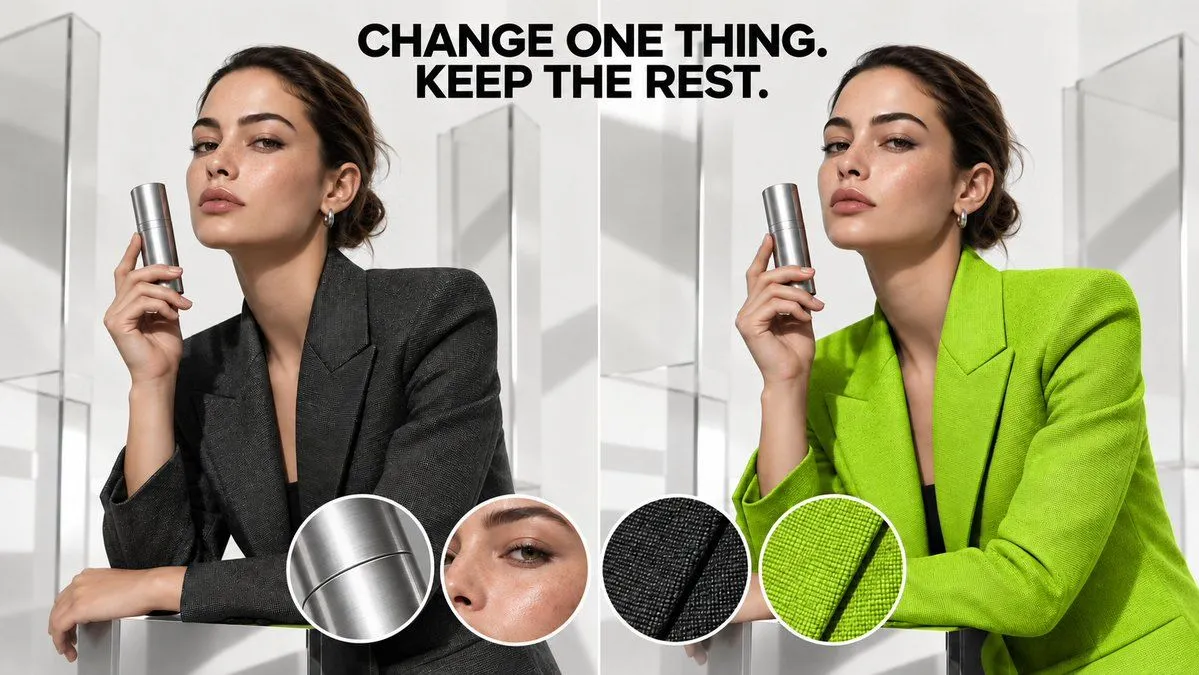
AI Image Editing Before After Comparison

Made with GPT Image 2.5 in ChatGPT by Library Brand. Promptclay never generates images.

Did it work?

No reports yet. Tell others if it worked for you.

No comments yet. Be the first.

    AI Image Editing Before After Comparison

    GPT Image 2.516:9AI-generated

    Prompt

    A split-screen comparison image demonstrating AI image editing capabilities. The left side shows a woman in a dark charcoal blazer holding a silver cylindrical product container against a white geometric background. The right side shows the identical scene with only one change: her blazer is now bright lime green, while all other elements remain exactly the same. At the top center, bold black text reads "CHANGE ONE THING. KEEP THE REST." Four circular detail insets at the bottom show close-ups of textures: brushed metal surface, skin texture near eye, dark fabric weave, and green fabric weave. Professional studio lighting, clean minimalist aesthetic.

    Works in
    ChatGPT, Gemini
    Status
    Free to copy
    0
    DetailsVersions, settings and questions

    Written for

    What's in the prompt

    Subject
    Model
    GPT Image 2.5

    If your face changes

    keep my face exactly the same

    Questions

    Does this work in the ChatGPT app?
    Yes. Paste the prompt and attach your photo if it uses one.
    It changed my face. What do I do?
    Add "keep my face exactly the same" to the end and run it again.
    Can I use the images I make?
    Check the terms of the app you use. Promptclay never generates images and claims nothing you make.
    Similar prompts

    See more
    • Outfit Swapping Workflow with Reference Images
    • Nano Banana Pro Edit Tutorial
    • Detailed Product Still Life Photography Prompt
    • Lime Green Fashion Portrait
    • Fashion Magazine Cover Portrait
    • Product Shoot Prompt for Advertising
    • Photorealistic Moodboard Generation Prompt (Nano Banana 2)
    • Luxury Beauty Ad Storyboard
    • Detailed prompt for old photo restoration using GPT Image 1.5
    • Before After Makeup Transformation
    • Sultry Close-Up Portrait with POV Angle
    • Nano Banana Pro Prompt: Changing Facial Expressions with Emojis
    • Nerdy Student to Princess Transformation
    • Prompt for Generating Image Variations from a Base Image
    • JS Engineer Coding Scene with Specific Text
    • Luxury Skincare Editorial Collage
    • Extreme Zoom Comparison Crop
    • Real Photo to Anime Soul Split Portrait
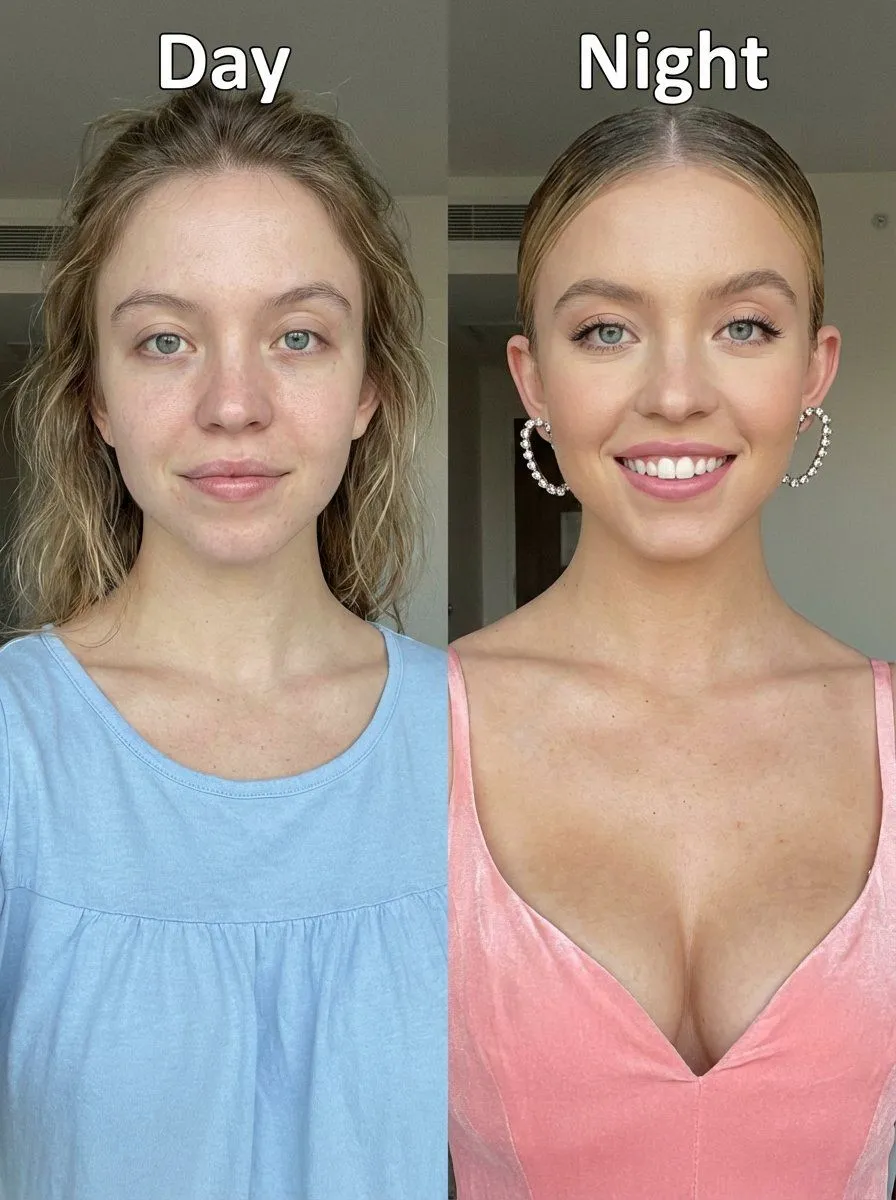
    • Day vs. Night Split Portrait Comparison
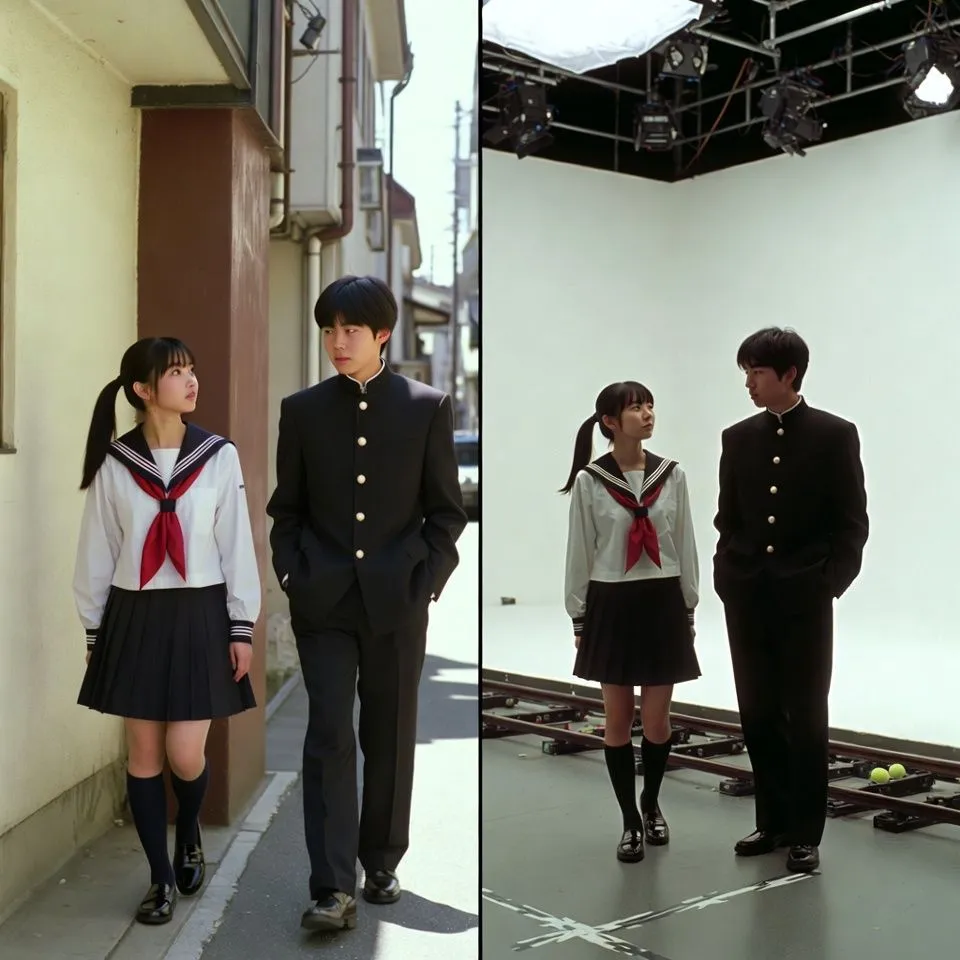
    • VFX Comparison Image Prompt (Before/After) for Nano Banana Pro
    • Nano Banana Pro Composition Techniques Prompts (3 Examples)
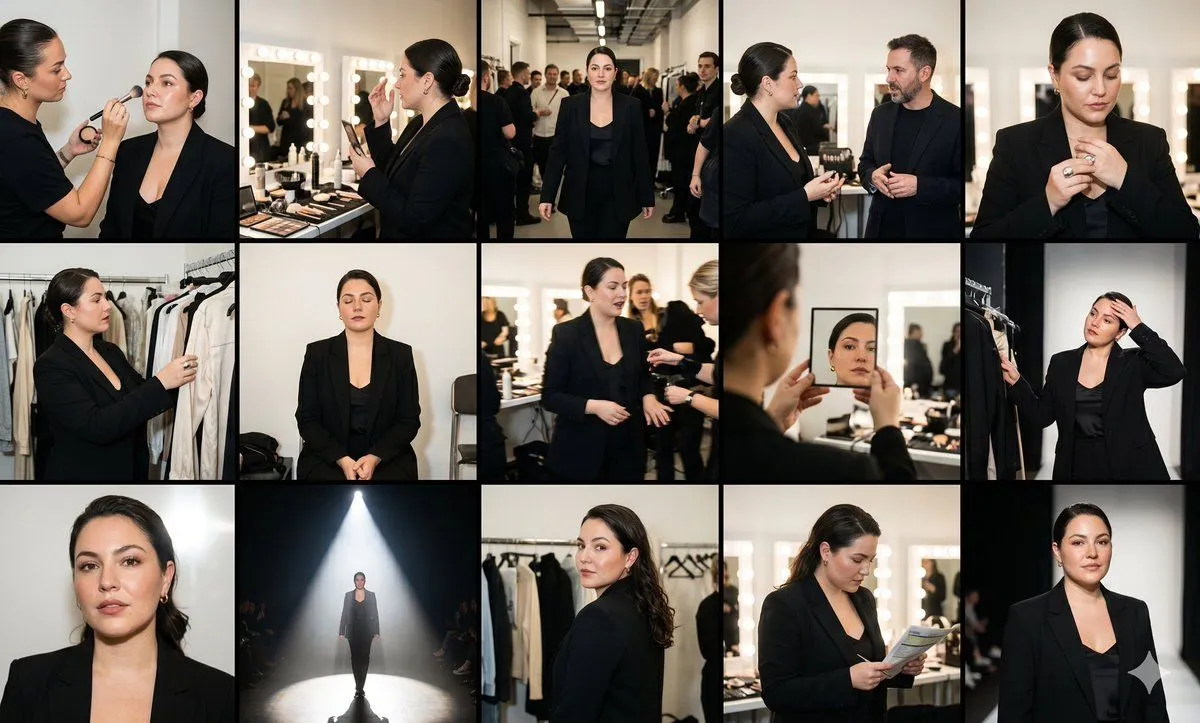
    • Fashion Week Backstage Contact Sheet
    • Structural Image Inpainting Prompt
    • Changing Troll Character to Make Heart Shape

    Show more

    Run it on your phone

    1. Prompt copiedRead it

      A split-screen comparison image demonstrating AI image editing capabilities. The left side shows a woman in a dark charcoal blazer holding a silver cylindrical product container against a white geometric background. The right side shows the identical scene with only one change: her blazer is now bright lime green, while all other elements remain exactly the same. At the top center, bold black text reads "CHANGE ONE THING. KEEP THE REST." Four circular detail insets at the bottom show close-ups of textures: brushed metal surface, skin texture near eye, dark fabric weave, and green fabric weave. Professional studio lighting, clean minimalist aesthetic.

    2. Open your app

    3. Paste and run

      Press and hold the message box, then tap Paste. Add your photo first if the prompt uses one. You may need to sign in.

    AI Image Editing Before After Comparison