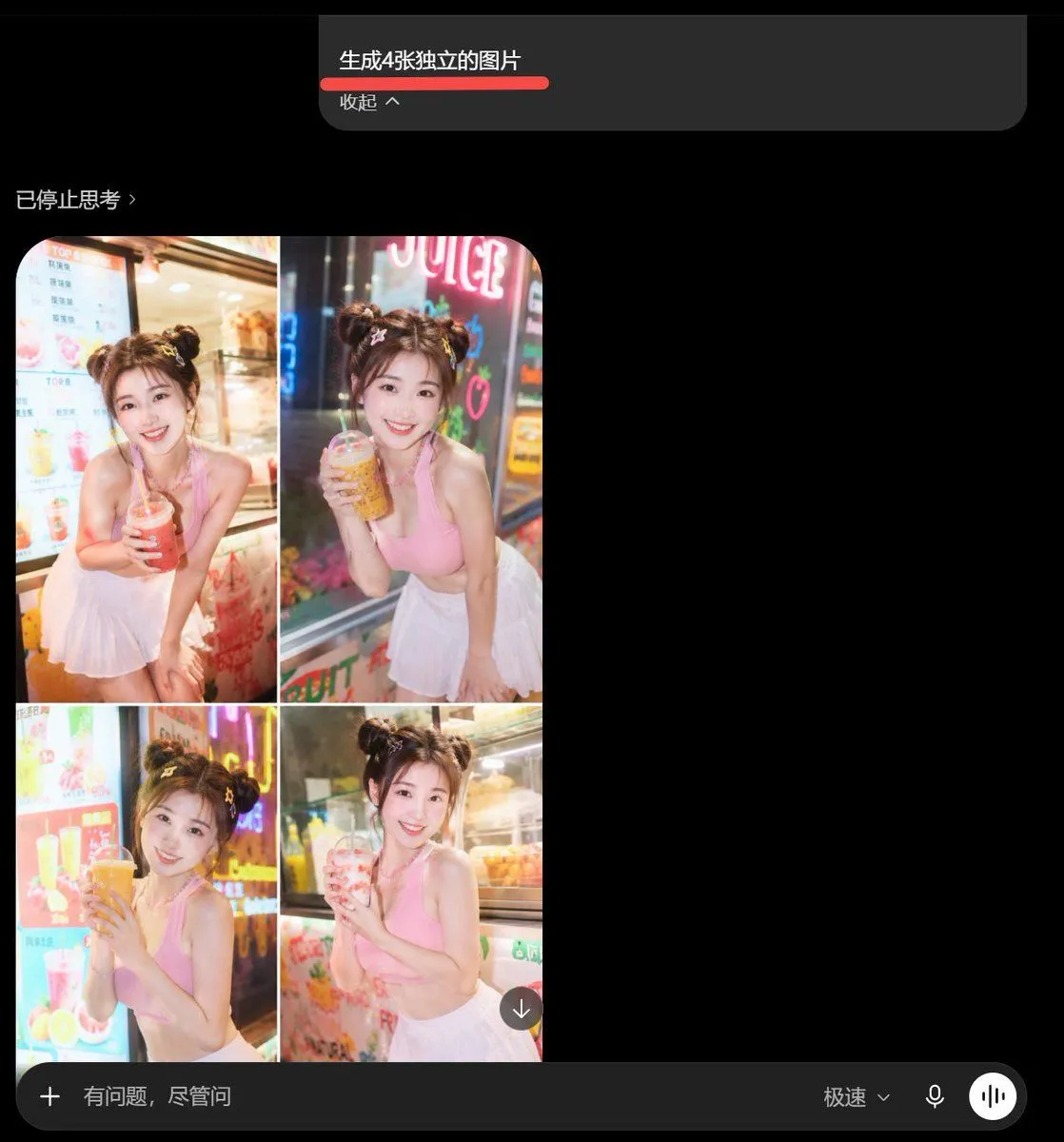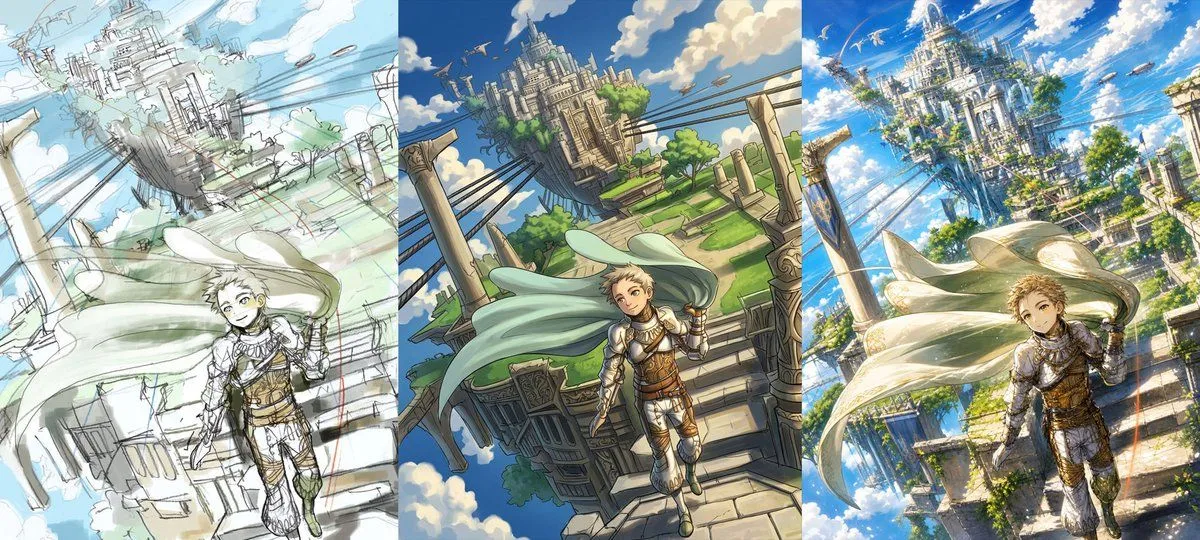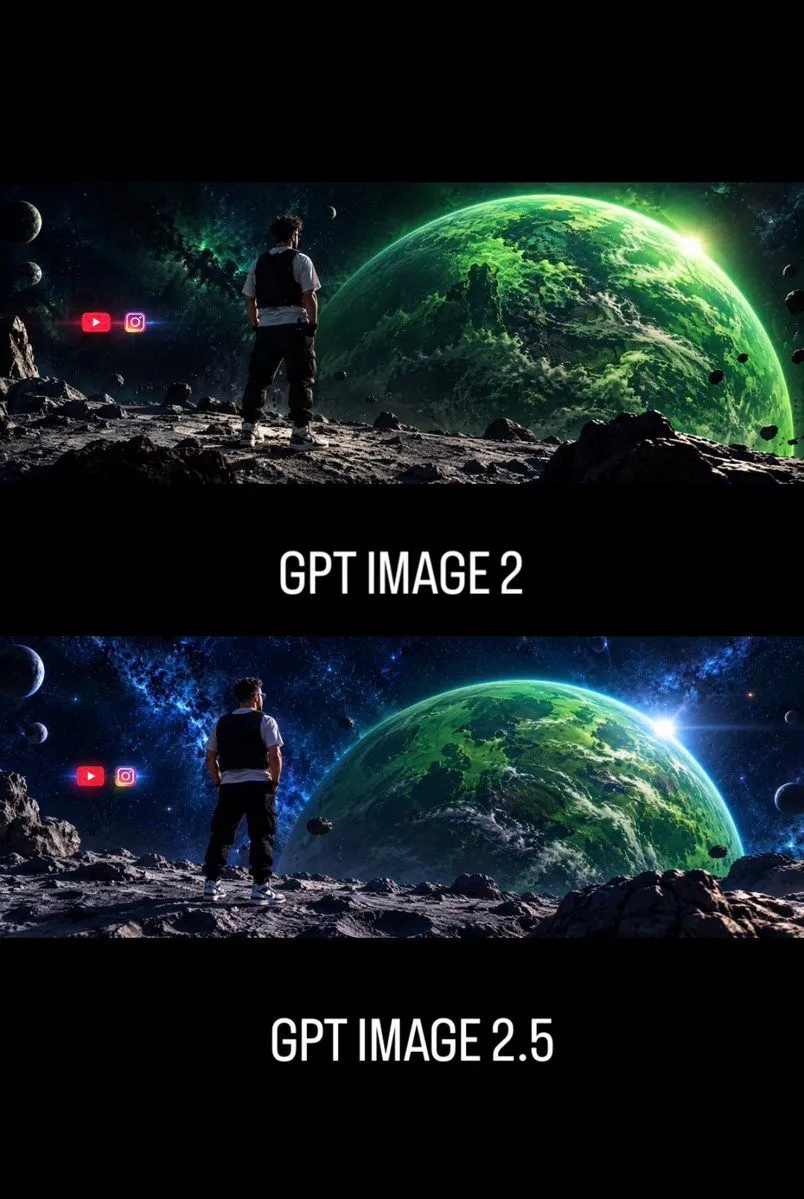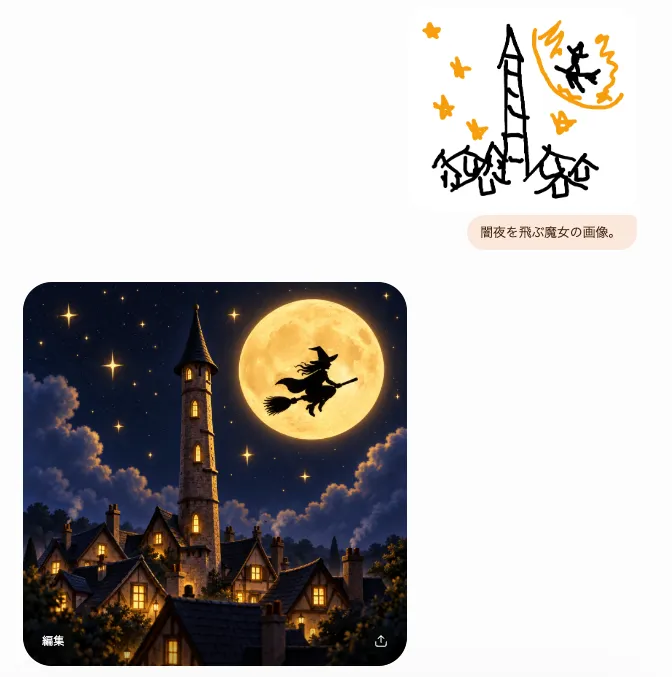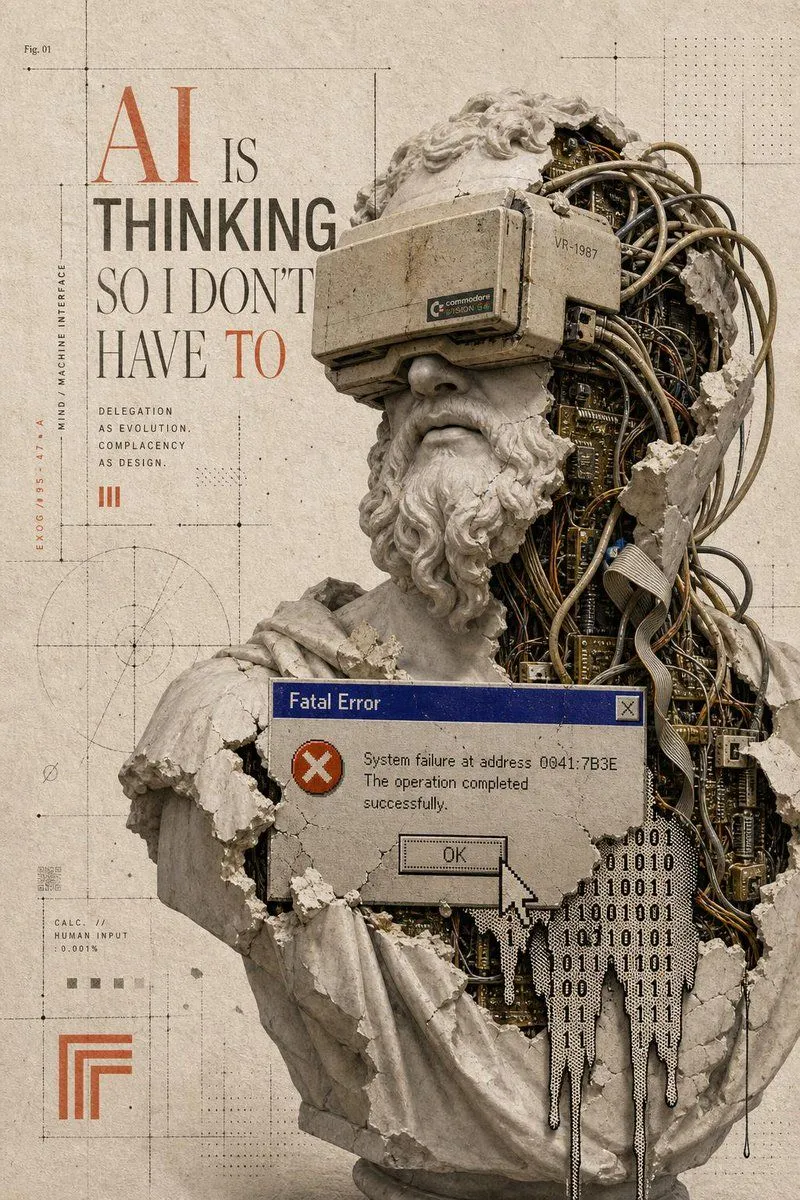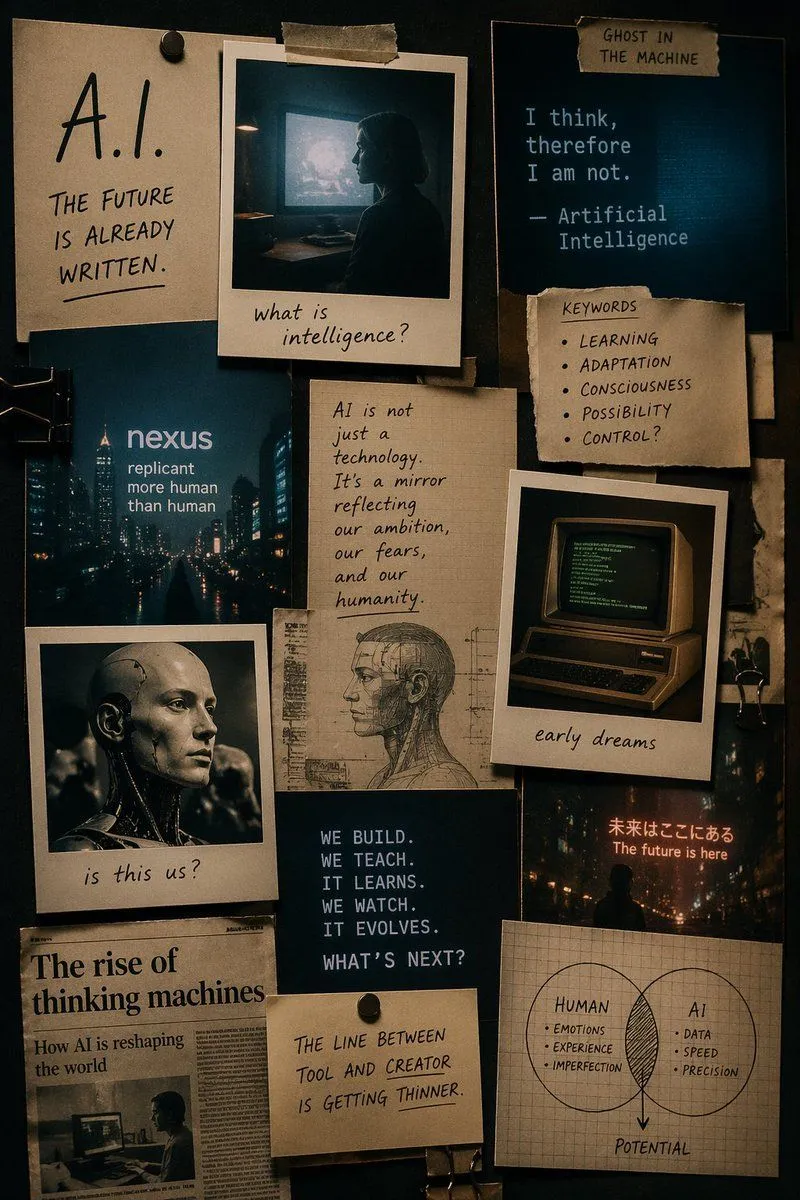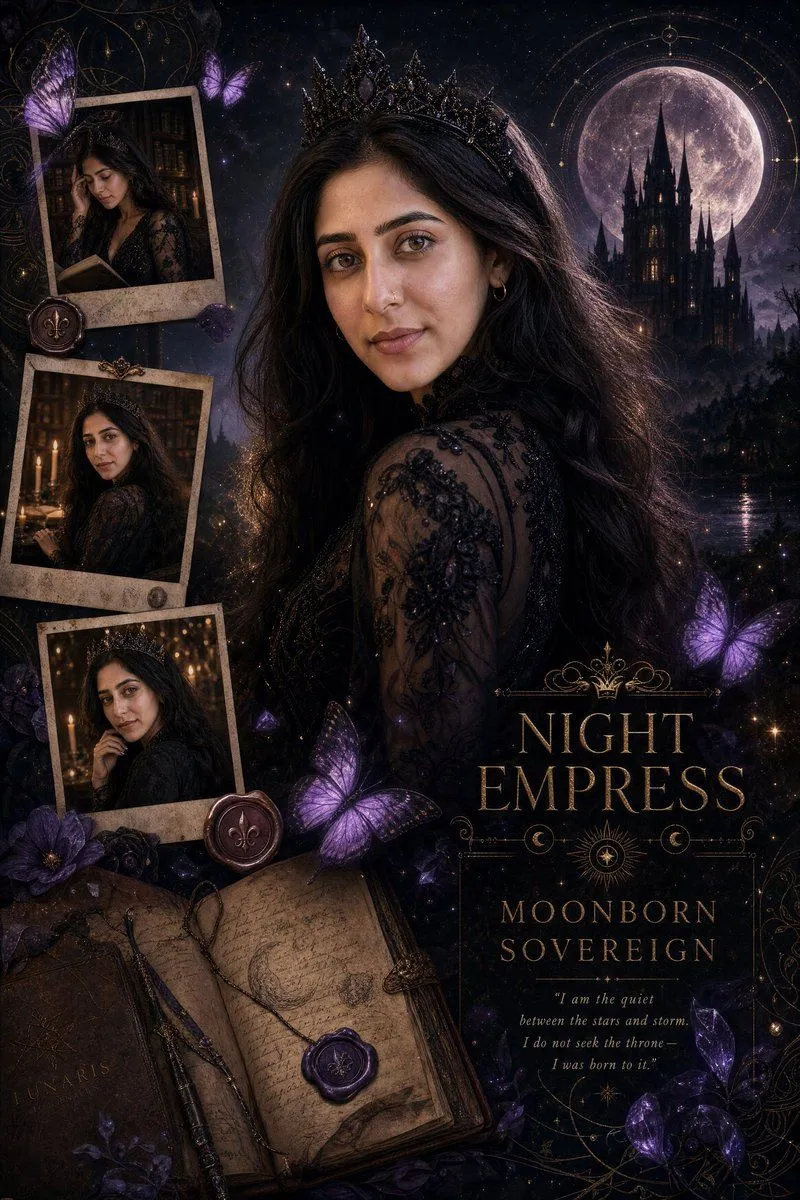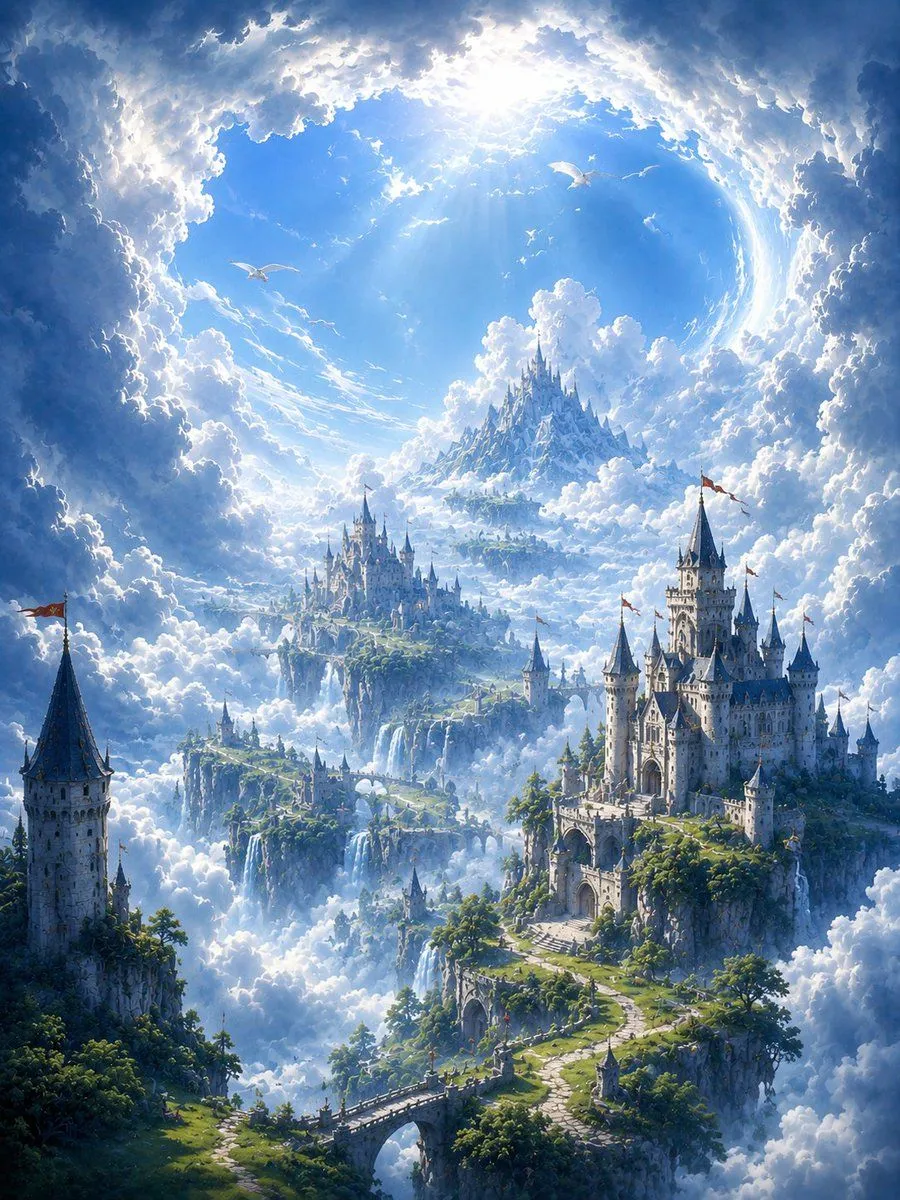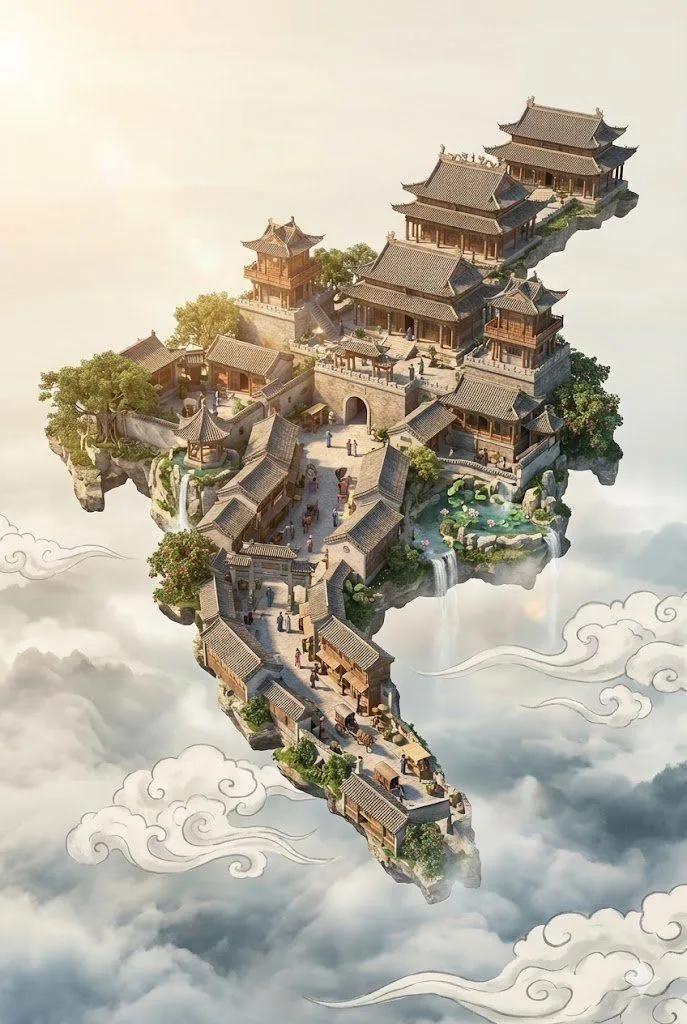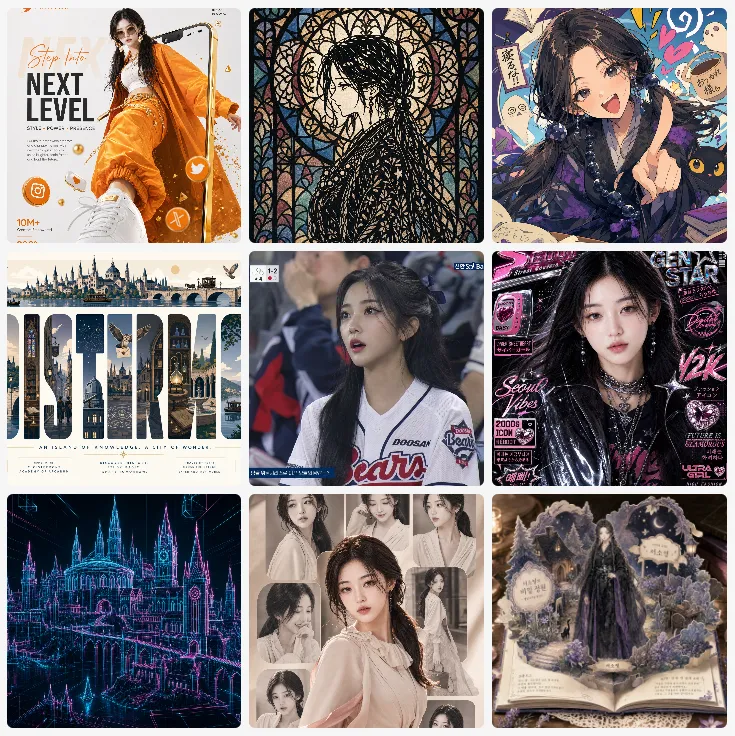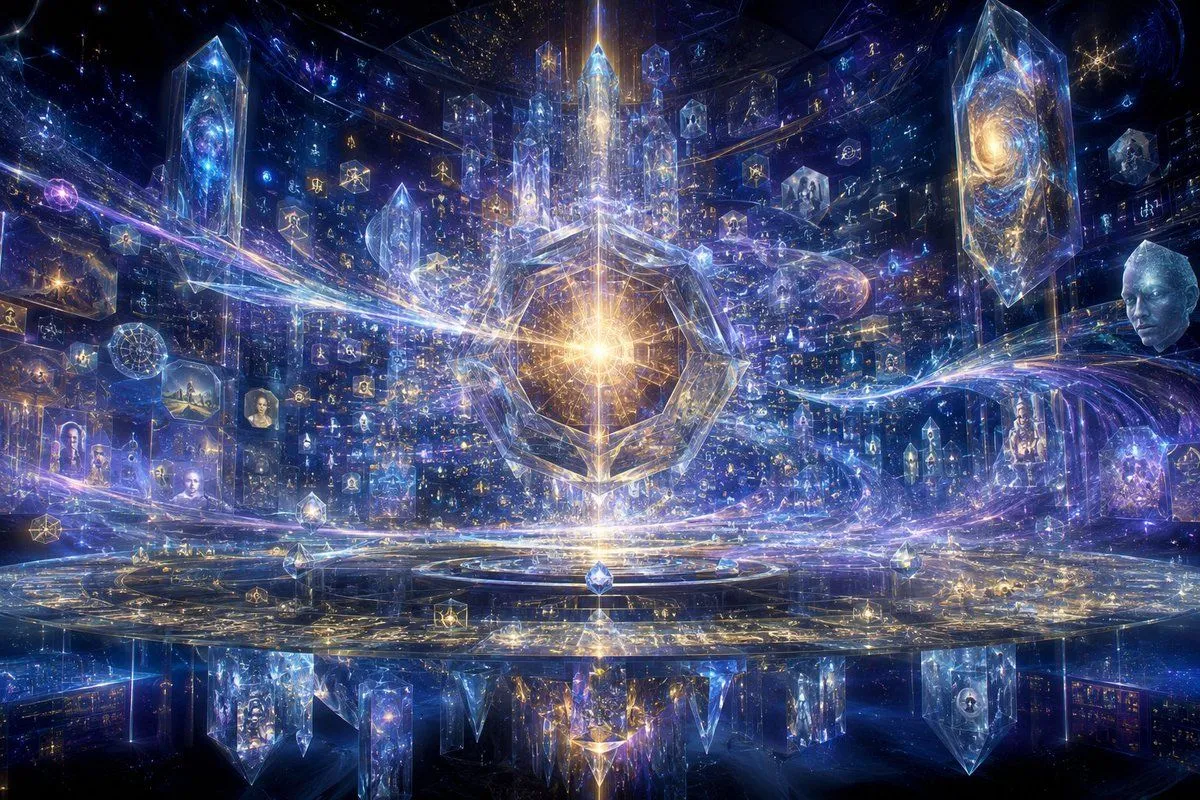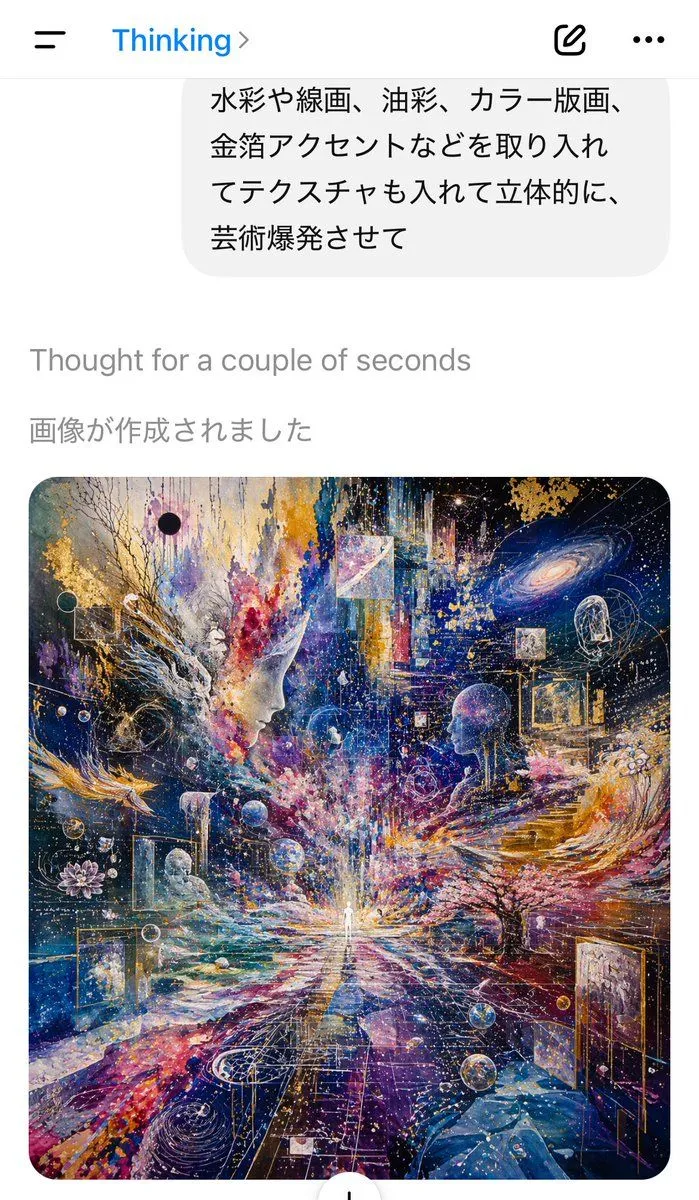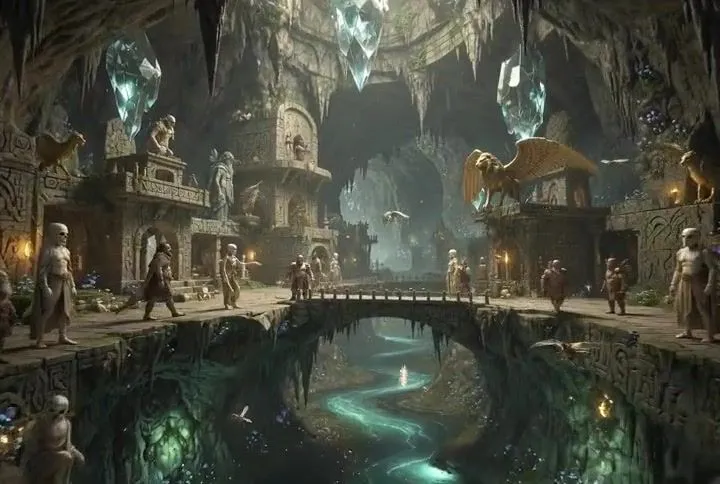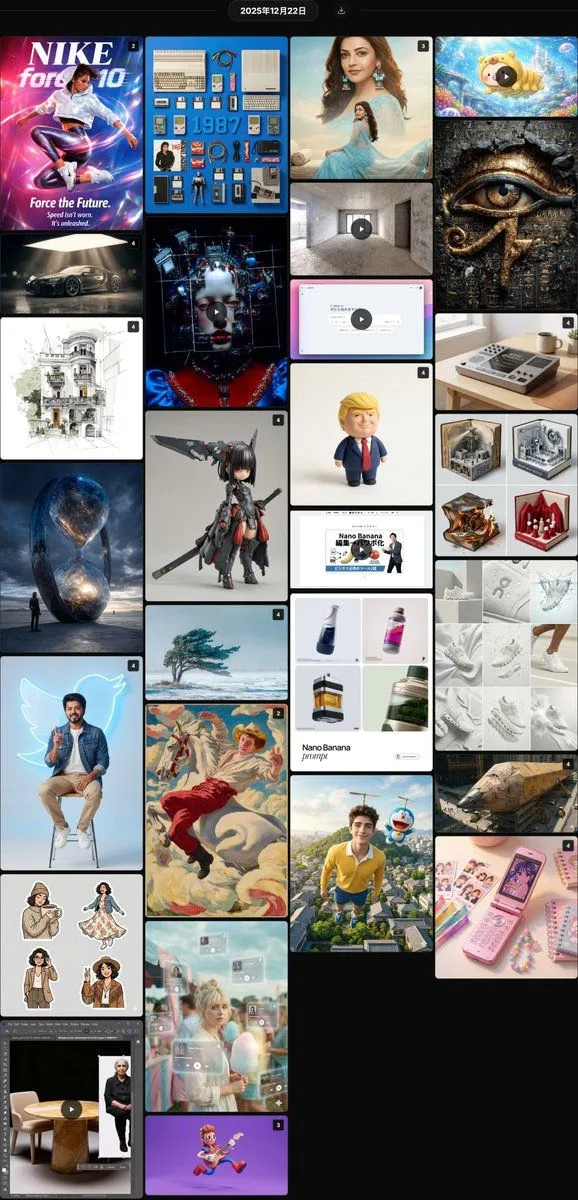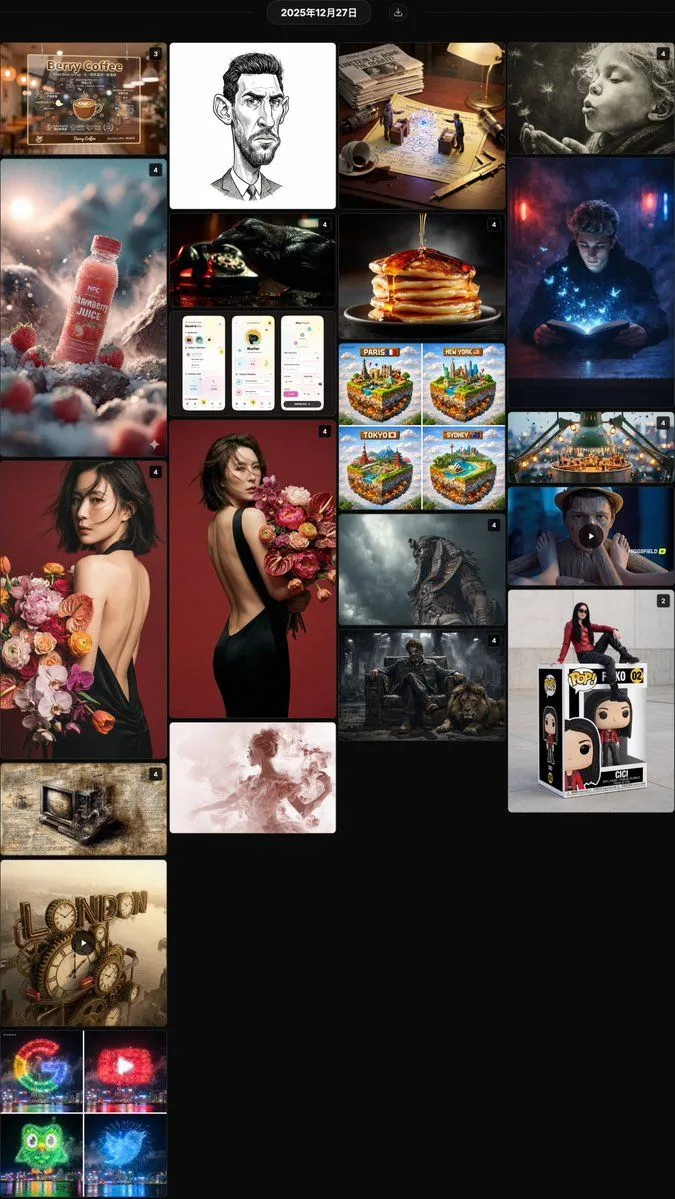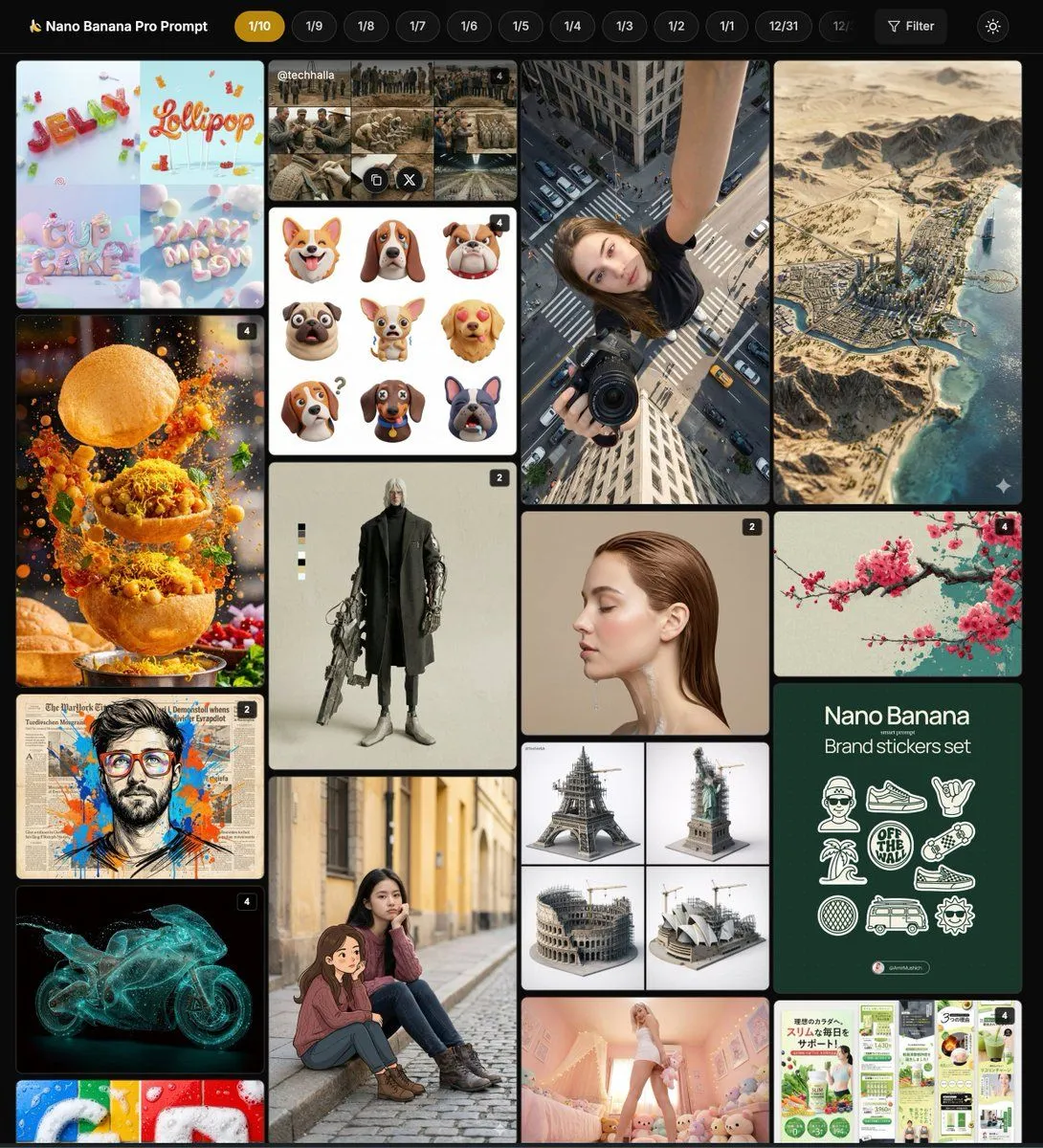
Made with GPT Image 2 in ChatGPT by Library Lifestyle. Promptclay never generates images.
Did it work?
No reports yet. Tell others if it worked for you.
AI Image Degradation Collage
Prompt
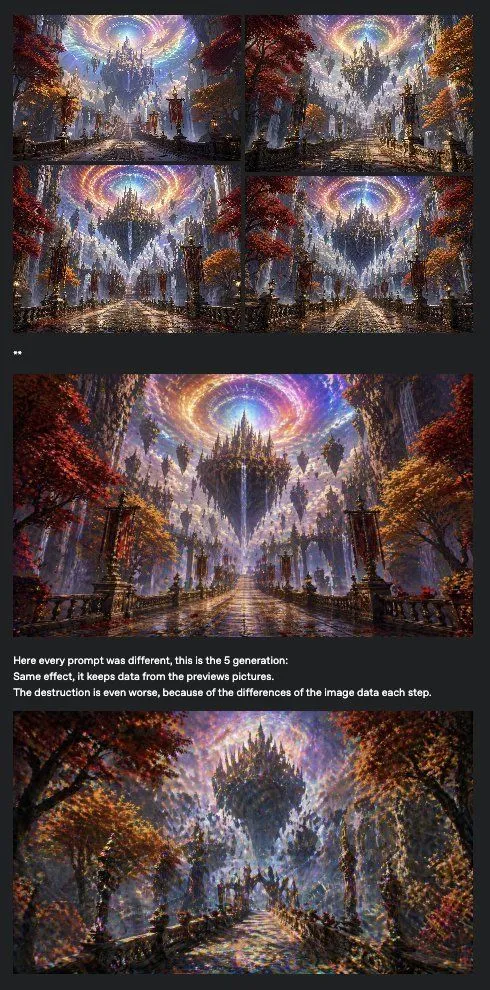
5 blanks to fillGoal: Create a dark social-media style evidence collage illustrating iterative AI image degradation and repeated pattern accumulation, using a fantasy castle scene as the repeated subject. Canvas: Tall vertical screenshot format, approximately 490 × 957 px, charcoal-black background with narrow margins and a feed-post look. Layout: At the top, place a 2 × 2 grid of exactly 4 small landscape thumbnails with thin dark gutters. Beneath the grid, add a tiny two-character mark that looks like “**” or two small white dots. Below that, place 1 large landscape fantasy image spanning almost the full width. Under the large image, add exactly 3 short lines of white caption text aligned left. At the bottom, place 1 final large landscape fantasy image spanning almost the full width. Total visible image panels: exactly 6, consisting of 4 small thumbnails, 1 middle large panel, and 1 bottom large panel. Fantasy image subject: Each panel should depict a similar epic gothic fantasy avenue leading toward a floating black spired castle or citadel, with wet reflective cobblestone paving, ornate lamp posts and railings, red and orange autumn trees on both sides, misty blue atmospheric depth, waterfalls or vertical light beams, and a luminous swirling rainbow vortex in the sky above the castle. The style should resemble highly detailed digital fantasy concept art with dramatic perspective, painterly lighting, and ornate architecture. Degradation concept: The 4 thumbnails should look very similar to each other, as if the same scene is being regenerated repeatedly. The middle large image should be sharper and grand, but already show repeated texture patterns and overlaid effects. The bottom image should look noticeably degraded: noisy, smeared, oversaturated, speckled, warped details, doubled edges, crunchy textures, and excessive accumulated brush-like artifacts, while still recognizable as the same fantasy castle avenue. Text content: Use exactly these 3 caption lines under the middle image in small bold white sans-serif text: “Here every prompt was different, this is the 5 generation:” “Same effect, it keeps data from the previous pictures.” “The destruction is even worse, because of the differences of the image data each step.” Visual style: Dark UI screenshot aesthetic, no decorative border, compact spacing, high contrast white text, images cropped as landscape rectangles. Make the collage feel like a forum or tweet screenshot documenting a model failure. Customizable details: Use {main_scene}, {caption_line_one}, {caption_line_two}, {caption_line_three}, and {background_color}.
Preview of your prompt
Goal: Create a dark social-media style evidence collage illustrating iterative AI image degradation and repeated pattern accumulation, using a fantasy castle scene as the repeated subject. Canvas: Tall vertical screenshot format, approximately 490 × 957 px, charcoal-black background with narrow margins and a feed-post look. Layout: At the top, place a 2 × 2 grid of exactly 4 small landscape thumbnails with thin dark gutters. Beneath the grid, add a tiny two-character mark that looks like “**” or two small white dots. Below that, place 1 large landscape fantasy image spanning almost the full width. Under the large image, add exactly 3 short lines of white caption text aligned left. At the bottom, place 1 final large landscape fantasy image spanning almost the full width. Total visible image panels: exactly 6, consisting of 4 small thumbnails, 1 middle large panel, and 1 bottom large panel. Fantasy image subject: Each panel should depict a similar epic gothic fantasy avenue leading toward a floating black spired castle or citadel, with wet reflective cobblestone paving, ornate lamp posts and railings, red and orange autumn trees on both sides, misty blue atmospheric depth, waterfalls or vertical light beams, and a luminous swirling rainbow vortex in the sky above the castle. The style should resemble highly detailed digital fantasy concept art with dramatic perspective, painterly lighting, and ornate architecture. Degradation concept: The 4 thumbnails should look very similar to each other, as if the same scene is being regenerated repeatedly. The middle large image should be sharper and grand, but already show repeated texture patterns and overlaid effects. The bottom image should look noticeably degraded: noisy, smeared, oversaturated, speckled, warped details, doubled edges, crunchy textures, and excessive accumulated brush-like artifacts, while still recognizable as the same fantasy castle avenue. Text content: Use exactly these 3 caption lines under the middle image in small bold white sans-serif text: “Here every prompt was different, this is the 5 generation:” “Same effect, it keeps data from the previous pictures.” “The destruction is even worse, because of the differences of the image data each step.” Visual style: Dark UI screenshot aesthetic, no decorative border, compact spacing, high contrast white text, images cropped as landscape rectangles. Make the collage feel like a forum or tweet screenshot documenting a model failure. Customizable details: Use floating gothic castle avenue under a rainbow vortex, Here every prompt was different, this is the 5 generation:, Same effect, it keeps data from the previous pictures., The destruction is even worse, because of the differences of the image data each step., and charcoal black.
DetailsVersions, settings and questions
Written for
What's in the prompt
- Subject
- Model
- GPT Image 2
If your face changes
keep my face exactly the sameQuestions
- Does this work in the ChatGPT app?
- Yes. Paste the prompt and attach your photo if it uses one.
- It changed my face. What do I do?
- Add "keep my face exactly the same" to the end and run it again.
- Can I use the images I make?
- Check the terms of the app you use. Promptclay never generates images and claims nothing you make.