Tell us anything

An idea, a bug, something you love. We read every note.

⌘↵ to send. The page you're on comes along.

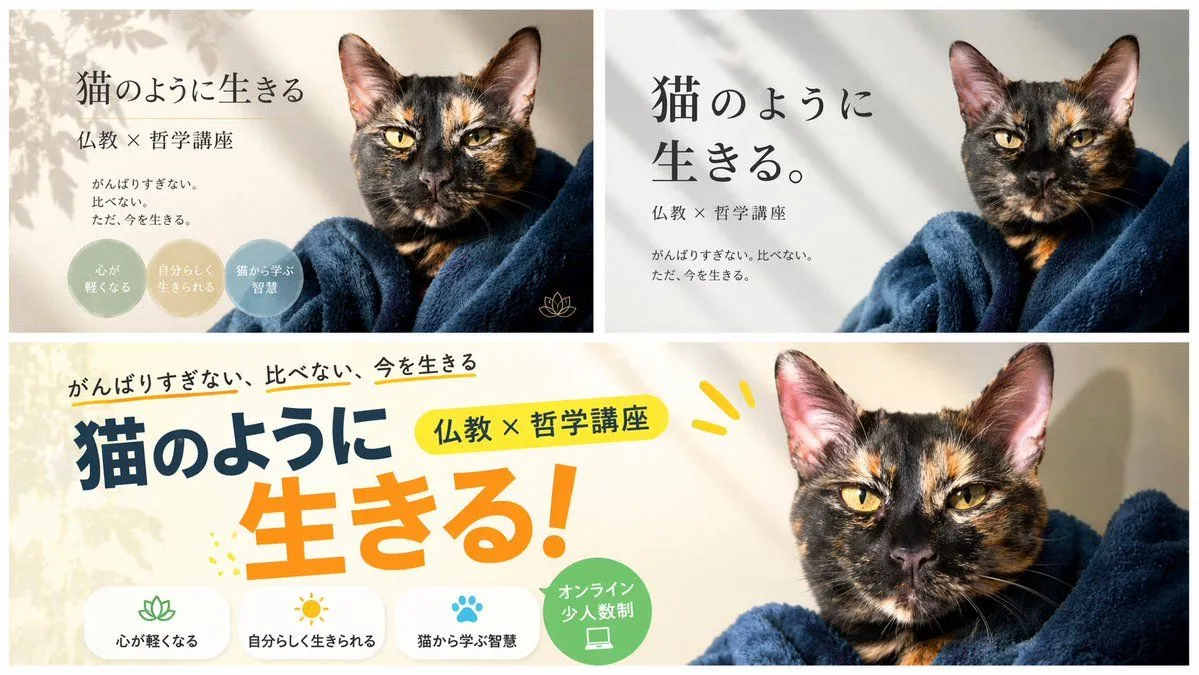
A/B Testing Banner Variations

Made with GPT Image 2 in ChatGPT by Library Brand. Promptclay never generates images.

Did it work?

No reports yet. Tell others if it worked for you.

No comments yet. Be the first.

    A/B Testing Banner Variations

    GPT Image 216:9AI-generated

    Prompt

    { "type": "banner design variations", "subject": "{argument name=\"subject\" default=\"tortoiseshell cat wrapped in a dark blue blanket\"}", "layout": { "description": "A composite image displaying 3 different banner design variations for the same course, arranged with two smaller banners on top and one wide banner on the bottom.", "sections": [ { "position": "top-left", "style": "elegant and calm with soft leaf shadows", "text_elements": [ "{argument name=\"main headline\" default=\"猫のように生きる\"}", "{argument name=\"subheading\" default=\"仏教 × 哲学講座\"}", "{argument name=\"body text\" default=\"がんばりすぎない。比べない。ただ、今を生きる。\"}" ], "design_elements": { "badges": { "count": 3, "shape": "circular", "labels": [ "{argument name=\"badge text 1\" default=\"心が軽くなる\"}", "自分らしく生きられる", "猫から学ぶ智慧" ] }, "icons": { "count": 1, "description": "small gold lotus icon" } } }, { "position": "top-right", "style": "minimalist and modern with clean typography", "text_elements": [ "猫のように生きる。", "仏教 × 哲学講座", "がんばりすぎない。比べない。ただ、今を生きる。" ] }, { "position": "bottom", "style": "pop, energetic, and casual with colorful accents", "text_elements": [ "がんばりすぎない、比べない、今を生きる", "猫のように", "生きる!", "仏教 × 哲学講座" ], "design_elements": { "icon_text_pairs": { "count": 3, "descriptions": [ "lotus icon with text 心が軽くなる", "sun icon with text 自分らしく生きられる", "paw print icon with text 猫から学ぶ智慧" ] }, "badges": { "count": 1, "shape": "circular green badge", "label": "オンライン 少人数制", "icon": "laptop" } } } ] } }

    Works in
    ChatGPT, Gemini
    Status
    Free to copy
    0
    DetailsVersions, settings and questions

    Written for

    What's in the prompt

    Subject
    Model
    GPT Image 2

    If your face changes

    keep my face exactly the same

    Questions

    Does this work in the ChatGPT app?
    Yes. Paste the prompt and attach your photo if it uses one.
    It changed my face. What do I do?
    Add "keep my face exactly the same" to the end and run it again.
    Can I use the images I make?
    Check the terms of the app you use. Promptclay never generates images and claims nothing you make.

    Similar prompts

    See more
    • Japanese Educational Promo Banner
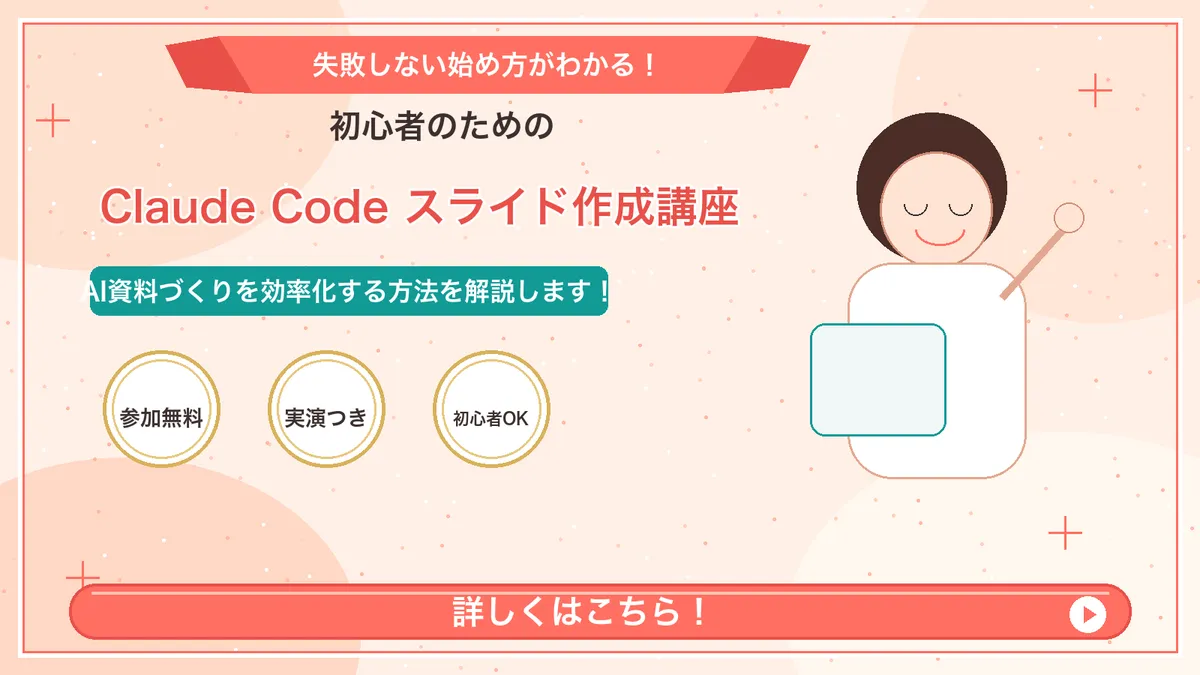
    • Japanese Course Promotion Slide
    • Resort Workcation Eyecatch Prompt (YAML Structure)
    • Japanese Cat Carrier Product Ad
    • Japanese Miniature Poster Ad
    • Luxury Chocolate Ad Still Life
    • Catgirl Maid Free Wallpaper Banner
    • Nano Banana Pro Profile Image Generator with Aspect Ratio Control
    • Christmas Angel Design Course Eyecatch Prompt (YAML Structure)
    • AniFusion Manga Promo Poster
    • Japanese Text Generation Comparison (Oha-you)
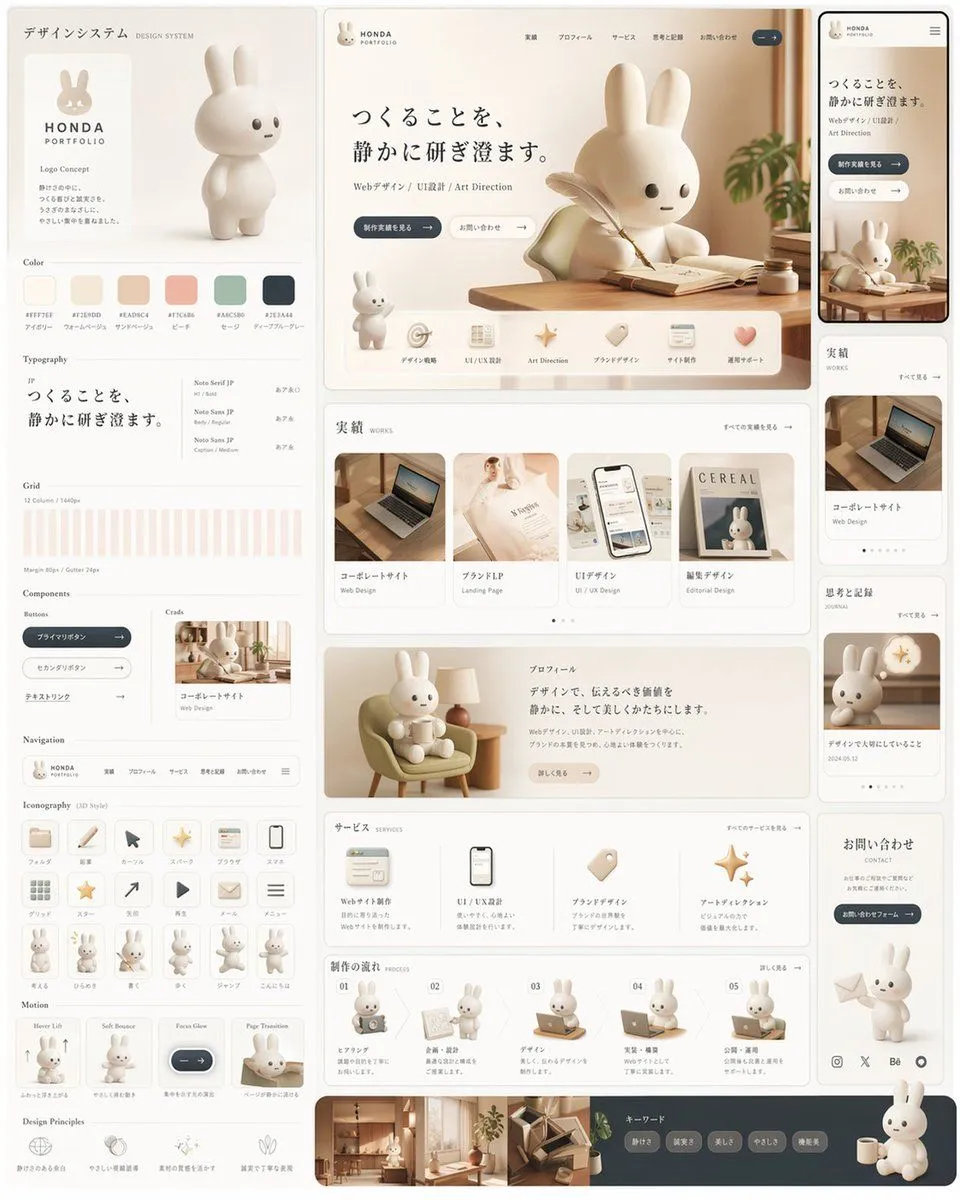
    • Rabbit Portfolio Design System Board
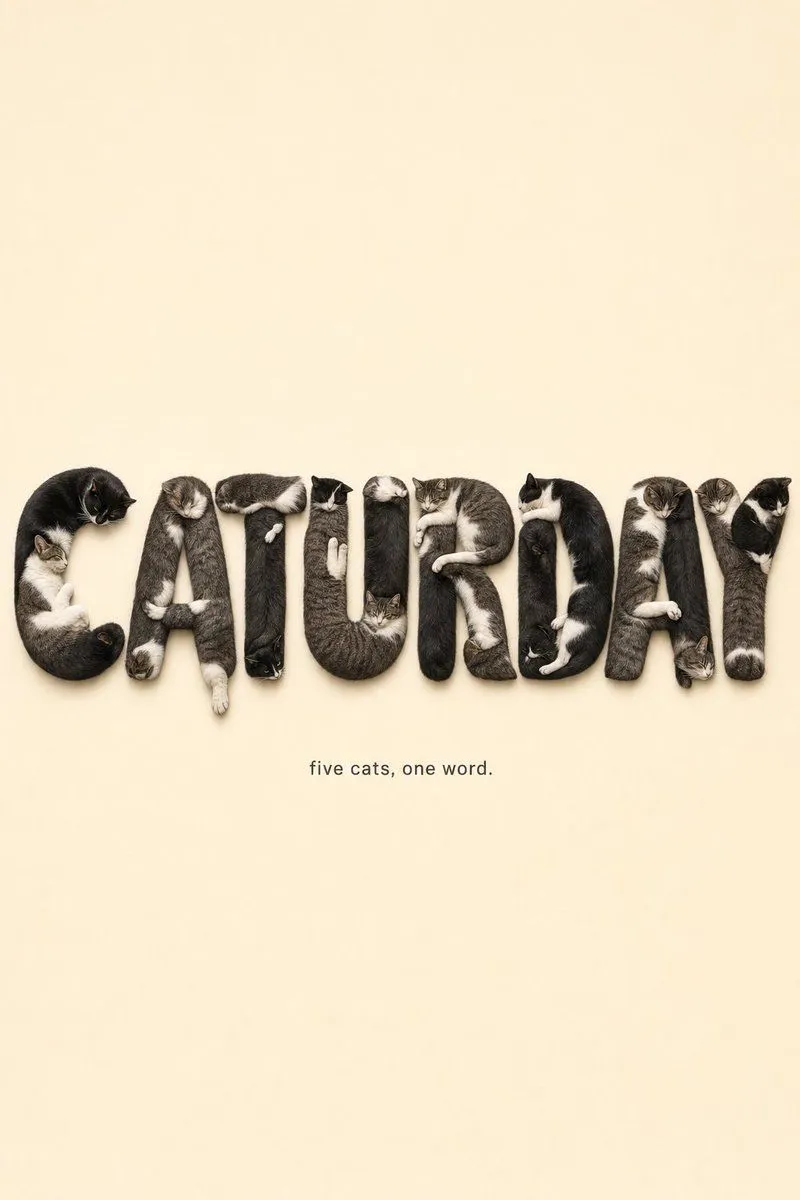
    • Monochrome Typographic Cat Illustration
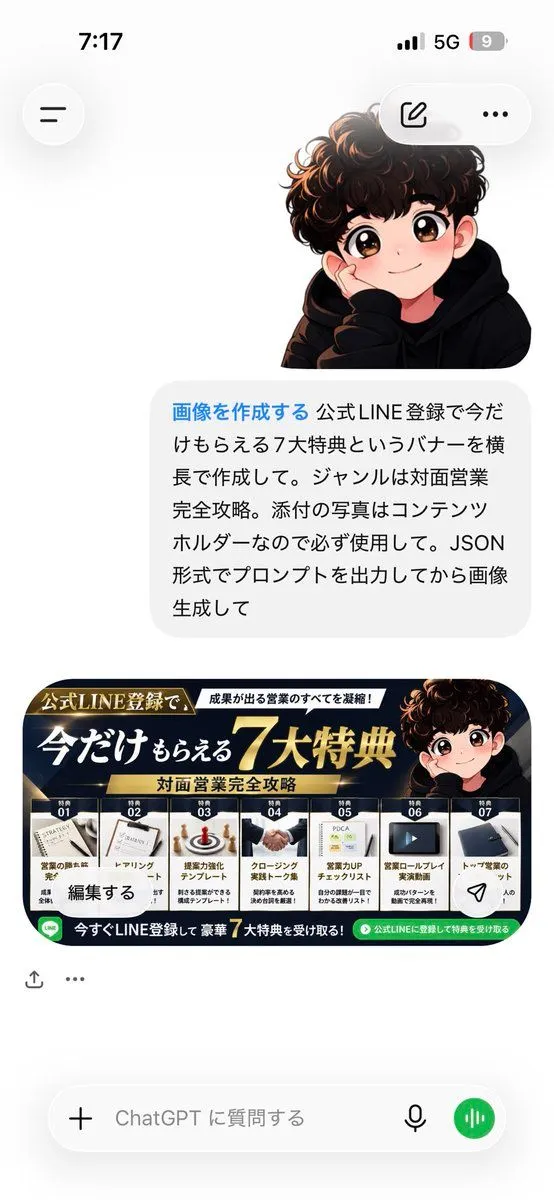
    • ChatGPT Bonus Banner Screenshot
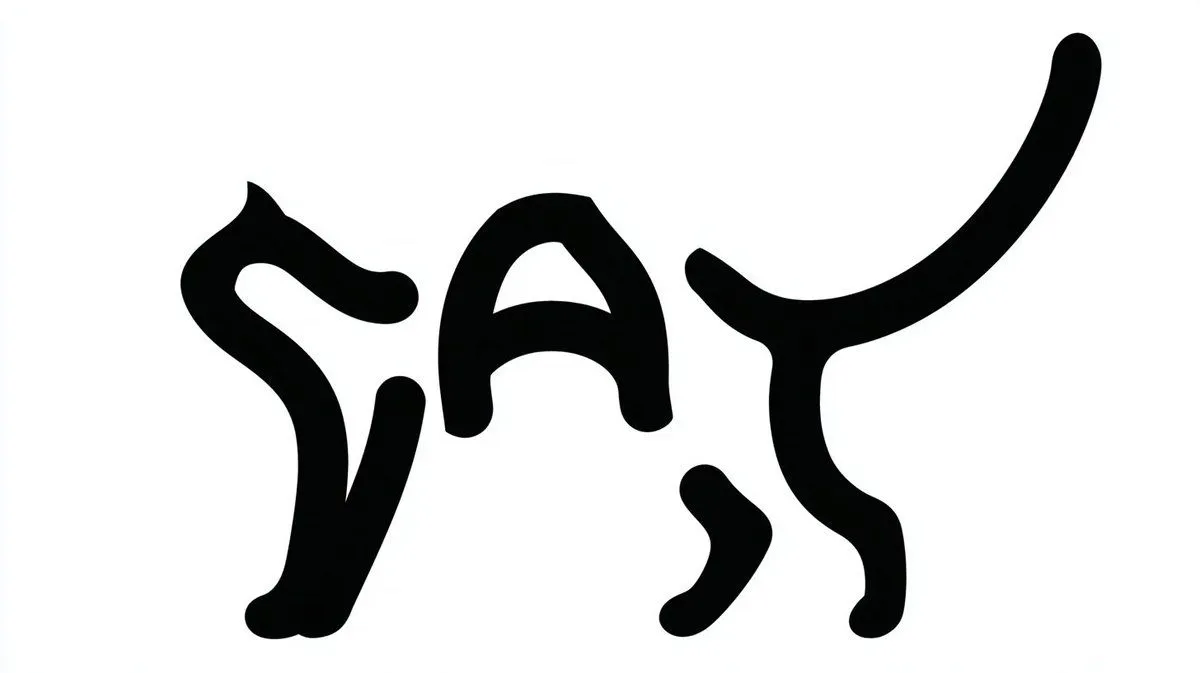
    • Cat Letterform Typographic Design
    • Japanese Beagle Character Design Sheet
    • Minimalist Editorial Art Poster with Photo and Ink Illustration Split
    • Logo Design Wall Generation Prompt for Monkey Theme
    • Japanese Branding Strategy Infographic
    • Chaotic Japanese Guest Announcement Poster
    • Handwritten Style 3-Step Process Slide
    • Commercial Ad Storyboard Layout
    • Character Familiar Selection Logic
    • Gemini System Prompt for 10-Page Manga Generation in Nano Banana Pro

    Show more

    Run it on your phone

    1. Prompt copiedRead it

      { "type": "banner design variations", "subject": "{argument name=\"subject\" default=\"tortoiseshell cat wrapped in a dark blue blanket\"}", "layout": { "description": "A composite image displaying 3 different banner design variations for the same course, arranged with two smaller banners on top and one wide banner on the bottom.", "sections": [ { "position": "top-left", "style": "elegant and calm with soft leaf shadows", "text_elements": [ "{argument name=\"main headline\" default=\"猫のように生きる\"}", "{argument name=\"subheading\" default=\"仏教 × 哲学講座\"}", "{argument name=\"body text\" default=\"がんばりすぎない。比べない。ただ、今を生きる。\"}" ], "design_elements": { "badges": { "count": 3, "shape": "circular", "labels": [ "{argument name=\"badge text 1\" default=\"心が軽くなる\"}", "自分らしく生きられる", "猫から学ぶ智慧" ] }, "icons": { "count": 1, "description": "small gold lotus icon" } } }, { "position": "top-right", "style": "minimalist and modern with clean typography", "text_elements": [ "猫のように生きる。", "仏教 × 哲学講座", "がんばりすぎない。比べない。ただ、今を生きる。" ] }, { "position": "bottom", "style": "pop, energetic, and casual with colorful accents", "text_elements": [ "がんばりすぎない、比べない、今を生きる", "猫のように", "生きる!", "仏教 × 哲学講座" ], "design_elements": { "icon_text_pairs": { "count": 3, "descriptions": [ "lotus icon with text 心が軽くなる", "sun icon with text 自分らしく生きられる", "paw print icon with text 猫から学ぶ智慧" ] }, "badges": { "count": 1, "shape": "circular green badge", "label": "オンライン 少人数制", "icon": "laptop" } } } ] } }

    2. Open your app

      This prompt is long, so it is copied instead of sent in the link. Paste it in the app.

    3. Paste and run

      Press and hold the message box, then tap Paste. Add your photo first if the prompt uses one. You may need to sign in.

    A/B Testing Banner Variations