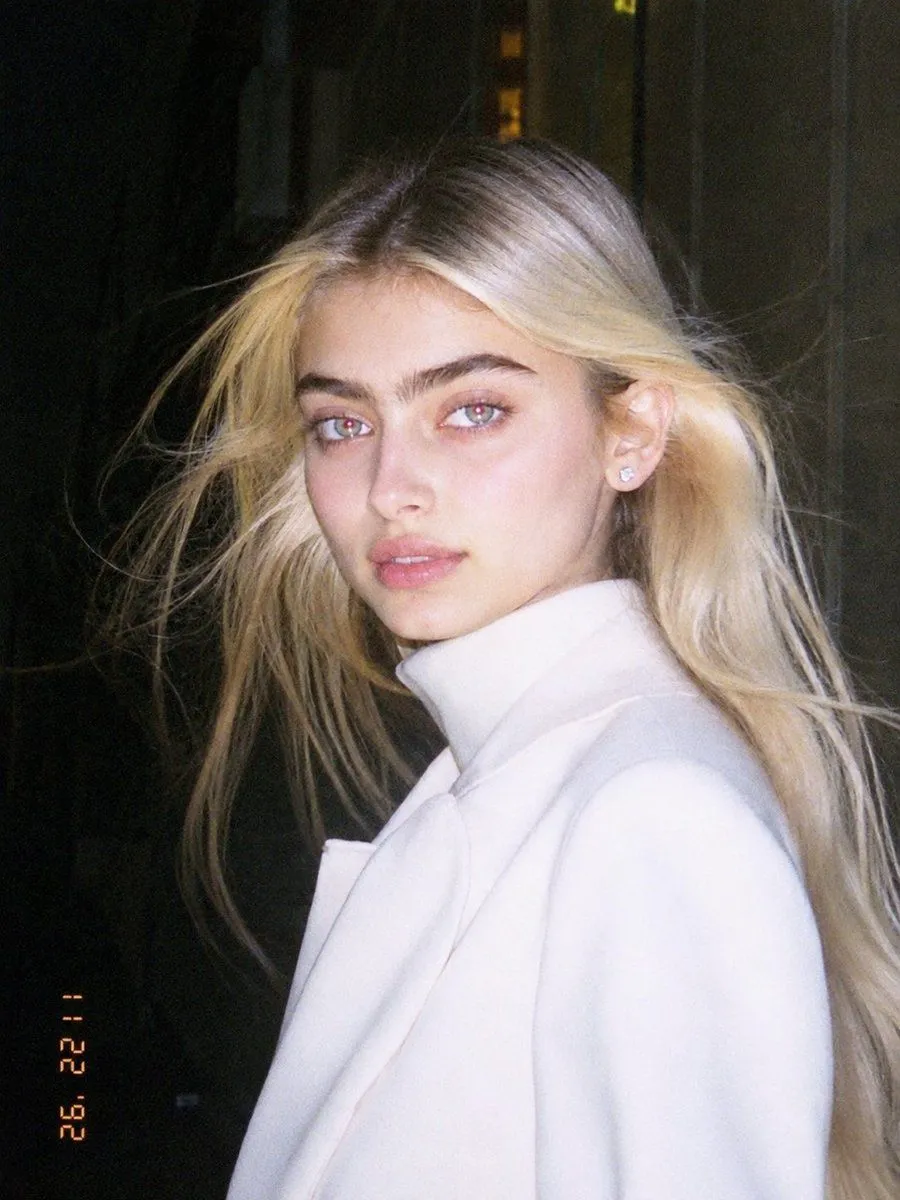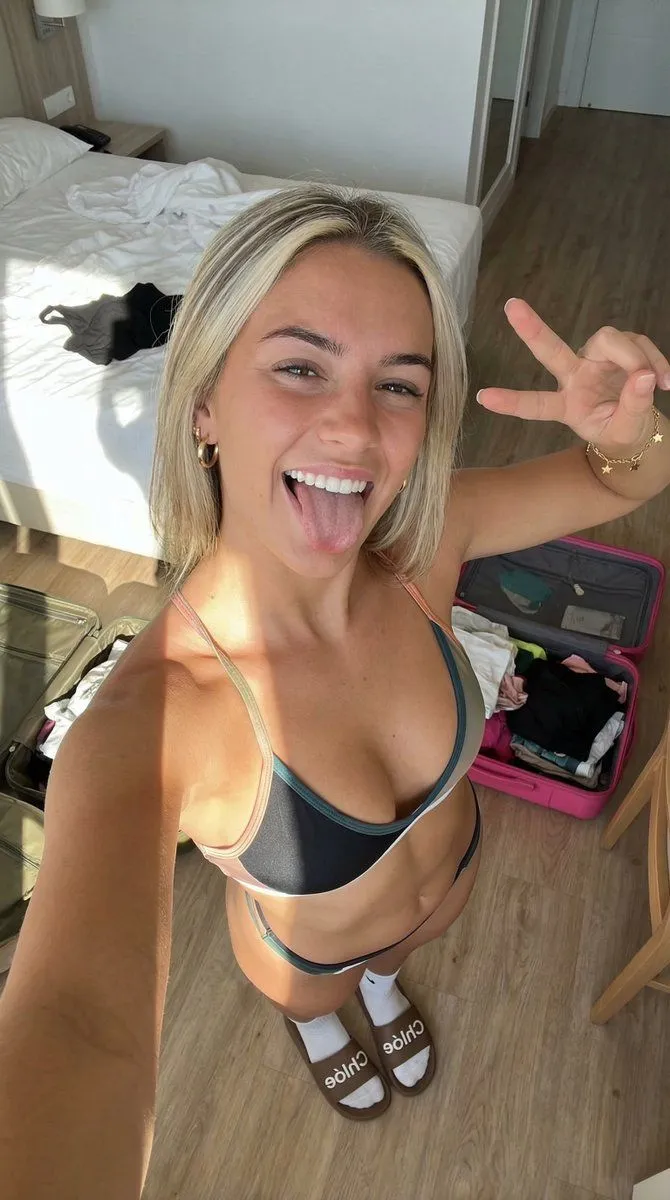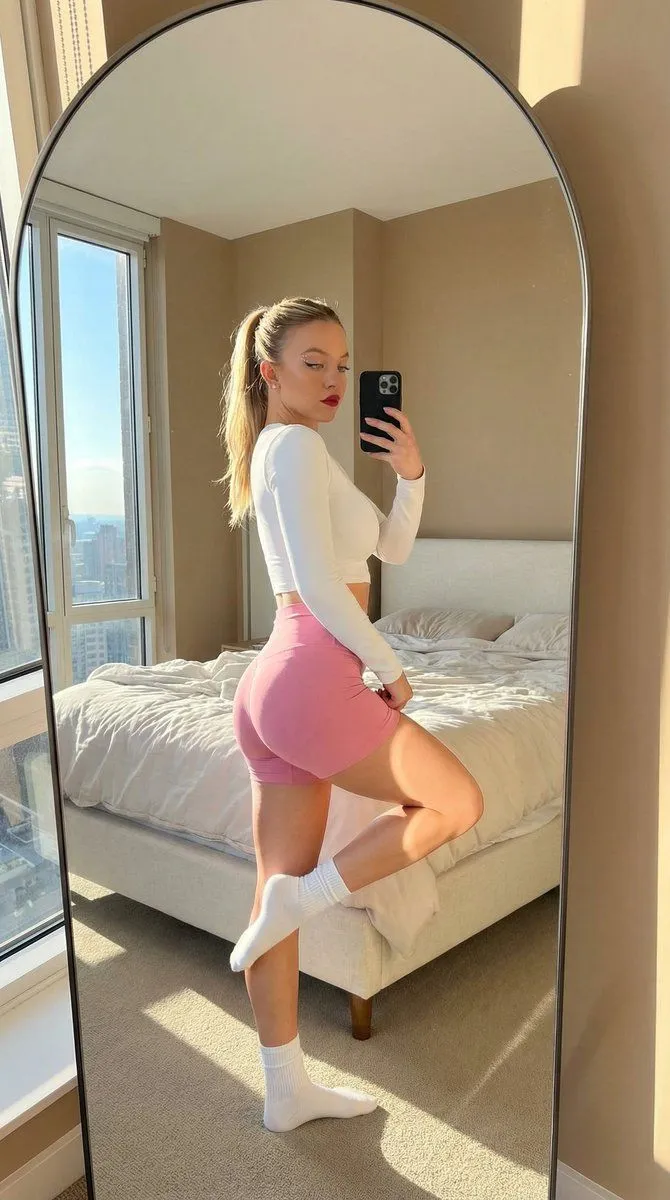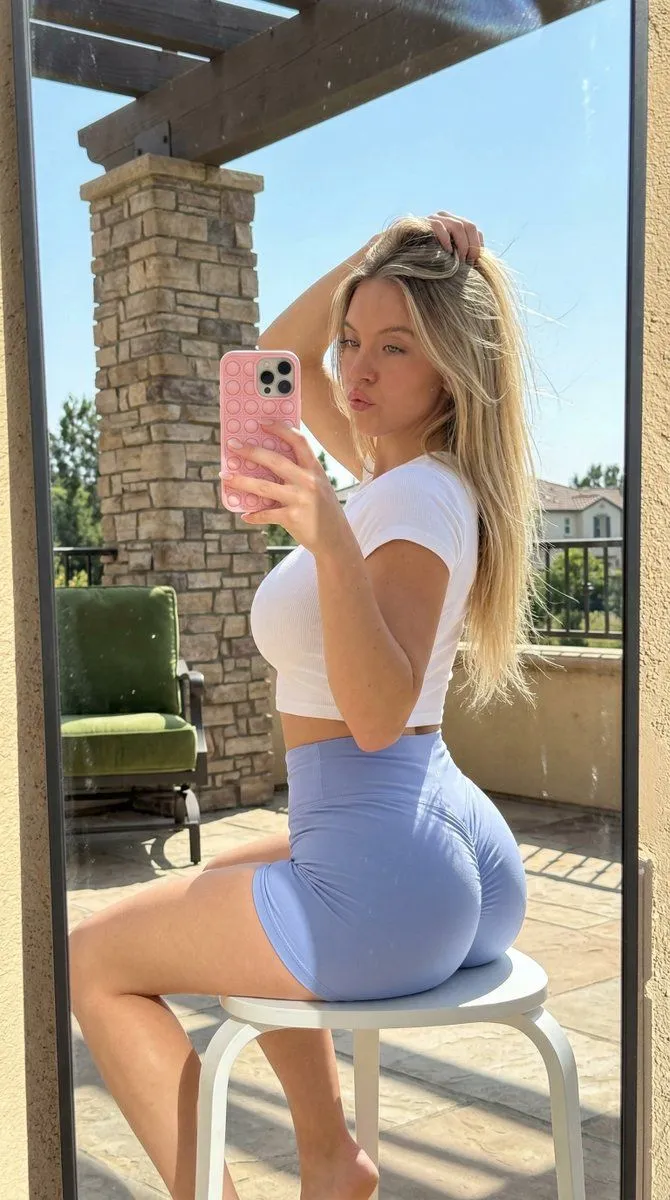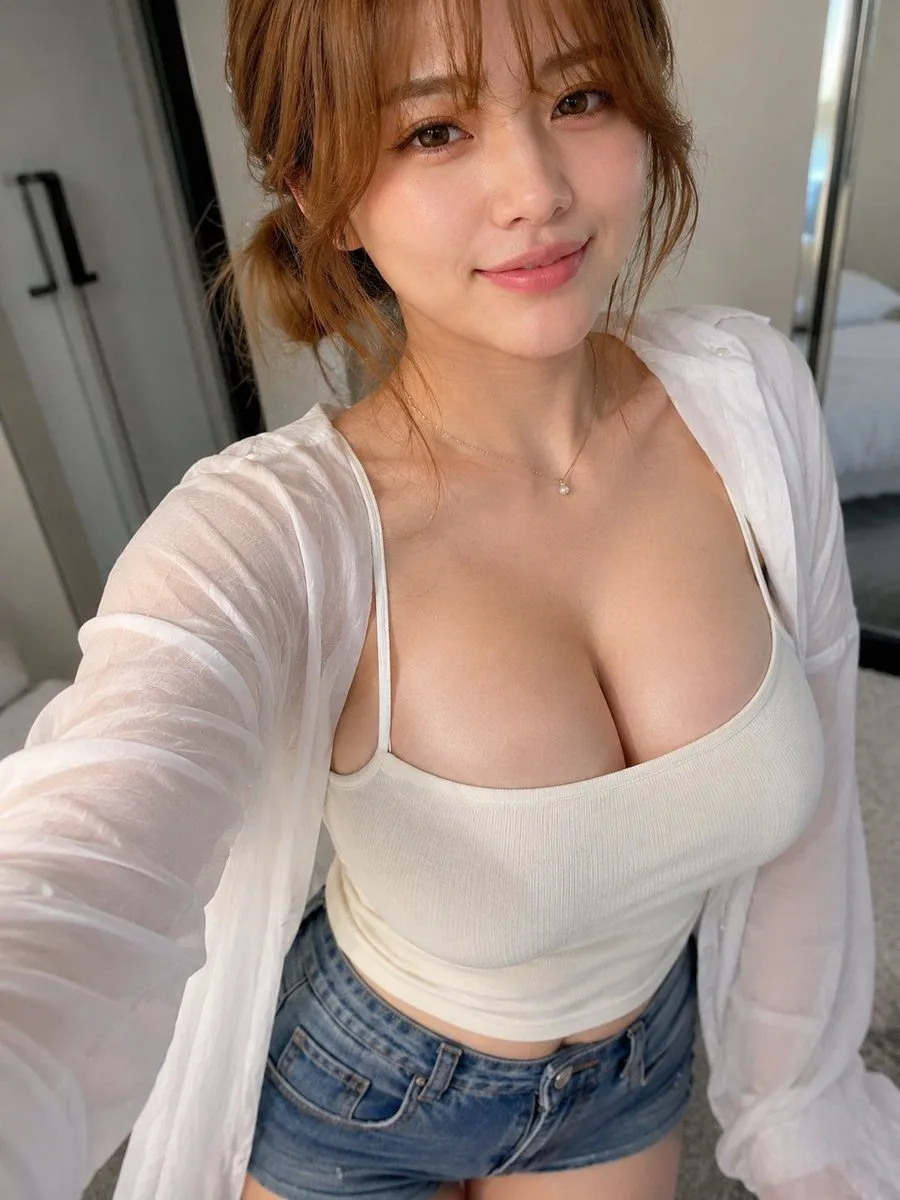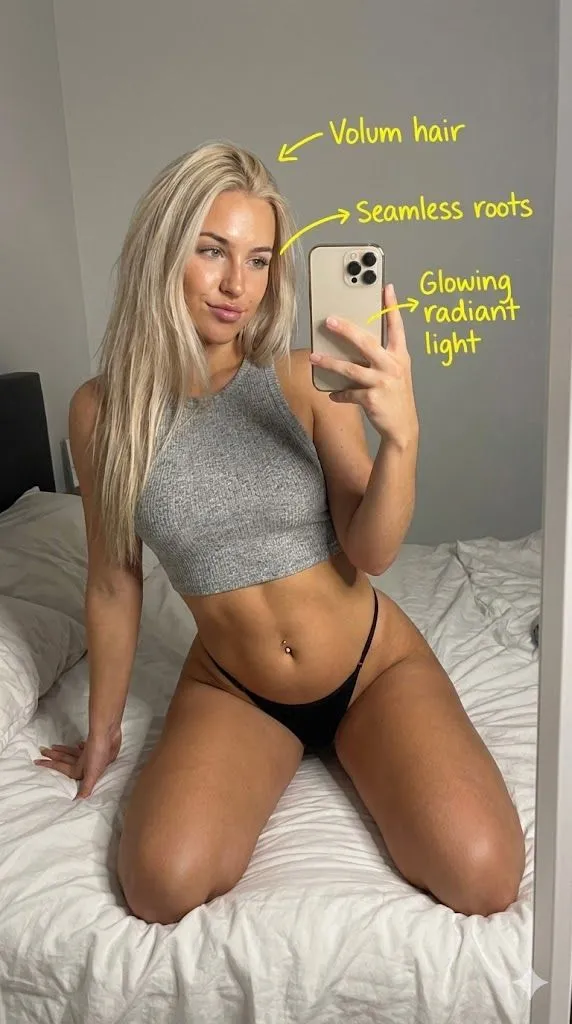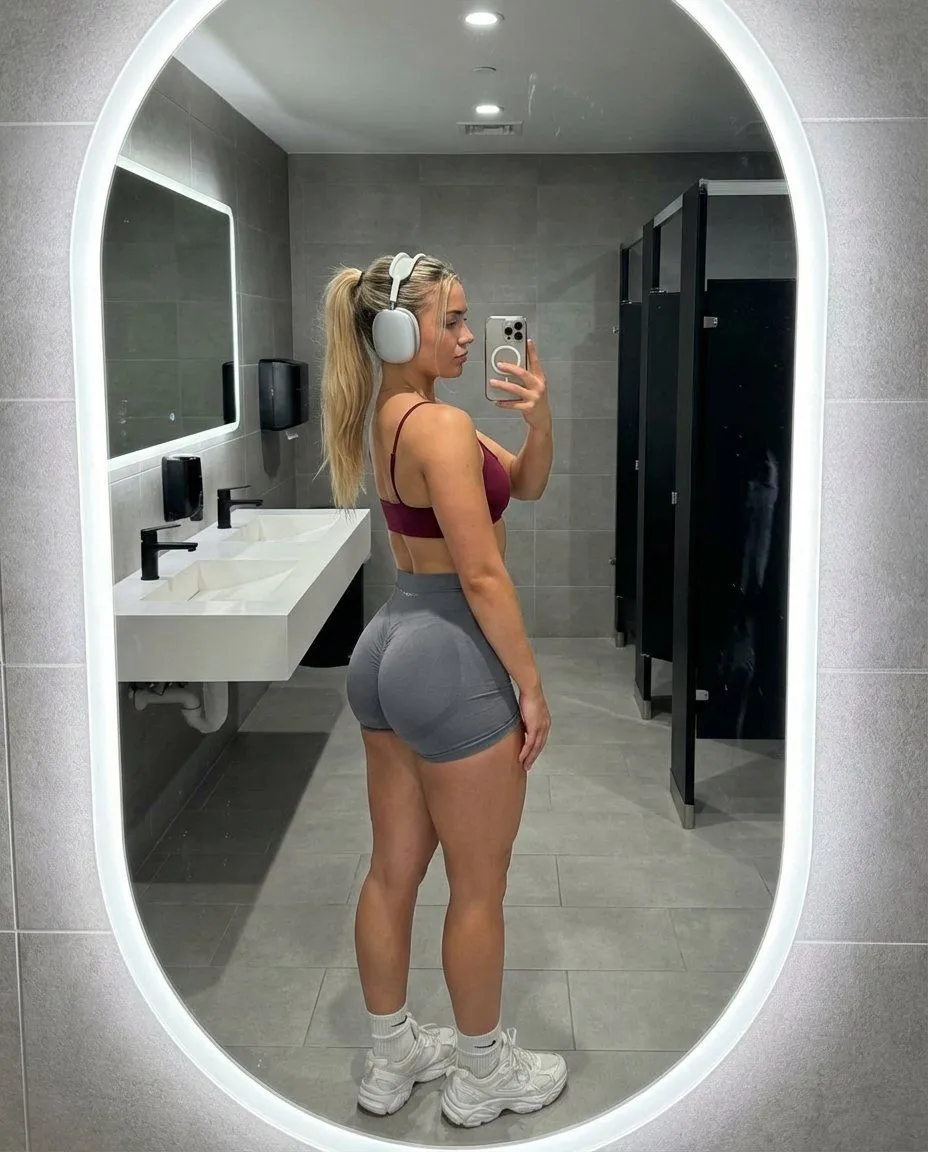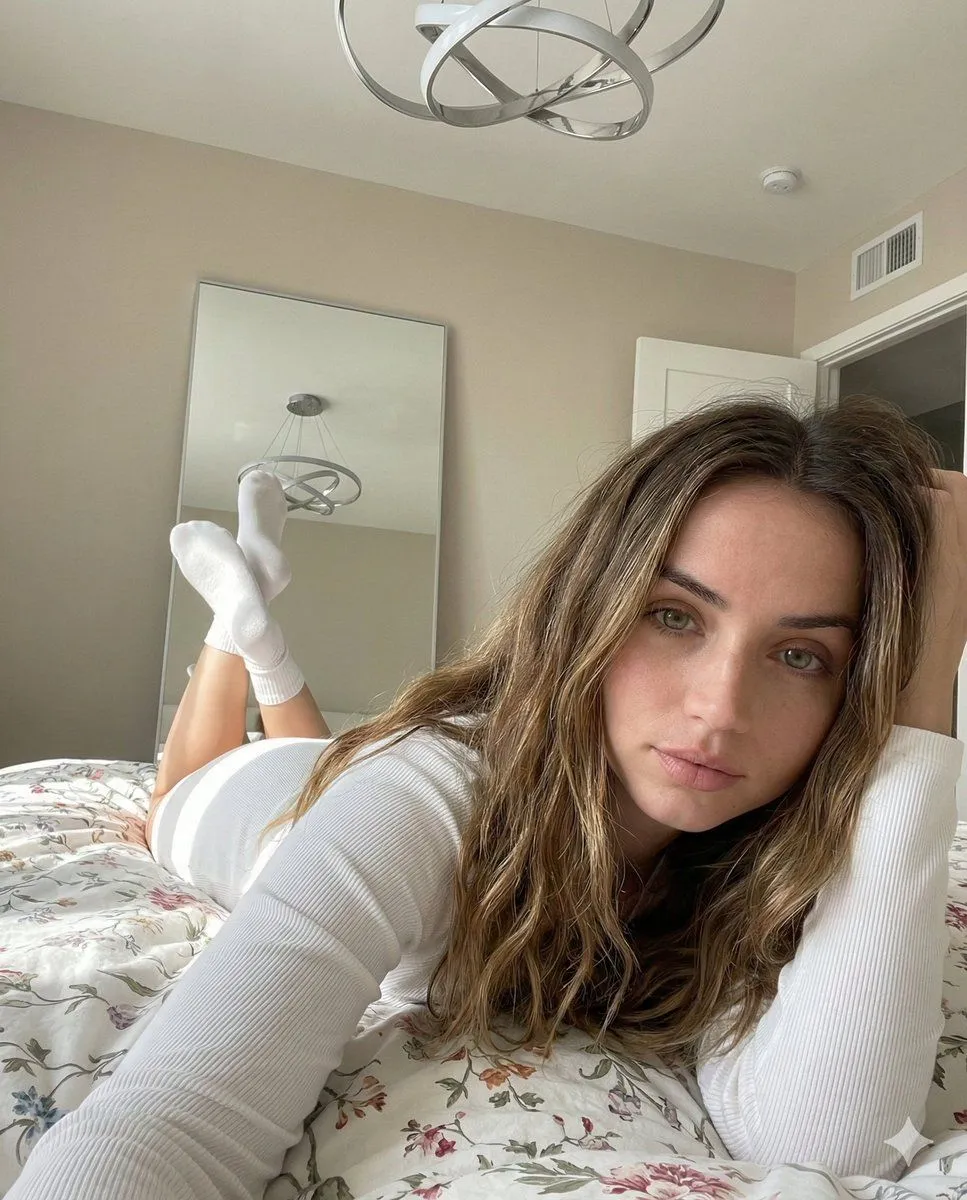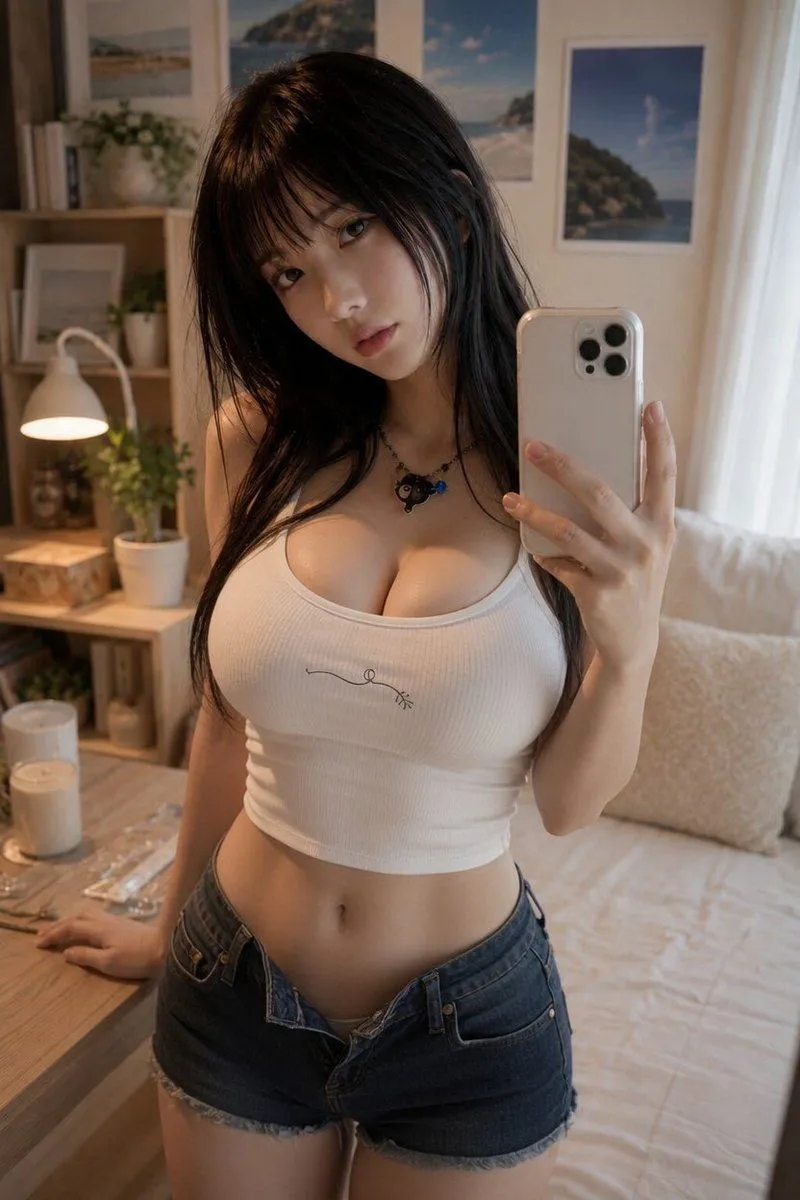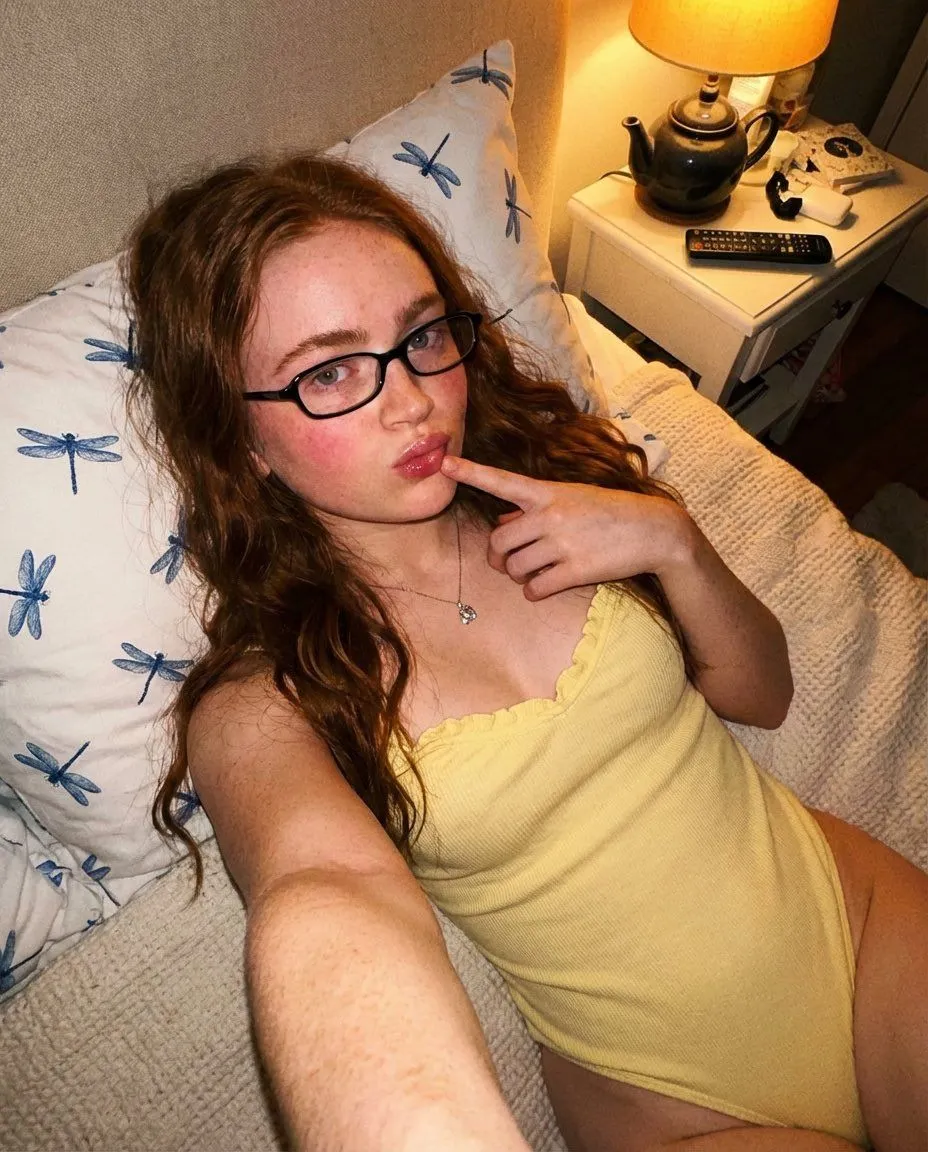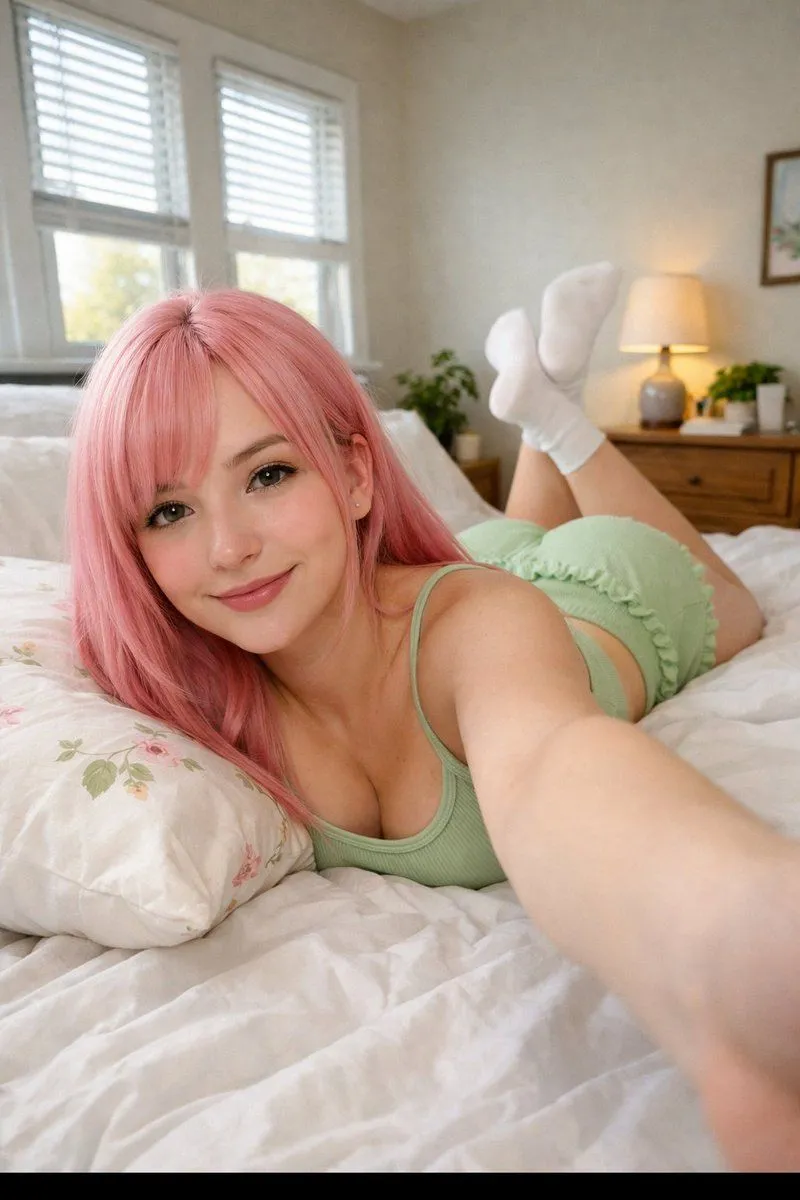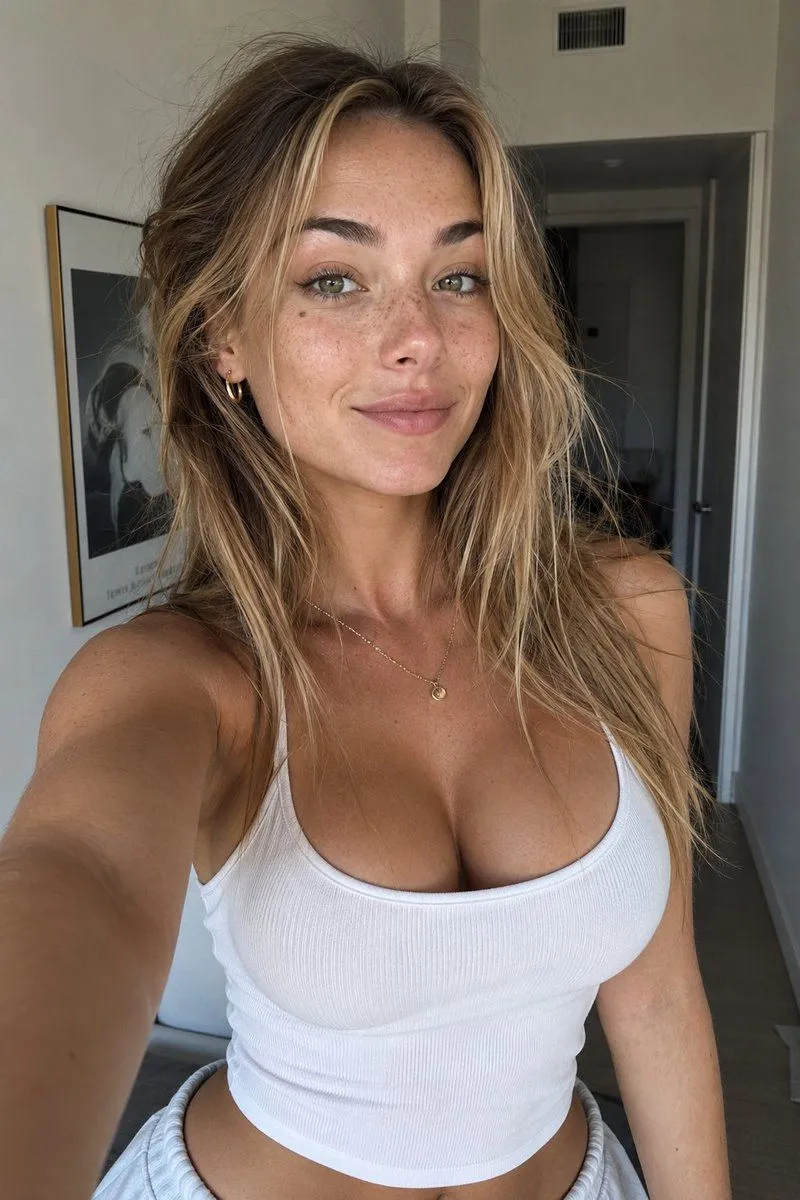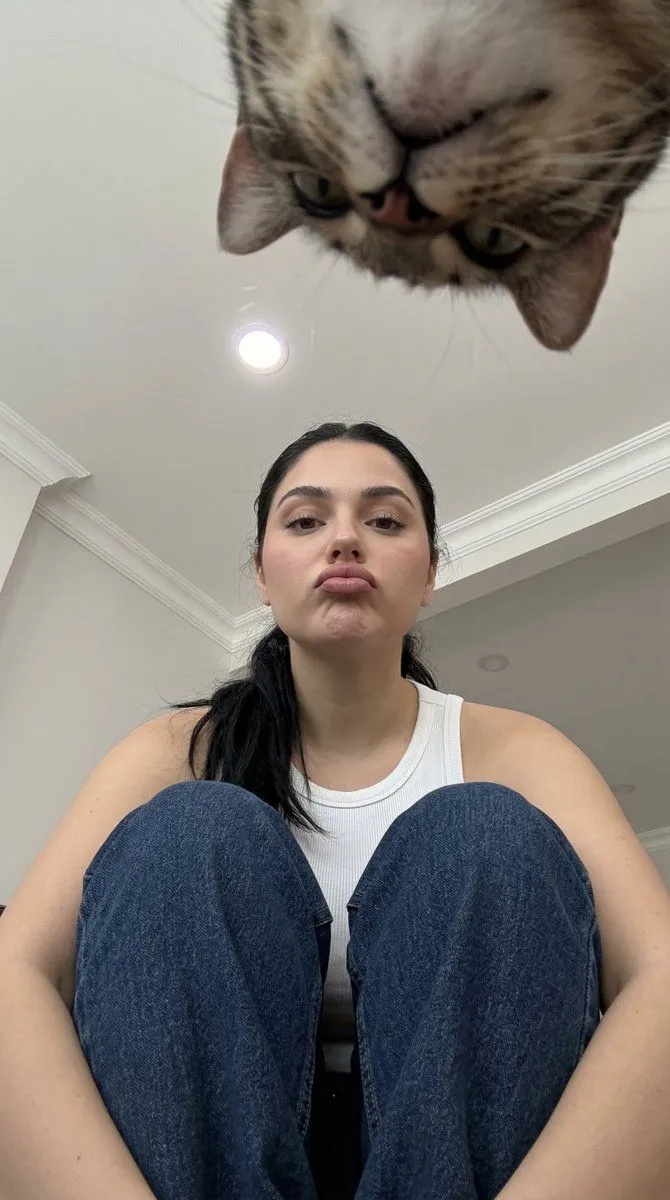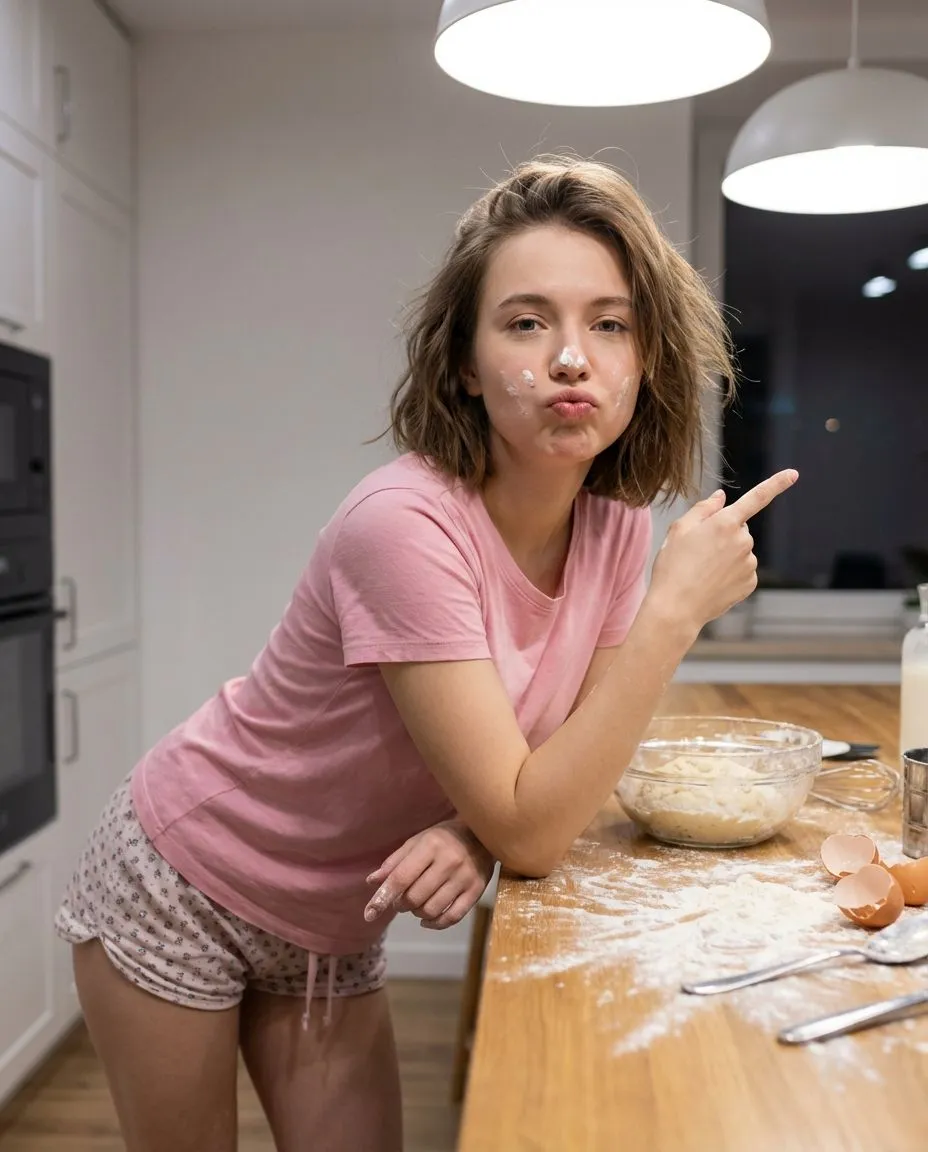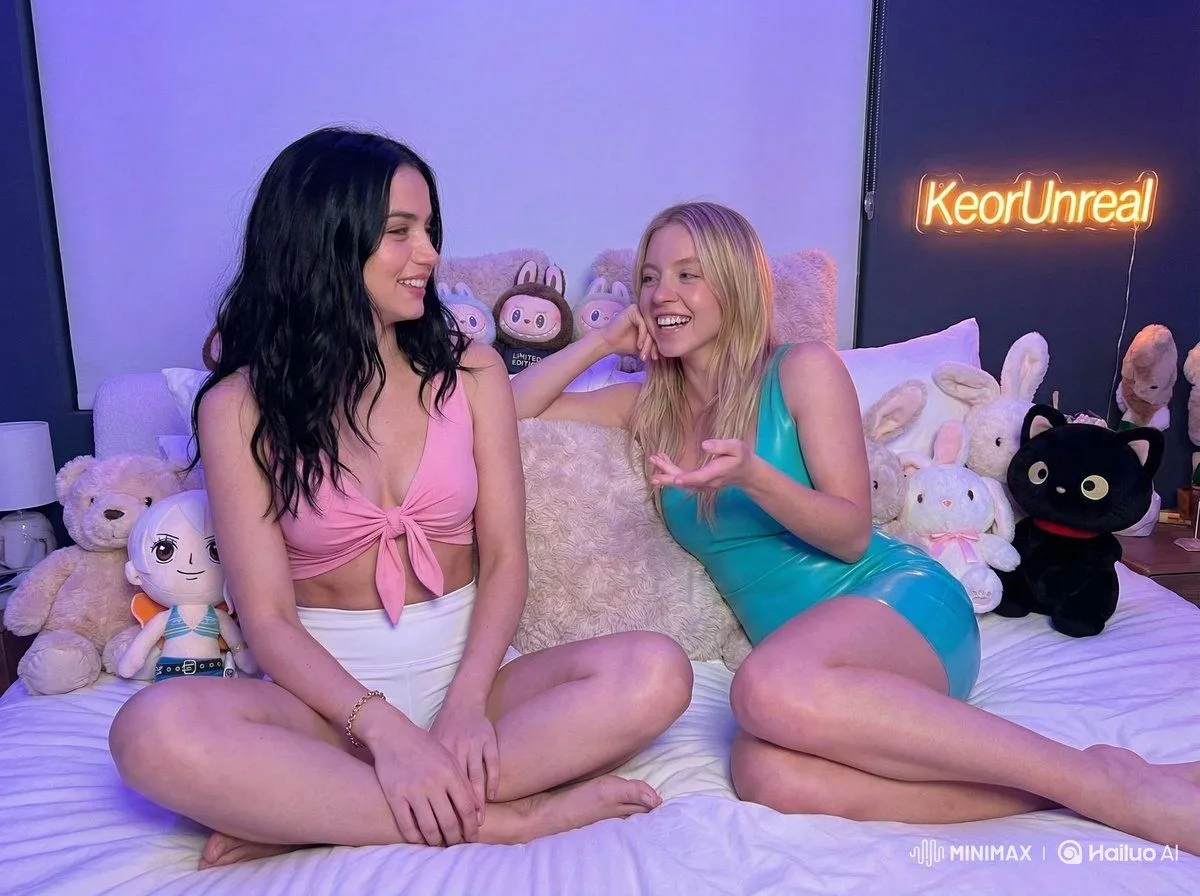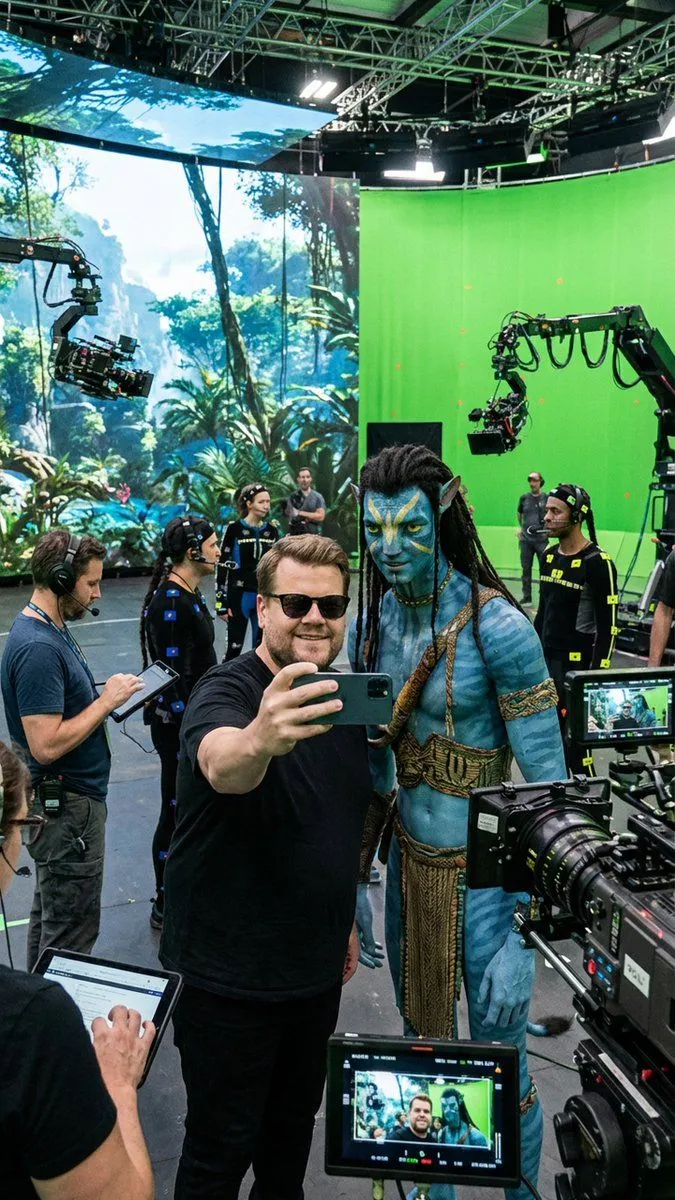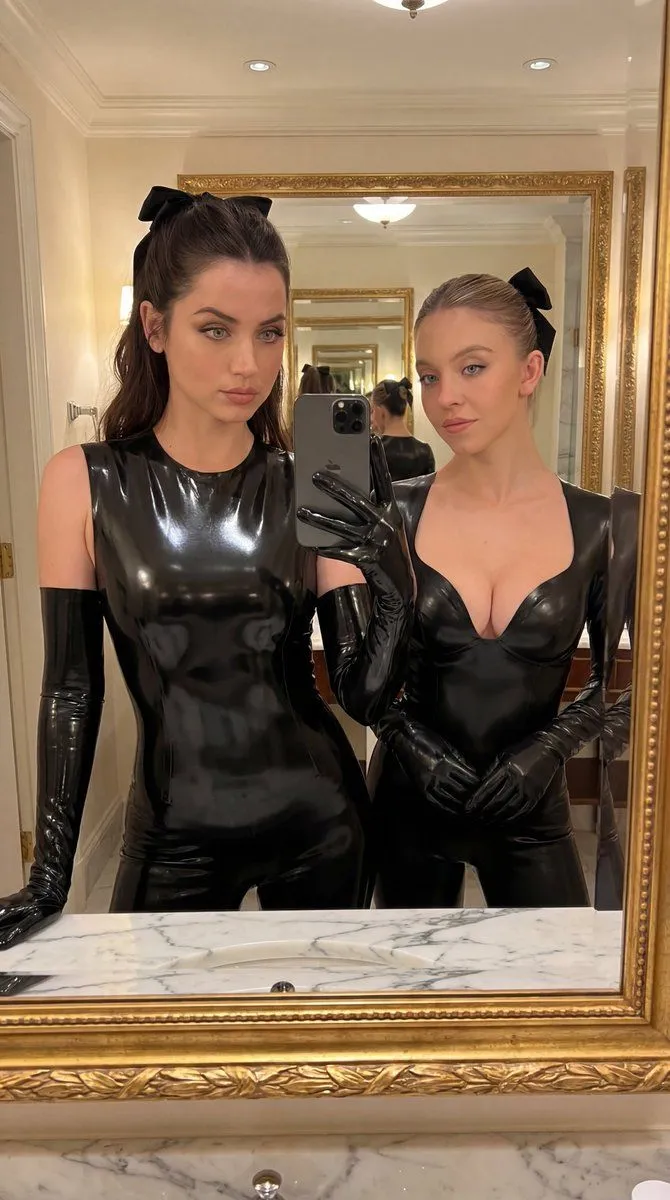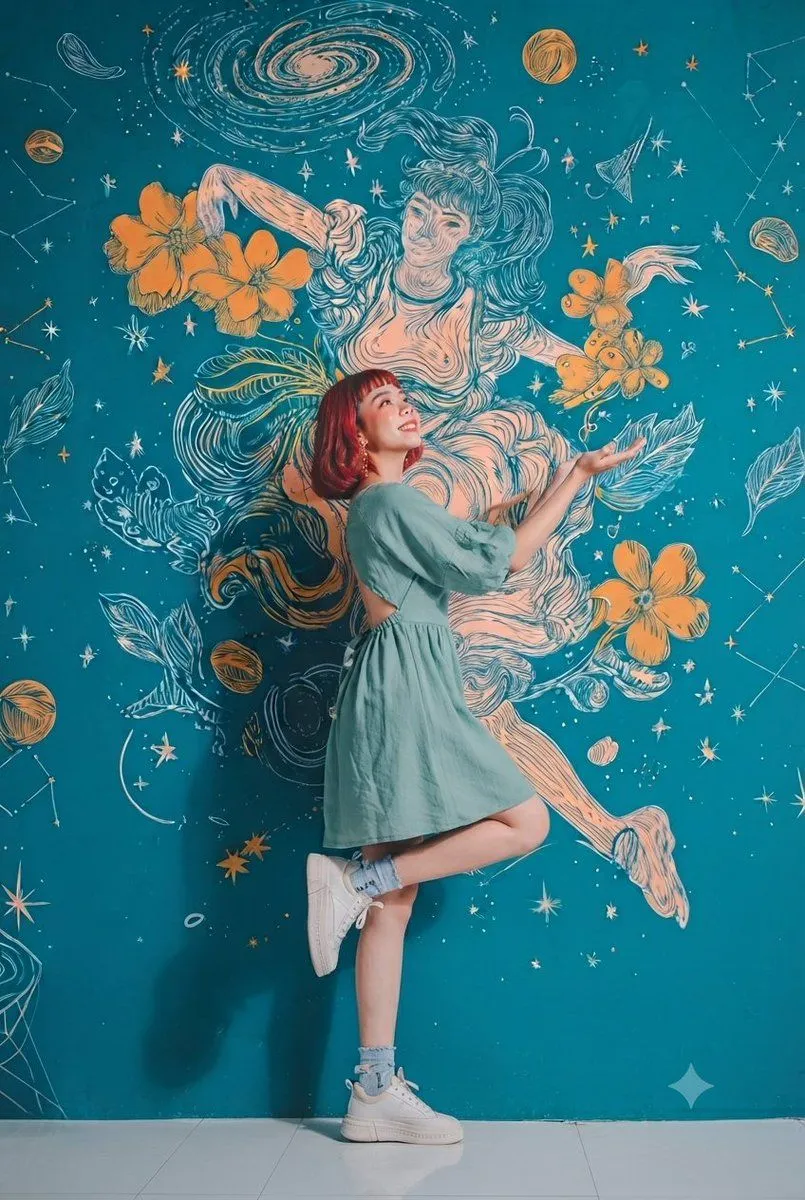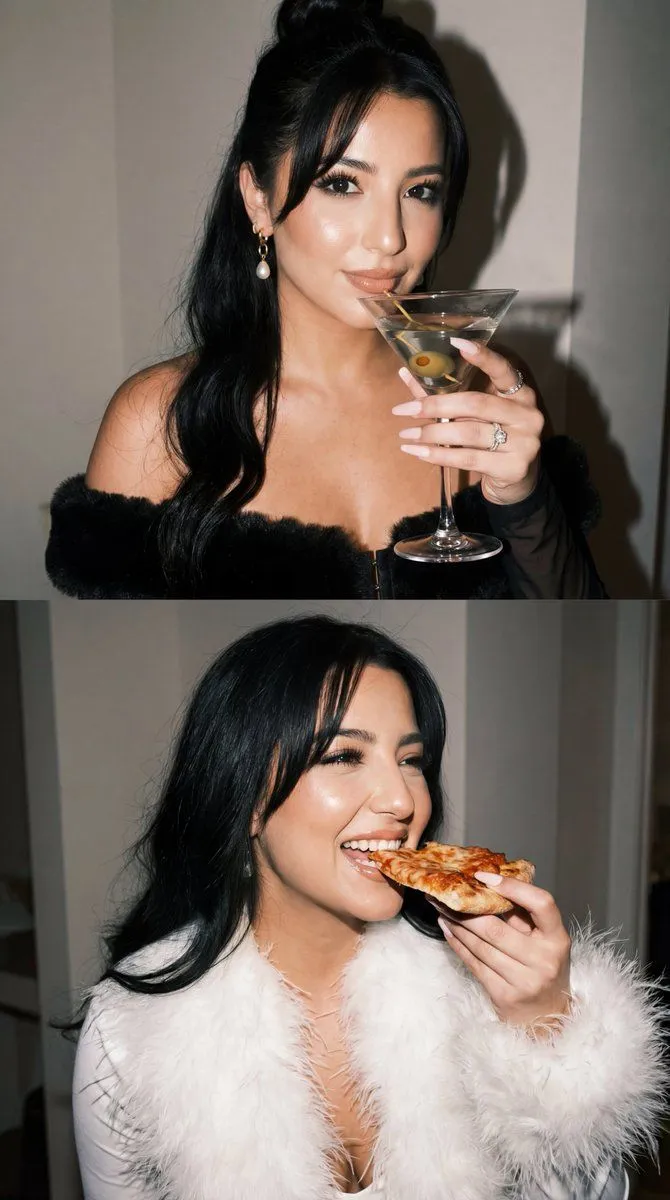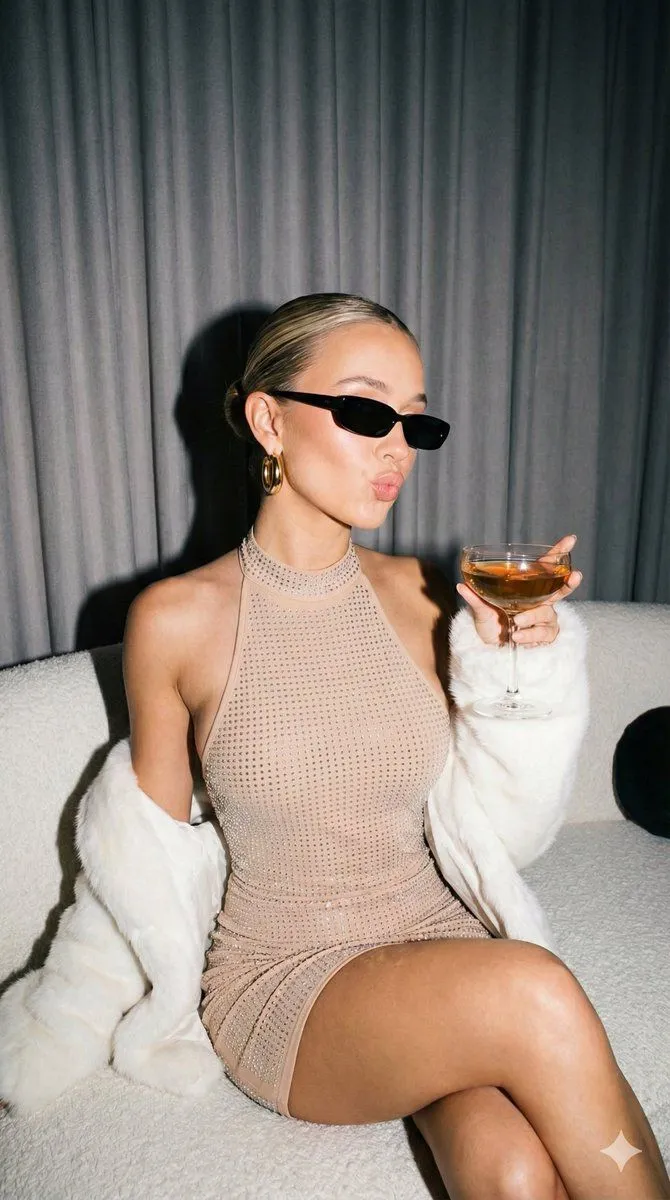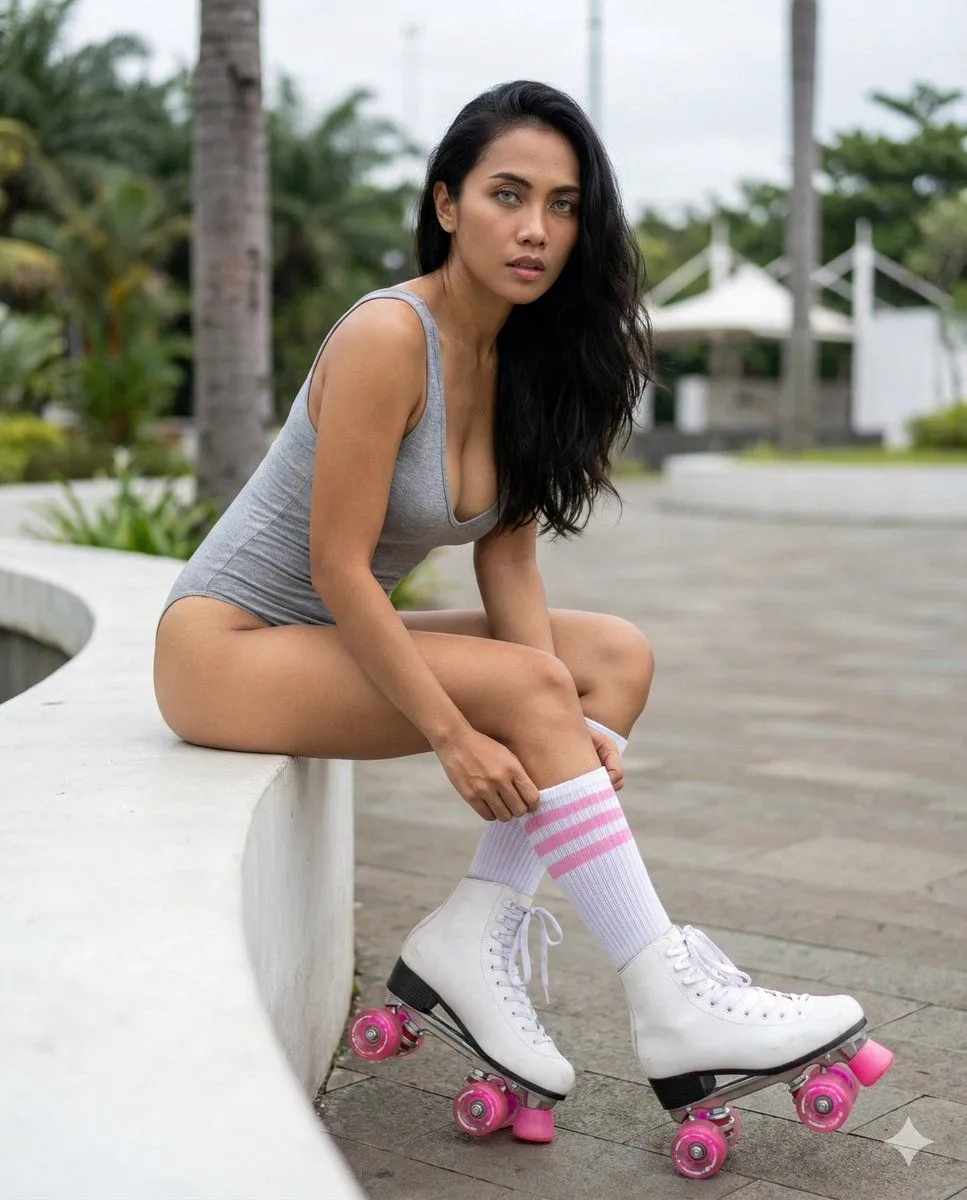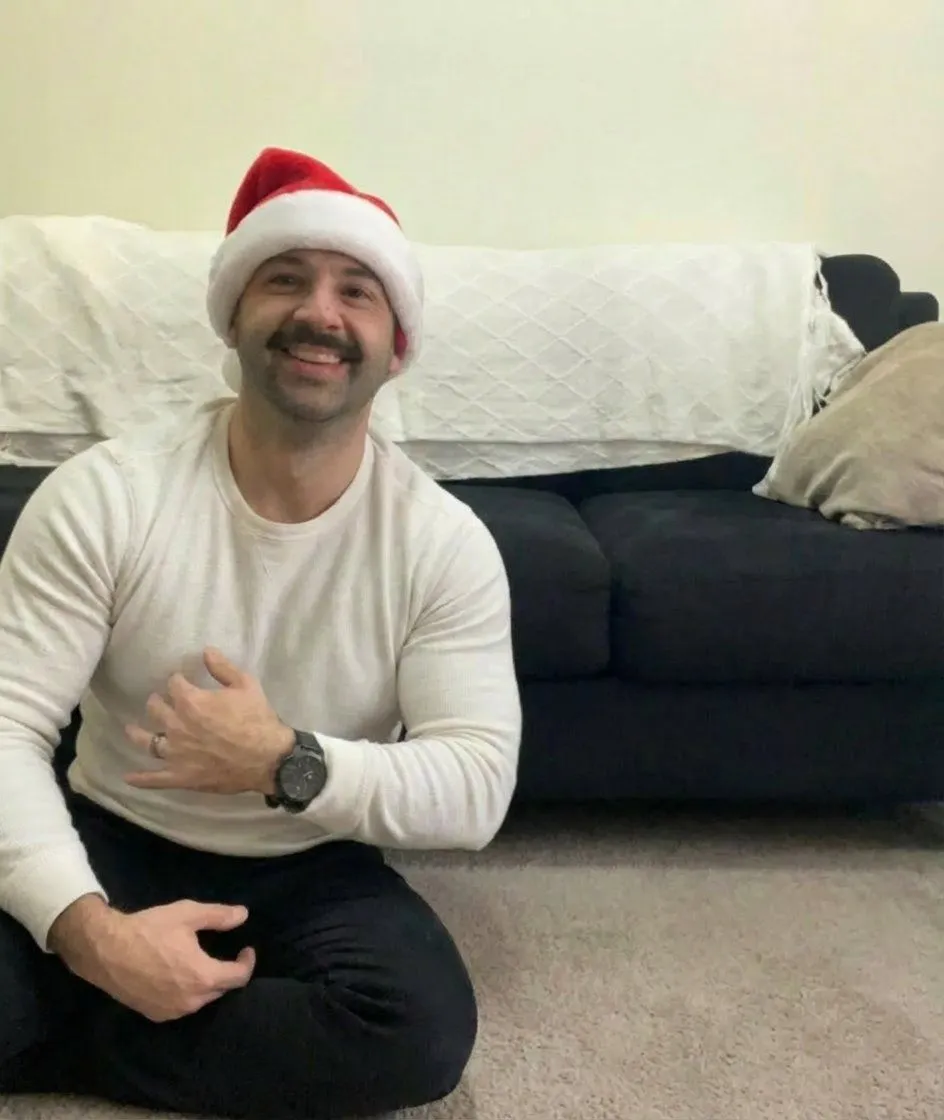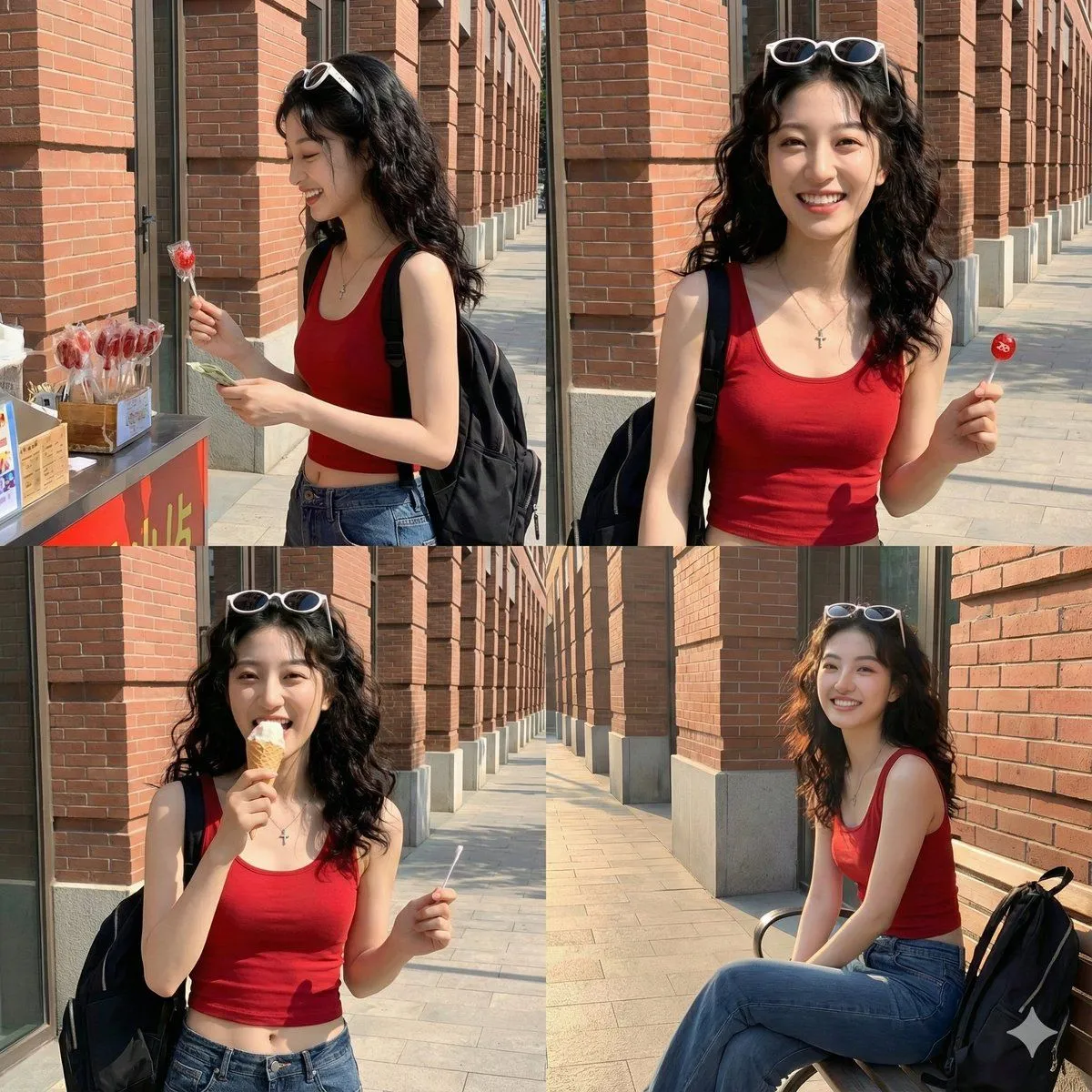
Made with Nano Banana Pro in Gemini by Library Portraits. Promptclay never generates images.
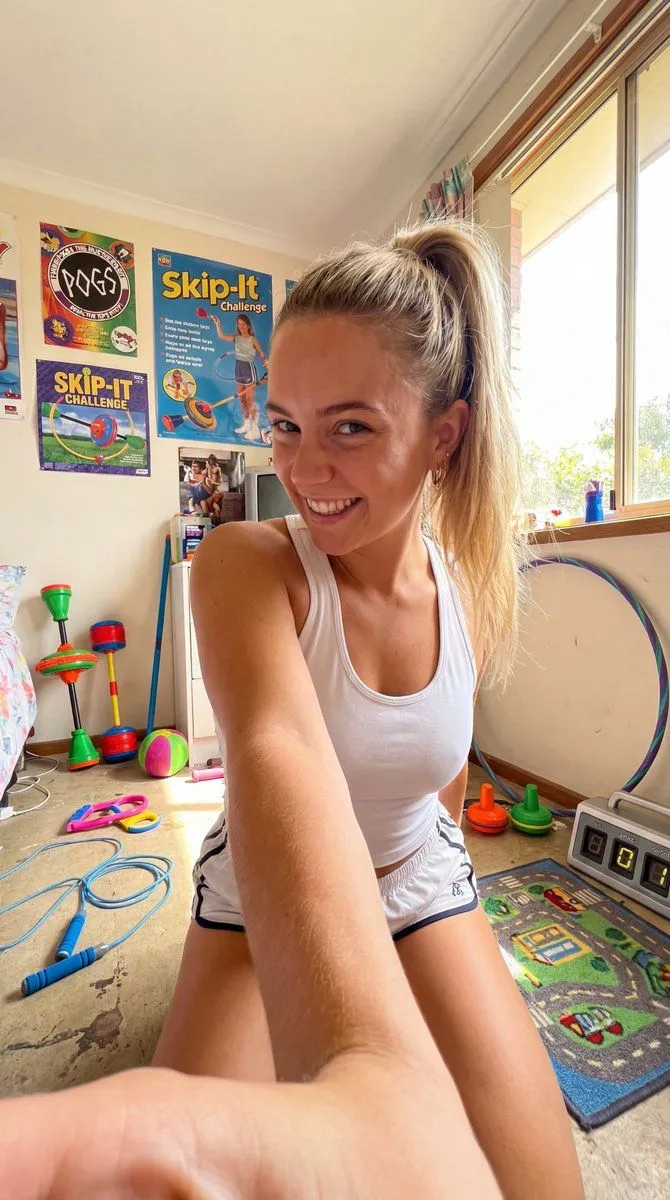
90s Skip-It Toy Selfie from Low Angle
Prompt
1 blank to fill{ "meta": { "aspect_ratio": "9:16", "quality": "ultra_photorealistic", "resolution": "8k", "camera": "smartphone front camera", "lens": "24mm", "style": "raw selfie, high realism, no over-smoothing" }, "scene": { "location": "90s Skip-It toy themed bedroom", "setting": "Skip-It toys in various colors on floor, jump rope and hula hoop hanging, 90s active toy posters, counter device for skips, play area rug", "time": "afternoon", "atmosphere": "active play nostalgia, energetic confidence" }, "lighting": { "type": "bright natural", "source": "window sunlight", "effect": "playful highlights" }, "camera_perspective": { "pov": "WE ARE THE CAMERA", "angle": "low from floor", "distance": "arm-length extended", "framing": "full body to head" }, "subject": { "gender": "female", "age": "early 20s (clearly adult)", "ethnicity": "{ethnicity}", "body": { "type": "athletic" }, "skin": { "tone": "fair tan" }, "hair": { "color": "blonde", "style": "ponytail" }, "face": { "expression": "playful grin" }, "outfit": { "top": { "type": "tank top", "color": "white" }, "bottom": { "type": "shorts" } } }, "details": [ "Skip-It on floor", "jump rope hanging", "active energy", "no camera or phone artifacts visible" ] }
Preview of your prompt
{ "meta": { "aspect_ratio": "9:16", "quality": "ultra_photorealistic", "resolution": "8k", "camera": "smartphone front camera", "lens": "24mm", "style": "raw selfie, high realism, no over-smoothing" }, "scene": { "location": "90s Skip-It toy themed bedroom", "setting": "Skip-It toys in various colors on floor, jump rope and hula hoop hanging, 90s active toy posters, counter device for skips, play area rug", "time": "afternoon", "atmosphere": "active play nostalgia, energetic confidence" }, "lighting": { "type": "bright natural", "source": "window sunlight", "effect": "playful highlights" }, "camera_perspective": { "pov": "WE ARE THE CAMERA", "angle": "low from floor", "distance": "arm-length extended", "framing": "full body to head" }, "subject": { "gender": "female", "age": "early 20s (clearly adult)", "ethnicity": "Australian", "body": { "type": "athletic" }, "skin": { "tone": "fair tan" }, "hair": { "color": "blonde", "style": "ponytail" }, "face": { "expression": "playful grin" }, "outfit": { "top": { "type": "tank top", "color": "white" }, "bottom": { "type": "shorts" } } }, "details": [ "Skip-It on floor", "jump rope hanging", "active energy", "no camera or phone artifacts visible" ] }
DetailsVersions, settings and questions
Written for
What's in the prompt
- Subject
- Model
- Nano Banana Pro
If your face changes
keep my face exactly the sameQuestions
- Does this work in the Gemini app?
- Yes. Gemini runs Nano Banana, so paste the prompt and attach your photo if it uses one.
- It changed my face. What do I do?
- Add "keep my face exactly the same" to the end and run it again.
- Can I use the images I make?
- Check the terms of the app you use. Promptclay never generates images and claims nothing you make.
Did it work?
No reports yet. Tell others if it worked for you.