Tell us anything

An idea, a bug, something you love. We read every note.

⌘↵ to send. The page you're on comes along.

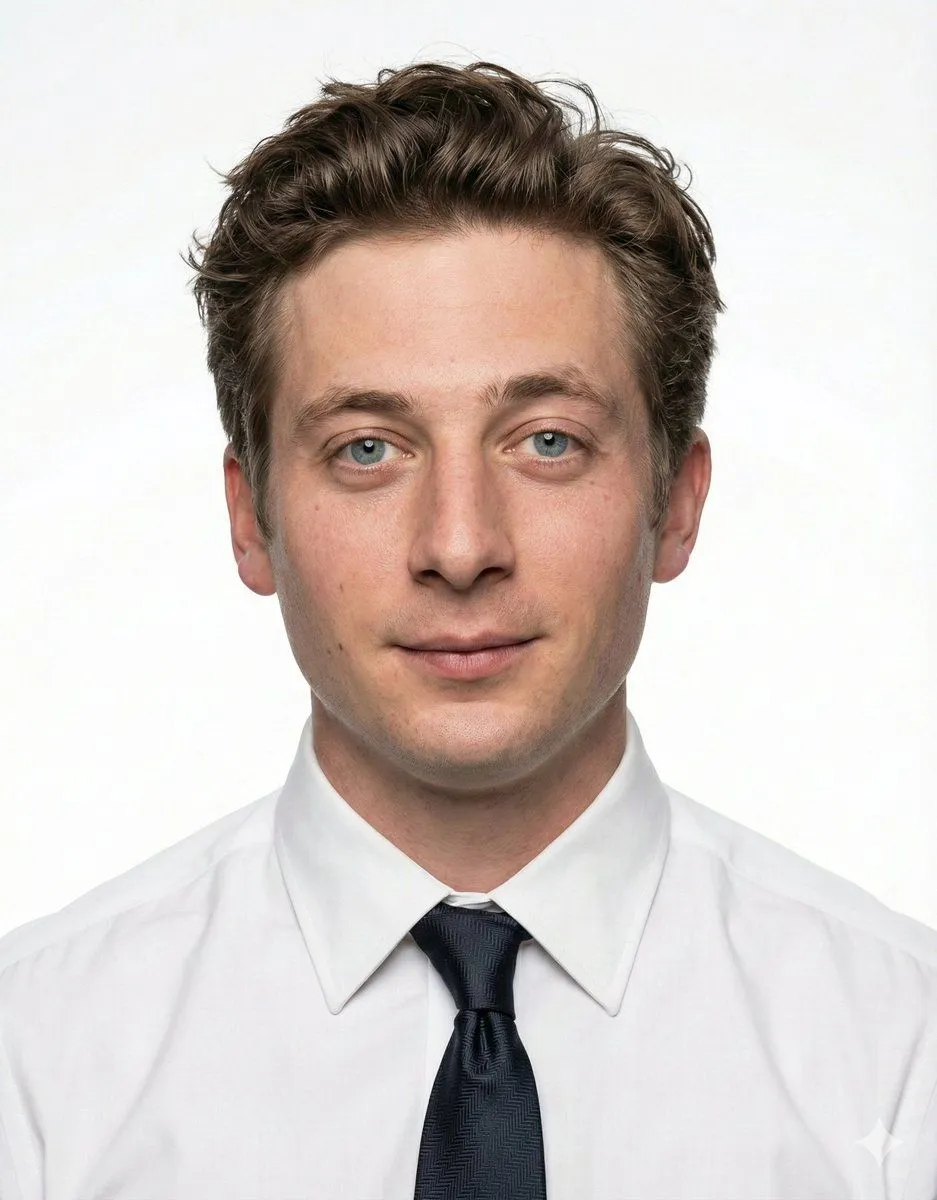
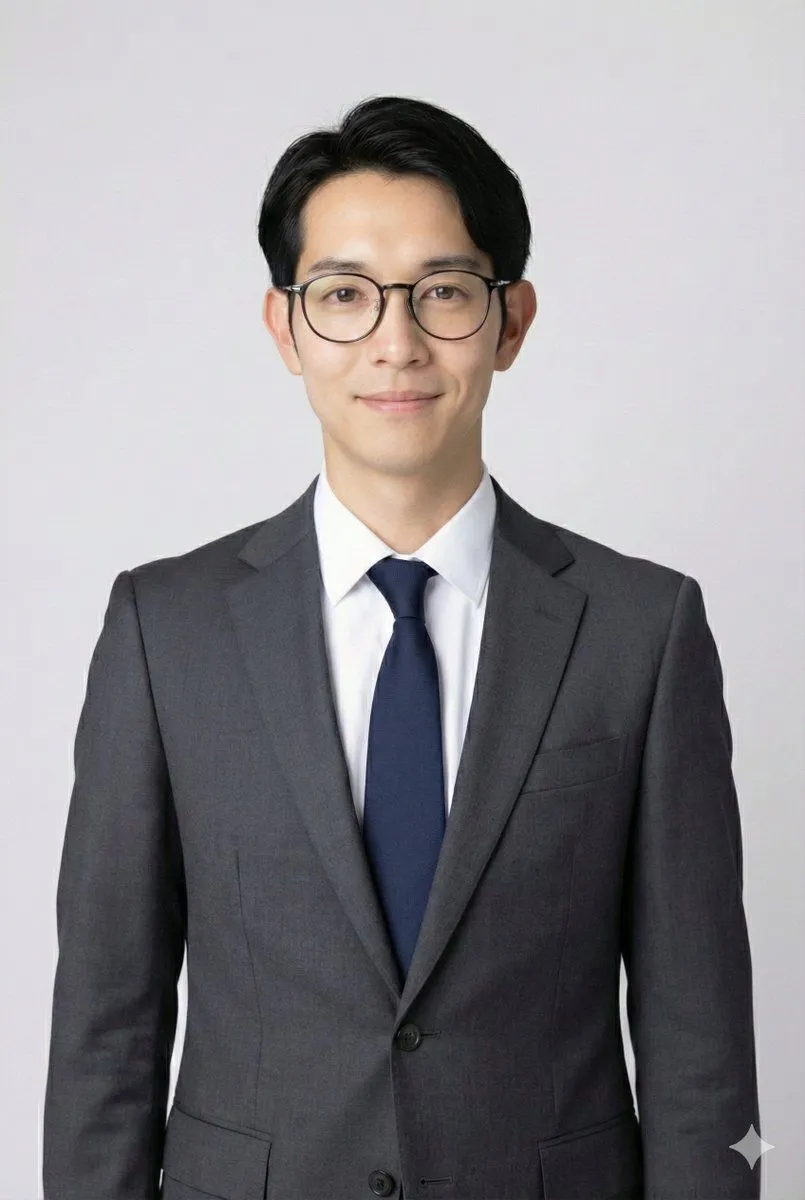
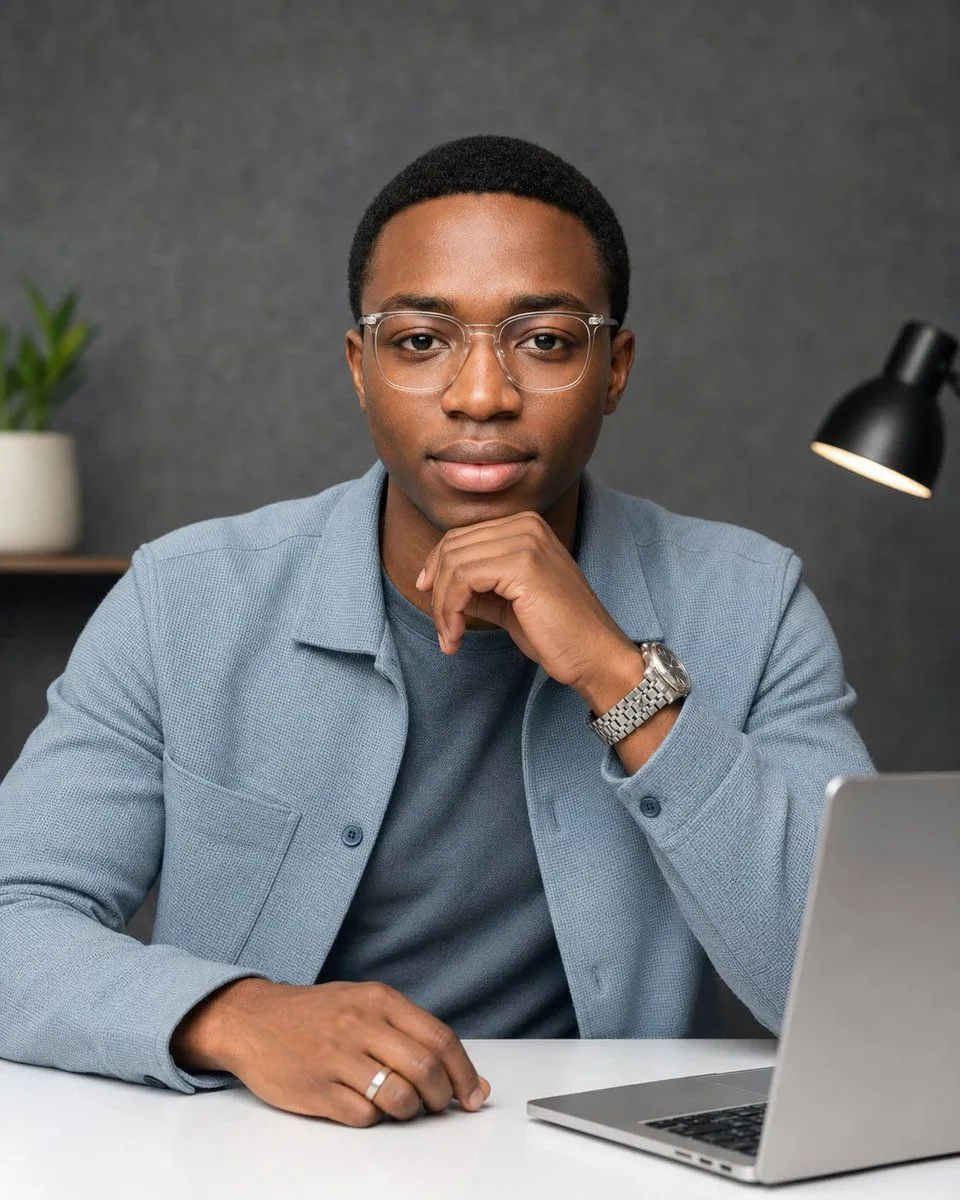
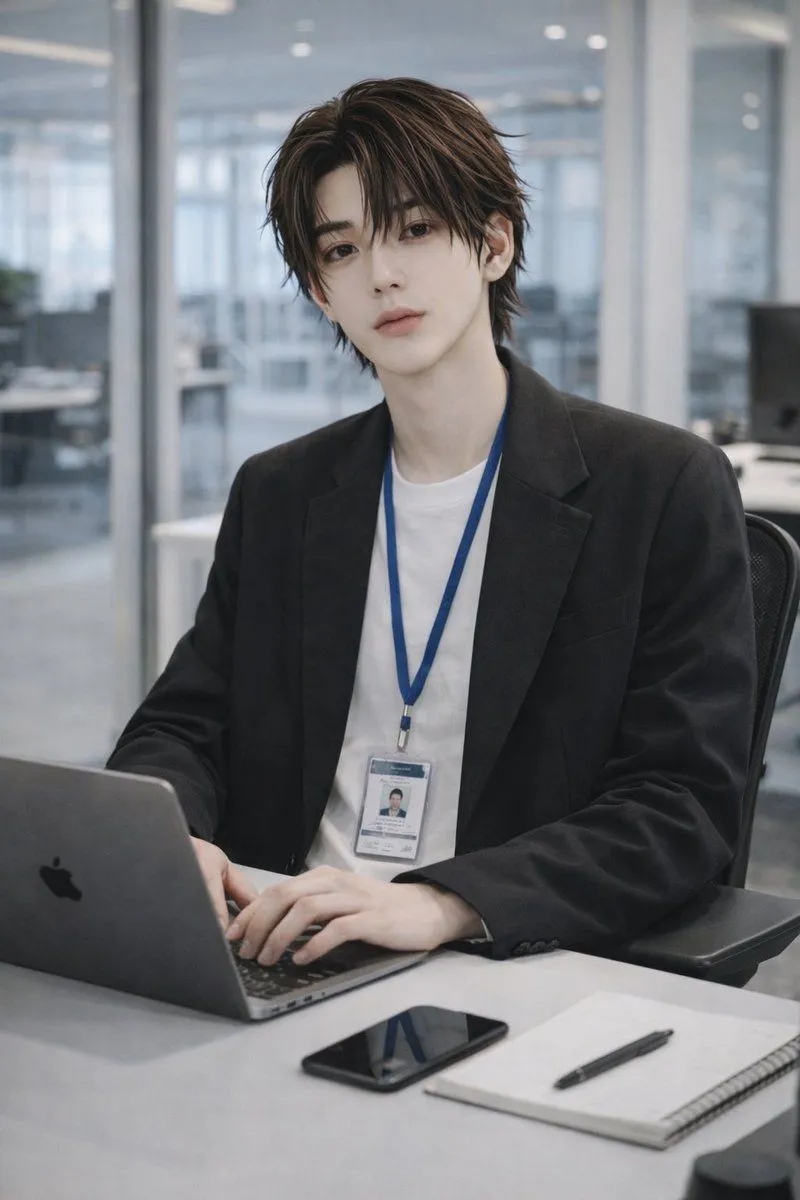
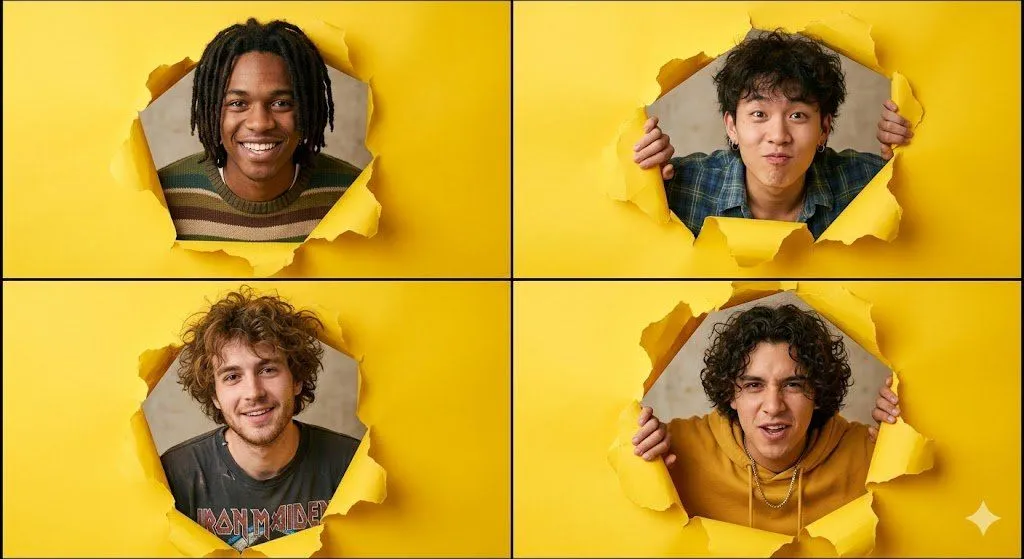
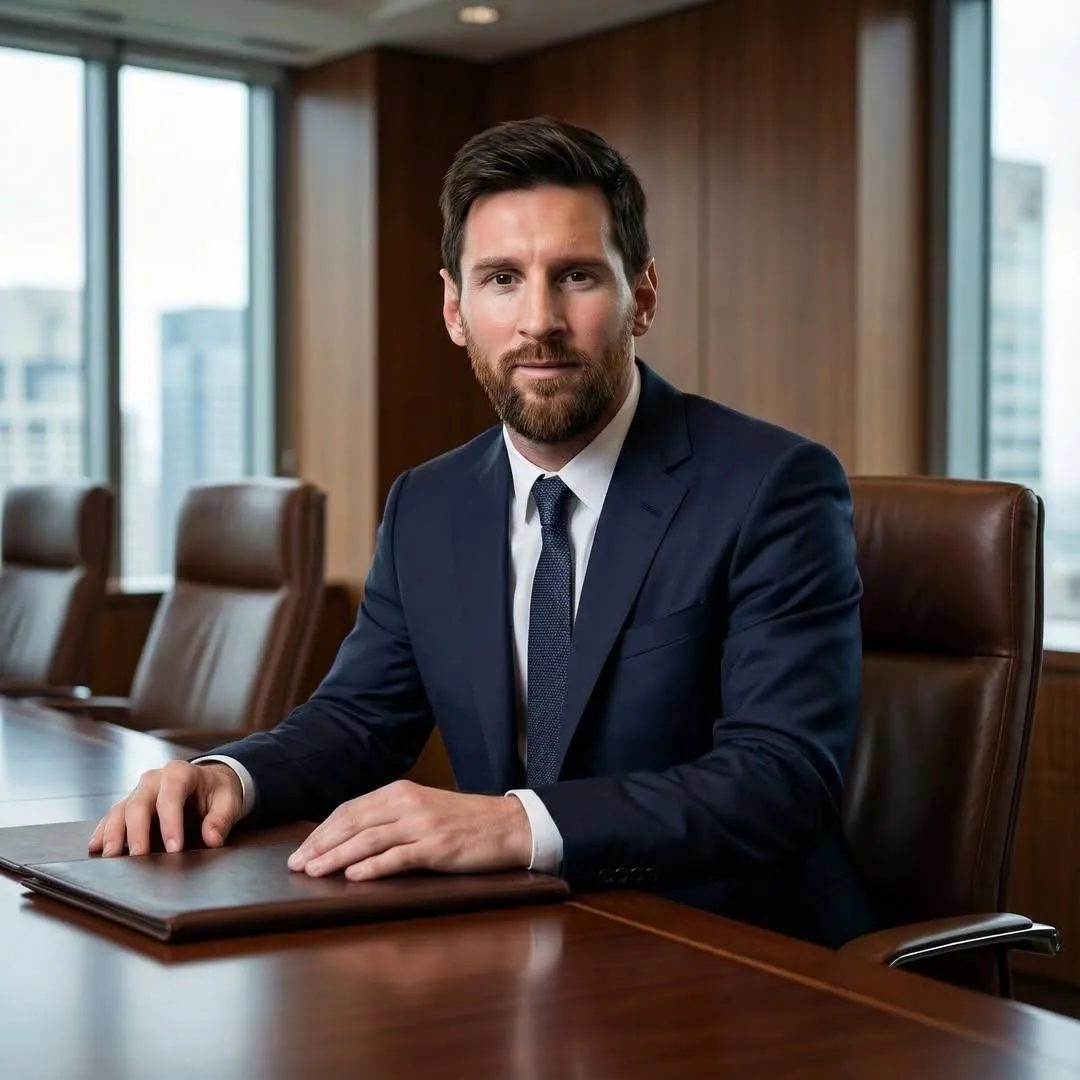
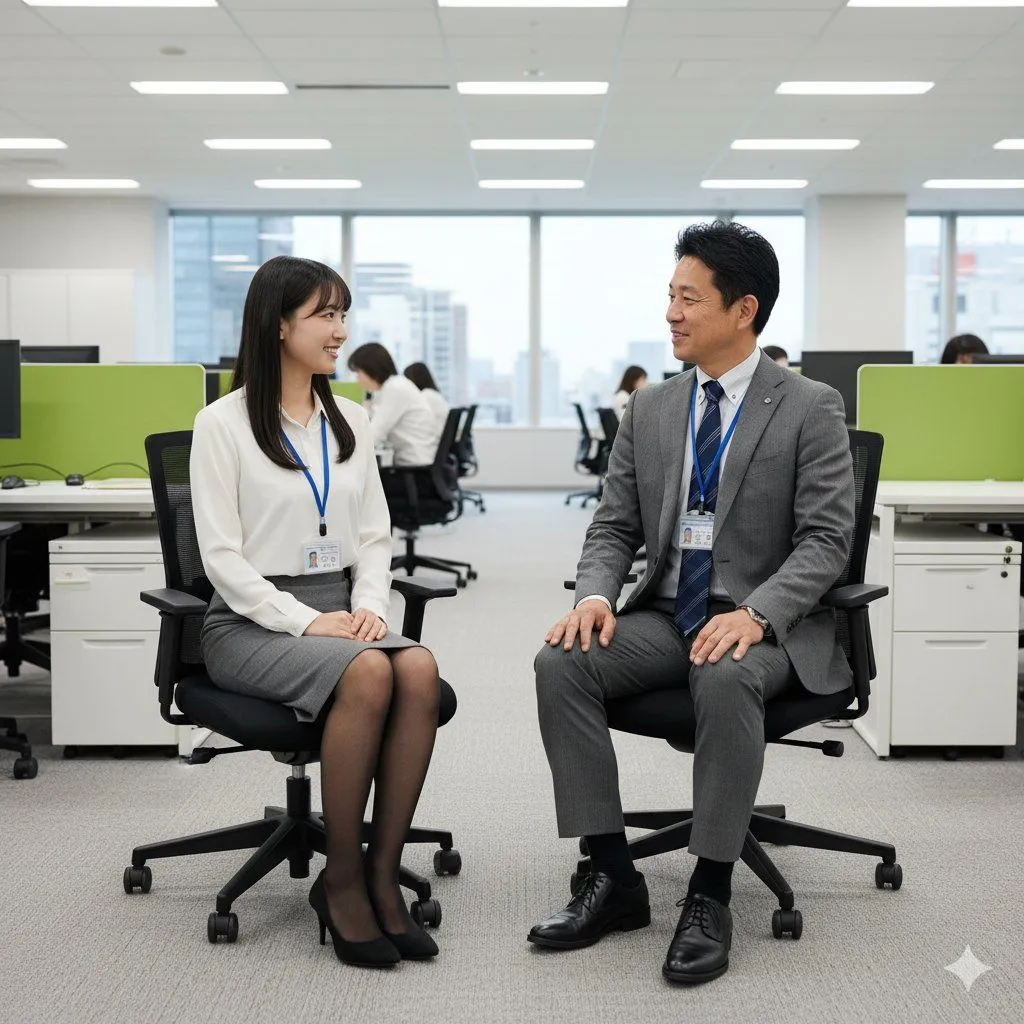
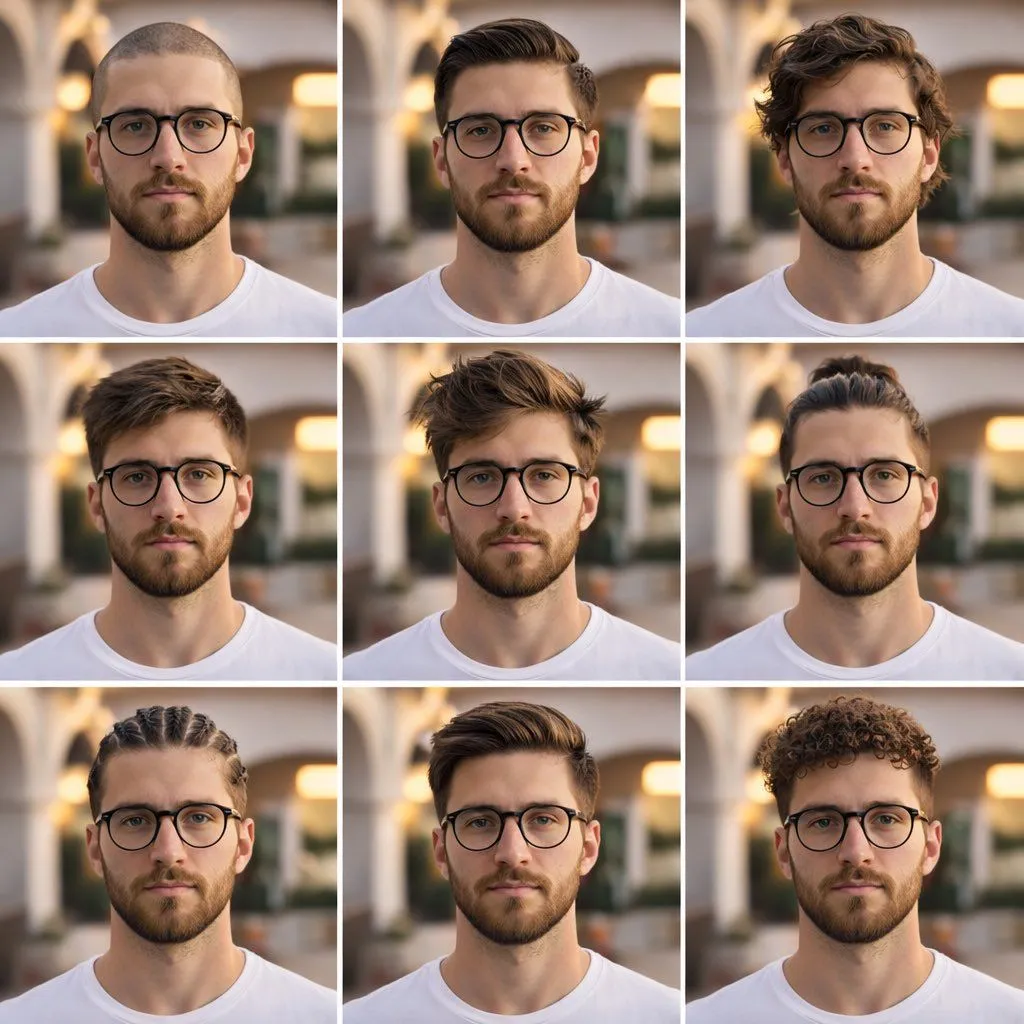
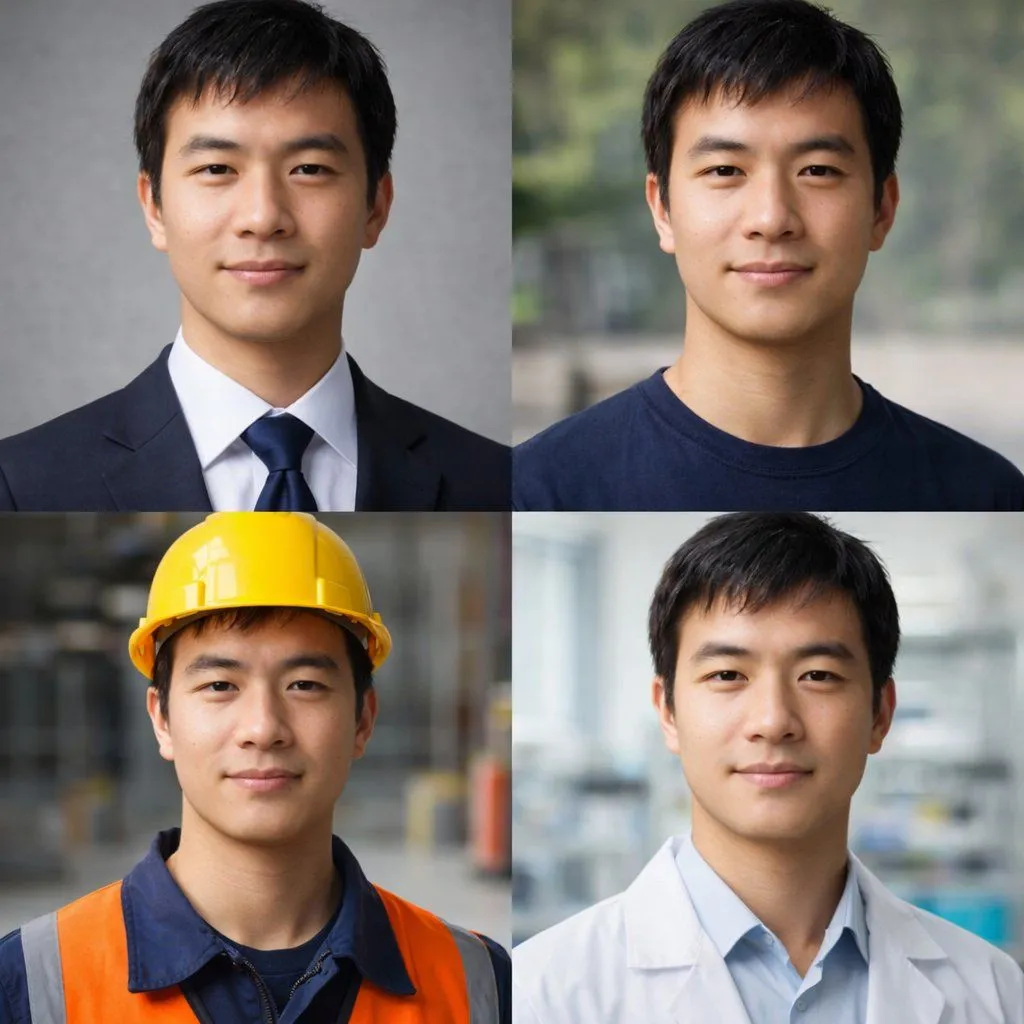
4-Panel Professional Avatar Grid

Made with GPT Image 2 in ChatGPT by Library Avatars. Promptclay never generates images.

Did it work?

No reports yet. Tell others if it worked for you.

No comments yet. Be the first.

    4-Panel Professional Avatar Grid

    GPT Image 21:1AI-generated

    Prompt

    { "type": "2x2 portrait grid", "subject": "{argument name=\"subject description\" default=\"young adult East Asian male with short black hair and a slight smile\"}", "style": "photorealistic, high-resolution, professional lighting, consistent facial identity across all panels", "layout": { "format": "2x2 grid", "panel_count": 4, "panels": [ { "position": "top-left", "description": "{argument name=\"profession 1\" default=\"Corporate professional wearing a dark navy suit, white shirt, and blue tie against a gray textured background\"}" }, { "position": "top-right", "description": "{argument name=\"profession 2\" default=\"Casual attire wearing a dark blue crew neck t-shirt against a blurred outdoor park background\"}" }, { "position": "bottom-left", "description": "{argument name=\"profession 3\" default=\"Construction worker wearing a yellow hard hat, navy blue work shirt, and bright orange high-visibility vest against a blurred warehouse background\"}" }, { "position": "bottom-right", "description": "{argument name=\"profession 4\" default=\"Medical professional wearing a white lab coat over a light blue collared shirt against a blurred laboratory background\"}" } ] } }

    Works in
    ChatGPT, Gemini
    Status
    Free to copy
    0
    DetailsVersions, settings and questions

    Written for

    What's in the prompt

    Subject
    Model
    GPT Image 2

    If your face changes

    keep my face exactly the same

    Questions

    Does this work in the ChatGPT app?
    Yes. Paste the prompt and attach your photo if it uses one.
    It changed my face. What do I do?
    Add "keep my face exactly the same" to the end and run it again.
    Can I use the images I make?
    Check the terms of the app you use. Promptclay never generates images and claims nothing you make.
    Similar prompts

    See more
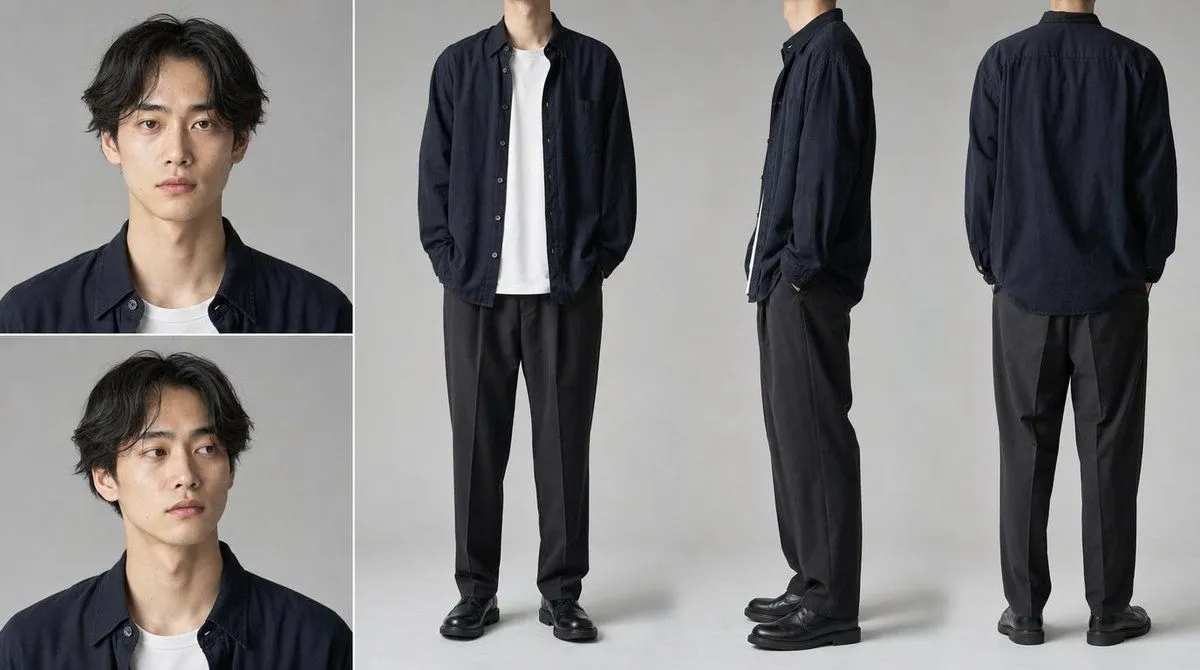
    • Professional Studio Profile Photo Generation
    • Face-to-Career Matching Composite Image Generator
    • Modern Male Character Reference Sheet
    • Photoreal FACS Expression Grid
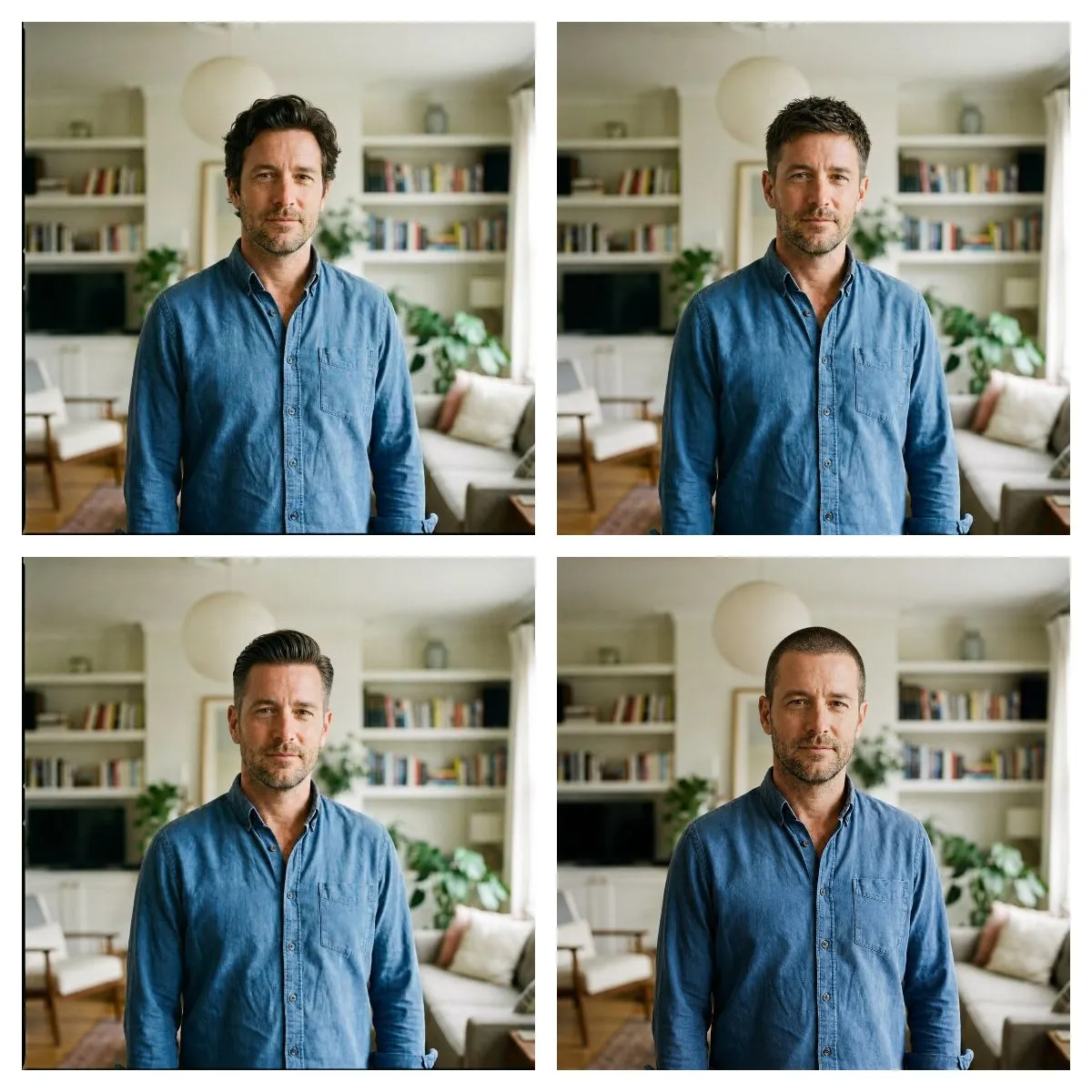
    • Four Haircut Comparison Grid
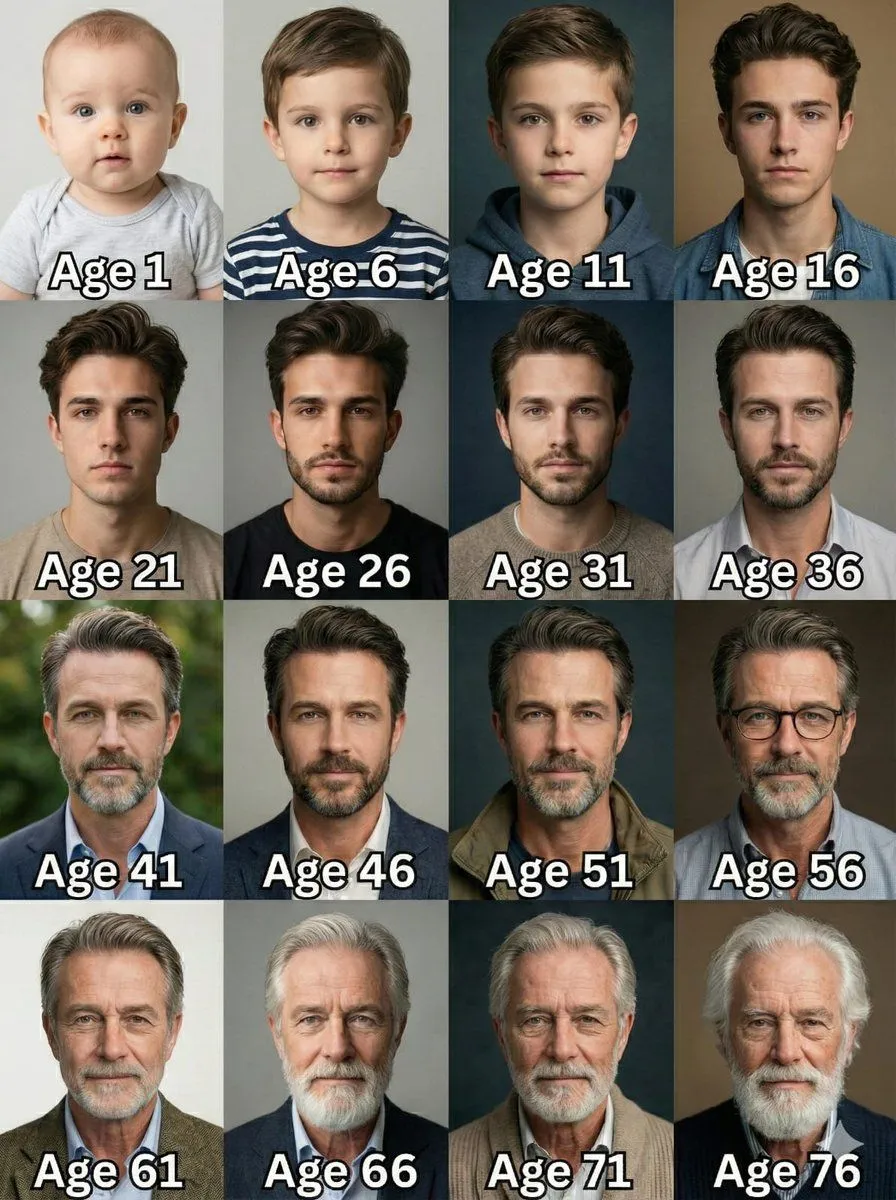
    • Age Progression Grid Prompt
    • Ultra-Realistic Passport Photo Generation
    • Professional ID Photo Generation Prompt
    • Professional Office Portrait
    • Stylish Office Worker Portrait
    • 3x3 Character Expression Portrait Sheet
    • Anonymous Legends in Red Grid
    • Vintage Editorial Portrait Collage
    • 2x2 Grid of Cyber-Punk Portrait Shots
    • 90s Indie Studio Portrait Grid
    • Ultra-Realistic Corporate Lifestyle Portrait
    • Image-to-Image Instruction for Clothing Swap
    • Aesthetic Hairstyle Comparison Grid
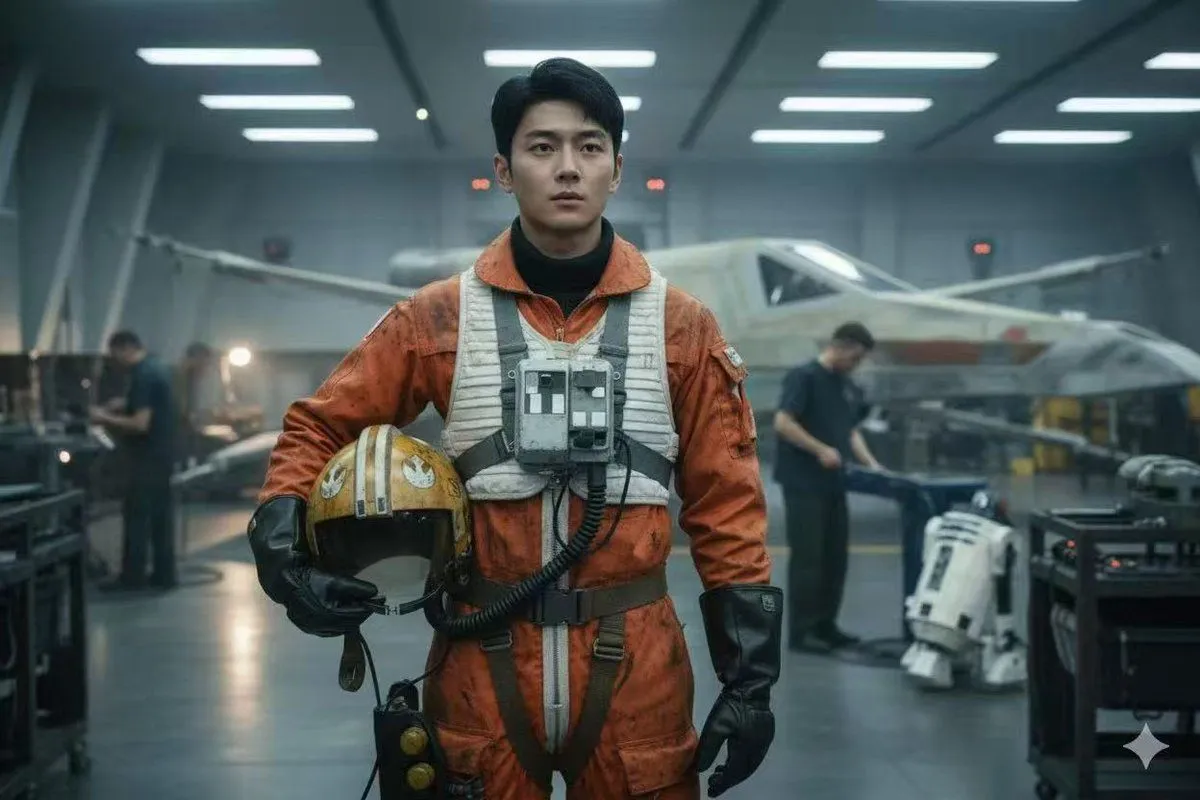
    • Rogue One Style Film Still Prompt
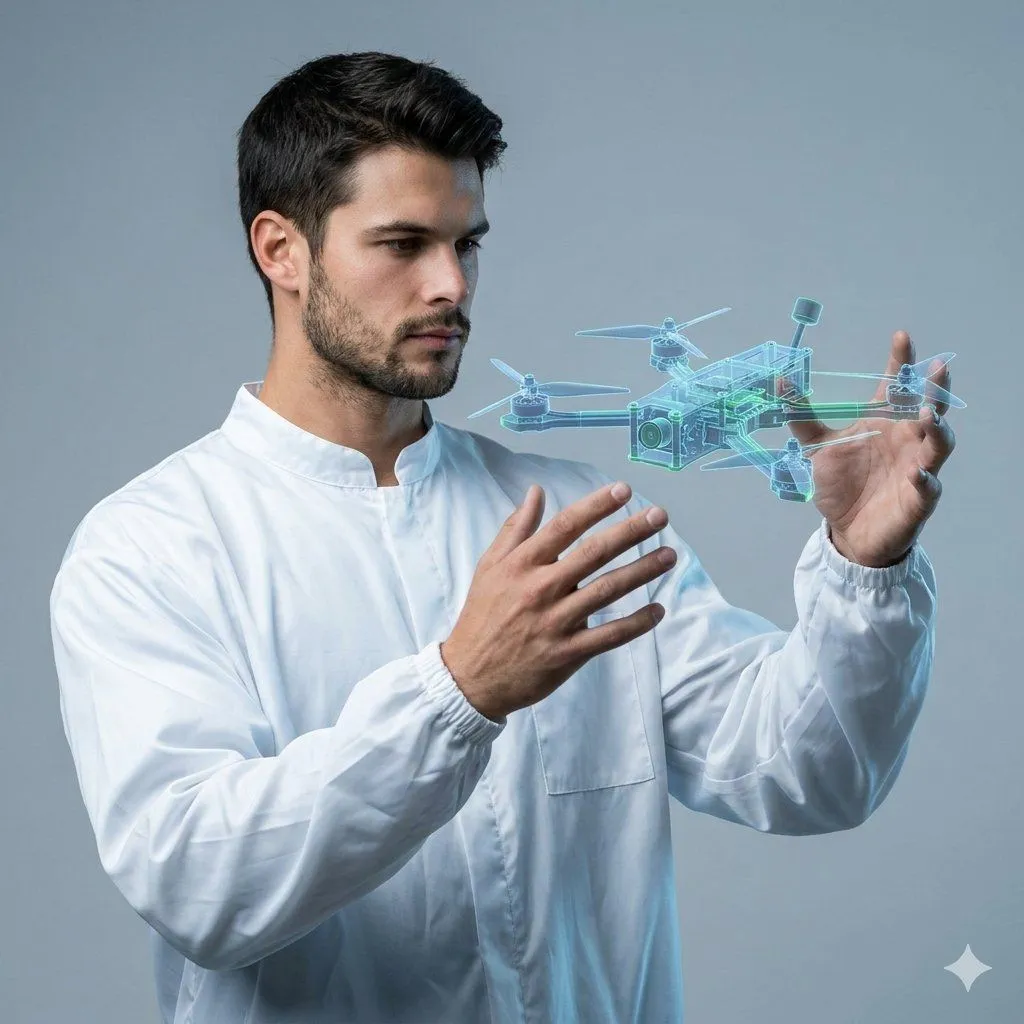
    • Man Holding Holographic Drone Prompt
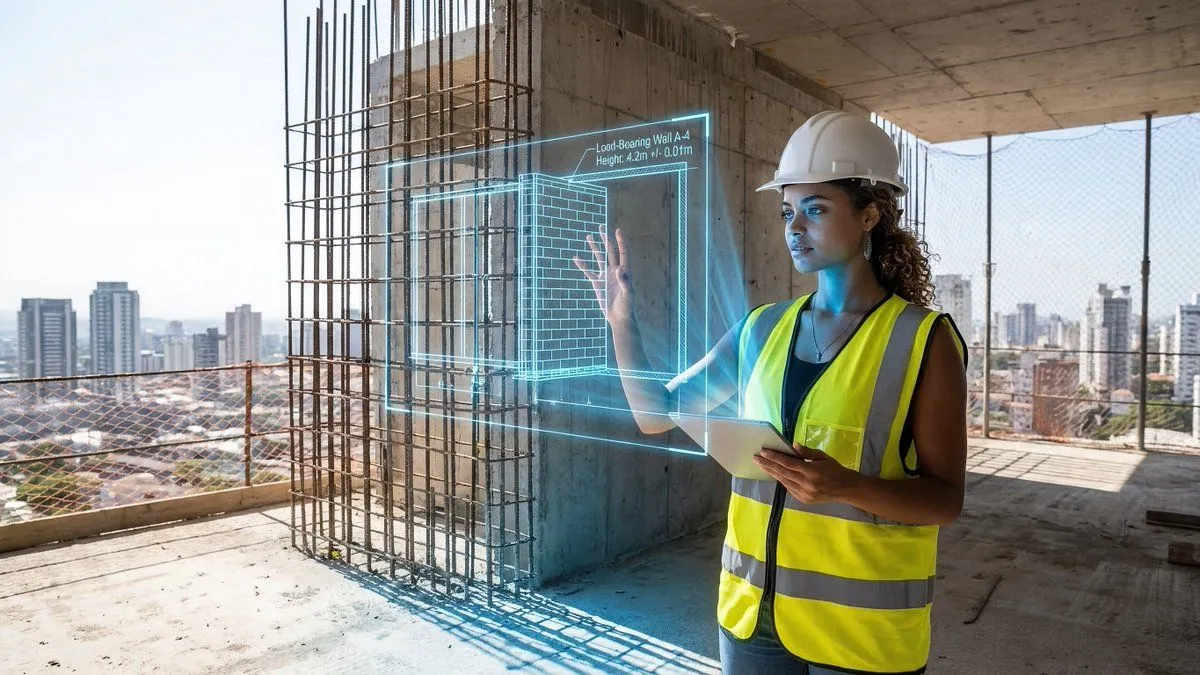
    • JSON prompt for construction site AR blueprint overlay
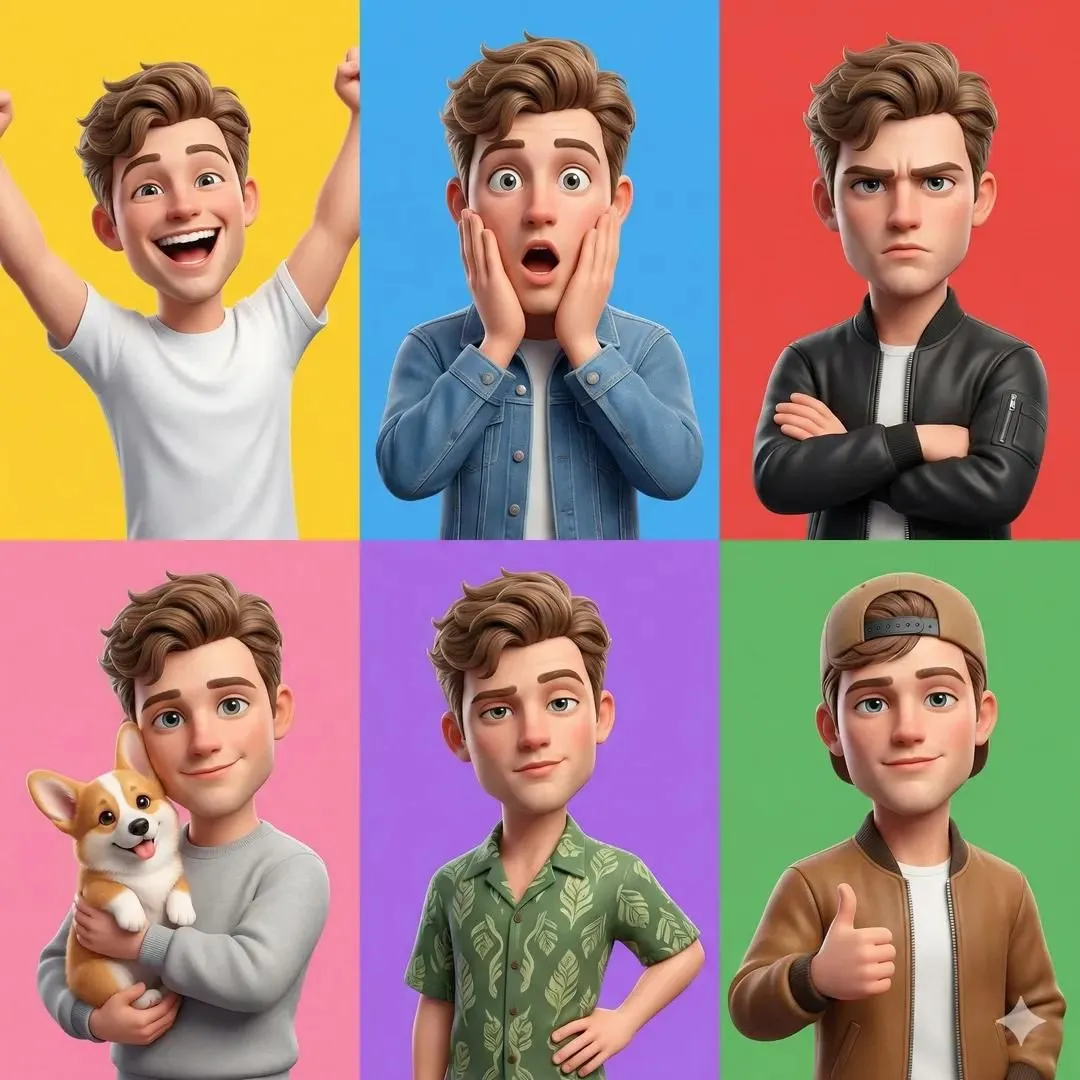
    • 3D Pixar-Style Character Grid
    • Apple Style Coach Branding Poster
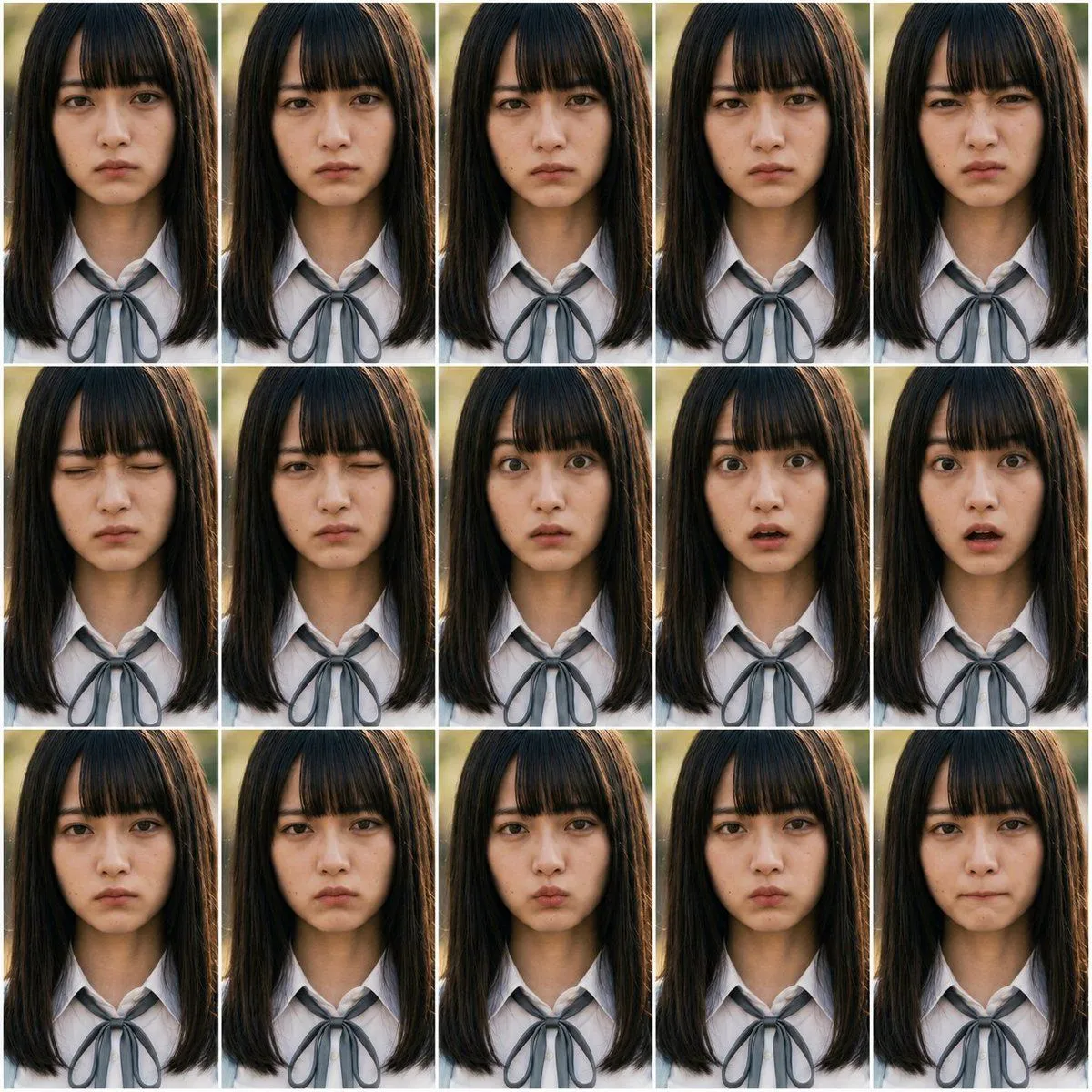
    • Heroine Expression Difference Grid Attempt

    Show more

    Run it on your phone

    1. Prompt copiedRead it

      { "type": "2x2 portrait grid", "subject": "{argument name=\"subject description\" default=\"young adult East Asian male with short black hair and a slight smile\"}", "style": "photorealistic, high-resolution, professional lighting, consistent facial identity across all panels", "layout": { "format": "2x2 grid", "panel_count": 4, "panels": [ { "position": "top-left", "description": "{argument name=\"profession 1\" default=\"Corporate professional wearing a dark navy suit, white shirt, and blue tie against a gray textured background\"}" }, { "position": "top-right", "description": "{argument name=\"profession 2\" default=\"Casual attire wearing a dark blue crew neck t-shirt against a blurred outdoor park background\"}" }, { "position": "bottom-left", "description": "{argument name=\"profession 3\" default=\"Construction worker wearing a yellow hard hat, navy blue work shirt, and bright orange high-visibility vest against a blurred warehouse background\"}" }, { "position": "bottom-right", "description": "{argument name=\"profession 4\" default=\"Medical professional wearing a white lab coat over a light blue collared shirt against a blurred laboratory background\"}" } ] } }

    2. Open your app

    3. Paste and run

      Press and hold the message box, then tap Paste. Add your photo first if the prompt uses one. You may need to sign in.

    4-Panel Professional Avatar Grid