Tell us anything

An idea, a bug, something you love. We read every note.

⌘↵ to send. The page you're on comes along.

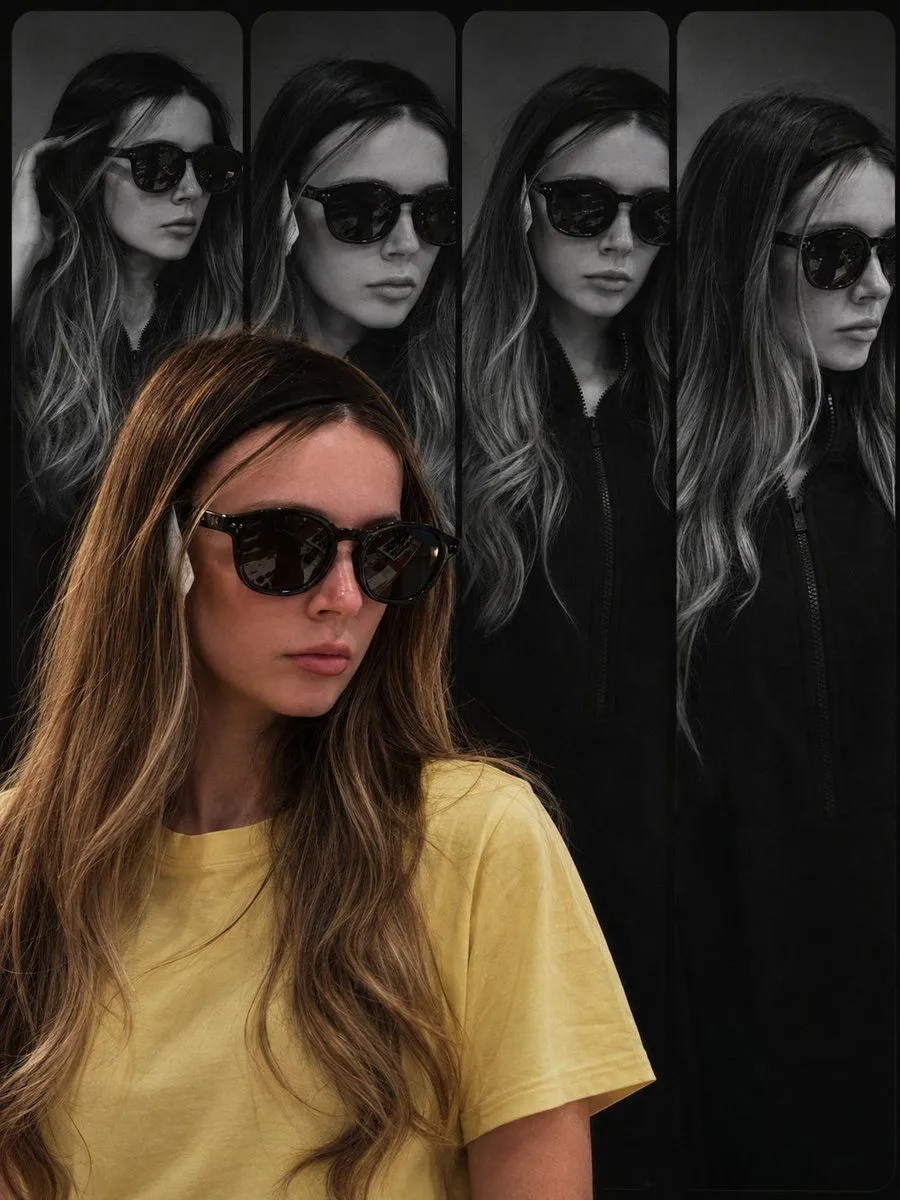
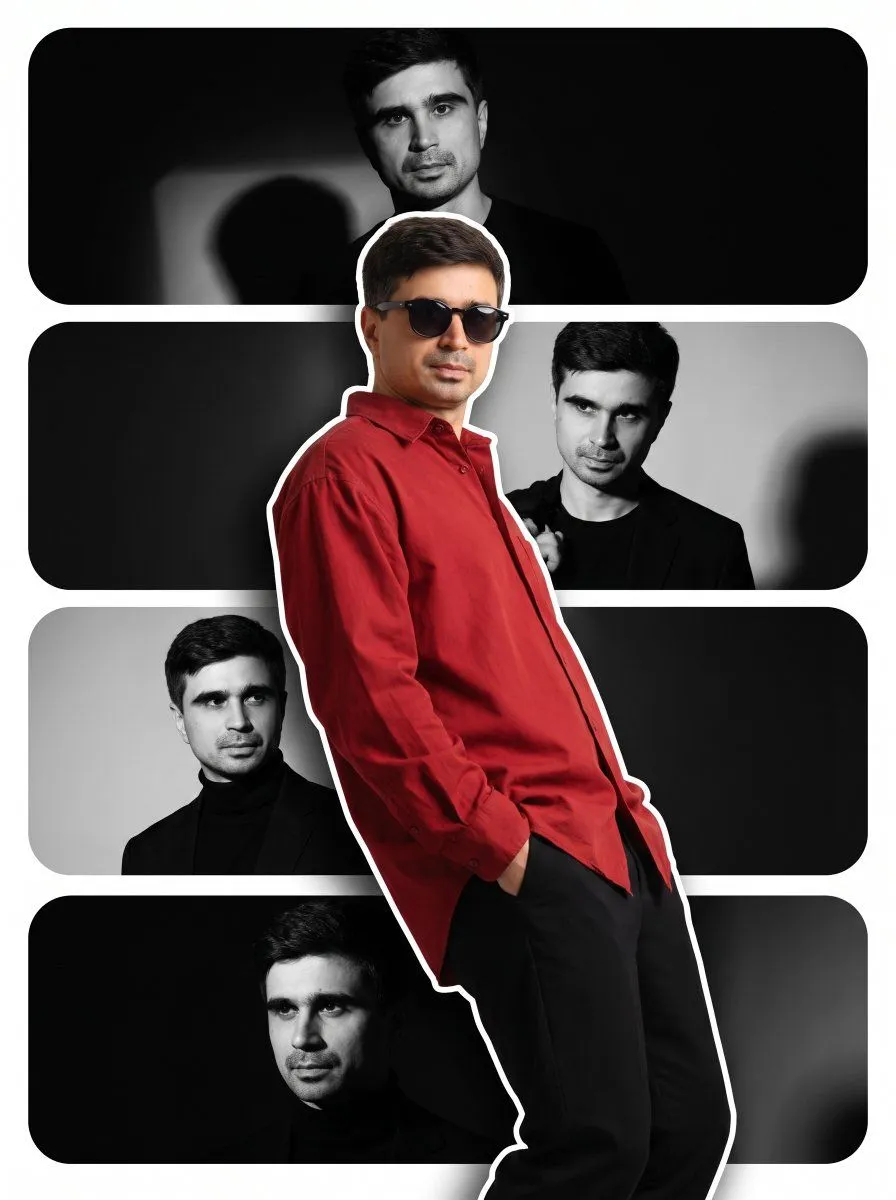
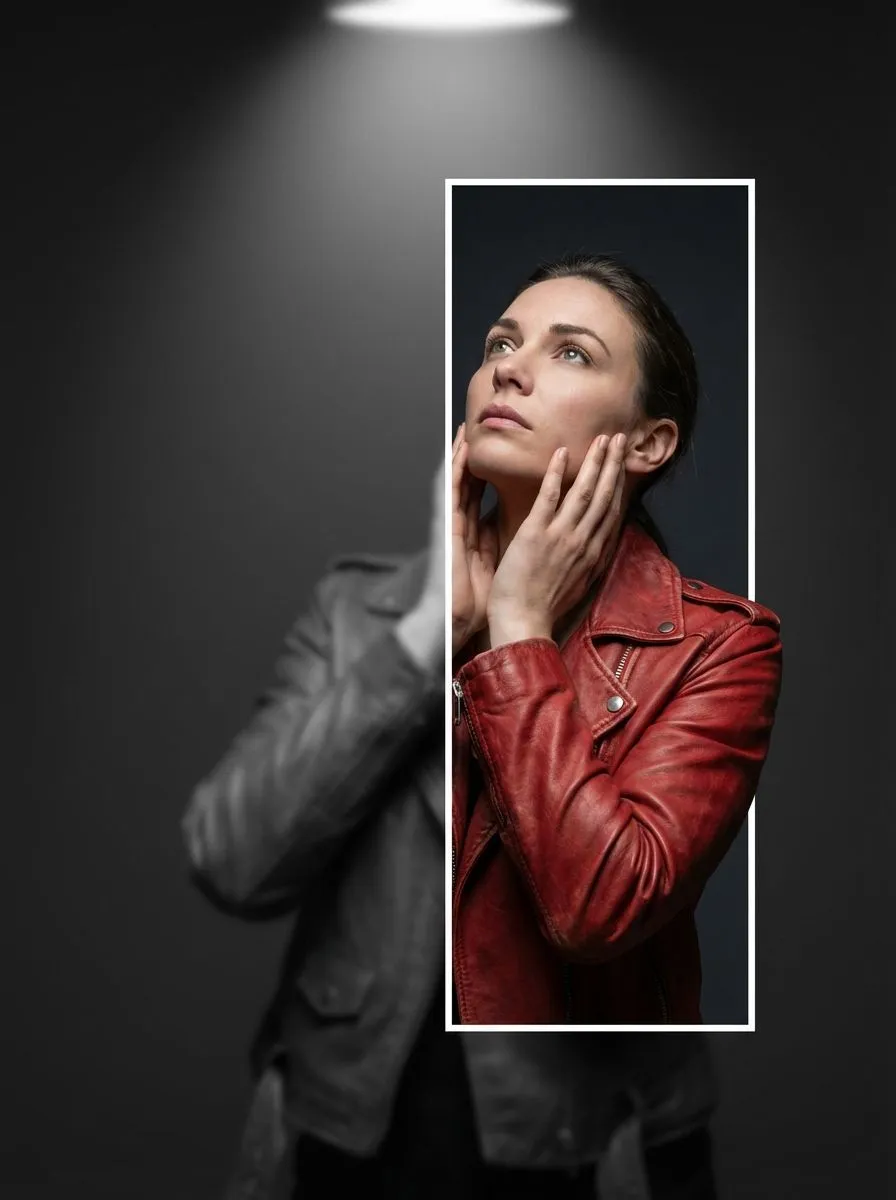
3D Breaking Frame Portrait Prompt

Made with Nano Banana Pro in Gemini by Library Social. Promptclay never generates images.

Did it work?

No reports yet. Tell others if it worked for you.

No comments yet. Be the first.

    3D Breaking Frame Portrait Prompt

    Nano Banana Pro3:4AI-generated

    Prompt

    { "image_spec": { "resolution": "8K", "style": "hyperrealistic editorial portrait photograph", "background": "deep charcoal gray", "lighting": "dramatic overhead spotlight", "mood": "cinematic, photorealistic, hyperrealistic depth illusion" }, "subject": { "type": "single woman", "clothing": "red leather biker jacket", "pose": { "right_hand": "positioned on her neck", "left_hand": "gently cradling her own face", "gaze": "looking up at the sky" } }, "layers": { "background_layer": { "description": "full figure of the subject", "color": "desaturated grayscale", "blur": "heavy Gaussian blur", "opacity": "50%" }, "foreground_layer": { "element": "white-bordered vertical rectangle", "position": "right of center", "height": "70% of full frame", "effect": "color-revealing window", "inside": { "color": "sharp realistic full color", "blur": "none, grayscale and blur removed" } }, "pop_out_effect": { "element": "right shoulder", "behavior": "breaking out of the rectangle border in full color", "technique": "trompe l'oeil 3d pop-out", "description": "shoulder overlaps the white border and extends into the grayscale area" } } }

    Works in
    Gemini, ChatGPT
    Status
    Free to copy
    0
    DetailsVersions, settings and questions

    Written for

    What's in the prompt

    Subject
    Model
    Nano Banana Pro

    If your face changes

    keep my face exactly the same

    Questions

    Does this work in the Gemini app?
    Yes. Gemini runs Nano Banana, so paste the prompt and attach your photo if it uses one.
    It changed my face. What do I do?
    Add "keep my face exactly the same" to the end and run it again.
    Can I use the images I make?
    Check the terms of the app you use. Promptclay never generates images and claims nothing you make.
    Similar prompts

    See more
    • Editorial Surrealism Portrait (Amber Trance)
    • Hyperrealistic Black-and-White Portrait with Selective Color
    • Surreal Iridescent Portrait with Tabby Cat
    • Cinematic Triple Exposure Portrait
    • Photoreal Claire Face Restoration
    • Geometric High-Fashion Editorial Portrait
    • Vogue-esque High-Fashion Portrait with Forced Perspective
    • Black-and-White Surreal Editorial Portrait Prompt
    • Dark Cinematic Skin Portrait
    • Dramatic Portrait with Red Light on Eyes
    • Experimental Editorial Portrait Poster
    • Neo-parametric architectural illustration
    • Haute Couture Editorial Collage
    • Editorial Portrait Photo Grid
    • Triple Exposure Neon Portrait Prompt
    • Black and White Fragmented Photo Collage
    • Monochrome Fine Art Portrait with Dramatic Rim Lighting
    • Cinematic Military Woman Portrait
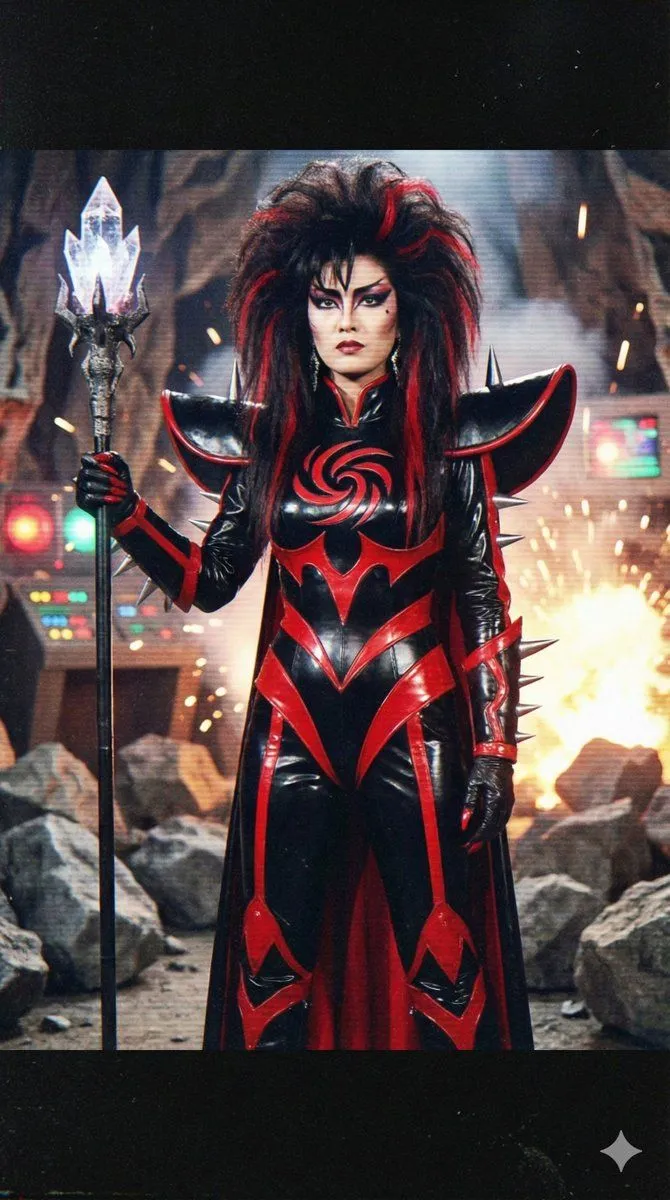
    • Prompt for 80s TV Style Villainess Character Design
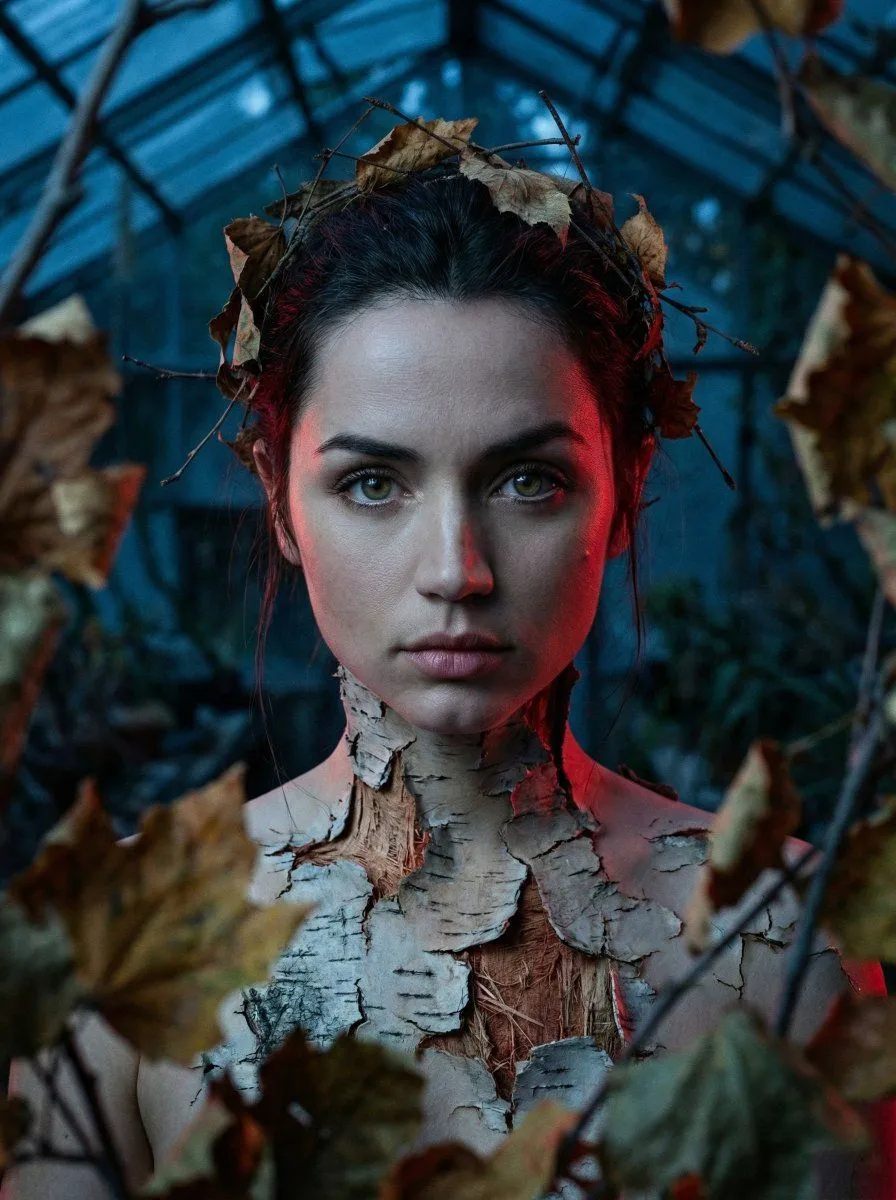
    • Surreal Birch Bark Portrait Prompt
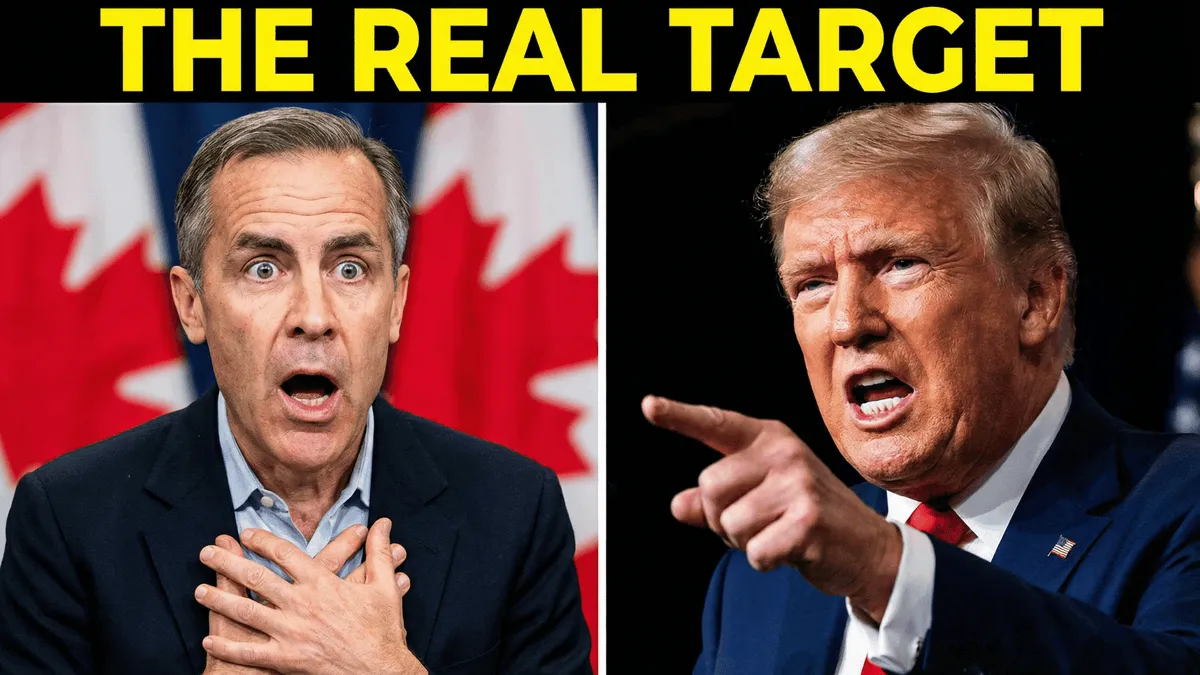
    • YouTube Thumbnail Prompt: Political Split Screen
    • Hand-Carved Wooden Miniature Figure
    • Modern Editorial Collage Poster
    • Nano Banana Pro Thumbnail Generation Example

    Show more

    Run it on your phone

    1. Prompt copiedRead it

      { "image_spec": { "resolution": "8K", "style": "hyperrealistic editorial portrait photograph", "background": "deep charcoal gray", "lighting": "dramatic overhead spotlight", "mood": "cinematic, photorealistic, hyperrealistic depth illusion" }, "subject": { "type": "single woman", "clothing": "red leather biker jacket", "pose": { "right_hand": "positioned on her neck", "left_hand": "gently cradling her own face", "gaze": "looking up at the sky" } }, "layers": { "background_layer": { "description": "full figure of the subject", "color": "desaturated grayscale", "blur": "heavy Gaussian blur", "opacity": "50%" }, "foreground_layer": { "element": "white-bordered vertical rectangle", "position": "right of center", "height": "70% of full frame", "effect": "color-revealing window", "inside": { "color": "sharp realistic full color", "blur": "none, grayscale and blur removed" } }, "pop_out_effect": { "element": "right shoulder", "behavior": "breaking out of the rectangle border in full color", "technique": "trompe l'oeil 3d pop-out", "description": "shoulder overlaps the white border and extends into the grayscale area" } } }

    2. Open your app

    3. Paste and run

      Press and hold the message box, then tap Paste. Add your photo first if the prompt uses one. You may need to sign in.

    3D Breaking Frame Portrait Prompt