Tell us anything

An idea, a bug, something you love. We read every note.

⌘↵ to send. The page you're on comes along.

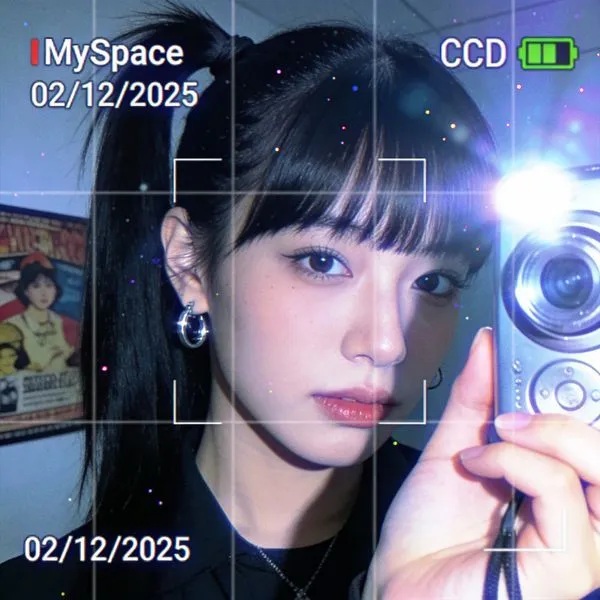
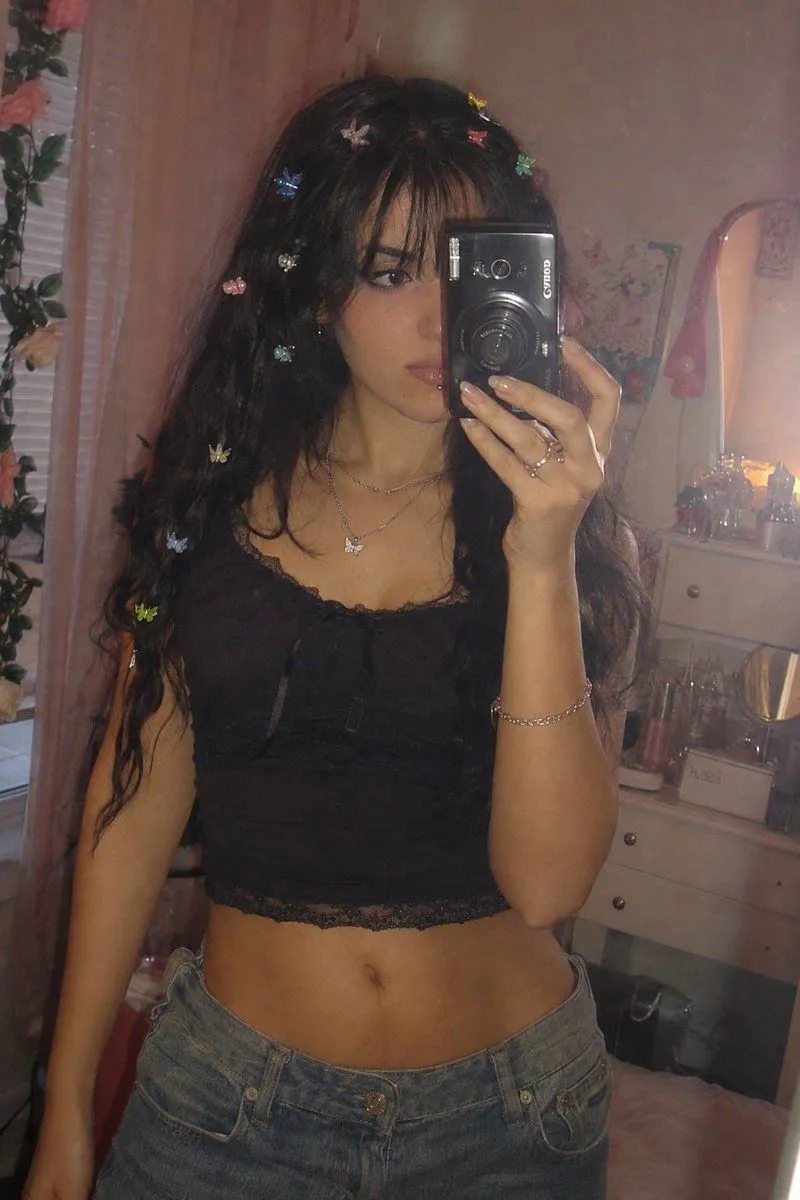
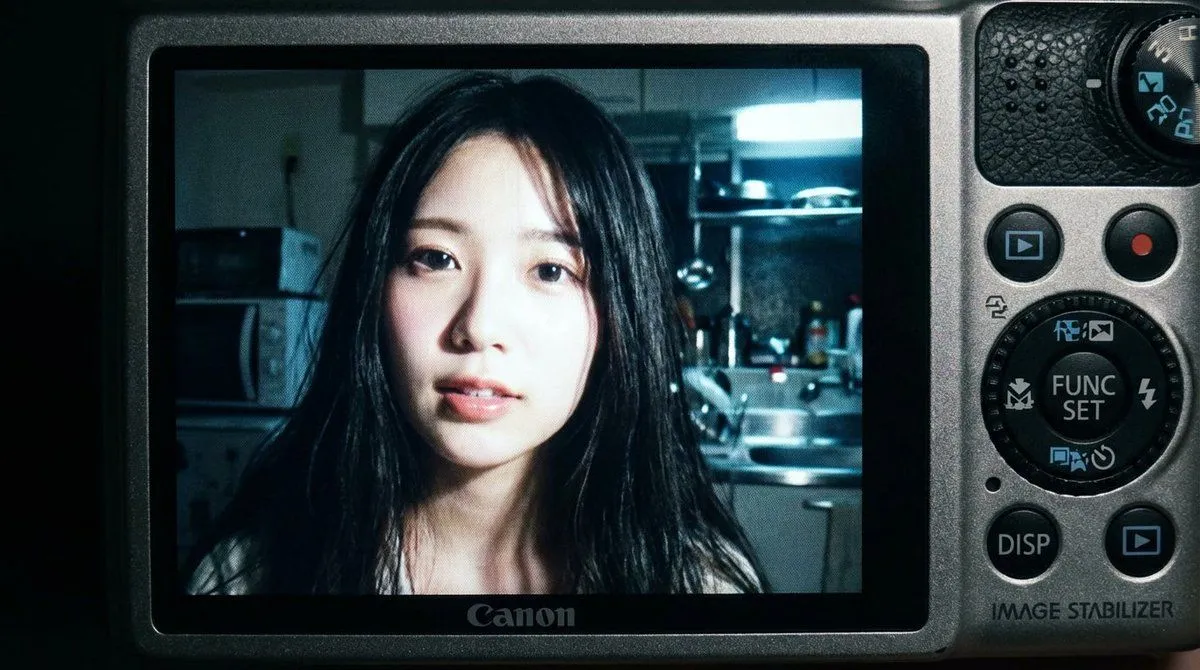
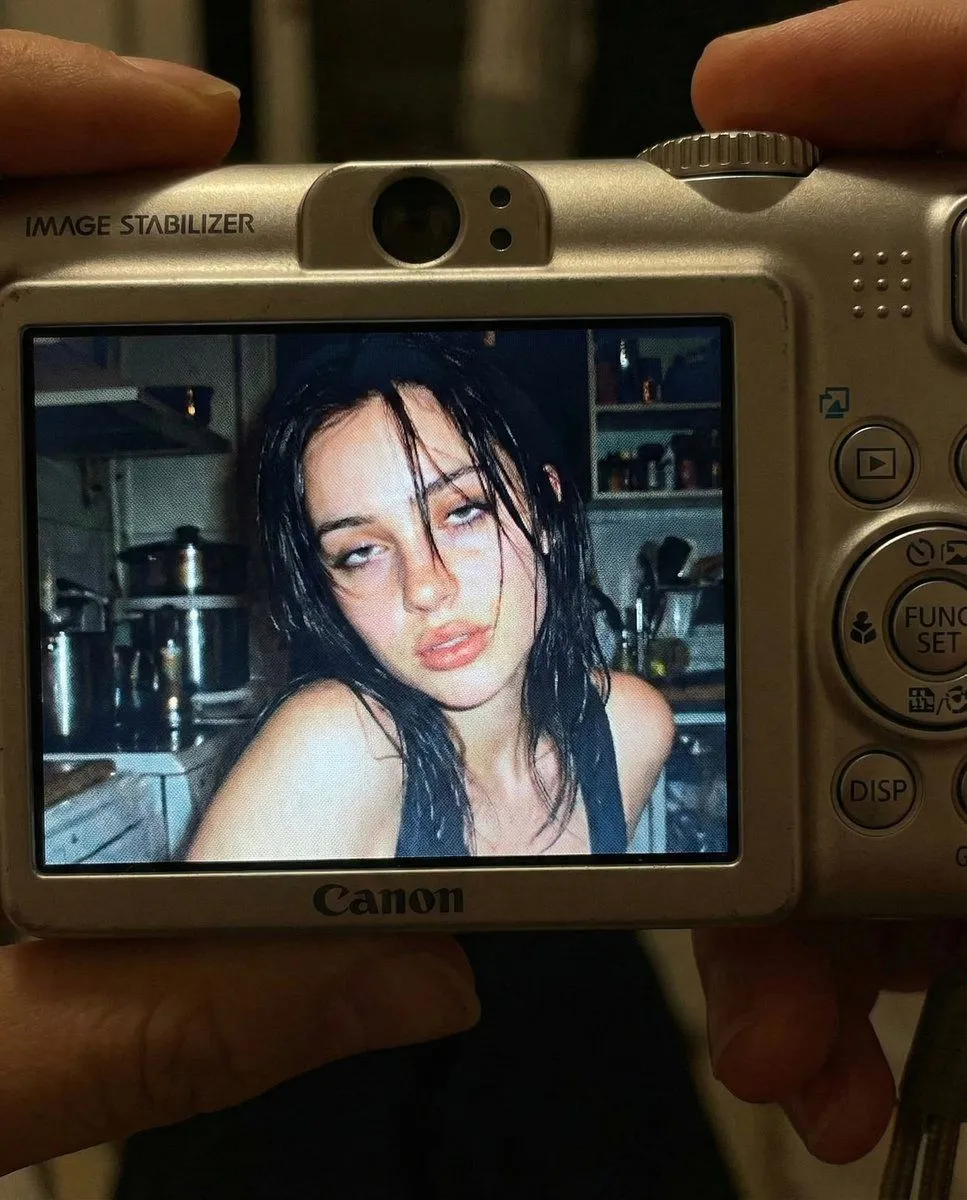
2000s Digital Camera Snapshot Prompt

Made with Nano Banana Pro in Gemini by Library Portraits. Promptclay never generates images.

Did it work?

No reports yet. Tell others if it worked for you.

No comments yet. Be the first.

    2000s Digital Camera Snapshot Prompt

    Nano Banana Pro16:9AI-generated

    Prompt

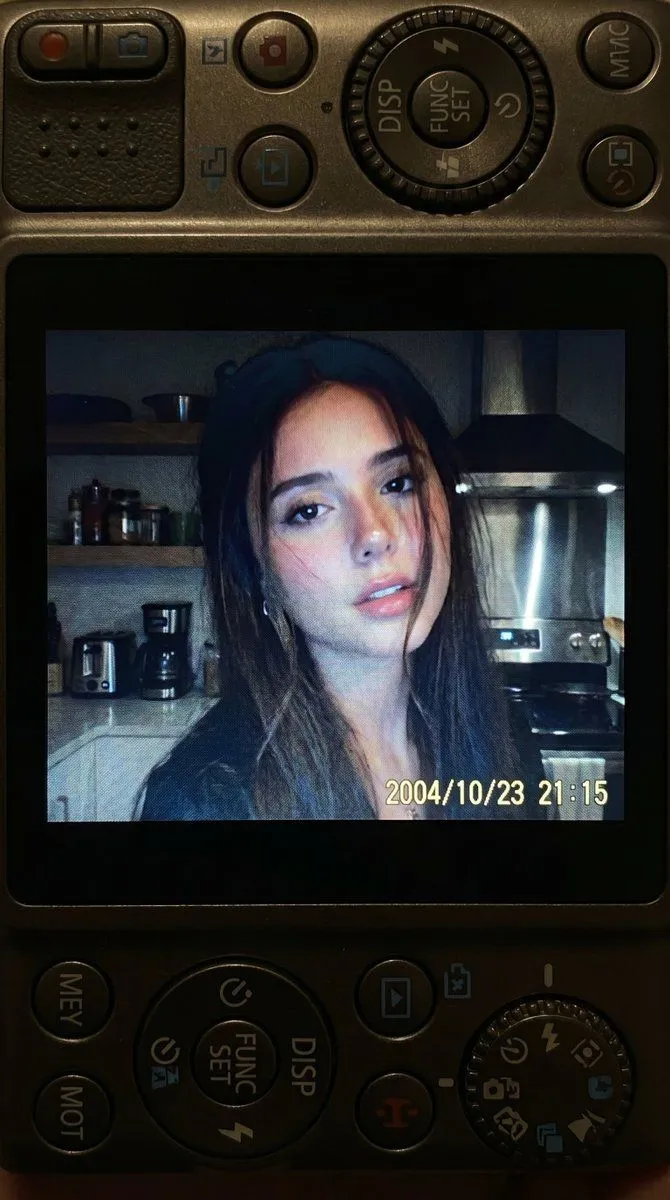
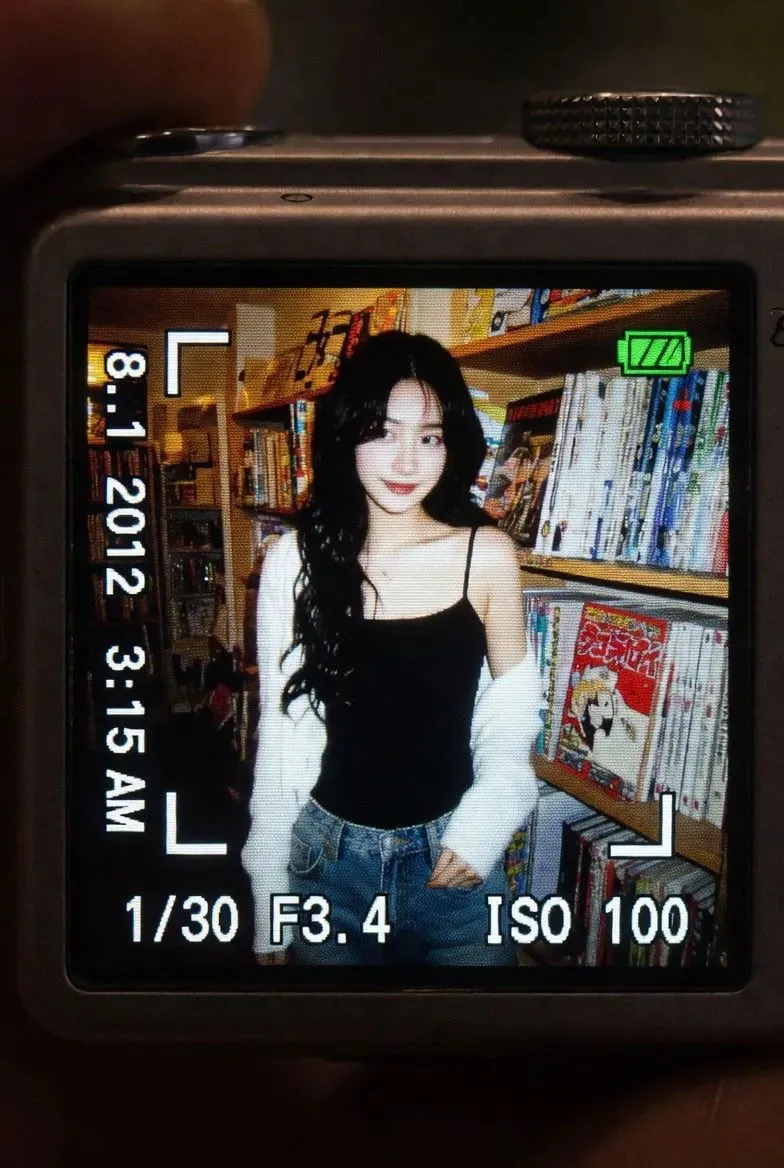
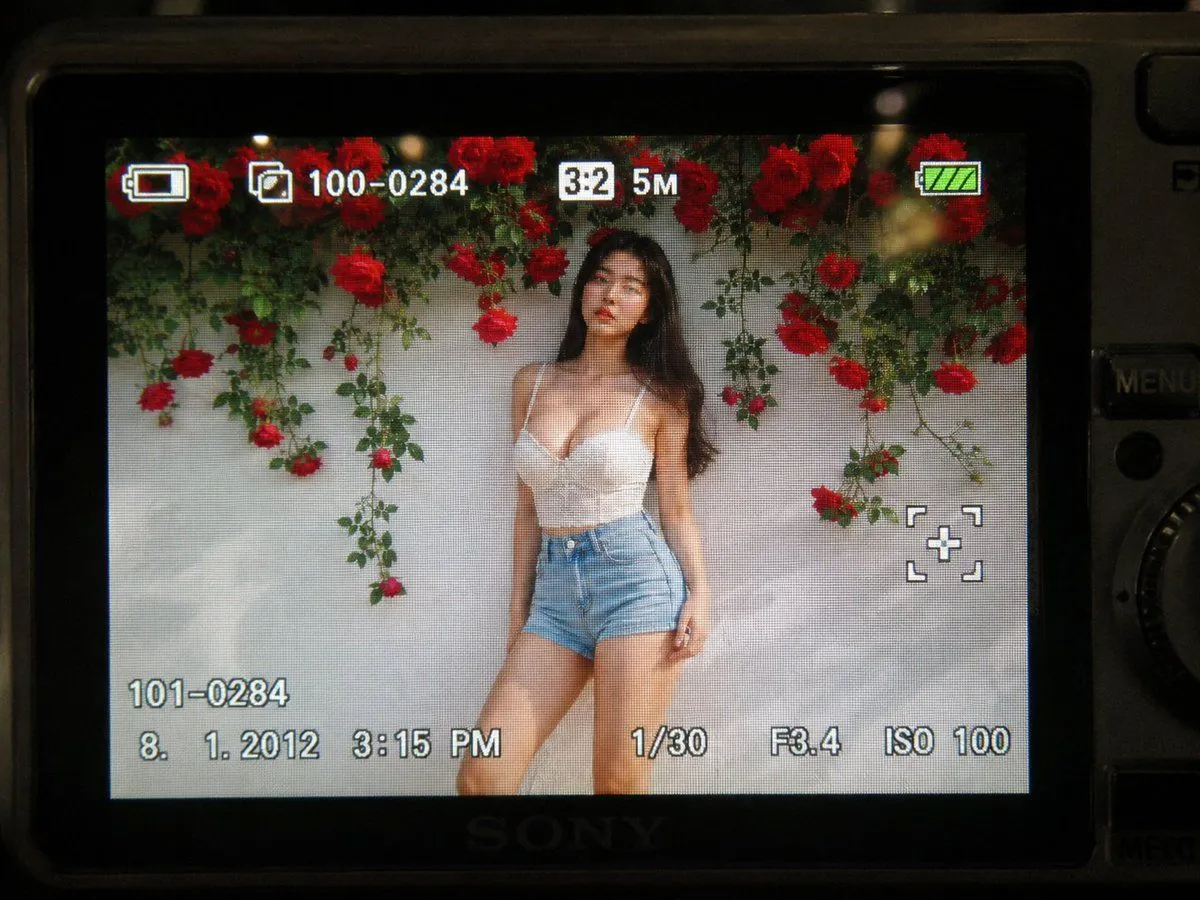
    { "subject": { "face_features": "Use the facial features from the attached photo", "description": "Close-up shot of a young woman. Long black hair loosely falls across her face, with a soft, slightly parted lip expression. Strong light from the built-in flash creates sharp highlights on her face and hair.", "mood": "Candid, raw, nostalgic. In the style of an early 2000s digital camera snapshot." }, "camera_display_scene": { "device": "Compact Canon digital camera", "visible_parts": [ "Camera body frames the image", "Buttons, dials, textured surface", "FUNC/SET wheel", "DISP button", "'IMAGE STABILIZER' label on the side" ], "screen_image": { "lighting": "Indoor night, bright direct light from built-in flash", "background": "Dim, cluttered kitchen. Appliances, shelves, and metal surfaces are softly blurred.", "color_tone": "Slightly subdued, cool undertones. Strong flash contrast. Natural graininess derived from the display.", "text_or_logo": "None" } }, "image_spec": { "aspect_ratio": "4:5 (Vertical)", "camera_simulation": "Compact digital camera simulation", "lens": "Equivalent to 28–35mm", "aperture": "f/2.8", "iso": 400, "shutter_speed": "1/60 (using flash)", "white_balance": "Auto flash", "lighting": { "subject": "Strong direct flash", "background": "Low ambient light" }, "color_grading": "Nostalgic digital camera tone, high contrast flash, subtle display graininess, screen-specific glow" } }

    Works in
    Gemini, ChatGPT
    Status
    Free to copy
    0
    DetailsVersions, settings and questions

    Written for

    What's in the prompt

    Subject
    Model
    Nano Banana Pro

    If your face changes

    keep my face exactly the same

    Questions

    Does this work in the Gemini app?
    Yes. Gemini runs Nano Banana, so paste the prompt and attach your photo if it uses one.
    It changed my face. What do I do?
    Add "keep my face exactly the same" to the end and run it again.
    Can I use the images I make?
    Check the terms of the app you use. Promptclay never generates images and claims nothing you make.
    Similar prompts

    See more
    • Compact Digital Camera Screen Snapshot of a Young Woman
    • Early 2000s Digital Camera Snapshot Prompt
    • Nostalgic 2000s Digital Camera Snapshot
    • Vintage Digicam LCD Screen
    • Retro Digital Camera Screen Mockup
    • Y2K Japanese Woman Collage
    • Y2K Digital Camera Selfie
    • Vintage Digital Camera Mirror Selfie
    • Y2K Tech Collage Portrait
    • Vintage Studio Portrait with Picture-in-Picture Effect
    • Prompt for Generating Image Variations from a Base Image
    • Infrared Police Back Seat Cam
    • Cinematic Café Story App UI
    • Rainy Night Story Game Screenshot
    • GPT Image 2.0 Japanese Thumbnail
    • AI Video Workspace Screenshot
    • Minimal Floating Product Shot
    • AI Gallery Portrait UI Screenshot
    • Pink-Haired Character Reference Sheet
    • Hand-Carved Wooden Miniature Figure
    • Hyper-Realistic Luxury Fashion Portrait
    • Multi-Angle Scene Generation Prompt (Oshi no Ko Style)
    • Nano Banana Pro Thumbnail Generation Example
    • Newspaper Collage Shadow Portrait

    Show more

    Run it on your phone

    1. Prompt copiedRead it

      { "subject": { "face_features": "Use the facial features from the attached photo", "description": "Close-up shot of a young woman. Long black hair loosely falls across her face, with a soft, slightly parted lip expression. Strong light from the built-in flash creates sharp highlights on her face and hair.", "mood": "Candid, raw, nostalgic. In the style of an early 2000s digital camera snapshot." }, "camera_display_scene": { "device": "Compact Canon digital camera", "visible_parts": [ "Camera body frames the image", "Buttons, dials, textured surface", "FUNC/SET wheel", "DISP button", "'IMAGE STABILIZER' label on the side" ], "screen_image": { "lighting": "Indoor night, bright direct light from built-in flash", "background": "Dim, cluttered kitchen. Appliances, shelves, and metal surfaces are softly blurred.", "color_tone": "Slightly subdued, cool undertones. Strong flash contrast. Natural graininess derived from the display.", "text_or_logo": "None" } }, "image_spec": { "aspect_ratio": "4:5 (Vertical)", "camera_simulation": "Compact digital camera simulation", "lens": "Equivalent to 28–35mm", "aperture": "f/2.8", "iso": 400, "shutter_speed": "1/60 (using flash)", "white_balance": "Auto flash", "lighting": { "subject": "Strong direct flash", "background": "Low ambient light" }, "color_grading": "Nostalgic digital camera tone, high contrast flash, subtle display graininess, screen-specific glow" } }

    2. Open your app

    3. Paste and run

      Press and hold the message box, then tap Paste. Add your photo first if the prompt uses one. You may need to sign in.

    2000s Digital Camera Snapshot Prompt