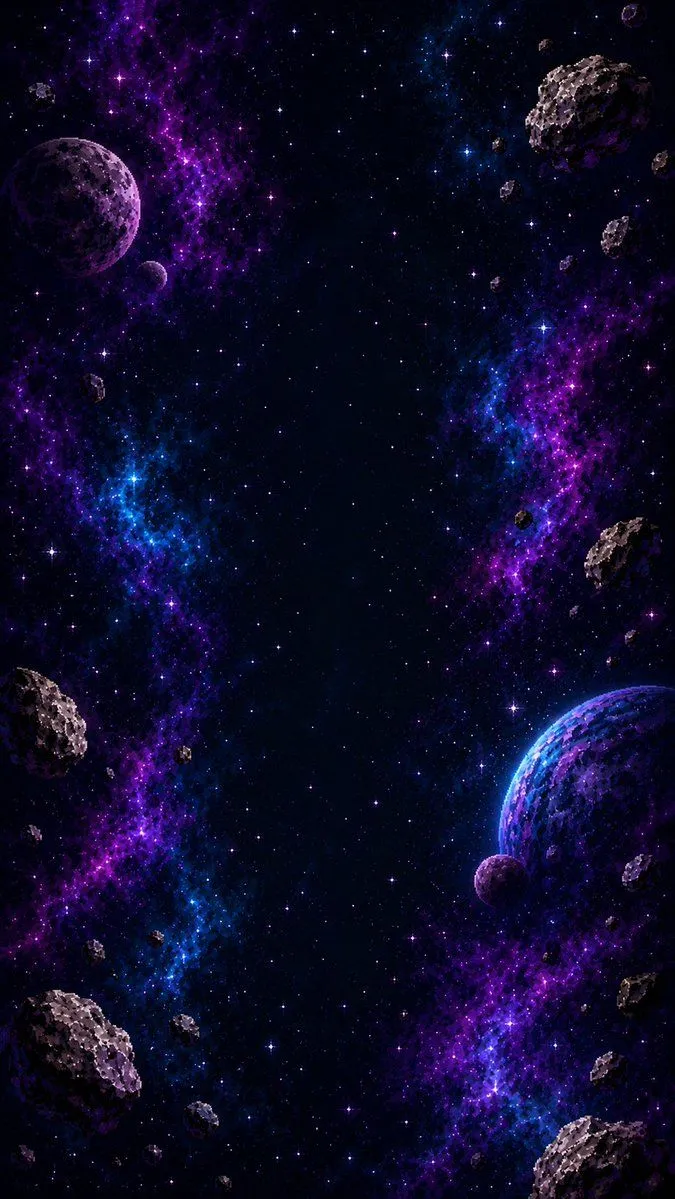
Vertical Pixel Space Shooter Background
Create a vertical retro pixel-art space shooter scrolling background, designed as a seamless mobile game asset. The canvas is a tall 9:16 portrait frame with a dark central flight corridor left mostly open for gameplay. Fill the scene with a deep black starfield, hundreds of tiny white, blue, and violet pixel stars, and two luminous vertical nebula streams: one winding down the left side in electric purple and blue, and one winding down the right side in purple with cyan highlights. Add exactly 3 visible planets: a large purple cratered planet near the upper left edge, a large blue-purple rim-lit planet partially cropped on the lower right edge, and a small purple moon just below that lower-right planet. Add exactly 22 rocky asteroids of varied sizes, irregular cratered gray-brown forms with purple shadowing, distributed around the border while keeping the center mostly clear: 1 huge asteroid near the upper right, 1 medium asteroid at the right-middle edge, 1 medium asteroid at the lower left edge, 1 large asteroid cropped at the bottom left corner, 1 large asteroid cropped at the lower right corner, plus 17 smaller asteroids scattered near the top edge, side edges, and lower border. Use crisp pixel-art rendering with high-detail dithering, chunky jagged silhouettes, bright rim highlights, no outlines that look vector-smooth, no ships, no UI, no text, no watermark. Color palette: black space, violet and magenta nebula clouds, electric blue accents, white star glints, gray rocky asteroids with cool purple shadows. The image should feel production-ready as a vertical shoot ’em up background tile, dramatic but readable, with the gameplay lane clear in the center.