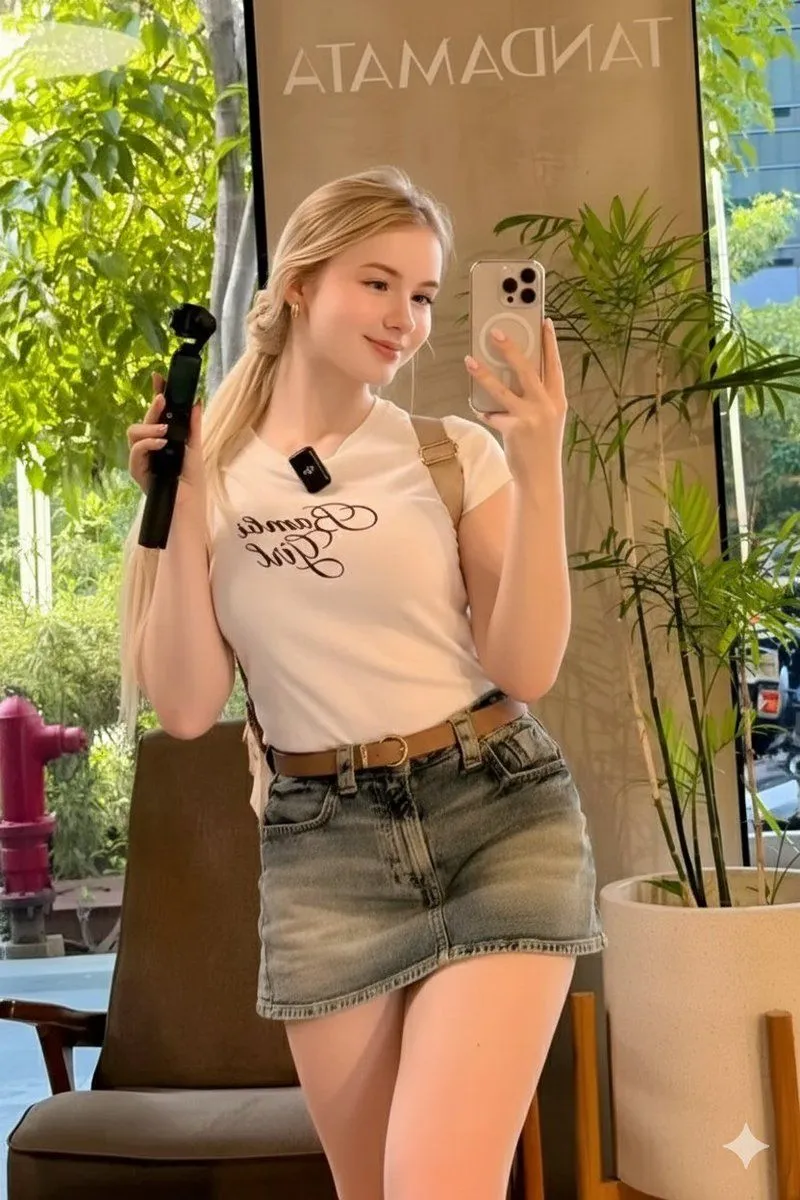
Ultra-Realistic Mirror Selfie in a Café
Beautiful young blonde woman with long wavy hair styled in a loose low ponytail, a few soft face-framing strands falling naturally, fair glowing skin, soft natural makeup with subtle blush and glossy lips, gentle sweet smile and relaxed eyes. She is taking a mirror selfie using an phone_model held in one hand, visible MagSafe pop socket attached to the phone, while holding a DJI Osmo Mobile smartphone gimbal casually in the other hand. She is wearing a cream-white cropped t-shirt with elegant cursive typography reading “shirt_text”, perfectly fitted but casual, paired with a high-waisted light-wash denim mini skirt, styled with a brown leather belt featuring a large vintage-style buckle. Minimal jewelry: small gold hoop earrings, clean nails, effortless everyday fashion. Her pose is casual and confident, slightly angled toward the mirror, relaxed shoulders, natural posture typical of an authentic smartphone selfie. The scene is set inside a modern trendy café interior with soft neutral tones, wooden textures, stylish furniture, and large lush green plants placed around the space. Natural daylight streams through large windows, creating a warm, cozy, inviting atmosphere with soft highlights and gentle shadows. Ultra-realistic professional smartphone photography, photorealistic skin texture with visible pores, realistic fabric folds, accurate reflections in the mirror, sharp focus, natural depth of field, clean composition. Soft natural window light, true-to-life colors, realistic exposure and contrast, modern lifestyle aesthetic. Captured as a high-quality iPhone selfie, realistic lens perspective, cinematic yet natural look, editorial-level realism.