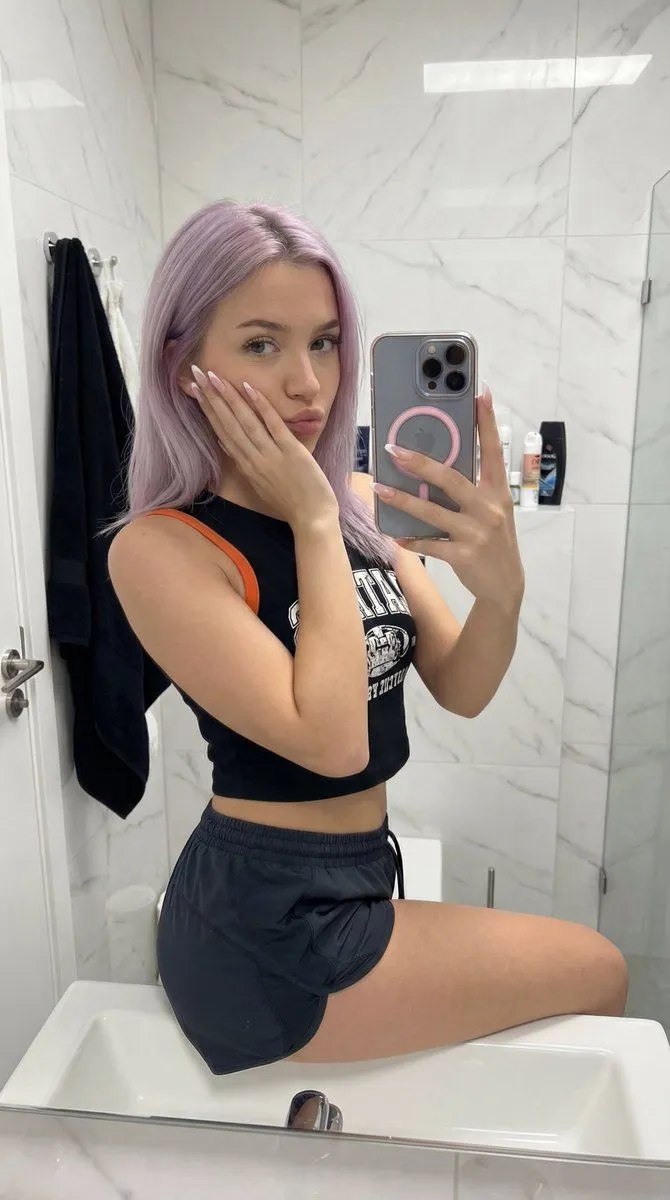
Ultra-Realistic Bathroom Sink Selfie
"image_parameters": "aspect_ratio": "9:16", "style": "Ultra-realistic, high detail, candid mirror selfie", "lighting": "Soft, even indoor lighting, natural bathroom illumination, no flash" , "subject_details": "appearance": "Young woman, flat toned abdomen, natural skin texture", "hair": "hair_color", "nails": "Long light-colored French-style manicure" , "pose_and_expression": "posture": "Sitting on the edge of a white sink, one leg hanging down naturally, legs slightly apart", "hands": "Right hand holding smartphone at face level; left hand supporting head with cheek resting on palm", "facial_expression": "Subtle duck face, slightly pursed lips, direct eye contact, playful and flirtatious" , "outfit": "top": "Black short sleeveless crop top with orange shoulder straps and white graphic/text print on chest", "bottoms": "Very short black sport/pajama style shorts", "accessories": "iPhone in transparent case with phone_accessory_color MagSafe ring" , "environment": "location": "Modern bathroom interior", "background": "White marble walls with soft gray veining, toilet, bathtub/shower area visible", "props": "Shelf with assorted bottles/toiletries, black towel on hook" , "final_prompt_string": "An ultra-realistic mirror selfie of a young woman with soft lavender hair sitting on the edge of a white marble bathroom sink. She wears a black crop top with orange straps and short black shorts. She holds a smartphone with a pink MagSafe ring, resting her cheek on her left hand which features a French manicure. Her expression is playful with a subtle duck face and direct eye contact. Background includes a toilet, shower, and shelves with toiletries. Soft, even indoor lighting. --ar 3:4"