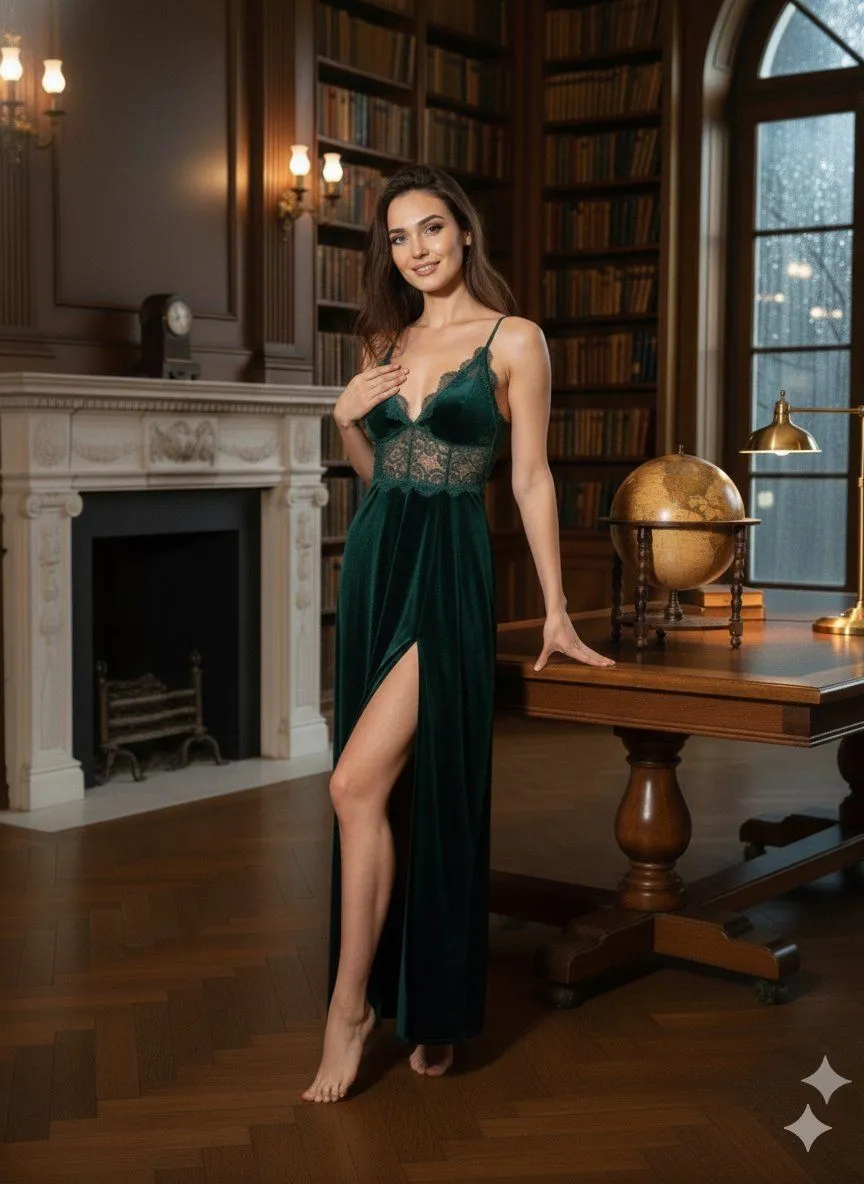
Ultra Photorealistic Editorial Portrait with Raw Flash
"prompt_configuration": "type": "Ultra Photorealistic Editorial Portrait", "aspect_ratio": "3:4", "style_model": "Raw Flash Photography" , "prompt_structure": "subject_description": "identity": "Exceptionally beautiful young woman, early 20s, magnetic screen presence, effortless confidence.", "hair": "Long, thick dark brown hair with soft volume, slightly tousled, framing the face and falling forward over both shoulders.", "face": "Striking symmetrical face, large expressive eyes with intense eye contact, relaxed brows, soft glossy lips slightly parted, natural confident smile.", "pose": "Standing very close to the camera with a subtle forward lean from the waist. Shoulders gently rolled back and chest naturally lifted. Chin slightly lowered while eyes look straight into the lens for strong intimacy. Right hand raised near cheek level, clearly holding an ornate Venetian masquerade mask angled outward and fully visible. Left hand resting at the hip to accentuate curves." , "attire_and_accessories": "outfit": "dress_color sequin dress with thin straps and a deep, elegant neckline that naturally frames cleavage without exaggeration. Fabric catches flash light with intense sparkle.", "accessories": [ "Ornate silver-and-black Venetian masquerade mask with detailed filigree, held in the right hand.", "Minimal diamond necklace sitting just above the neckline." ] , "environment_and_atmosphere": "setting": "Luxury rooftop or balcony at night.", "background": "Very dark, softly blurred city lights with no distractions.", "lighting": "Direct flash placed slightly above eye level, sculpting the eyes, cheekbones, collarbones, neckline, and mask"