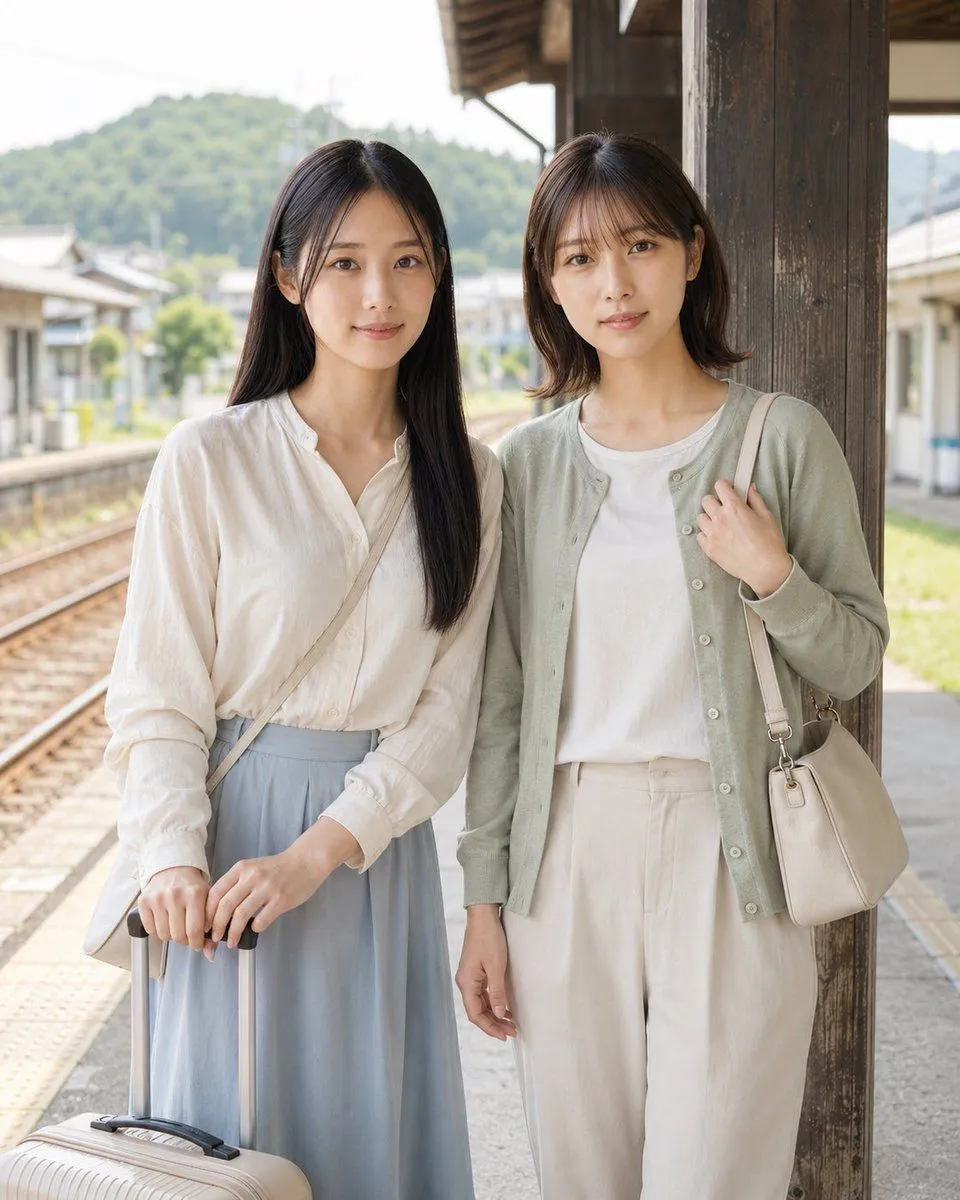
Two Reference Women at Train Station
Using the two provided reference images as separate character identities, create a realistic full-body travel portrait of exactly 2 women standing together at a quiet rural train station platform. Use REFERENCE_1 for the woman on the left and REFERENCE_0 for the woman on the right; keep each person's facial identity distinct and accurate, with no blending or swapping of their faces. Scene and composition: Place them side by side under a wooden station shelter, facing the camera with relaxed, gentle expressions. Add railway tracks receding into the background, a small countryside station, soft green hills, and bright natural daytime light. Use a clean, photorealistic Japanese lifestyle-photo look with shallow depth of field. Outfit changes: Dress the left woman in a soft white blouse and pale blue long skirt, with a light crossbody strap, and have her holding the handle of a cream-colored rolling suitcase in front of her. Dress the right woman in a white top, light sage-green cardigan, and cream trousers, with a beige shoulder bag on her right shoulder and one hand lightly holding the strap. Required discrete elements: exactly 2 women; exactly 1 rolling suitcase held by the left woman; exactly 2 visible bags total — 1 crossbody bag/strap on the left woman and 1 shoulder bag on the right woman. Customizable details: set the location to location, the season/mood to season_and_mood, the left outfit to left_woman_outfit, the right outfit to right_woman_outfit, and the photo style to photo_style. Constraints: Do not merge the two reference faces. Do not make them look like sisters or a single averaged person. Avoid extra people, text, logos, or cartoon styling.