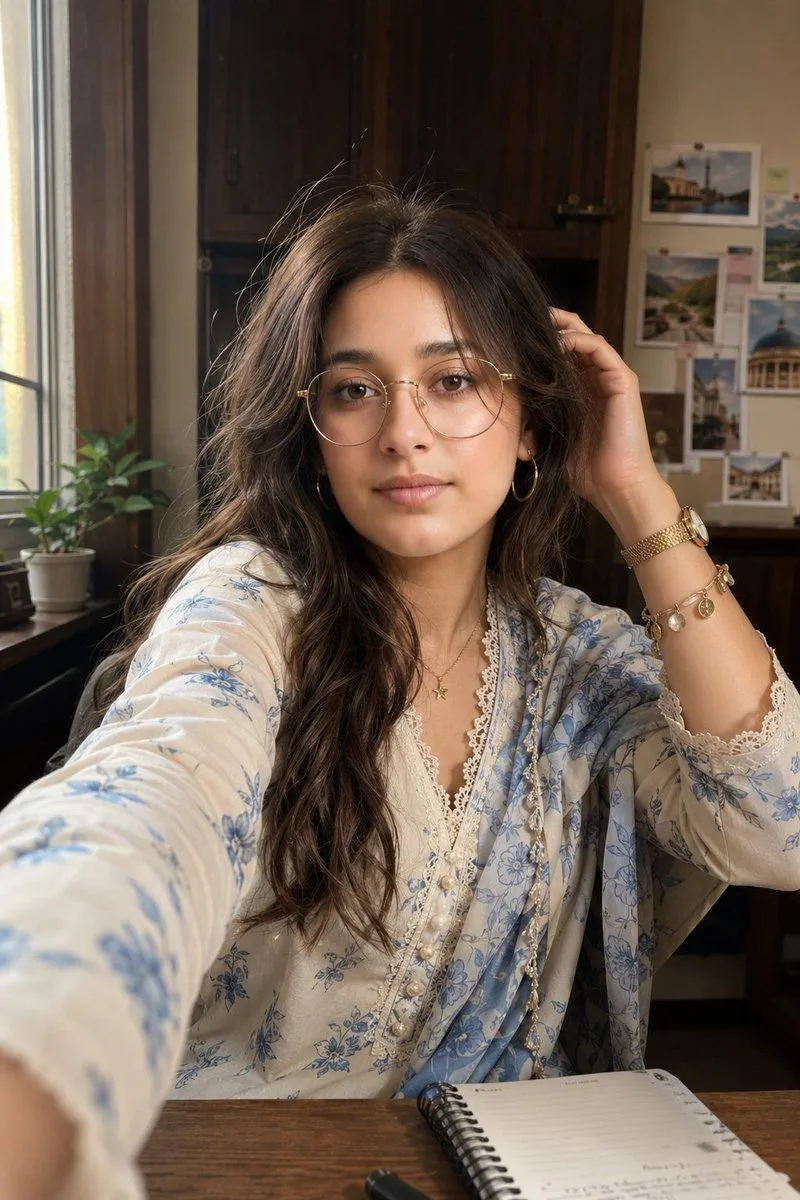
South Asian Woman Indoor Selfie
Use the uploaded reference image as the ONLY face reference and preserve 100% exact facial identity, including the face shape, skin tone, eyes, eyebrows, nose, lips, jawline, facial proportions, expression, smile, age, and all unique facial features. Do not copy or reference the hairstyle, hairline, or hair volume from the uploaded image. Generate the hairstyle exactly as described below, independent of the reference image. Create an ultra-realistic indoor selfie of the same young woman sitting at a wooden desk in warm ambient lighting. She has hair_style with a middle part and loose strands framing her face. She wears large thin gold-rimmed round glasses, soft natural makeup with glossy pink lips, gold hoop earrings, and a delicate gold necklace with a star pendant. On her wrist, she wears a gold watch paired with a charm bracelet. She is dressed in a outfit, lace trim along the neckline, and pearl buttons. A matching sheer blue-and-white floral dupatta is gracefully draped over one shoulder. She is posing naturally with one hand gently raised to her hair, while a spiral notebook rests on the wooden desk in front of her. The background features a setting holding a small green potted plant, a white board/wall decorated with pinned travel photos, and dark wooden cabinetry, creating a warm and inviting atmosphere. Capture the scene with warm indoor lighting, a candid lifestyle aesthetic, photorealistic quality, ultra-detailed realistic skin texture, shallow depth of field, natural color grading, and 8K resolution. The final image must maintain perfect facial identity consistency with the uploaded reference while using only the newly described hairstyle, not the hairstyle from the uploaded image.