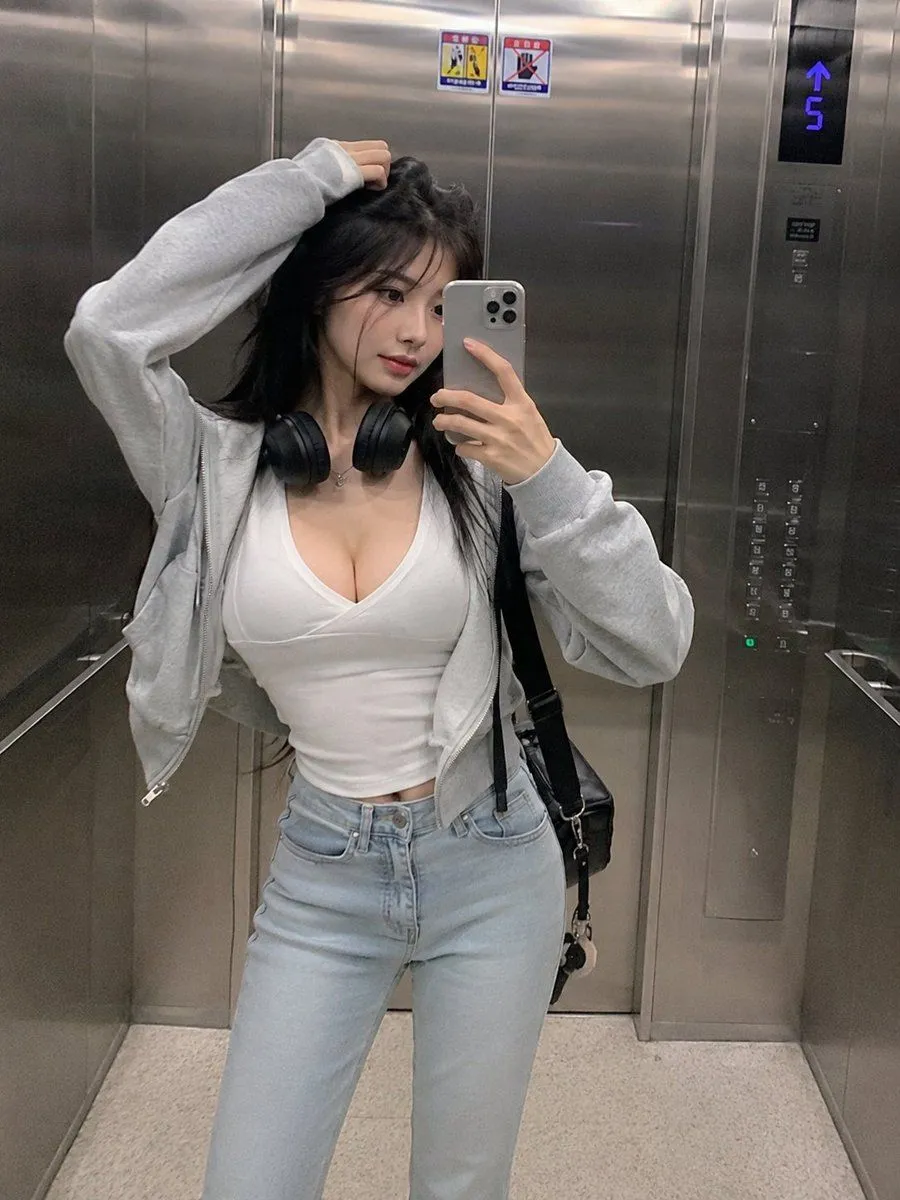
Smartphone Mirror Selfie Elevator Scene
"objective": "Generate a realistic smartphone-style mirror selfie of an subject inside an location with a natural, candid aesthetic.", "scene": "location": "modern metallic elevator interior", "environment_details": [ "stainless steel reflective walls", "visible elevator control panel with glowing floor indicator", "subtle reflections and fingerprints on metal surfaces", "tight enclosed vertical framing" ] , "subject": "description": "extremely beautiful slender Korean woman", "body_type": "slim, elegant proportions", "hair": "long straight dark hair, slightly tousled", "skin": "natural skin texture, not overly polished", "expression": "soft confident expression, relaxed and slightly serious", "pose": "holding smartphone for mirror selfie, one hand lifting or touching her hair" , "outfit": "top": "low-cut fitted white top", "outerwear": "light gray zip-up hoodie, casually worn open", "bottom": "light blue high-waisted jeans", "accessories": [ "black over-ear headphones around neck", "minimal jewelry", "casual shoulder bag" ] , "camera_style": "type": "smartphone front camera", "aesthetic": "style", "quality": "lower resolution, subtle noise, no over-processing", "framing": "vertical 3:4, full body or mid-thigh crop", "angle": "slightly tilted natural selfie angle" , "lighting": "type": "soft indoor fluorescent elevator lighting", "effect": "even lighting with mild metallic reflections, no dramatic shadows" , "mood": "casual everyday moment, effortless beauty, urban lifestyle", "negative_prompt": [ "studio lighting", "overly smooth skin", "high fashion photoshoot", "fantasy elements", "unrealistic proportions", "extra limbs", "heavy filters" ]