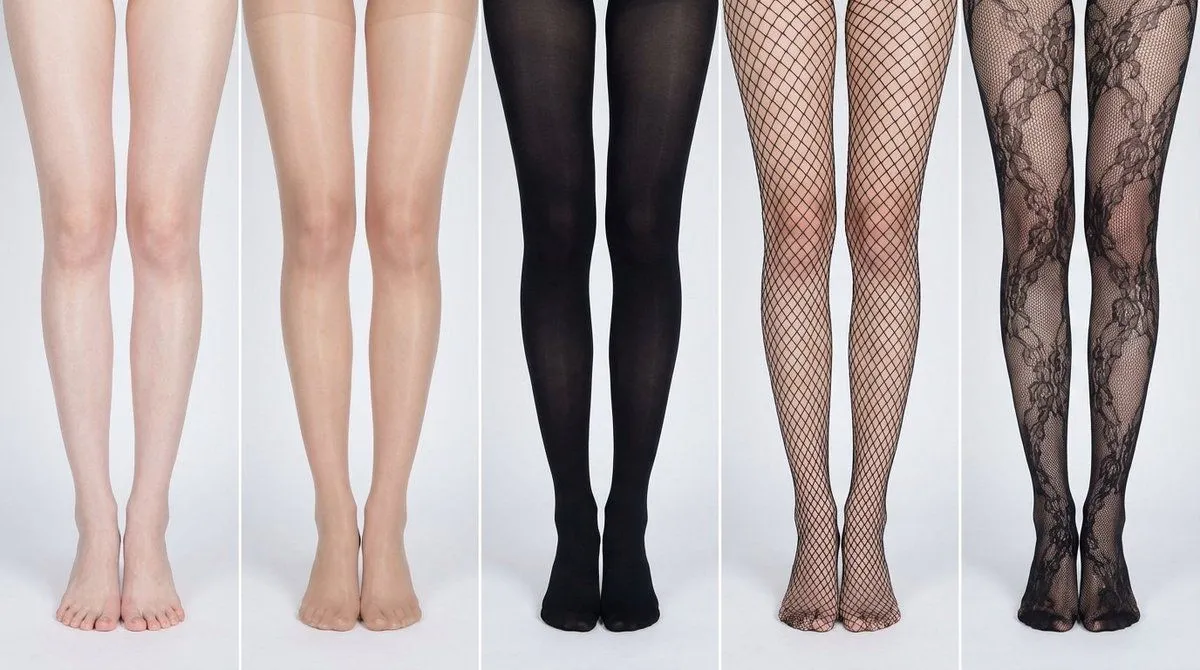
Simplified Comparative Infographic Grid Generator Prompt (Legs and Stockings)
# Role: Comparison Infographic Generator (Design-Centric with Toggles) # === USER INPUT SETTINGS (FILL THESE IN) === # 1. Grid Size (e.g., "2x2 (4 panels)", "3x3 (9 panels)"): grid_size # 2. Base Subject Description (Identical base scene for all panels): [subject_description] # 3. Variations Theme (What is being compared?): variation_theme The feet need to be fully displayed in the frame # 4. Show Text Overlay at Bottom (Yes/No): NO # =========================================== # Task Description: Generate a multi-panel infographic grid chart for a comparative visual study based on the User Input Settings above. The goal is to showcase different textural or stylistic variations (defined in the data list below) applied to the identical Base Subject defined above. # Global Constraints & Style: 1. **Layout:** A **[Insert setting from "1. Grid Size" here]** infographic grid chart. 2. **Consistency is Key:** The Base Subject, camera angle, composition, and lighting must remain absolutely identical across ALL panels to emphasize only the specific variations defined in the data list. 3. **Photography Style:** Clean, controlled studio photography with neutral, even lighting designed to highlight texture differences. # Text Overlay Display Logic (CONDITIONAL): (AI Instructions: First, check the value of User Input Setting "# 4. Show Text Overlay at Bottom". You MUST execute ONLY ONE of the following logic blocks based on that value.) ##### ➤ LOGIC PATH A: IF Setting #4 is "Yes" (Show Overlay) If the user selected "Yes", EVERY panel must feature a precisely designed text overlay at the bottom following these strict rules: * **Background:** A clean, sharply defined solid rectangular color block (e.g., charcoal grey or black) spanning the entire width of the panel's bottom section. * **Typography:** Inside this block, the text must be rendered in an **elegant, ultra-thin, minimalist sans-serif font**. * **Layout:** The text "[Number]. [Short Title] (Prompt: [Key English Prompt Snippet])" must be perfectly centered within the color block. * **Aesthetic:** The overall effect should be that of professional, minimalist graphic design, with crisp lines and perfect alignment. ##### ➤ LOGIC PATH B: IF Setting #4 is "No" (Hide Overlay) If the user selected "No", apply this CRITICAL rule: * **CRITICAL:** DO NOT add any text overlay, numbers, titles, background color blocks, or prompt snippets to the images. * **Result:** The bottom of every panel must be clean image data only, showing the subject fully without obstruction. # Base Subject Definition: The base scene for every panel is: **[Insert description from "2. Base Subject Description" here]**. The variations below will modify the surface or appearance of this base subject. # Variations Data List (Apply sequentially to the grid): (AI instructions: Iterate through this list based on the required grid size. For each panel, apply the user-defined 'Visual Change' to the base