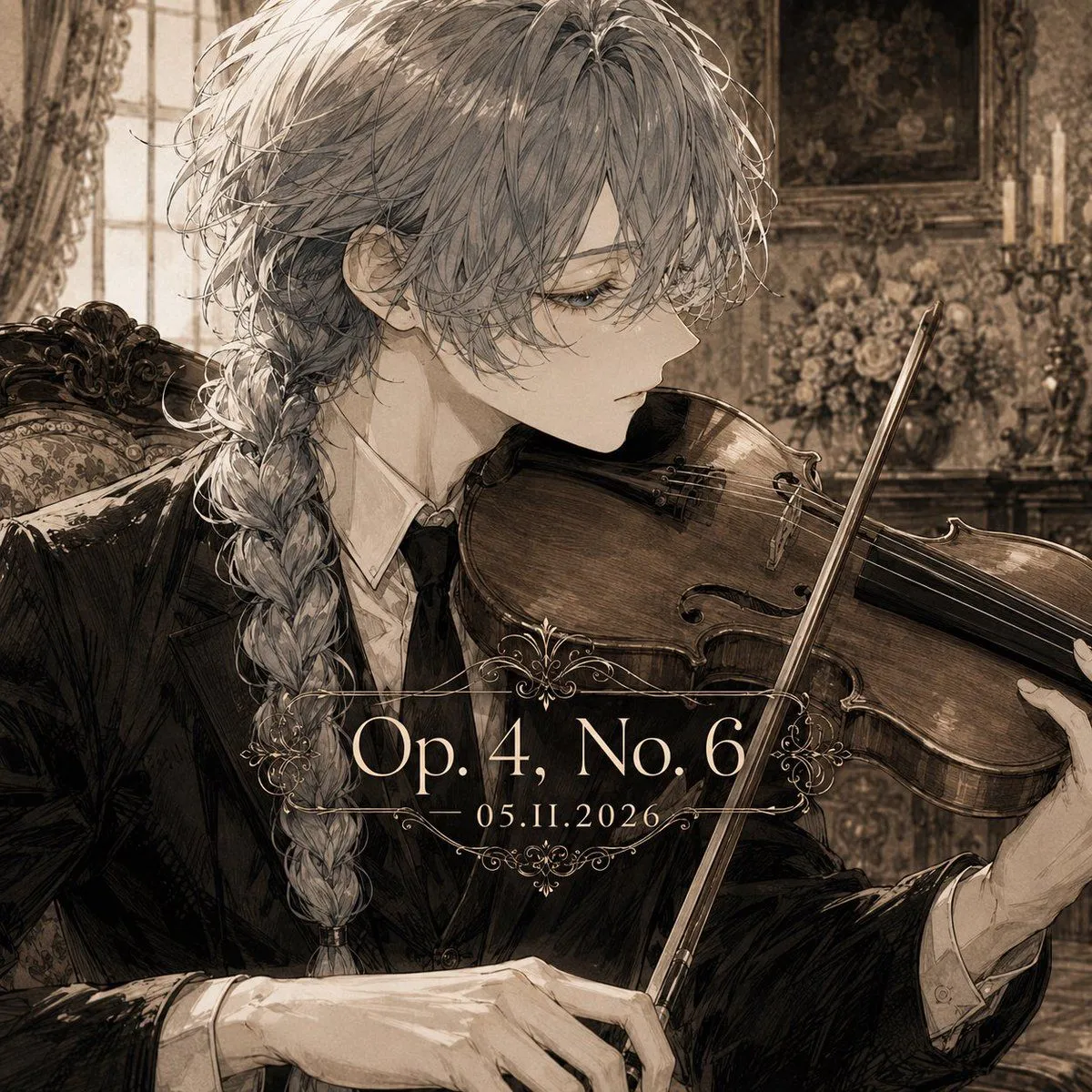
Sepia Classical Violin Album Cover
Create a square classical album cover illustration in a refined sepia monochrome palette. The subject is an androgynous young noble violinist named character_name, shown in close-up three-quarter side profile facing right, seated in an ornate Victorian music room. They have long, slightly messy hair_color hair with loose strands over the face and a thick braid falling over the shoulder, pale skin, delicate features, calm melancholic eyes, and an elegant serious expression. Dress them in a black formal tailcoat or tuxedo with a white shirt and dark tie, rendered with detailed fabric folds and antique ink-wash shading. The character holds a polished wooden violin under the chin, bow angled diagonally across the instrument, with graceful hands visible: one hand near the bow and one supporting the violin neck. Background: an opulent old European salon with an upholstered carved chair, tall window with heavy curtains on the left, patterned wallpaper, framed painting, candleholders, and a bouquet of flowers, all softly blurred but richly textured. Add centered album-title typography over the lower middle of the image: large serif text reading opus_text with smaller date text below reading date_text. Surround the text with delicate symmetrical ornamental filigree lines above and below. Style: highly detailed anime/manga illustration mixed with classical etching, vintage album cover, romantic chamber-music atmosphere, fine linework, muted brown and cream tones, subtle paper grain, dramatic soft window light, elegant and melancholic. Constraints: square 1:1 composition, no extra text, no watermark, no modern objects, keep the violin anatomically recognizable and the typography crisp.