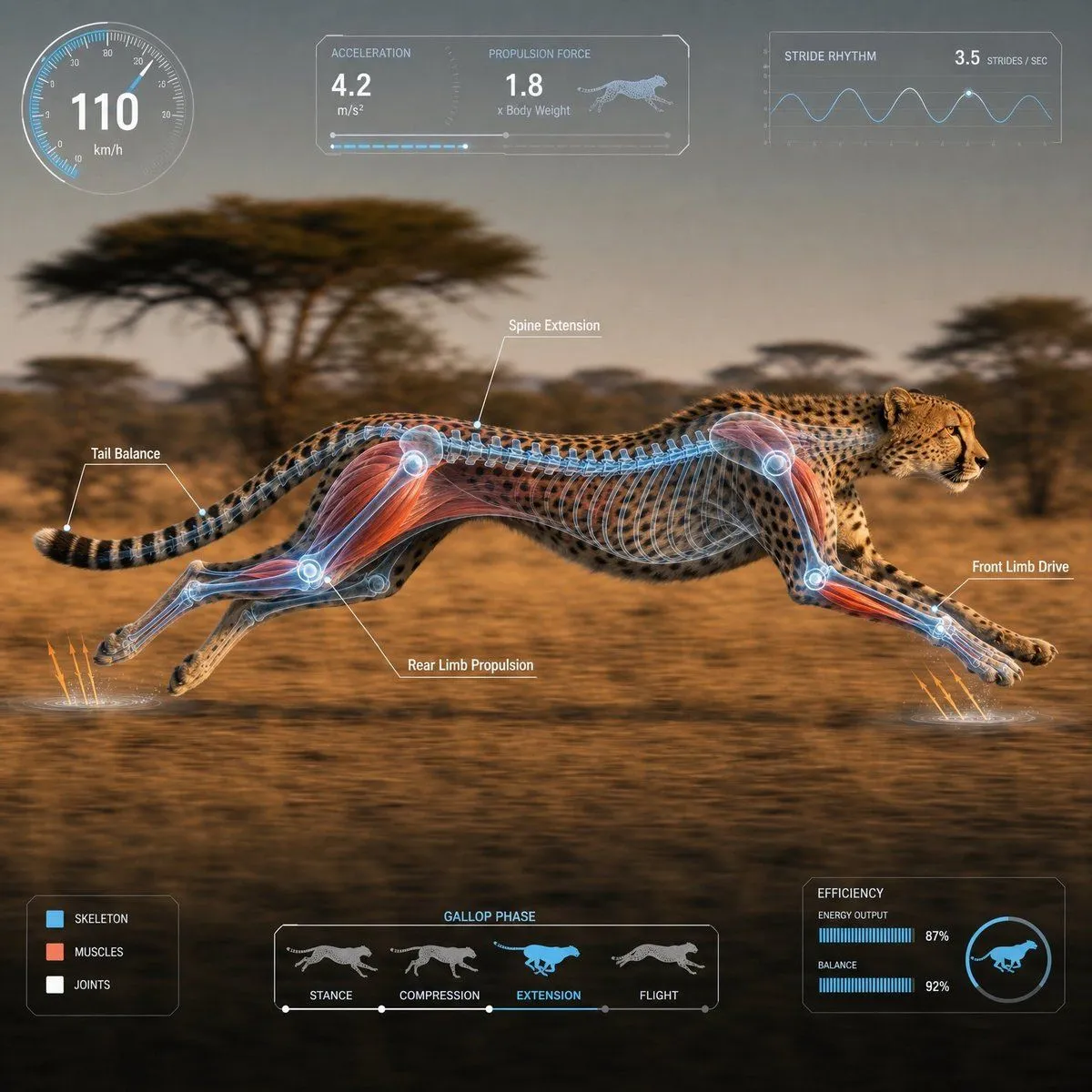
Scientific Animal Motion Analysis HUD
1:1 square composition. Suited for video material. Please provide a photorealistic depiction of a animal_name moving in its natural habitat, captured in a high-speed tracking shot from the side. The camera is a medium-long shot, pulled back sufficiently. The composition ensures the entire body is completely within the frame, with no clipping of major parts like the head, torso, legs, wings, fins, or tail. The subject is placed in the center safety zone, within 60-70% of the horizontal width, leaving margins on all sides. A lateral silhouette moving from left to right. The background has a light horizontal motion blur, while the subject is in sharp focus. Accurately overlay a transparent 3D skeleton or appropriate anatomical layer on the body, emphasizing muscles, joints, the extension of the spine and trunk, and propulsive parts like legs, wings, fins, and tail. Semi-transparent blue/white base with red or orange accents on key areas. Display a fixed-layout semi-transparent HUD at the edge of the screen. The UI should not obscure the subject and must have the same placement every time. Top Left: Circular speedometer Top Center: Acceleration/Force/Propulsion panel Top Right: Stride/Flap/Swimming rhythm graph Bottom Left: Muscle/Skeletal/Joint legend Bottom Center: Motion phase timeline Bottom Right: Small energy efficiency/balance chart Maximum of 4 annotations. Short English labels only. Clean, sci-fi documentary-style UI in white, cyan, and light blue. Numbers are for reference; avoid long text or dense UI. Cinematic natural lighting, high definition, photorealistic, organized scientific documentary style. Avoid: Close-ups, body clipping, limbs out of frame, multiple animals, extra legs, distorted joints, human-like skeleton, unreadable text, crowded UI, giant graphs, UI hiding the subject, excessive light effects.