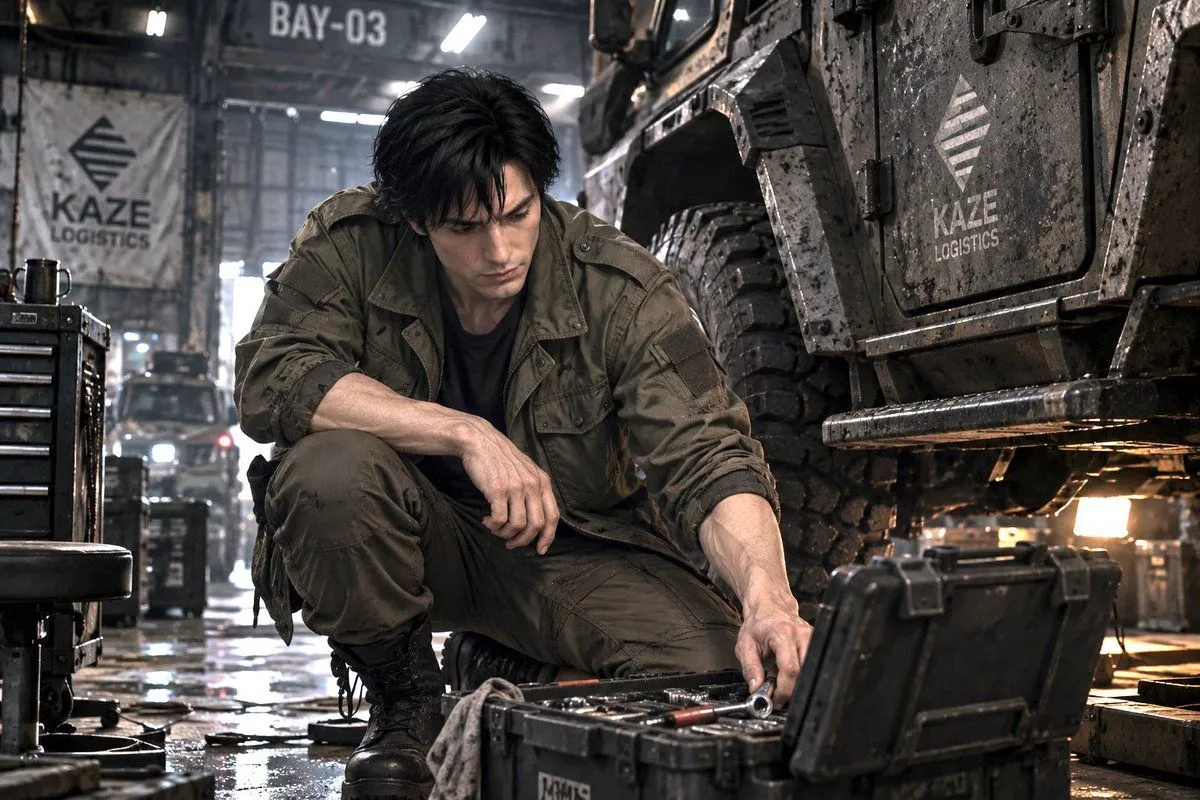
Sci-Fi Logistics Garage Mechanic
Create a cinematic photorealistic science-fiction industrial garage scene inside warehouse_bay_label. A weary young male mechanic with hair_color, pale skin, and a serious downcast expression crouches low on the wet concrete floor beside a massive armored military-style logistics truck. He wears an olive drab field jacket over a black shirt, matching cargo pants, and black combat boots, with rolled sleeves and dirty, work-worn fabric. His left arm rests across his raised knee while his right hand reaches into an open rugged black tool case on the floor in front of him, as if selecting a socket or small tool. The truck dominates the right side of the frame, close to camera, with huge mud-caked tires, riveted dark armor panels, grime, water droplets, underbody lights, and two visible company markings reading company_logo_text: one on the truck door panel and one on a hanging banner in the left background. Also include exactly one large overhead bay sign reading warehouse_bay_label. Around him are exactly four prominent workshop objects: an open black tool case in the foreground, a rolling black tool chest on the left, a low black mechanic stool at the far left, and a dirty rag draped near the tools. The floor is glossy with puddles and reflections, the air is hazy with dust and workshop mist, and distant vehicles and headlights blur in the background. Use a gritty near-future cyberpunk military logistics aesthetic, realistic proportions, shallow depth of field, high-detail textures, cool gray industrial lighting mixed with warm amber under-vehicle light, 35mm cinematic composition, low camera angle, no cartoon styling, no extra readable text beyond the specified labels.