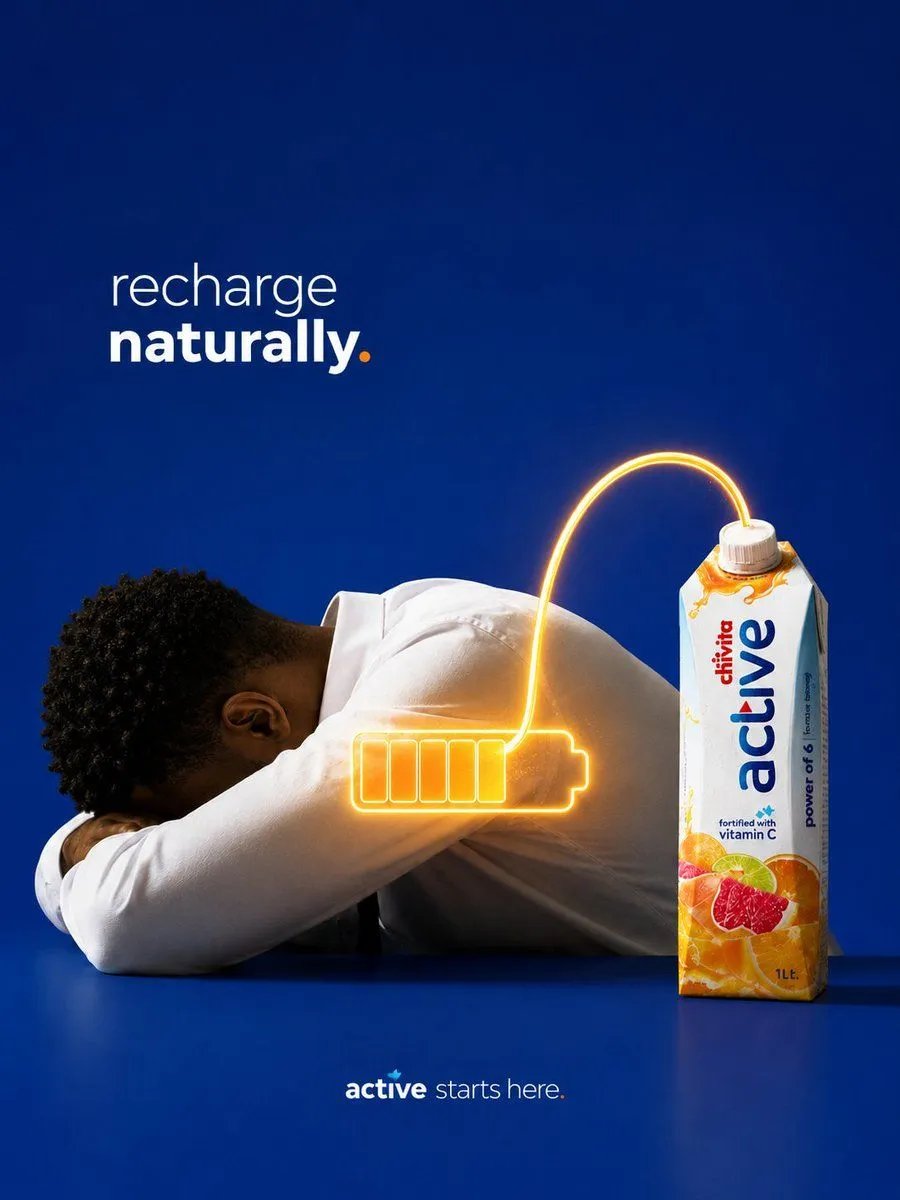
Recharge Naturally Juice Ad
Create a premium conceptual FMCG beverage advertisement on a vertical 4:5 canvas. Use a deep cobalt-blue studio background and matching glossy blue tabletop, lit like a high-end Apple-style product campaign with clean negative space. On the left, show an exhausted young Black man in a plain white long-sleeve shirt, seated at the table with his head down resting on folded arms, body leaning horizontally toward the product. On the right, place one upright 1-liter carton of product_name juice, sharply lit and facing forward, with white packaging, blue vertical “active” branding, small red brand text, orange splash graphics, citrus and grapefruit fruit imagery near the bottom, a white screw cap, and a small “fortified with vitamin C” note. Add a glowing orange-yellow neon charging cable visual: the line emerges from the carton cap, arcs upward and left, then plugs into a large glowing battery icon over the man’s back/shoulder area. The battery icon must show exactly 6 visible internal charge segments, all filled with warm orange glow, plus a rounded terminal on the right; make the glow cast subtle light on the white shirt. In the upper left, add the headline text exactly “headline_text” with “recharge” in thin lowercase white type, “naturally” in bold lowercase white type, and the final period in orange. At the bottom center, add the small brand line “tagline_text” with “active” in bold white, “starts here.” in thin white, and a small turquoise leaf/accent above the word. Keep the composition minimalist, realistic, cinematic, and highly polished, with no extra objects, no clutter, no watermark, and no additional text beyond the headline, packaging, and bottom tagline.