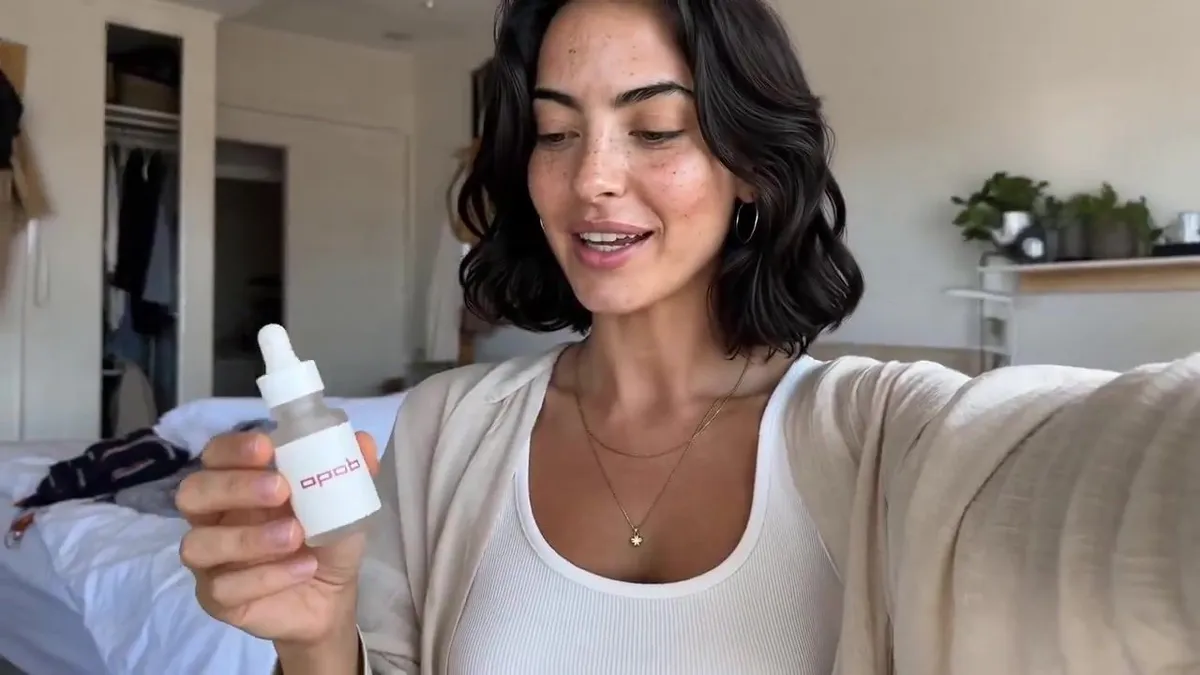
Realistic Skincare UGC Video Prompt
Create a realistic 15-second casual UGC vlog-style skincare video based on the first frame and 16-panel storyboard reference image. The video should feel like a normal morning routine filmed on an iPhone, where the creator casually uses the serum and briefly mentions it, not like a scripted advertisement.Keep the same woman from the reference photo, same casual home setting, and same small frosted glass serum bottle consistent throughout the video. The product should appear naturally on the desk, in her hand, or near the mirror, but it should not be treated like a perfect commercial hero object in every shot. The 16-panel storyboard image is only a visual reference for camera angles, casual movement, product placement, facial expressions, and authentic UGC mood. Do not generate a split-screen video, do not show grid lines, and do not recreate the 16-panel layout in the final video.Use varied iPhone-style camera movement: handheld selfie opening, table-height wide shot, over-the-shoulder mirror angle, casual push-in, close-up of opening the bottle, quick texture shot, mirror application shot, tabletop sliding B-roll, low table-level foreground shot, and final casual pull-back. Keep the framing slightly imperfect and natural.Dialogue:0:00- 0:03: "I'm just getting ready, but I wanted to show you this."0:03-0:06: "I've been using it for a few mornings now."0:06-0:09: "It feels really light, not sticky."0:09-0:12: "I just use a tiny bit before makeup."0:12-0:15: "Honestly, it's been easy to keep in my routine."Avoid polished advertising style, scripted sales tone, perfect model posing, over- centered product shots, luxury commercial lighting, plastic skin, over-smoothed face, extra people, extra bottles, text, logo, watermark, and fake readable brand text.