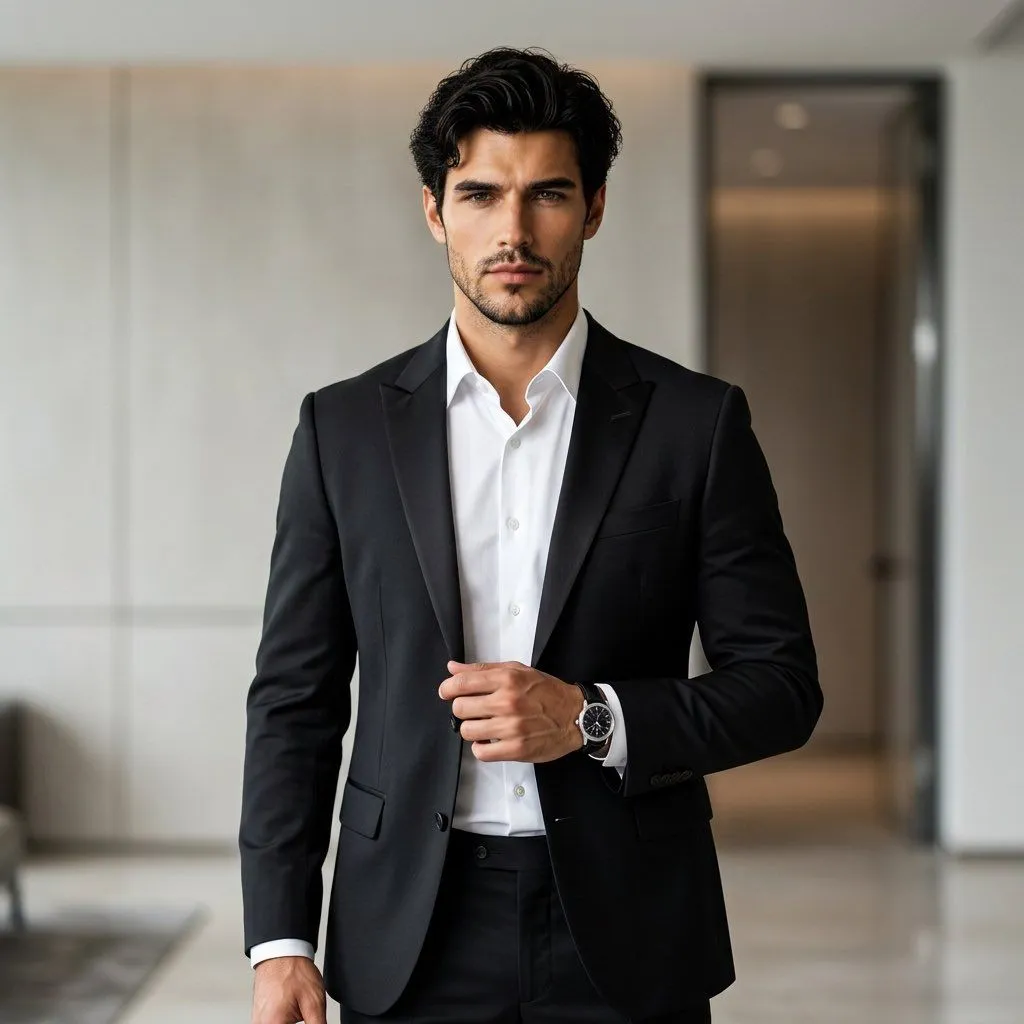
Premium Formal Wear Portrait with Identity Preservation
Use my uploaded face photo as the ONLY identity reference for the main subject. Create an ultra-realistic, premium fashion portrait of me wearing an elegant formal outfit. Preserve my exact facial identity without alteration — facial structure, skin tone, eyes, eyebrows, nose, lips, cheekbones, jawline, facial proportions, hairline, and natural skin texture. Keep me instantly recognizable. Outfit: sophisticated luxury formal wear, perfectly tailored suit_piece with a crisp white shirt, elegant trousers, polished formal shoes, minimal premium accessories, refined and timeless styling. The clothing should look realistic, perfectly fitted, high-quality, and appropriate for a formal professional occasion. Pose: standing confidently with natural posture, relaxed shoulders, one hand subtly positioned near the blazer, the other naturally at the side, looking directly into the camera with a calm, confident expression. Setting: luxurious modern interior with an elegant minimalist background, subtle architectural details, soft depth of field. Lighting: professional studio-quality lighting, soft directional light on the face, realistic shadows, natural skin texture, subtle cinematic highlights. Photography: high-end fashion editorial photography, realistic DSLR/mirrorless camera look, 85mm portrait lens, shallow depth of field, sharp eyes, realistic fabric texture, natural skin pores, detailed hair strands, physically accurate lighting. Style: sophisticated, classy, elegant, modern, premium, timeless, photorealistic. Aspect ratio: 4:5 vertical. Do not alter my face, facial proportions, age, skin tone, or identity. Identity accuracy is the highest priority.