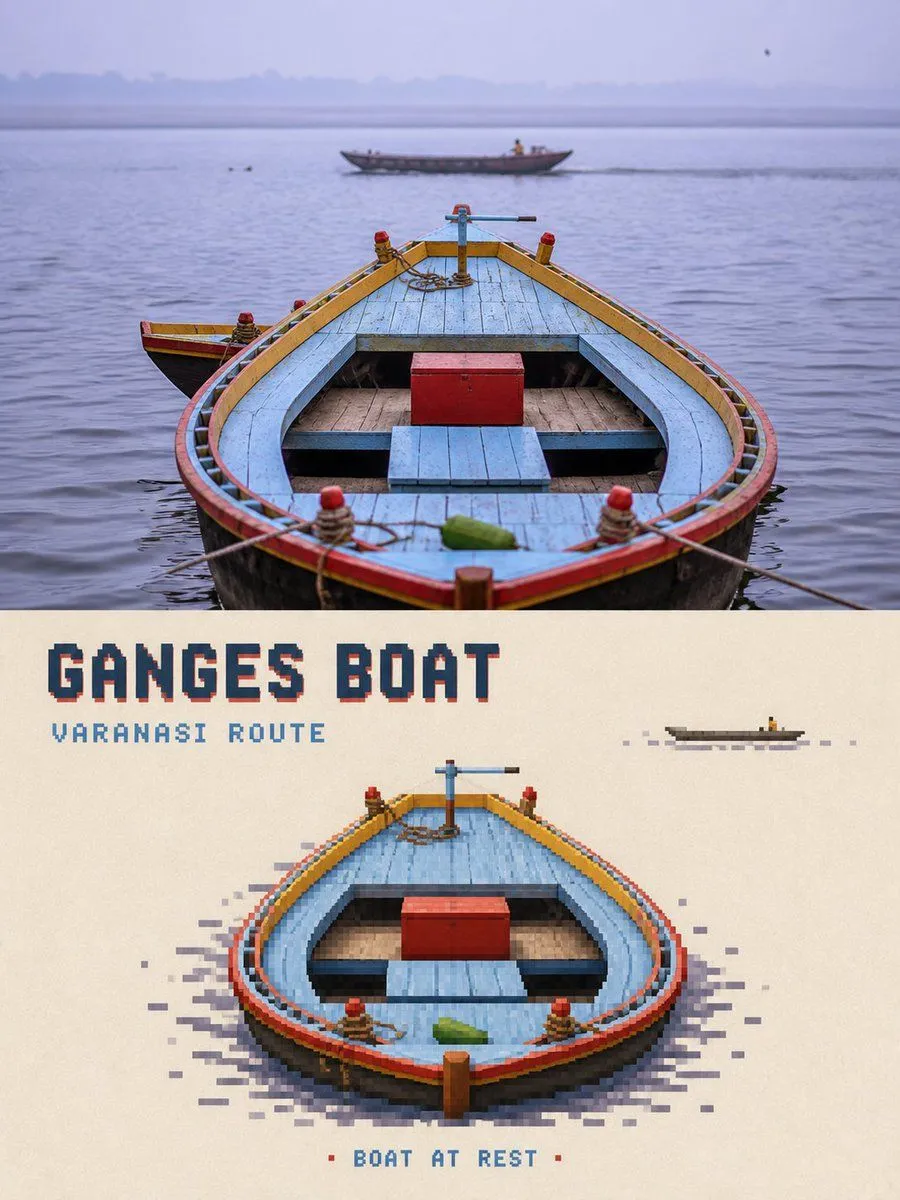
Pixel Art Travel Game Poster
Please turn each travel photo I upload into an individual high-end pixel game travel poster. No multi-image stitching; one photo corresponds to one complete finished product. Use a strict 3:4 vertical composition overall. Divide the screen into two approximately 1:1 areas, top and bottom, with a straight, clear, and clean horizontal boundary in the middle. Output only the front of the poster; do not generate frames, walls, handheld displays, or mockups. ### Top Half: High-Fidelity Original Photography The top half must faithfully preserve the original photo. Accurately maintain the subject identity and quantity, human or animal posture, vehicle and boat direction, architectural structure, topographical relationship, observation angle, spatial perspective, front-to-back occlusion, real texture, natural light and shadow, and original color atmosphere. Apply only slight, restrained travel magazine, art publication, or photography exhibition level color grading, and add thin film grain. The upper half must still clearly be a real photo. ### Bottom Half: Subject-Refined Pixel Game Re-drawing Do not pixelate the entire photo. First, identify the visual_subject that most invites viewers to approach, operate, enter, or continue exploring. Retain the subject's most recognizable outline, posture, orientation, key structure, and iconic colors, and reconstruct it into an aesthetically mature independent travel game character, location, or interactive object. The subject typically occupies about subject_proportion of the lower area's width and 25%–45% of its height. ### Environmental Reduction Keep only environmental_clues clues that explain the location, direction, and action relationships, such as a small section of road, track, steps, or wake. Delete other tourists, repetitive window panes, dense vegetation, billboards, messy traffic, complex skies, irrelevant buildings, and photographic noise. The lower half should retain at least about 50%–65% continuous warm off-white paper space. ### Pixel Medium Rebuild the subject using square or near-square pixel blocks with clear edges. Use smaller, denser pixel blocks at key recognition points of the subject. Use medium-sized pixel blocks for the main volume of the subject. Gradually decrease pixel density for roads, water patterns, vegetation, reflections, and distant views. The interior of the subject is relatively complete, while the exterior breaks and offsets grid by grid along real outlines, road directions, water flow, mountain ridges, or motion directions...