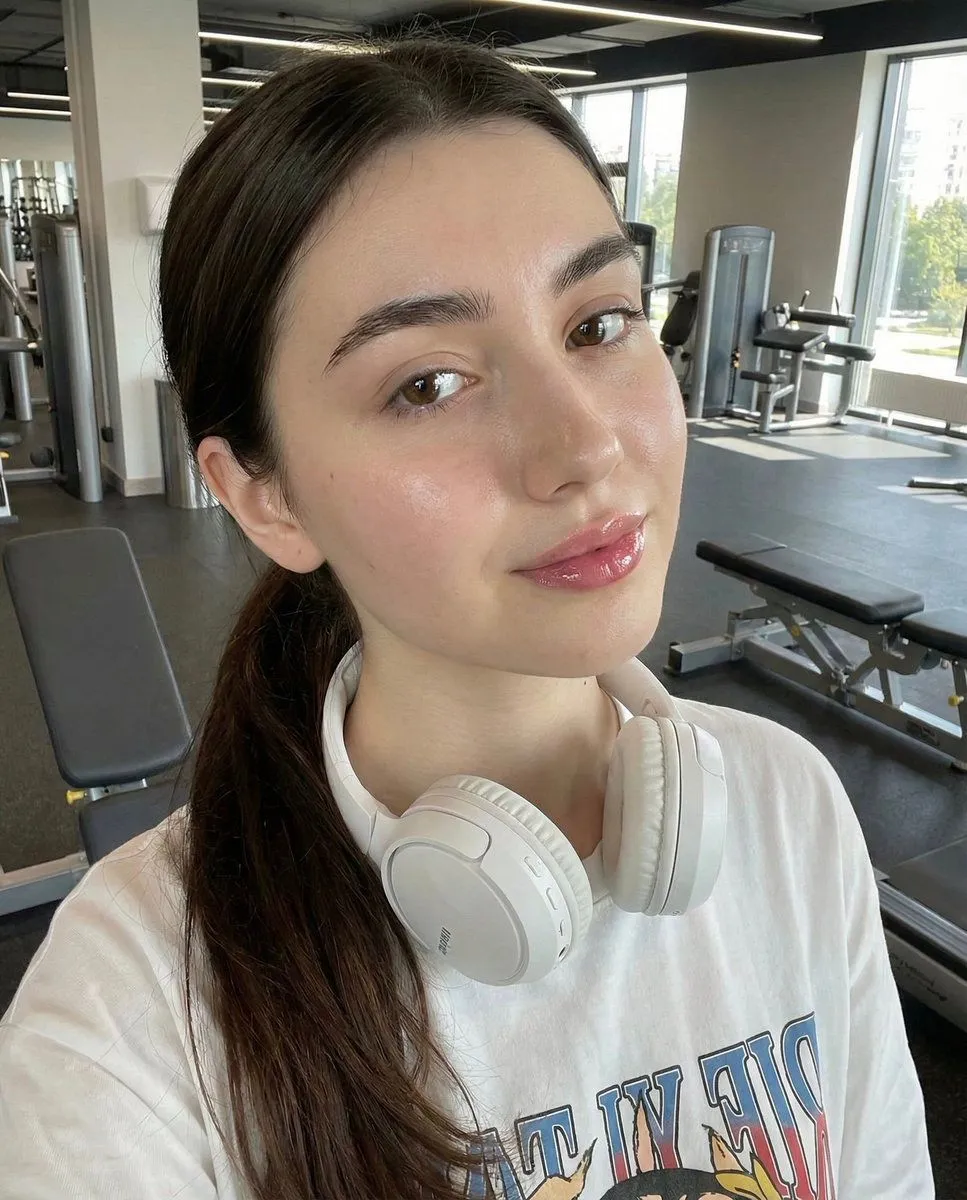
Photorealistic Gym Selfie Prompt with Identity Lock
"image_prompt": "reference": "face_identity": "uploaded reference image", "identity_lock": true, "face_preservation": "100% identical facial structure, proportions, skin texture, eye shape, lips, nose, brows, moles, freckles, and natural expression" , "subject": "type": "young woman", "expression": "soft relaxed expression with slightly glossy lips", "gaze": "looking slightly past the camera with calm confidence", "pose": "position": "close-up selfie angle from slightly above", "head": "subtle tilt", "posture": "casual and natural" , "hair": "color": "hair_color", "style": "pulled back into a low ponytail or tied-back style with clean hairline" , "makeup": "style": "natural sporty glow", "details": [ "dewy skin finish", "defined brows", "light mascara", "natural blush", "soft glossy pink lips" ] , "outfit": "top": "loose white graphic t-shirt", "accessories": [ "white over-ear headphones resting around the neck", "small stud earrings" ] , "environment": "location": "modern gym interior", "background_elements": [ "gym benches", "exercise machines", "wooden floor", "soft daylight coming through windows" ] , "lighting": "type": "natural gym lighting", "characteristics": [ "soft highlights on skin", "realistic shadows", "clean neutral tones" ] , "photography_style": "style": "casual fitness selfie", "camera_look": "smartphone front-camera look", "depth_of_field": "shallow with background slightly blurred", "mood": "fresh, sporty, effortless" , "render_quality": "realism": "highly photorealistic", "detail_level": "high", "skin_texture": "natural with visible pores and glow", "resolution": "high resolution", "color_grading": "clean neutral tones with warm skin balance"