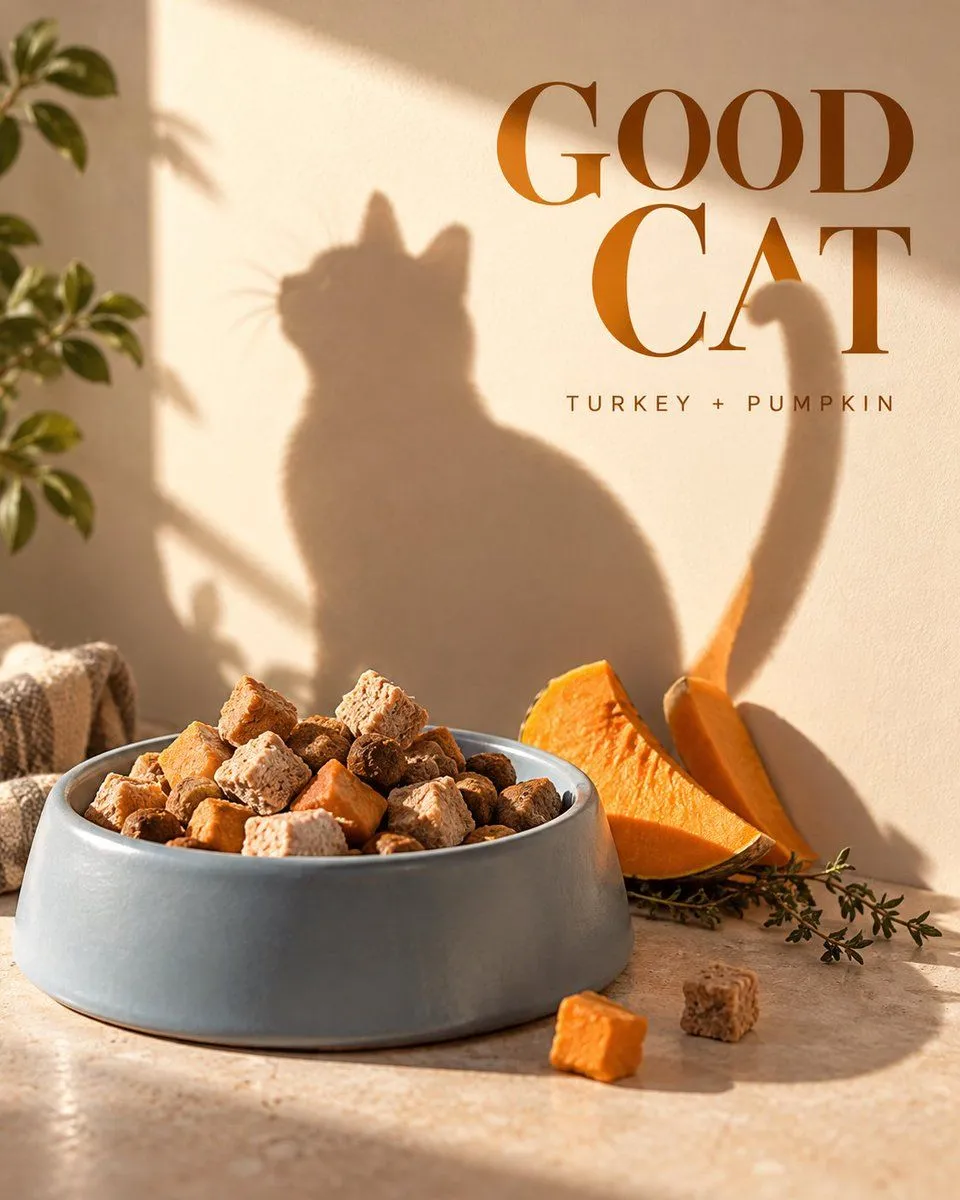
Pet Food Poster with Shadow Dog Illusion
Create a 4:5 vertical mature yet fun pet food promotional poster. The core composition is 'Bowl Shadow Character'. Use a low-angle perspective slightly above ground level. A matte coral-orange pet food bowl is positioned in the lower center, containing realistic brown baked kibble, some freeze-dried chicken, and green vegetable bits. The food proportions must look natural, not like plastic beads or candy. Set up clear afternoon sunlight from the upper left so that the bowl, kibble, and three upright freeze-dried pieces cast a complete side-profile puppy shadow on the cream-colored wall behind them: the bowl forms the body, the freeze-dried pieces form the ears and tail, and some kibble form the four-legged outline. The physical objects themselves remain just a bowl and food, not directly made into a cartoon dog. The shadow must be produced by logical light direction, with an immediately recognizable but naturally soft-edged silhouette. Place the title 'GOOD BOWL' in the upper right of the wall using a rounded but mature bold sans-serif font; the puppy shadow's tail passes between the two words, creating a light visual connection. Place only two short lines of information 'BAKED DAILY / CHICKEN + GREENS' in the bottom left corner. Colors are coral orange, cream white, natural food brown, and a touch of leaf green. Combine real food photography, graphic branding feel, and humorous visual illusions. Keep it clean, bright, and credible. Full opaque rectangular background covering the canvas, no transparent pixels, no black corners, no alpha masks, no edge feathering. No real pets, no cartoon mascots, no paw print patterns, no snack packaging bags, no large ingredient labels, no existing brand logos, no watermarks.