Nighttime Bedroom Reading Scene
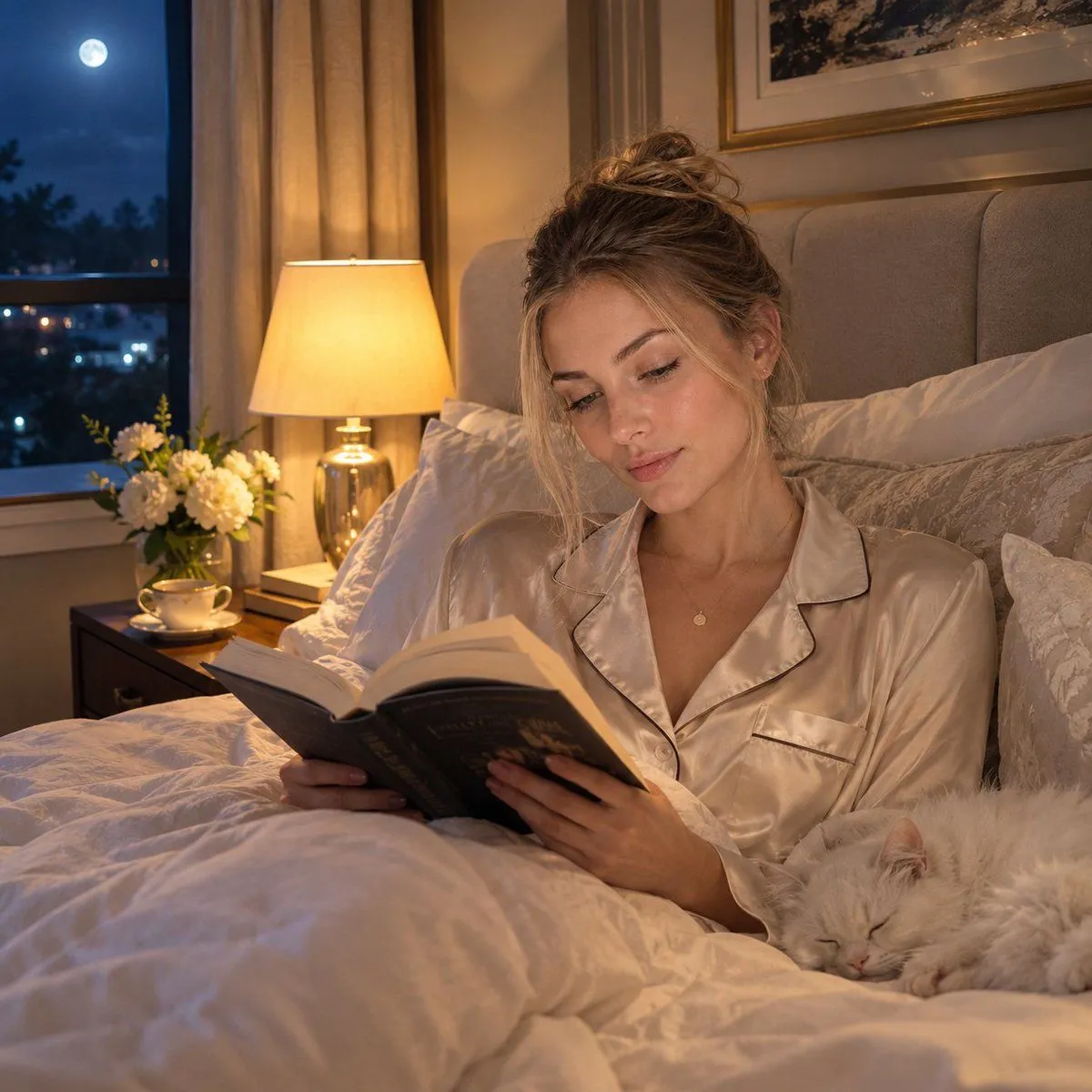
Create a photorealistic cinematic nighttime bedroom scene featuring an adult woman peacefully reading an open hardcover novel while sitting comfortably on a luxurious bed. She has delicate natural facial features, realistic skin texture, subtle makeup, and blonde hair styled in a relaxed messy low bun with a few soft strands framing her face. She is wearing elegant champagne-cream satin pajamas with a classic notched collar, black piping, long sleeves, and subtle buttons. Her posture is relaxed and natural as she looks down at the book with a calm, gentle expression. The bedroom feels warm, sophisticated, and cozy: plush cream bedding, oversized pillows, a soft upholstered beige headboard, elegant framed artwork, and a warm bedside lamp casting soft golden light. Beside her, a fluffy white cat is peacefully sleeping on the bed. Through the large window, a deep blue night sky, glowing full moon, and subtle distant city lights are visible. Add a small bedside table with a delicate cup of tea and a vase of fresh white flowers. Lighting: warm cinematic bedside lighting mixed with cool moonlight from the window, soft shadows, natural highlights, realistic skin tones, cozy evening atmosphere. Photography: photorealistic, luxury lifestyle editorial photography, 50mm lens, shallow depth of field, natural bokeh, soft film grain, realistic fabric textures, detailed hair strands, authentic skin pores, balanced exposure, cinematic composition, highly detailed, 8K. Negative prompt: CGI, cartoon, illustration, plastic skin, excessive makeup, distorted hands, extra fingers, deformed face, blurry details, artificial lighting, oversaturated colors, text, subtitles, logo, watermark.