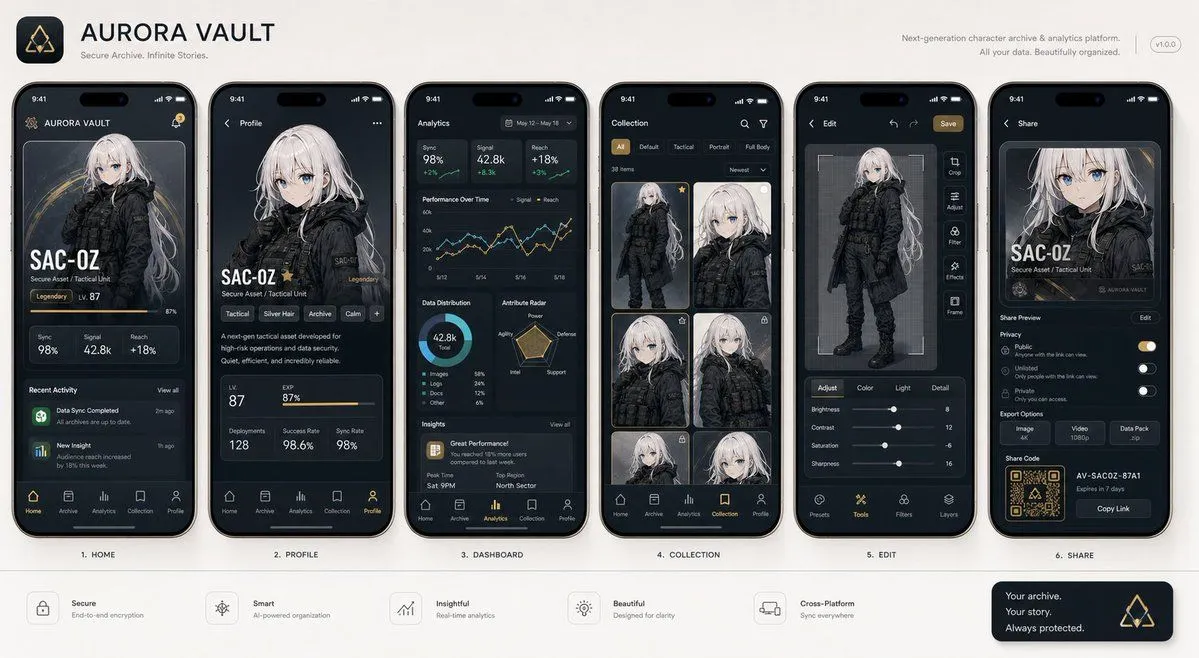
Next-Gen Mobile App UI Showcase
With the attached subject as the protagonist, please summarize "app_type" into a single image. This is not an advertising poster. It is a high-quality visual such as an App Store introduction image, product design announcement, or UI case study. Accurately maintain the features, color, shape, face, clothing, and impression of the subject in the reference image. Treat the subject as the main content within the app. Do not change it to another character or product. Arrange number_of_screens vertical smartphone screens. Make each screen different. Included screens: Home screen, detailed profile screen, analysis dashboard, collection screen, editing screen, sharing screen. UI elements: Fictional app name, tab bar, card UI, buttons, graphs, tags, short descriptions, numeric displays, icons, small notification displays. The design is a sophisticated 2026 mobile UI. Clean, practical, and with clear information design. Do not overuse glassmorphism. Text should be easy to read, primarily in English and short. Do not use real company names, app names, or logos. The background is a simple studio background. The overall look is professional like app introduction images on Dribbble, Product Hunt, or Apple. However, make it look natural as a fictional product. Priorities: UI that looks real, retention of reference image features, persuasiveness as a screenshot, and information density worthy of being saved on social media.