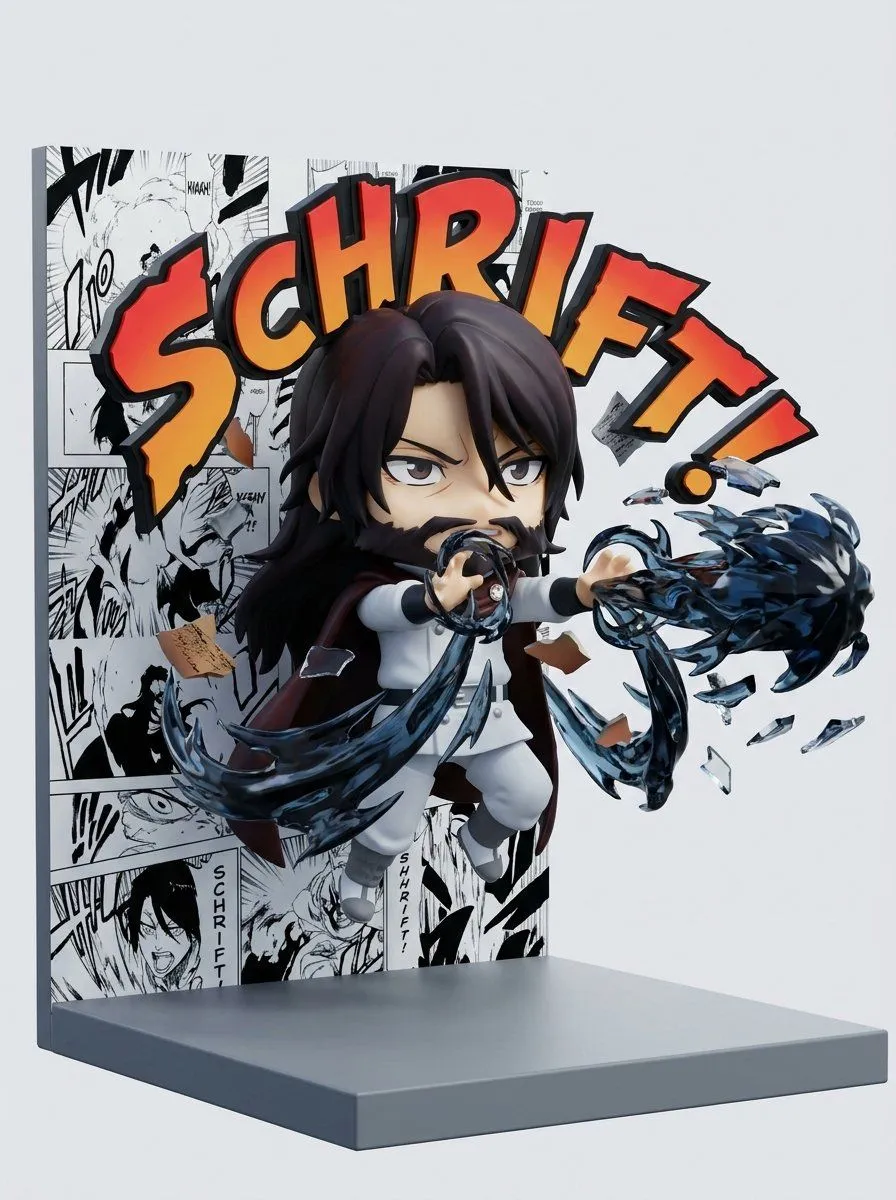
Nendoroid Style Manga Diorama
<instruction> 1. Semantic Inference Engine Input A is a character. Deconstruct the character to generate 3 Action Assets : The Power (The Effect): Identify the signature attack. (e.g., Fireball, Web-Slinging, Psychic Blast, Lightning). The Sound (The Onomatopoeia): Identify the comic book sound effect text. (e.g., "BOOM!", "SMASH!", "THWIP!", "KABOOM!"). The Color (The Aura): Identify the primary energy color. (e.g., Orange, Red, Purple, Green). 2. Container (The Display Stand): Goal: "Nendoroid" Style Diorama Photography. The Stage: A simple L-Shaped Display Base (Vertical Back wall + Horizontal Floor). The Backdrop: The vertical wall is covered in a collage of Black & White Manga Panels or Comic Strips, creating a chaotic, ink-heavy background. 3. The Figure (The Chibi Hero): The Style: Chibi / Super-Deformed (SD). Large head, small body, big expressive eyes. The Pose: Dynamic, mid-air action pose (punching towards the camera or casting a spell). The Material: Smooth, matte PVC or Vinyl Plastic (collectible toy aesthetic). 4. The Visual FX (The 2.5D Impact): The Text: The "Sound" (Step 1) is rendered as large, jagged, colorful 3D Text Plates (Orange/Red with black outlines) floating in the air around the character. The Debris: 3D shards of rock, glass, or torn paper fly outward from the center, simulating an explosion. The Energy: Translucent, colored plastic parts (representing the "Power") swirl around the figure's hands or feet. 5. Lighting & Atmosphere: Lighting: Bright Studio Key Light. Even, shadowless illumination typical of toy photography. Vibe: Energetic, playful, and explosive. Output: ONE image, 1:1 Aspect Ratio, 3D Render, "Anime Figure" aesthetic, High Saturation. </instruction>