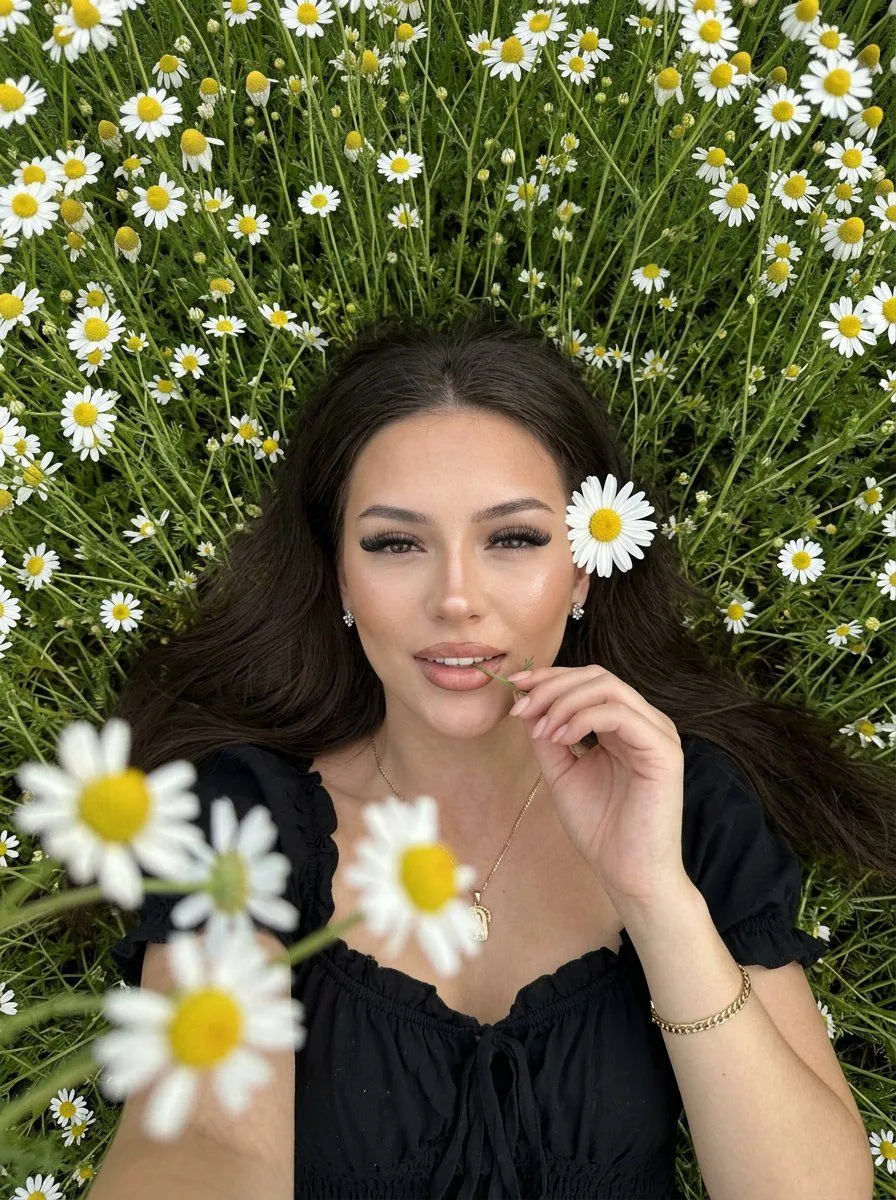
Natural Amateur iPhone Selfie Portrait
Amateur selfie on an iPhone 16 Pro Max front-facing camera, Pinterest style for an Instagram blog. Vertical photorealistic portrait in the aesthetic of a candid social media snapshot: a subject lying on her back in a location. Shot in a tight medium shot from above, as if taken with a phone camera from an outstretched hand. Long loose hair spread out over the grass, eyes looking directly into the lens, soft natural makeup, relaxed half-smile. The woman has an even skin tone, soft contouring of the cheekbones, highlighter with a dewy glow on the cheekbones, tip and bridge of the nose. Neatly groomed eyebrows, lush and thick eyelash extensions with a fox-eye effect, plump lips outlined with a light brown pencil blended toward the center with lip gloss. One hand is raised to the lips, fingers lightly holding a thin chamomile stem at the mouth; a large white chamomile with a yellow center is located by the temple. Green stems, leaves, and many chamomiles frame the face and shoulders, partially entering the foreground. In the corner of the frame in the foreground, blurred chamomiles add depth to the shot. She is wearing a outfit with a gathered bodice, delicate ruffles, and a soft neckline. Small shining earrings, a gold bracelet, and a thin chain with a pendant create neat glints. Composition is intimate, slightly diagonal, shoulders and upper body are visible, the background is completely filled with grass and flowers without empty space. Soft natural daylight from above, gentle shadows, sharp focus on the face and nearby chamomiles, fresh palette of green, white, and warm yellow, airy summer mood, candid editorial, realistic smartphone photography without interface or text.