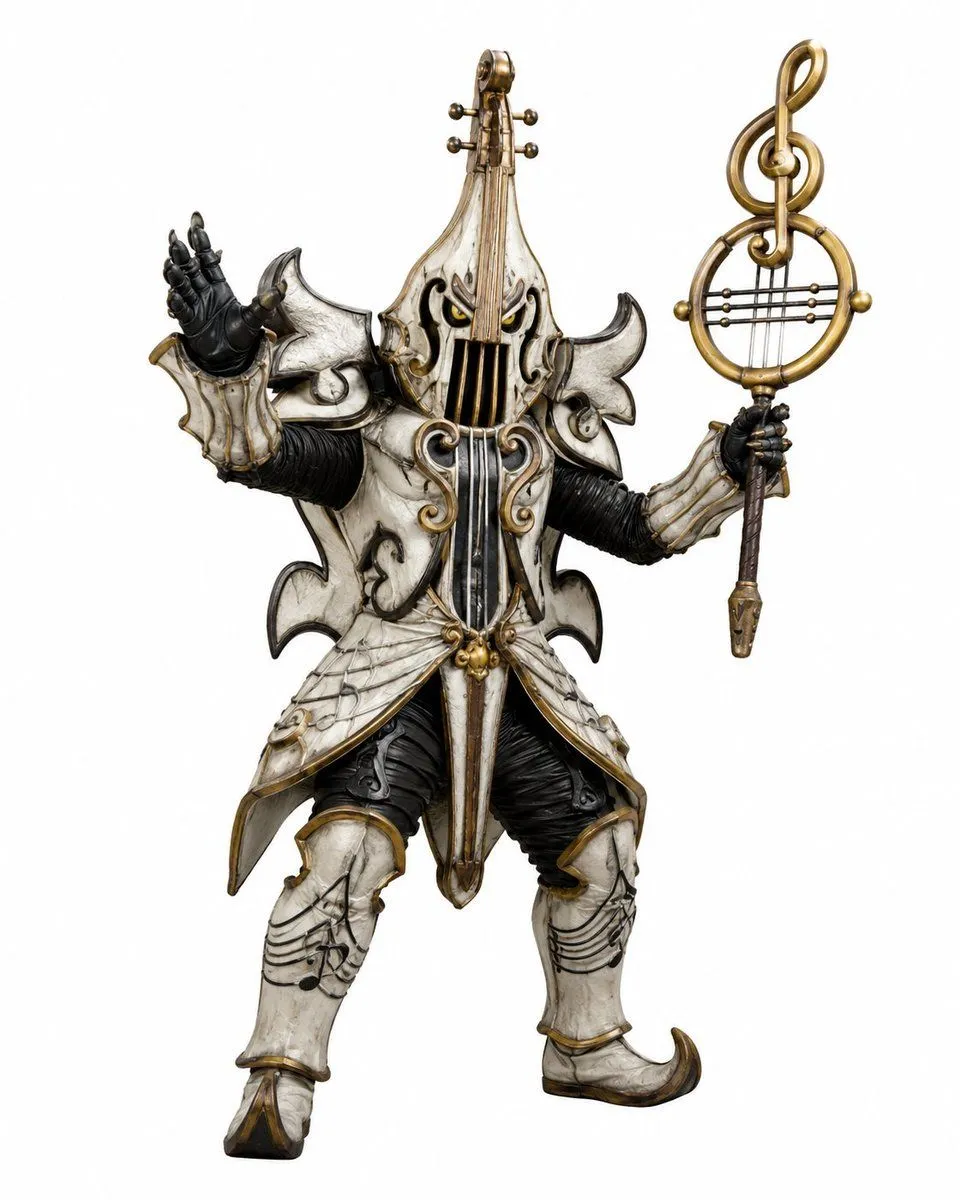
Music-Themed Tokusatsu Kaijin
Create a full-body tokusatsu-style enemy monster suit character on a clean white studio background, centered and isolated like a production design render. The creature is a music-themed villain named character_name, combining an armored humanoid kaijin with an ornate violin and classical music motifs. It wears ivory-white, aged bone-like armor with antique gold trim, black ribbed undersuit fabric, and dark weathered creases, with a dramatic silhouette of sharp curled shoulder plates and flared skirt armor. The head and torso are shaped like a vertical violin: the face is hidden behind a violin-body helmet with two narrow glowing yellow eyes, black f-hole-like openings, vertical strings running down the front, and a tall violin neck rising from the crown with tuning pegs. Use exactly 2 visible eyes, 4 tuning pegs on the head instrument, 2 large curled shoulder plates, 2 black gloved hands, 2 armored legs, and 1 large ornate musical staff weapon. The left hand is raised open in a theatrical villain gesture, palm facing outward; the right hand holds a tall staff topped with a golden treble clef inside a circular lyre-like frame with horizontal strings. The armor includes engraved musical staff lines and note patterns on the thighs and shin guards, curling gold scrollwork on the chest, hanging gold bead ornaments at the waist, pointed curled boots, and layered asymmetrical plates with a worn ceramic texture. Style should feel like a practical Japanese special-effects monster costume from a superhero TV series, highly detailed, realistic materials, dramatic but evenly lit product photography, crisp edges, no environment, no text, no watermark. Use armor_color armor, metal_trim_color trim, eye_color eyes, and a weapon_motif.