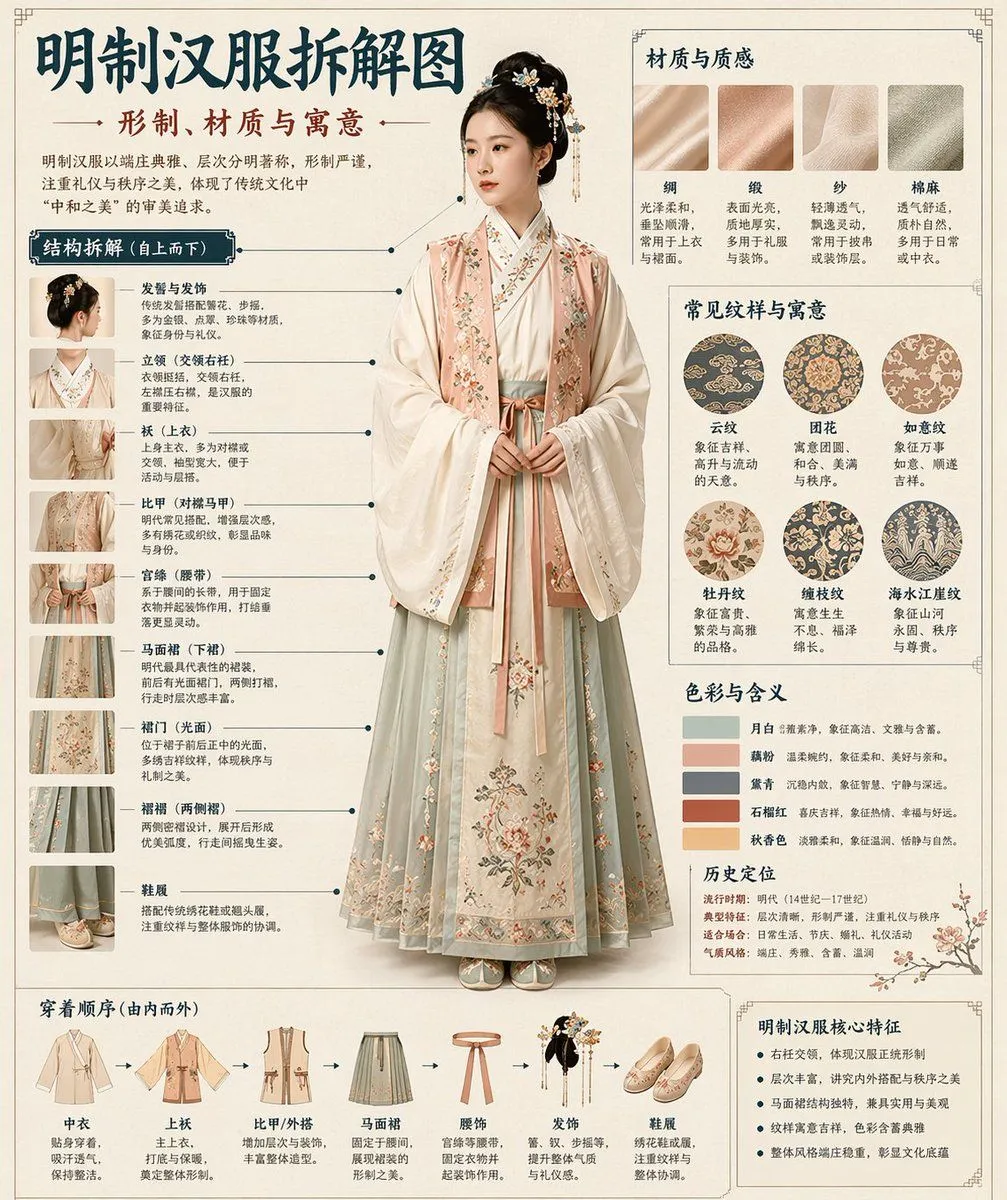
Museum Style Infographic Breakdown
Please automatically generate a "Museum Guide-style Chinese Breakdown Infographic" based on the [Theme: theme]. Requirements: The entire image must combine a realistic main visual, structural breakdown, Chinese annotations, material descriptions, pattern meanings, color symbolism, and a summary of core features. You need to automatically determine the most suitable subject, clothing system, artifact structure, era style, key components, material craftsmanship, color scheme, and layout based on the [Theme] without further user input. The overall style should be: National Museum exhibition board, historical clothing guide, or cultural museum special infographic, rather than a common poster, ancient-style photo, e-commerce details page, or anime illustration. The background should use paper textures like off-white, silk white, or light tea color. The overall look should be high-end, restrained, professional, and collectible. The layout is fixed as: - Top: Chinese main title + sub-title + introduction - Left: Structural breakdown area with Chinese leader lines marking key components and matching close-ups - Top Right: Material/Craftsmanship/Texture area showing real texture samples with descriptions - Middle Right: Pattern/Color/Meaning area showing the main color palette, pattern samples, and cultural explanations - Bottom: Wearing order / Composition flowchart + summary of core features If the theme is suitable for person display, use a full-body standing pose of a real person as the central subject; if it's more suitable for artifacts, use a central subject breakdown, but maintain the complete Chinese infographic format. All text must be in Simplified Chinese, clear, neat, and readable without garbled characters or typos.