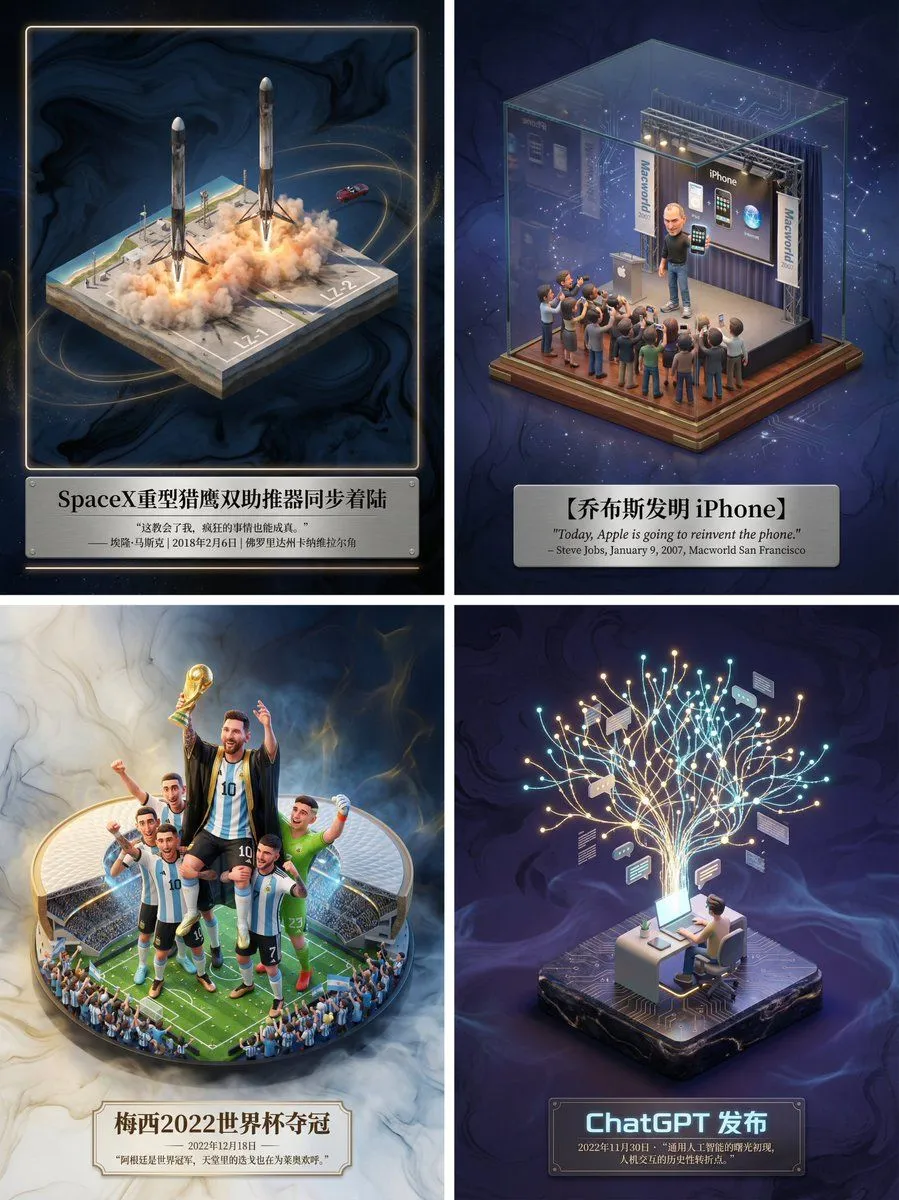
Museum-Grade 3D Diorama Poster for Historical Events
Please create a museum-grade 3D isometric miniature poster for [ event_name ], first retrieving relevant information to gain knowledge. Step 1, Intelligent Recognition and Scene Construction: First, call upon your knowledge base to determine the category of the theme I input (is it fictional literature, real historical event, sports competition, or scientific discovery). Then, accurately retrieve the specific environment, core character actions, clothing details, and atmospheric conditions when the theme occurred. In the center of the image, establish an exquisite 3D miniature scene model. The style should maintain the high-precision texture and soft lighting rendering style of Dreamworks animation. If it is sports, emphasize the explosiveness of the action and the frozen moment; if it is history, restore the sense of era and solemnity; if it is literature, emphasize the artistic conception. Step 2, Atmosphere and Background: Discard pure white backgrounds. Use a void environment with extremely faint ink wash texture and flowing light mist, with colors automatically adjusted according to the theme, creating a high-end sense of a “historical slice” or “precious artifact.” Step 3, Layout and Text: Generate Chinese typography centered at the bottom. The main title should be the name of the event or work, with a font design that matches the theme style. Below the title, automatically retrieve and lay out the most famous quote, commentary, date, or historical evaluation of the event, using an elegant serif font. The overall layout should be exquisitely balanced, like a high-end museum collection plaque.