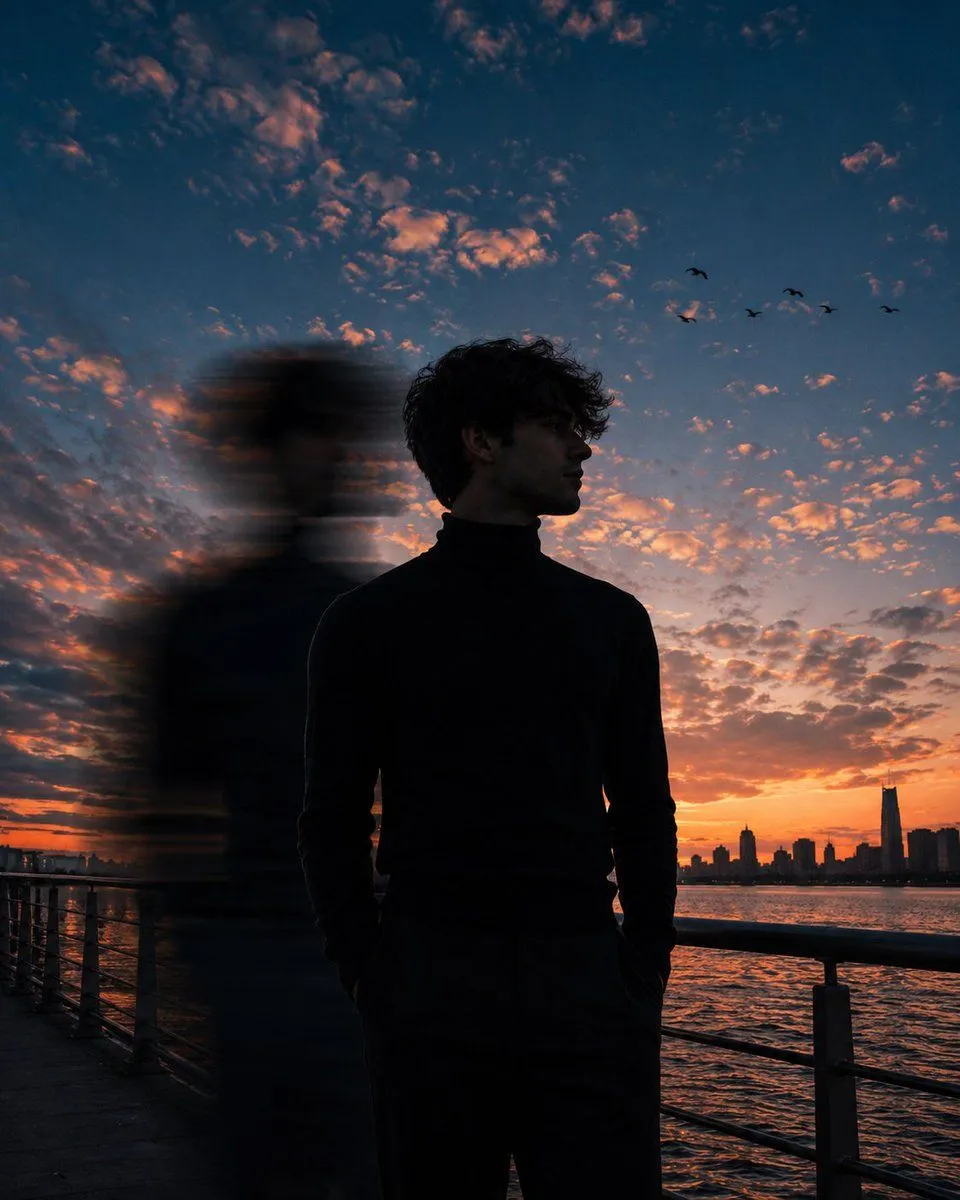
Motion Blur Sunset Portrait
A cinematic low-angle portrait of a subject standing on a location during lighting, framed from mid-thigh upward, occupying roughly 40% of the frame. He wears a fitted black turtleneck sweater, both hands casually tucked into his pockets. His body faces slightly toward the camera while his head is turned to the right, gazing into the distance. His face is only partially visible due to the side profile angle and deep shadow, with facial features obscured. Dark curly hair catches subtle rim light from the sky. A strong vertical effect passes directly beside him on the left side of his body, stretching from head to waist, creating a surreal double-exposure effect. The blur is heavy, elongated, and semi-transparent, with horizontal streaking and soft edges. The main subject remains perfectly sharp while the blurred figure appears as a fast-moving echo. Behind him, a dramatic evening sky fills nearly 80% of the composition, featuring deep navy-blue and cobalt tones blended with warm peach, orange, and pink sunset clouds. Soft scattered altocumulus clouds cover the sky with glowing highlights. A few small birds fly across the upper-right sky. The horizon glows with rich orange and crimson sunset light. Foreground features a metal waterfront railing leading diagonally across the frame. Calm water reflects the warm sunset colors. A distant city skyline appears in the far-right background, slightly silhouetted and softly out of focus. Shot from a close distance with a 35mm lens, low perspective, subject centered slightly right of frame. Moody cinematic color grading, teal-and-orange tones, deep contrast, subtle film grain, atmospheric depth, realistic lighting, shallow depth of field, ultra-detailed, photorealistic, premium editorial photography, 4:5 aspect ratio.