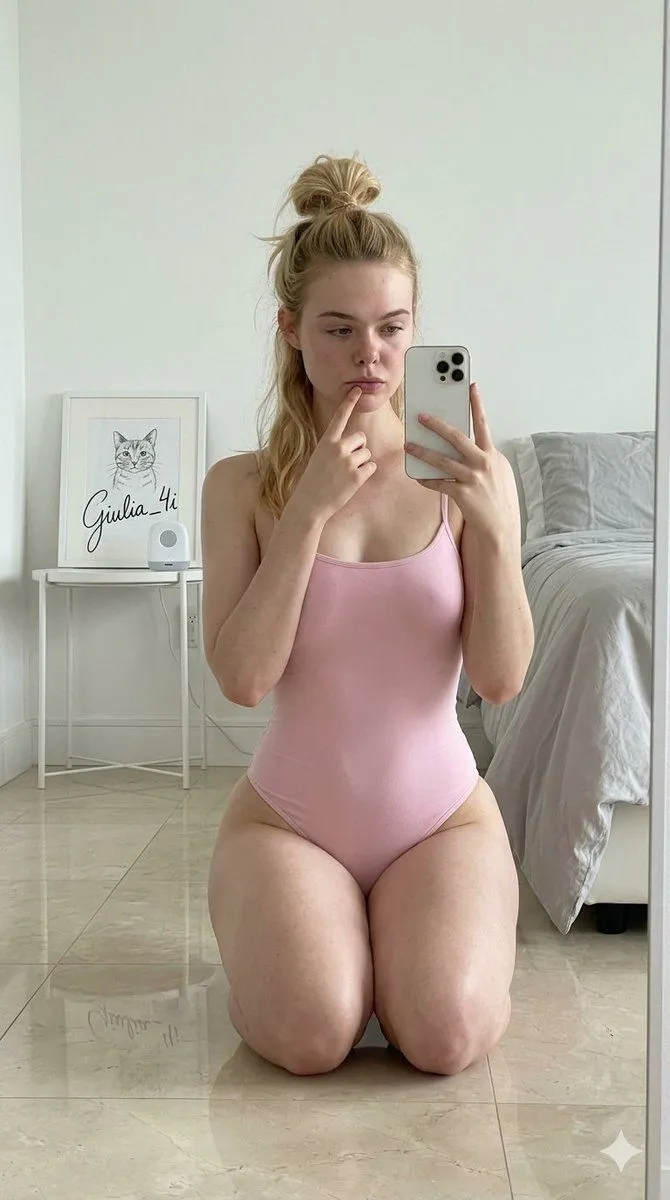
Moody Morning Mirror Selfie Prompt
"type": "image_prompt", "description": "subject": "main": "character_name with hair tied in a loose bun, with strands falling over the shoulder and framing the face. Her expression is soft and slightly pouting, with eyes focused on the phone screen.", "details": "Glossy lips, slight skin luminosity, and one finger delicately touching the lower lip." , "appearance": "body_type": "Fit" , "clothing": "outfit": "color one-piece bodysuit", "details": "Smooth texture, thin straps, tight to the body and high-cut" , "pose": "position": "Kneeling on a shiny floor, facing a mirror", "right_hand": "Raised, holding a white smartphone to take a selfie", "left_hand": "Raised, with the index finger resting gently on the lower lip", "posture": "Upright posture with shoulders relaxed" , "setting": "environment": "room_style", "details": "White walls and light, shiny tile floor", "background_left": "Small white bedside table with black metal frame containing a framed drawing", "background_right": "Part of a bed with light gray sheets and pillows" , "props": [ "Smartphone with multiple camera lenses", "Framed drawing of a cat on the bedside table, with a large, visible stylized signature 'Giulia_4i'", "Bed with gray bedding" ], "lighting": "type": "Artificial indoor lighting, bright and uniform", "effects": "Visible reflections on the shiny floor and the back of the phone, with soft shadows on the body" , "mood": "Casual, fun, modern, internet aesthetic", "technical": "camera": "Mirror selfie perspective, medium framing (from mid-thighs up), standard smartphone lens", "style": "Photorealistic, casual social media style", "quality": "Sharp image, well-focused, well-lit, high resolution", "aspect_ratio": "9:16"