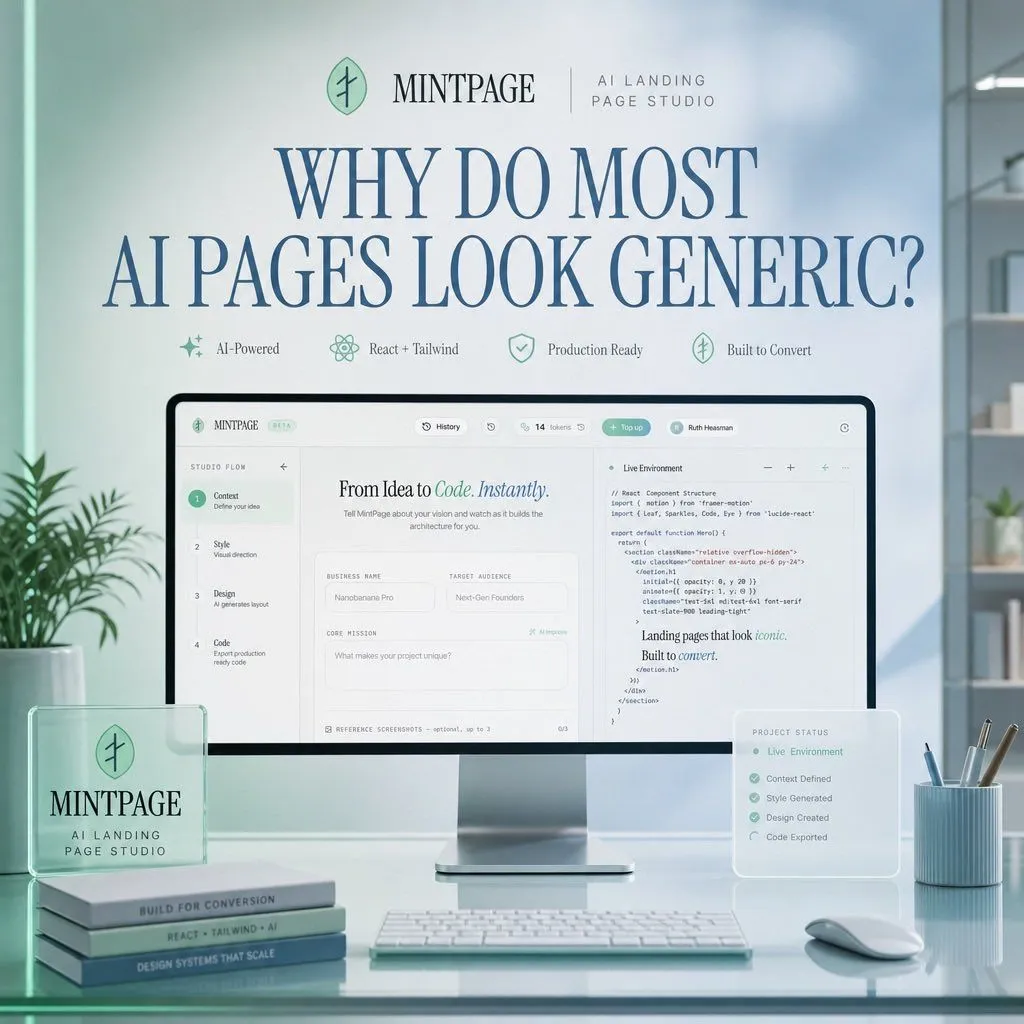
Mintpage AI Landing Page Hero
Goal: Create a polished square hero image for a SaaS landing page concept advertising product_name, an AI landing page studio. Canvas: 1:1 square composition, soft daylight office setting, pastel mint and pale blue color palette, clean premium tech aesthetic, realistic 3D product mockup mixed with refined editorial typography. Layout: Center the scene around a large desktop monitor on a glossy glass desk. At the top, place a small brand row with a circular mint leaf-like logo, the word product_name, a thin divider line, and the subtitle brand_subtitle. Below it, use a very large elegant serif headline in dark blue: headline_text. Under the headline, place exactly 4 small feature badges in one row with delicate mint icons and labels: 1) AI-Powered, 2) React + Tailwind, 3) Production Ready, 4) Built to Convert. Main subject: The monitor displays a clean web-app builder interface for creating landing pages. The interface should have a top navigation bar and a split workspace. On the left, show a vertical setup flow with exactly 4 numbered steps: 1) Context — Define your idea, 2) Style — Visual direction, 3) Design — AI generates layout, 4) Code — Export production ready code. In the center panel, show the headline “From Idea to Code. Instantly.” with “Code. Instantly.” in mint italic styling, followed by form fields such as Business Name, Target Audience, and Core Mission. On the right panel, show a code editor titled “Live Environment” with readable but small React/Tailwind-style code and a short rendered text snippet saying “Landing pages that look iconic. Built to convert.” Foreground objects: On the left side of the desk, place a translucent acrylic desk plaque with the circular logo and the text “MINTPAGE” and “AI LANDING PAGE STUDIO.” Beneath or beside it, stack exactly 3 slim books with visible spine labels: 1) BUILT FOR CONVERSION, 2) REACT + TAILWIND + AI, 3) DESIGN SYSTEMS THAT SCALE. In front of the monitor, place a slim white keyboard. On the right side, place a small translucent floating status card titled “PROJECT STATUS” listing exactly 5 checked items: 1) Live Environment, 2) Context Defined, 3) Style Generated, 4) Design Created, 5) Code Exported. Also include a pale blue ribbed pen cup with exactly 4 writing tools and a white mouse. Environment: Minimal modern office with soft-focus shelves and plants in the background, large window lighting from the right, subtle reflections on the glass desktop, gentle depth of field, no people. Visual style: Premium startup launch graphic, soft volumetric lighting, realistic product photography, glassmorphism overlays, mint-green accents, dark blue serif typography, crisp UI details, calm high-end studio atmosphere. Constraints: Use exactly the counted elements listed above, keep the image uncluttered, make the headline the most prominent text, avoid extra logos, watermarks, or unrelated text.