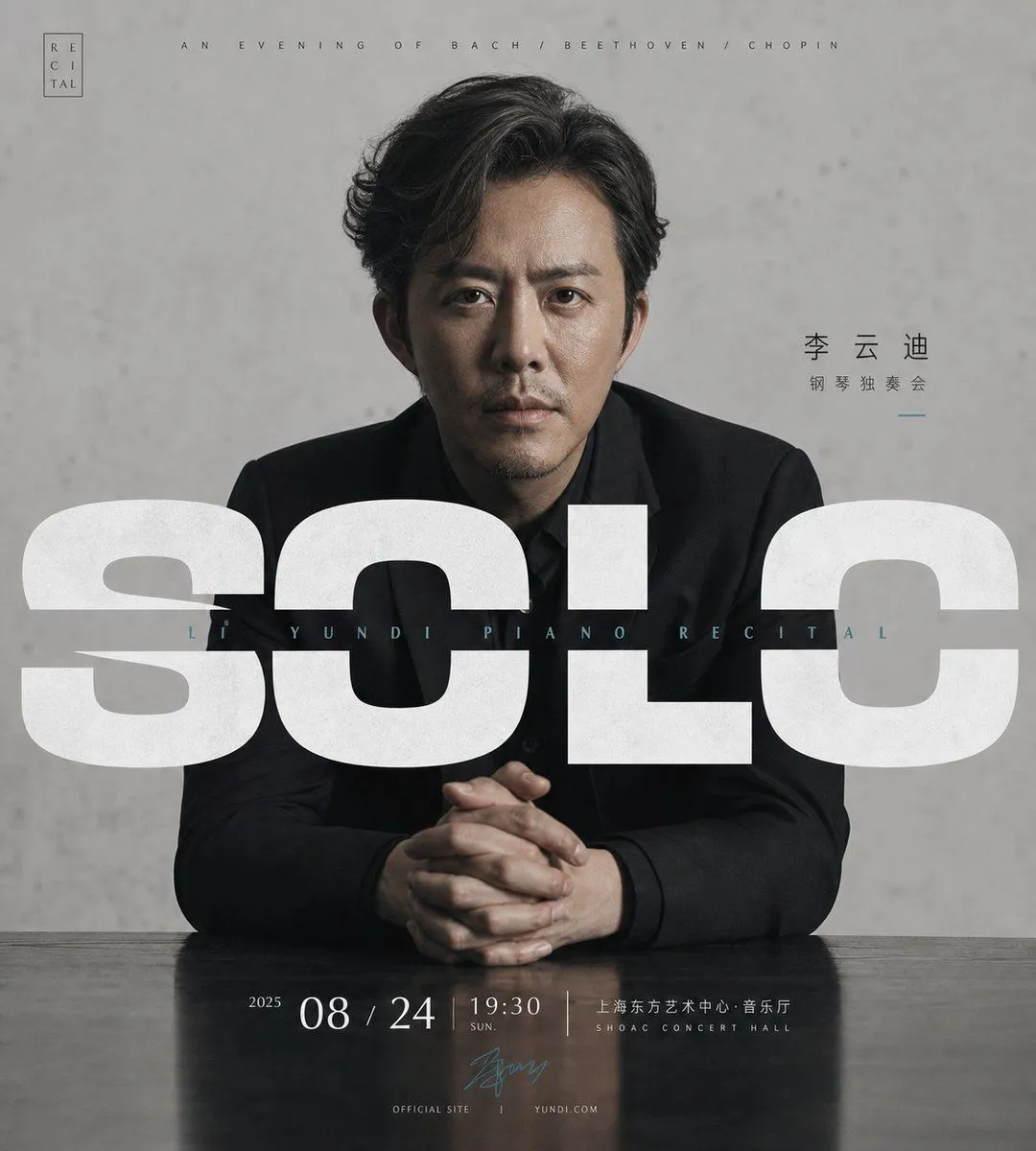
Minimalist Piano Recital Poster
Create a square luxury classical music recital poster with a restrained gray, black, and white palette. Center a realistic studio portrait of pianist_name, an East Asian male pianist in his late 30s to 40s wearing a fitted black suit and black shirt, seated at a dark glossy piano or table with both hands clasped in front of him. He faces the camera directly with a serious, calm expression, slightly tousled dark hair, subtle facial stubble, dramatic soft side lighting, and a textured concrete-gray wall behind him. Overlay enormous bold condensed white sans-serif typography across the middle reading main_title, spanning nearly the full width and partially covering the portrait; use slightly distressed paper texture in the letters. Add a thin, widely spaced small uppercase line above the portrait: “AN EVENING OF BACH / BEETHOVEN / CHOPIN”. Add a tiny vertical boxed logo in the upper left reading “RECITAL”. To the right of the face, place Chinese artist text “李 云 迪” with smaller “钢 琴 独 奏 会” beneath and a short blue accent line. Across the center over the large title, add small widely tracked blue-gray text: “LI YUNDI PIANO RECITAL”. Along the bottom, create an elegant event information strip reflected faintly in the glossy surface: year “2025”, large date event_date, time event_time, and venue venue with smaller Chinese venue text above “SHOAC CONCERT HALL”. Include a small blue signature mark near the bottom center and tiny footer text “OFFICIAL SITE” and “YUNDI.COM”. Design style: premium minimalist concert advertising, cinematic photographic realism, precise Swiss editorial typography, generous negative space, subtle grain, high-end cultural event aesthetic, no extra objects, no additional performers, no bright colors.