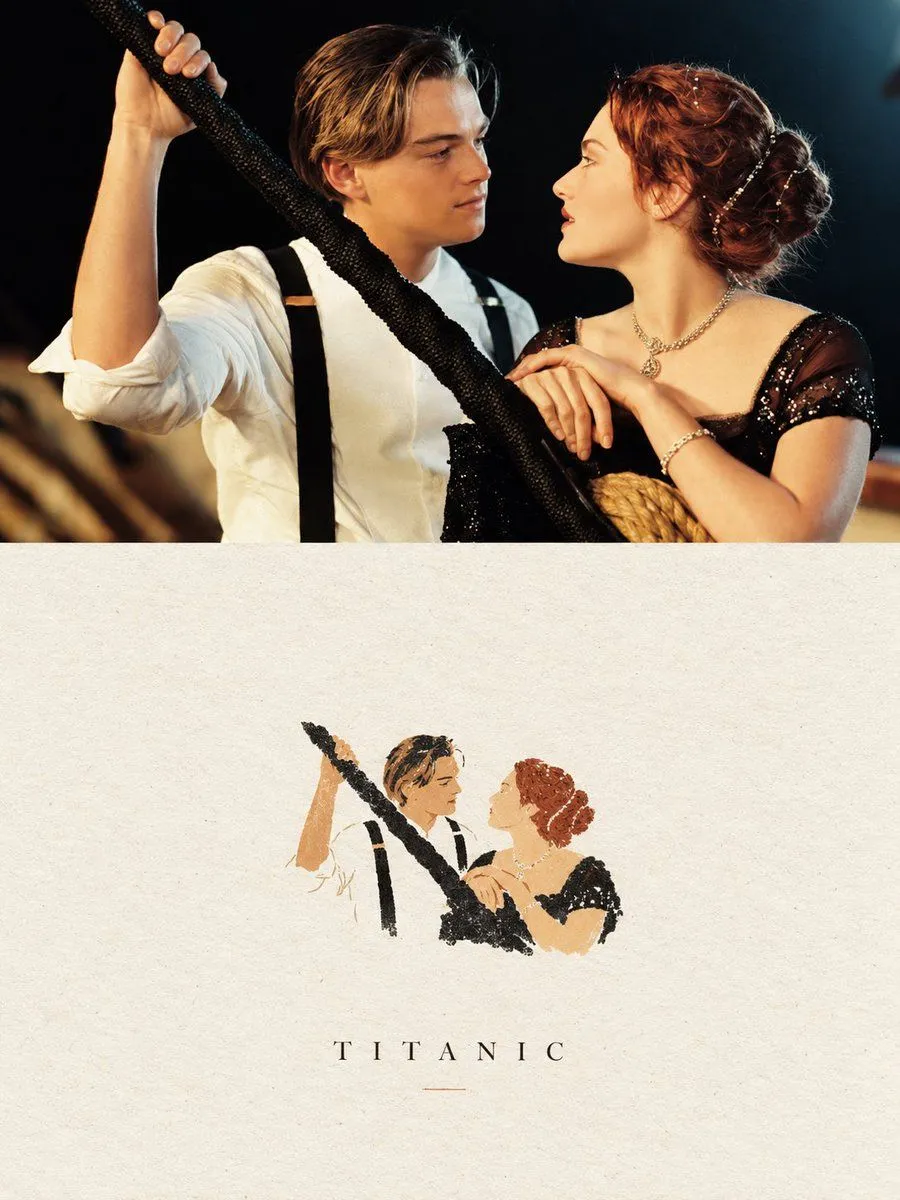
Minimalist Paper Art Poster Prompt
Create a sophisticated 3:4 vertical editorial art poster based directly on the uploaded photograph. Divide the composition into two equal horizontal panels. Upper panel: retain the photograph as the primary visual, preserving the people, facial appearance, pose, wardrobe, props, lighting, atmosphere, colors, and photographic realism. Do not reinterpret or substantially alter the scene. Apply only a restrained, high-end editorial grade with subtle tonal refinement and natural film-like texture. Lower panel: create a very small, centered handmade-paper interpretation of the key visual relationship from the photograph. Reduce the recognizable figures and essential gesture into an understated graphic illustration made from delicate, slightly irregular hand-drawn contours and a few strong, flat acrylic-style shapes. Use organic imperfections, softly fibrous paper texture, and naturally uneven edges. Limit the artwork to a maximum of four colors sampled or closely derived from the original photograph. Keep this illustrated element intentionally tiny—approximately 10–20% of the lower panel—and surround it with generous warm ivory/off-white negative space. If typography is included, use only restrained, sophisticated editorial type with minimal visual weight. The finished piece should resemble a quiet independent art-book cover or gallery print: poetic, restrained, tactile, elegant, and premium. Favor simplicity, subtle imperfections, and visual breathing room over decoration. Avoid: cartoon aesthetics, watercolor effects, colored-pencil rendering, 3D elements, glossy finishes, excessive detail, busy compositions, commercial advertising aesthetics, or overly polished digital illustration.