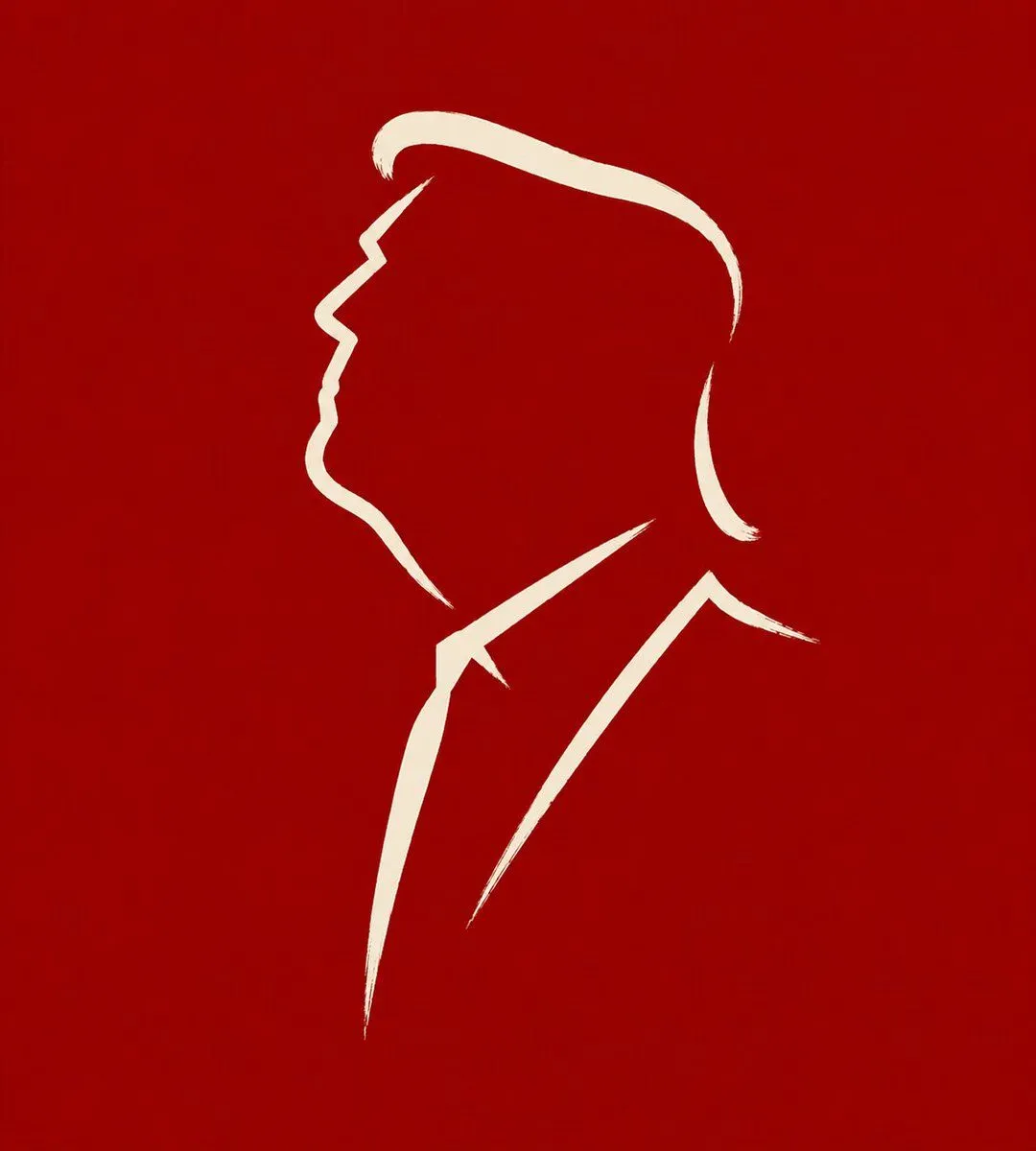
Minimalist Cave Painting Style Avatar
Transform the input image into a ratio minimalist symbolic line illustration suitable for social media avatars. The subject can be a person, animal, or plant. Do not replicate the exact form, describe details, or use complete outlines. Instead, like early murals or primitive carvings, extract the most essential expression, posture, and contour features of the subject, leaving marks with a minimal number of lines. The goal is not to draw the whole subject but to create a refined symbolic image where just a few strokes reveal its temperament and charm. The number of lines must be extremely small, ideally within line_count. Every stroke should be simple, direct, and decisive, as if drawn in one go, with natural pauses and slight fluctuations. It should not be mechanical, polished, overly smooth, or form a modern logo-style closed outline. Allow for breaks, white space, and omissions to participate in the expression. Do not draw facial details, hair texture, clothing folds, leaf veins, or other explanatory details; retain only the most critical contour turns and expressive pivot points. The overall vibe should be primitive, direct, restrained, and accurate, like a primal visual language. The background should remain simple, quiet, and steady, using a background_color, stone wall color, gray-white, dark tone, or other plain colors that can highlight the lines. The main lines should be clear, simple, and have a sense of presence. Avoid realism, shadows, volume, complex decorations, or modern graphic design styles. The final effect should be an extremely refined symbolic mark: minimal, accurate, powerful, and quiet, extracting the essence of the subject in just a few strokes.