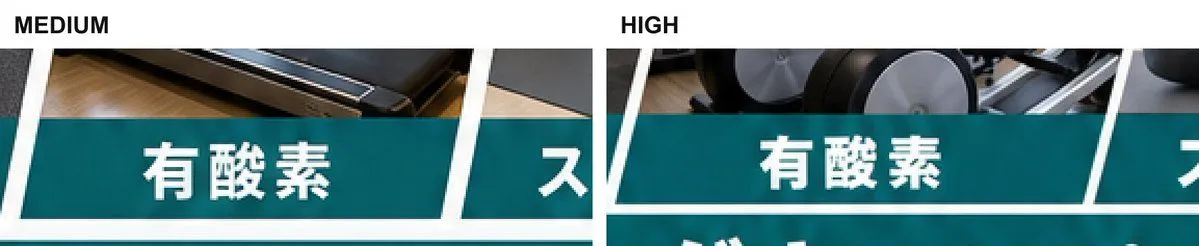
Medium vs High Text Artifact Comparison
Create a wide cropped comparison graphic showing two side-by-side image-generation quality results on a plain white background. The canvas is an ultra-wide horizontal strip, about 5:1 aspect ratio, cropped tightly so only the top portion of each result is visible. At the top left above the first crop place the bold black uppercase label “MEDIUM”; near the upper center above the second crop place the bold black uppercase label “HIGH”. Each of the 2 comparison panels shows the same fitness-class style tiled layout: a photographic band at the top with gym equipment and dark exercise machines, underneath a deep teal rectangular title bar with large bold white Japanese text main_tile_text. Use thick white borders and sharp diagonal white dividers between tiles, giving the layout a dynamic slanted collage look. Count exactly 2 main visible teal title tiles with the full text “有酸素”, one in each panel, plus exactly 2 partially visible neighboring teal tiles at the right edge showing only the first character or fragment partial_tile_text. A thin lower white divider and the top edge of another teal row are barely visible along the bottom, cropped off. Emphasize the artifact being compared: around the white Japanese letters on the solid teal backgrounds, include subtle uneven brightness and saturation patches, faint haloing, and mottled texture, with the “HIGH” panel slightly cleaner but still showing visible nonuniformity. Keep the composition as a technical screenshot/comparison crop, not a polished poster. Use crisp sans-serif typography, high contrast, no extra captions, no watermark.