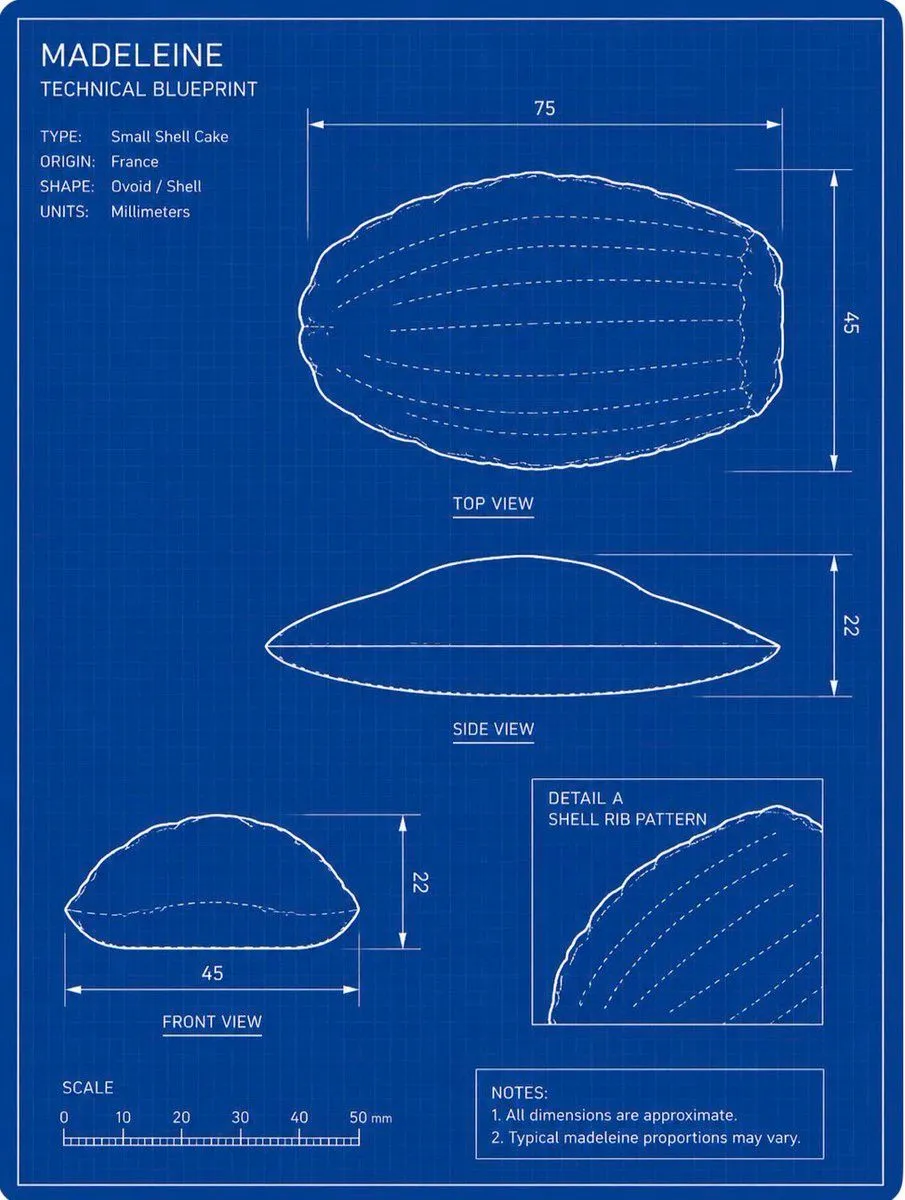
Madeleine Technical Blueprint
Using the provided reference image as the subject, transform the madeleine into a clean technical blueprint drawing rather than a photo. Create a vertical engineering-sheet layout on a dark blue grid background with thin white linework, a double border, measurement arrows, labels, and schematic outlines that preserve the madeleine’s shell-like oval form. Goal: Produce a blueprint titled title_text with the subtitle subtitle_text. Layout: Include exactly 4 technical drawing panels derived from the reference pastry: 1 large top view at the upper right, 1 side view centered below it, 1 front view at the lower left, and 1 boxed detail inset at the lower right showing the shell rib pattern. Use white contour lines and dashed internal rib lines. Technical text: Add a specification block at upper left with exactly 4 rows: TYPE: type_label, ORIGIN: origin_label, SHAPE: Ovoid / Shell, UNITS: Millimeters. Measurements: Add dimension lines and numeric labels matching a blueprint: top view width 75 and height 45, side view height 22, front view width 45 and height 22. Add a bottom-left scale ruler labeled SCALE with marks 0, 10, 20, 30, 40, 50 mm. Additional elements: Add the inset label “DETAIL A” and “SHELL RIB PATTERN”. Add a notes box at the bottom right with exactly 2 notes: “1. All dimensions are approximate.” and “2. Typical madeleine proportions may vary.” Style constraints: Do not render the pastry as a realistic food photo; convert it fully into a white-on-blue technical schematic. Keep the blueprint crisp, precise, lightly hand-drawn at the outline edges, with no extra objects, no shadows, and no watermark.