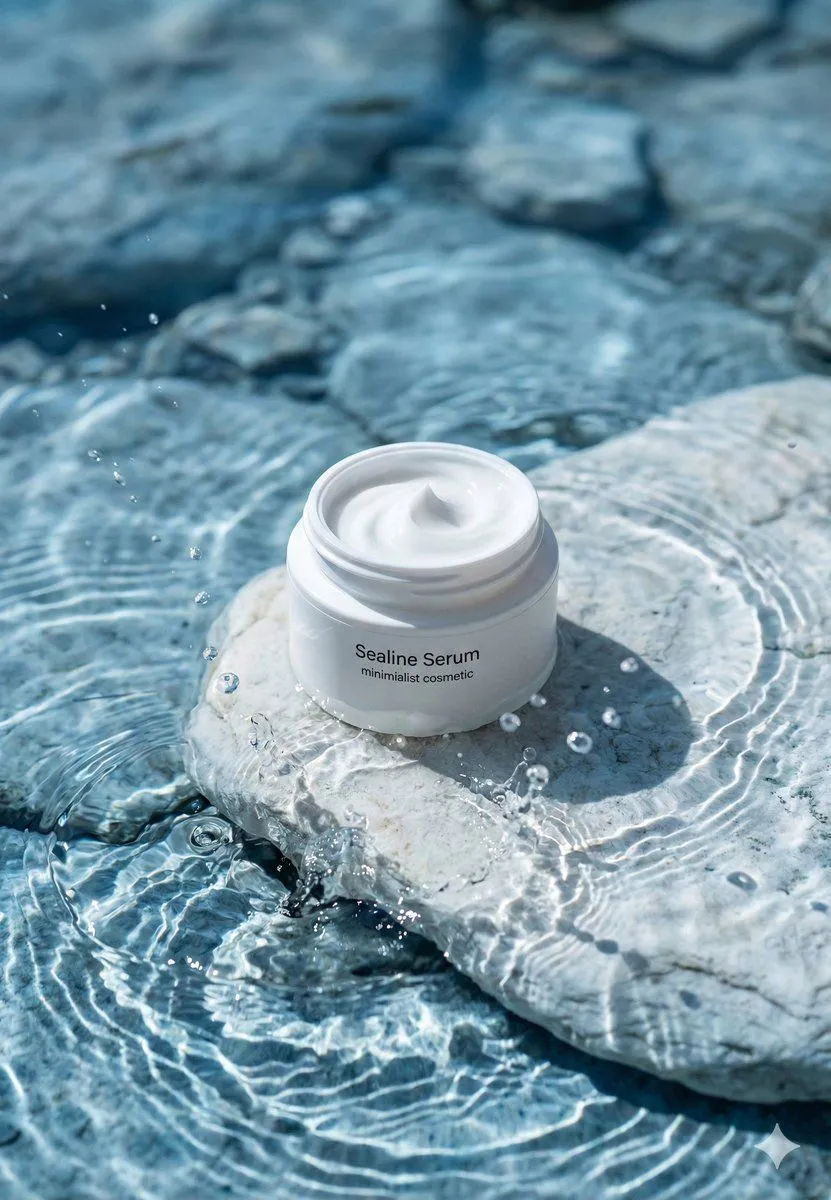
Luxury Skincare Product Macro Shot in Water
"prompt": "A premium minimalist skincare product photography scene featuring an open white cosmetic jar labeled 'product_name'. The jar is placed on a smooth, pale stone partially submerged in crystal-clear shallow water. The cream inside the jar has a soft, glossy swirl with a pristine, silky texture. Gentle water ripples surround the stone, creating natural light refractions and caustic patterns on the surface below. Small water droplets and subtle splashes add freshness and motion. The environment feels serene, clean, and natural, evoking purity, hydration, and calm luxury. The color palette is cool and airy, dominated by soft whites, light blues, and stone neutrals. Lighting is bright, diffused daylight with soft highlights and minimal shadows, emphasizing texture, moisture, and realism. The composition is centered and balanced, with shallow depth of field and a softly blurred background for a high-end cosmetic advertising look. Ultra-realistic, photoreal, editorial-quality product shot.", "negative_prompt": "harsh shadows, dirty water, cluttered background, plastic texture, low resolution, oversharpening, unrealistic reflections, strong color cast, text artifacts, watermark, logo distortion, messy cream surface", "style": "luxury skincare advertising", "camera": "type": "DSLR", "lens": "90mm macro", "aperture": "f/5.6", "iso": 100, "shutter_speed": "1/250" , "composition": "framing": "centered product focus", "angle": "slightly elevated", "orientation": "portrait", "depth_of_field": "shallow with soft background blur" , "quality": "resolution": "8K", "detail": "ultra-fine texture detail", "sharpness": "high", "realism": "photorealistic"