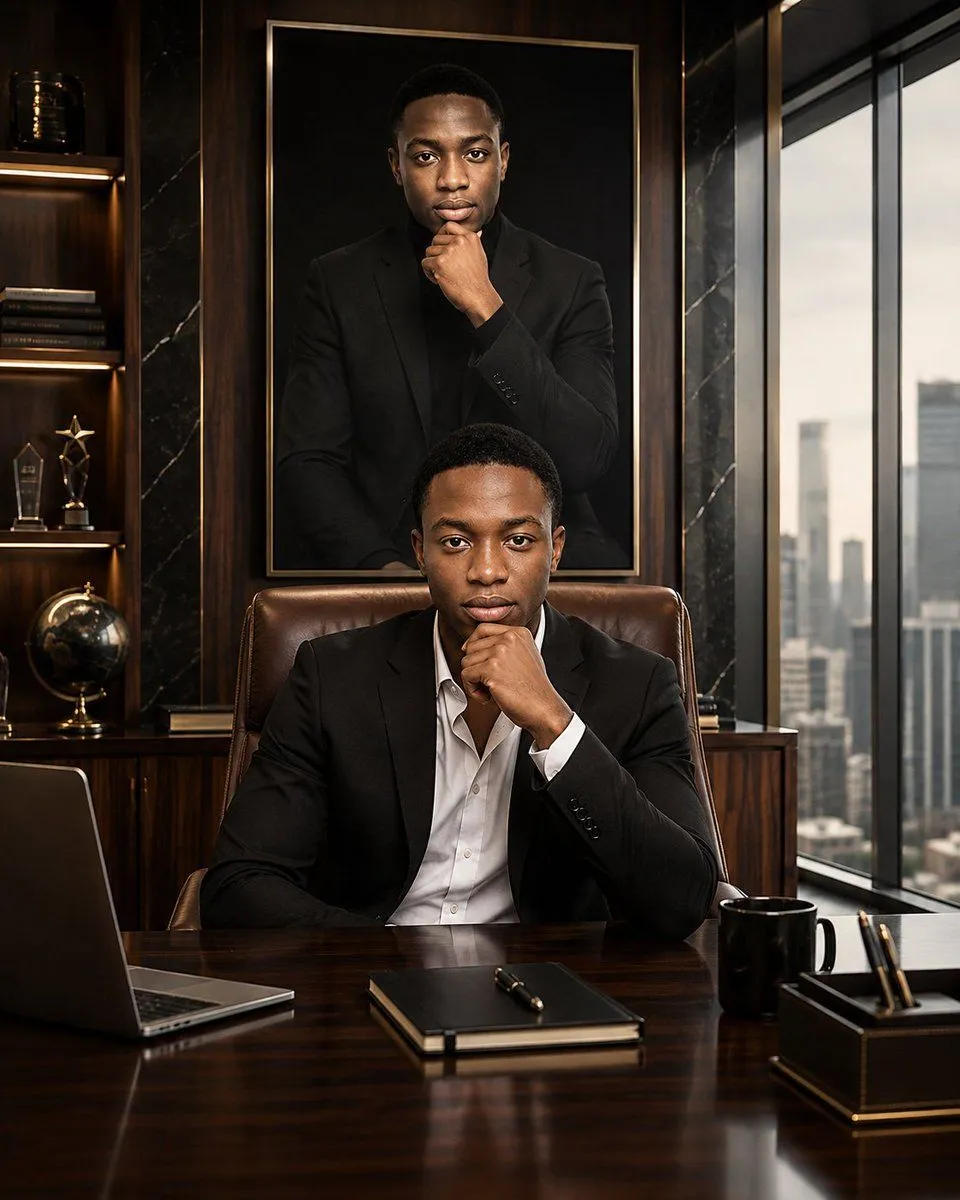
Luxury Executive Future Self Portrait
Create a cinematic executive portrait of character_name seated behind a polished dark mahogany office desk in a luxurious high-rise executive office. He wears a sharp suit_color suit jacket over an open-collar shirt_color dress shirt, looking directly at the viewer with a calm, focused, ambitious expression. His right hand rests under his chin in a thoughtful leadership pose, elbow on the desk; he has a close-cropped haircut, clean-shaven face, defined jawline, symmetrical features, and warm medium-dark skin tone. Behind him, centered on the wood-paneled wall, hang one oversized framed portrait of the same man wearing an all-black suit and black shirt, also posed with his hand under his chin, creating a “future self / envisioned self” feeling. The office has dark walnut wall panels, black marble vertical accents with subtle white veining, warm shelf lighting, and a large floor-to-ceiling window on the right showing a softly blurred modern city skyline in daylight. On the left built-in shelving, include exactly 5 visible decorative objects: one black-and-gold cylindrical container on the top shelf, one horizontal stack of books, two gold/glass trophy awards, and one black-and-gold globe. On the desk, include exactly 5 visible items: one open laptop at the left edge, one closed black notebook centered near the front with a gold pen on top, one glossy black coffee mug on the right, one black-and-gold pen holder at the far right with three pens, and the reflective wooden desktop surface. Use dramatic but refined lighting: warm highlights from shelves and soft window light, rich contrast, realistic skin texture, shallow depth of field, premium editorial photography style, 4:5 vertical composition, ultra-detailed photorealism, no text, no watermark, no extra people.