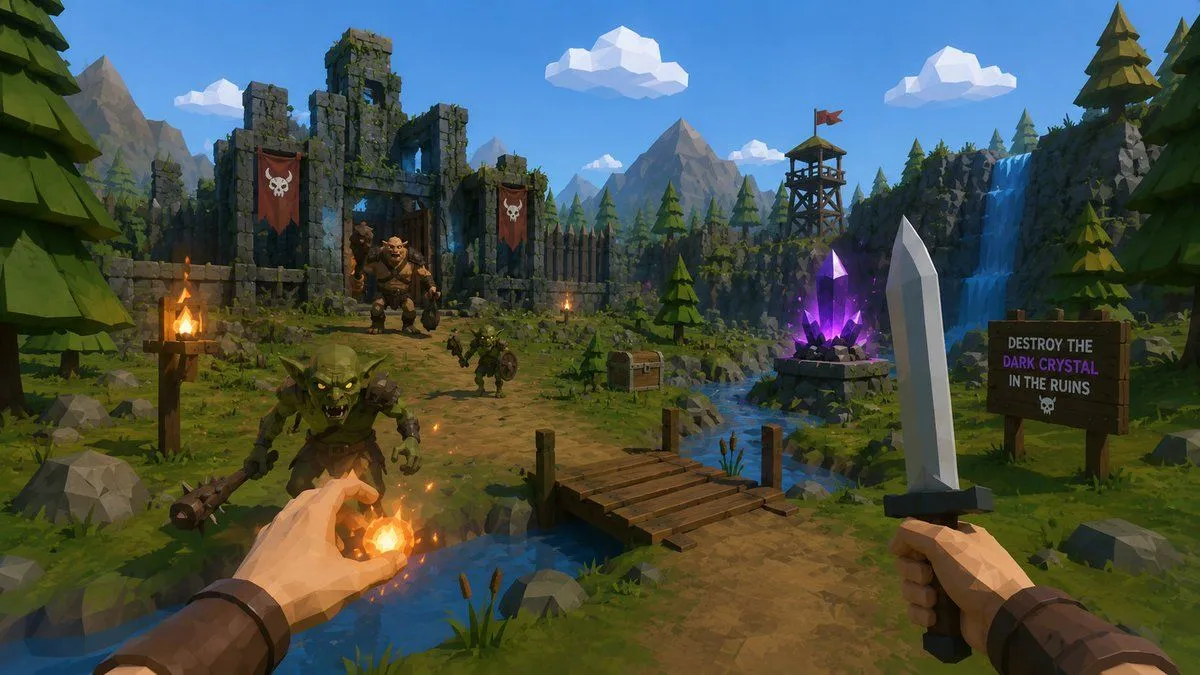
Low-Poly Fantasy Quest Screenshot
Create a first-person low-poly fantasy adventure game screenshot in a bright stylized 3D art style, as if from a playable RPG built from a single image. The camera is at human eye level on a dirt path beside a small stream, with two player hands visible in the foreground: the left hand is casting a glowing orange fireball with sparks and warm light, and the right hand holds a simple faceted steel sword with a dark hilt. Show exactly 3 enemies: 1 large green goblin charging in the lower left foreground with a spiked club, 1 smaller goblin warrior on the path near the center holding a round shield, and 1 bulky ogre or orc boss standing inside the ruined gate in the background. The setting is environment: mossy broken castle walls on the left, wooden palisades, pine trees, gray boulders, distant angular mountains, a blue sky, and chunky white low-poly clouds. Include exactly 2 red skull banners hanging on the ruin walls, exactly 3 lit torches, 1 wooden footbridge crossing the stream, 1 treasure chest near the riverbank, 1 wooden watchtower with a small red flag on a cliff, 1 blue waterfall on the right, 1 tall pale crystal obelisk in the right foreground, and 1 glowing purple dark crystal on a stone pedestal near the stream. Add a wooden quest sign on the right that reads exactly: "DESTROY THE\nDARK CRYSTAL\nIN THE RUINS" with a small skull icon beneath. Use vibrant game-ready lighting, crisp shadows, readable silhouettes, saturated greens and blues, warm fire highlights, polygonal geometry, no photorealism, no UI overlays, no watermark. The main quest objective is quest_objective, the player weapon is player_weapon, the magic effect is magic_spell, and the enemy faction is enemy_faction.