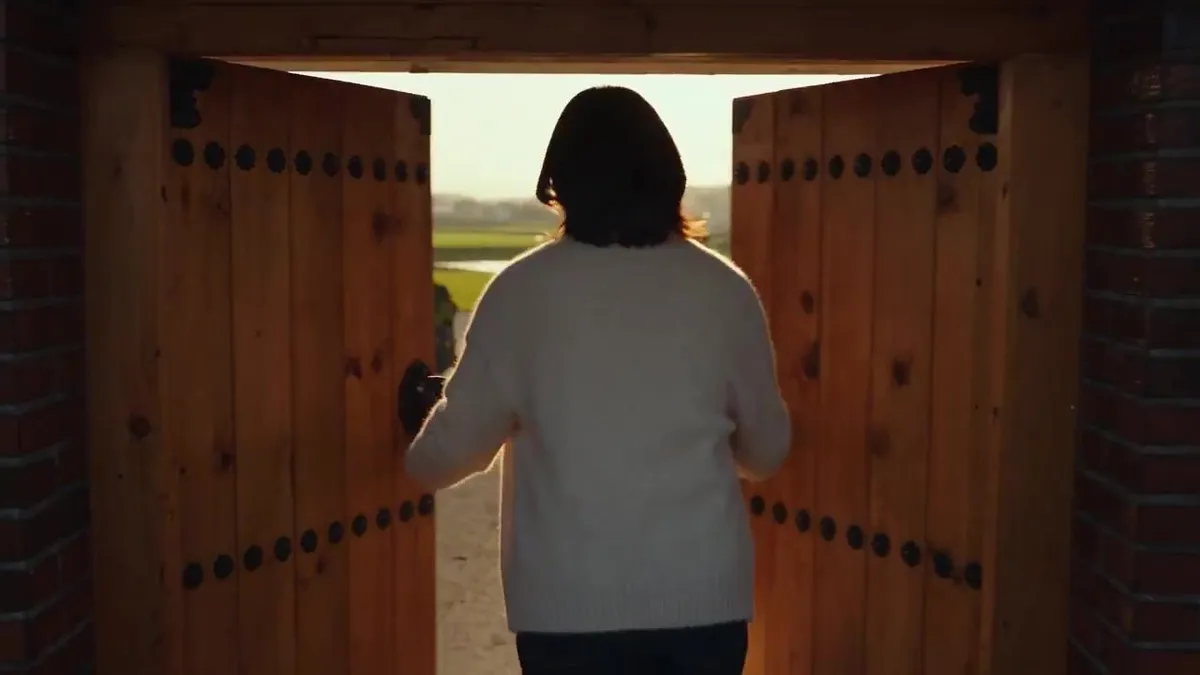
Korean Village Grocery Run
Create a 30-second ultra-photorealistic Korean countryside lifestyle vlog following a young Korean woman through a spontaneous afternoon in a peaceful village. Begin with her leaving her traditional home to buy groceries, walking along a quiet village road before meeting local children playing with a rubber ball. She briefly joins their game, laughing and playing naturally, then says goodbye and continues to a tiny neighborhood grocery shop. Show authentic Korean rural life with traditional homes, modest modern houses, narrow paved roads, stone walls, vegetable gardens, utility poles, bicycles, trees, distant rice fields and a small local shop. Keep the woman, children, clothing, shopping bag and environment perfectly consistent throughout. Capture realistic human movement, walking biomechanics, ball physics, cloth and hair movement, grocery handling, natural bag weight, door and gate mechanics, sunlight, shadows, wind and environmental details. Use modern 2026 handheld cinematic-vlog cinematography with natural autofocus, subtle camera movement, realistic motion blur, eye-level framing and a brief child-height tracking shot. Use only natural diegetic audio: footsteps, birds, insects, wind, leaves, children's laughter, ball impacts, clothing movement, shopping-bag rustling, shop bell, groceries and authentic Korean dialogue with accurate lip synchronization. No music, narration, subtitles, CGI, artificial movement, impossible physics, changing faces or clothing, logos or watermark. End with the woman walking home in warm golden-hour light, waving back at the children from a distance before entering her home, leaving the viewer with a peaceful, authentic Korean village moment.