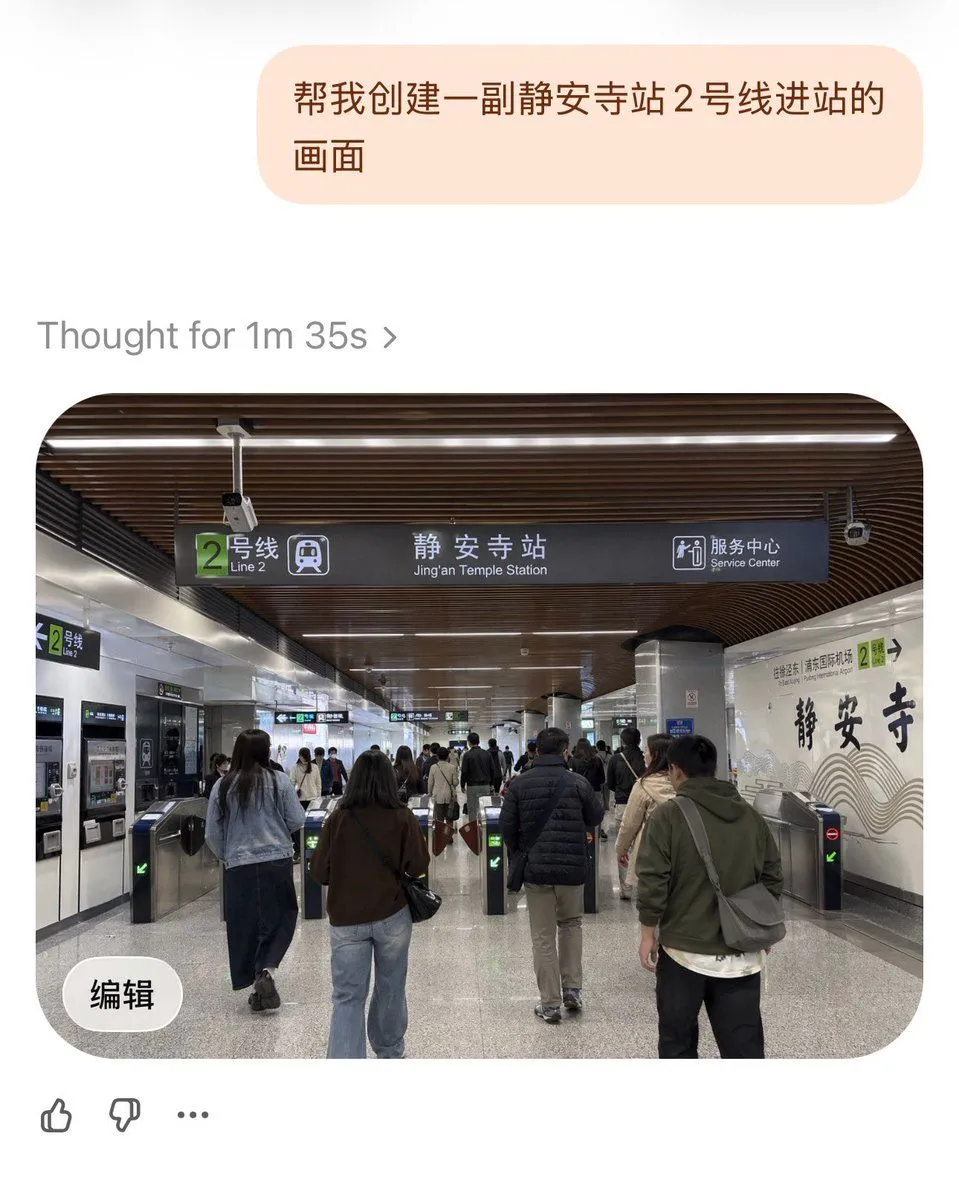
Jing'an Temple Line 2 Station Entrance
A realistic documentary-style photo of the entrance area inside station_name on subway_line in Shanghai Metro, viewed from a passenger's eye level while walking toward the fare gates. The scene is a wide indoor station concourse with a modern ceiling made of dark brown curved wooden slats and long linear white lights. In the center hangs a large dark overhead wayfinding sign with a green square route marker showing the number 2 and the text “2号线 / Line 2,” the main station name “静安寺站 / Jing'an Temple Station,” and a service center icon with the bilingual text “服务中心 / Service Center.” Below the sign are multiple stainless steel fare gates, with exactly 6 visible gate lanes in the foreground, some showing green arrow indicators and at least one showing a red no-entry symbol. Show a busy but orderly flow of commuters, around 10 to 15 adults in everyday autumn clothing, seen mostly from behind, walking into the station through the gates; include jackets, jeans, backpacks, shoulder bags, and neutral colors. On the left wall, include ticket or vending machines and another smaller green Line 2 sign. On the right wall, create a decorative white station wall with large black Chinese calligraphy reading “静安寺” and subtle wave-like graphic lines, plus a small green Line 2 marker nearby. Materials should feel authentic: polished gray speckled stone floor, metallic columns, tiled walls, and realistic transit fixtures. Lighting is bright, even, and fluorescent, with a clean public-transport atmosphere. Compose it as a slightly wide-angle smartphone photo, centered on the overhead sign and gate area, highly realistic, candid, detailed, and true to an actual Shanghai metro station interior.