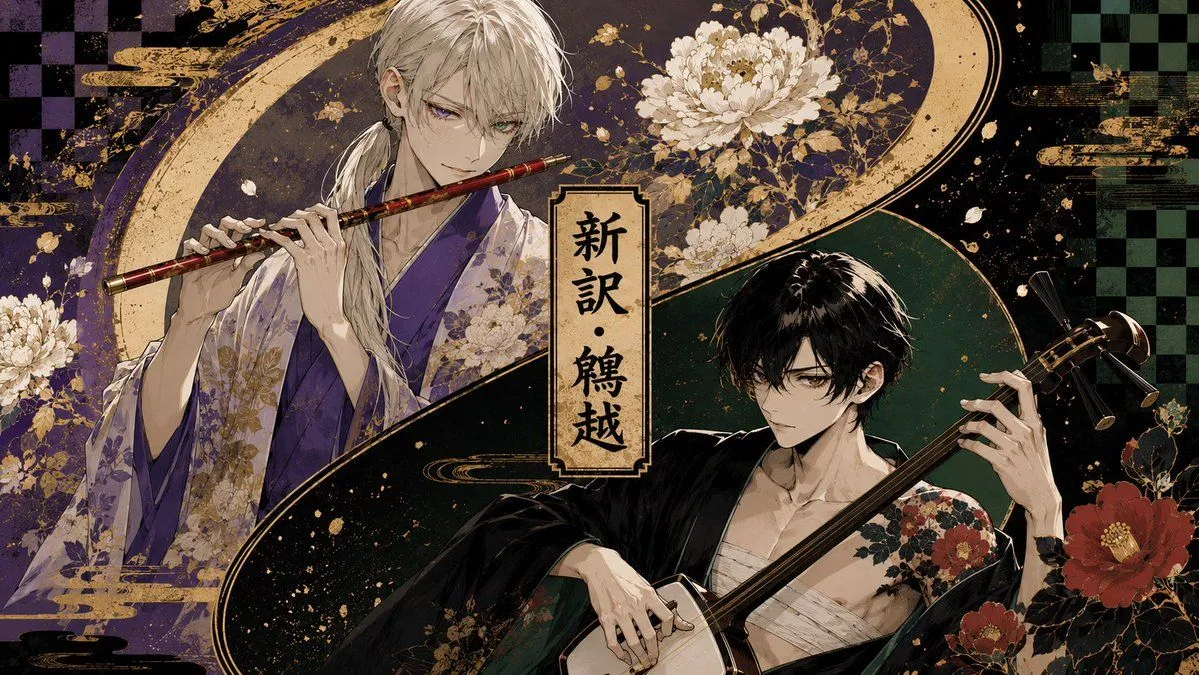
Japanese Musician Album Cover
Create a dramatic Japanese album-cover style illustration in a wide 16:9 landscape format. Show exactly two beautiful anime-style young men as traditional musicians, divided by a sweeping gold-and-black S-shaped wave across the composition. On the left upper side, depict a pale, slim man with long white hair tied low over one shoulder, sharp violet eyes, and a calm intense expression, wearing a layered purple and lavender floral kimono; he holds and plays a red-and-gold transverse bamboo flute horizontally near his mouth with both hands. On the right lower side, depict a pale, slim man with tousled black hair and dark eyes, wearing a loose black kimono slipped open over white chest wrappings, with red camellia floral patterns on one shoulder; he holds a shamisen diagonally, left hand on the neck and right hand near the body, looking serious and focused. Place a vertical parchment title plaque in the center with black Japanese calligraphy reading title_text. Use a luxurious dark palette of deep purple, black, forest green, cream, and metallic gold, with ornate Japanese screen-painting details, gold splatter, ink texture, cloud bands, sweeping crescent arcs, and decorative floral motifs. Include exactly three prominent white chrysanthemum clusters around the upper left and top center areas, and exactly three prominent red camellia blossoms on the lower right. Add subtle checkerboard patterns in the far left and far right background, aged paper texture, high-detail line art, elegant bishounen character design, cinematic lighting, and a polished fantasy-jacket-cover finish. No modern objects, no extra characters, no watermark, keep all text limited to the central vertical plaque.