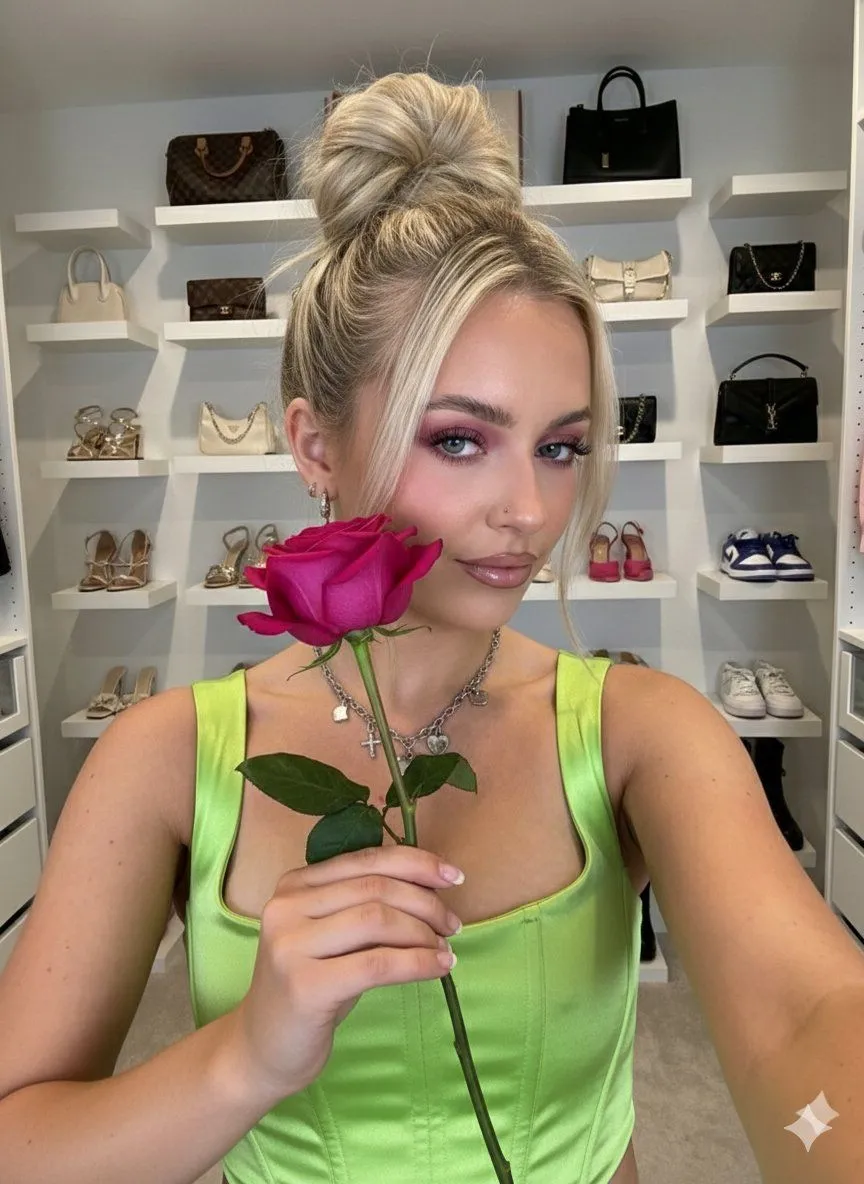
Influencer-Style Selfie Portrait with Rose and Detailed Environment
"prompt": "subject": "demographics": "Young woman, light skin tone", "hair": "Blonde, styled in a high messy bun with loose strands framing the face", "expression": "Playful, winking with right eye closed, nose slightly scrunched", "action": "Biting the green stem of a large, vibrant rose_color rose held between teeth" , "attire": "top": "Bright top_color satin corset top with spaghetti straps, sweetheart neckline, and ruched cup detailing", "jewelry": "Silver chain necklace with multiple charms including a heart locket, small nose stud" , "makeup": "eyes": "Heavy eyeshadow_color eyeshadow blended into a cat-eye shape, mascara", "lips": "Glossy nude-pink lips", "style": "Soft glam" , "environment": "location": "Walk-in closet / dressing room", "background_details": [ "White floating shelves", "Top shelf: Assorted handbags including silver and metallic styles", "Middle shelf: Strappy high heels in pink and beige/gold", "Bottom shelves: Black stiletto heels and grey foam runner sneakers" ] , "technical_visuals": "camera": "iPhone 17 Pro Max", "lens": "Main (Wide) 24mm equivalent, f/1.78 aperture", "sensor_format": "RAW, 48MP", "processing": "Photonic Engine, Smart HDR 6", "lighting": "Hard on-camera True Tone flash, direct lighting causing distinct drop shadows on the background", "angle": "Close-up selfie angle, slightly from above", "aesthetic": "Candid, sharp details, high contrast, vibrant colors, professional influencer snapshot quality"