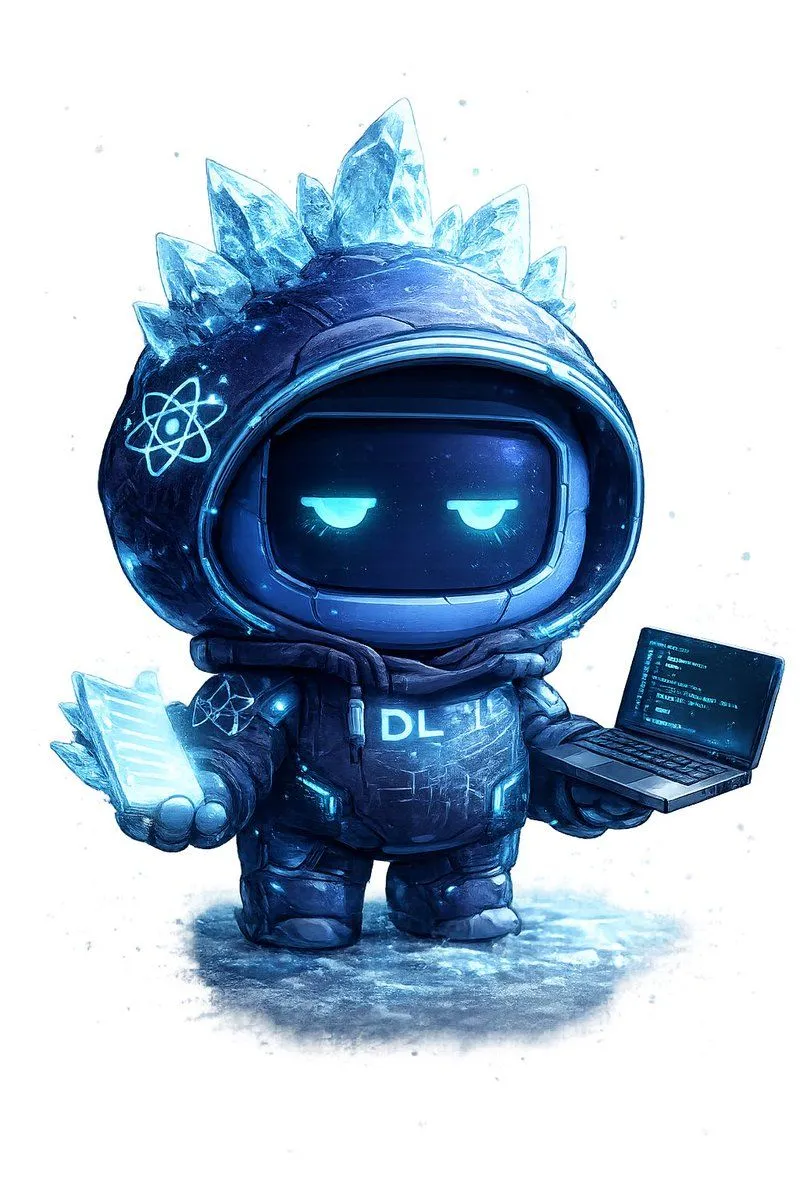
Ice Codex Robot Avatar
Create a single full-body chibi codex avatar mascot on a clean white background with faint icy blue paint splatters and a soft frozen-ground shadow. The character is a small futuristic robot in an oversized dark navy-black hooded parka and chunky boots, rendered as a high-detail 3D digital illustration with painterly texture, glossy sci-fi materials, cyan rim lighting, and a cold arctic color palette. The hood is round and helmet-like, framing a black rounded-rectangle visor face with two sleepy half-lidded glowing cyan eyes and no mouth, giving a calm unimpressed expression. Add exactly 7 translucent jagged ice crystals protruding from the top and sides of the hood, with the tallest crystal at the center top, glowing electric blue edges, frosty refractions, and snow-like speckles. Put exactly 2 glowing atom emblems on the suit: one large cyan atom symbol on the left side of the hood and one smaller atom symbol on the chest/left shoulder area. The torso armor is puffy and segmented with cyan circuit-like accents, small luminous panels, scuffs, scratches, and the glowing chest text chest_text. In the character’s left hand, show exactly 5 stacked translucent glowing cyan crystalline data sheets or code pages fanned together; in the right hand, show exactly 1 open miniature laptop angled toward the viewer, with a cyan-on-black screen filled with tiny unreadable code lines. Use a centered composition, cute proportions with a large head and short limbs, dramatic icy blue highlights, detailed snow/ice texture on the ground, and a premium mascot-avatar look suitable for a developer profile picture. Customize the avatar as avatar_theme, with primary_color armor and glow_color lighting.