Husband and Wife Comedy Animation
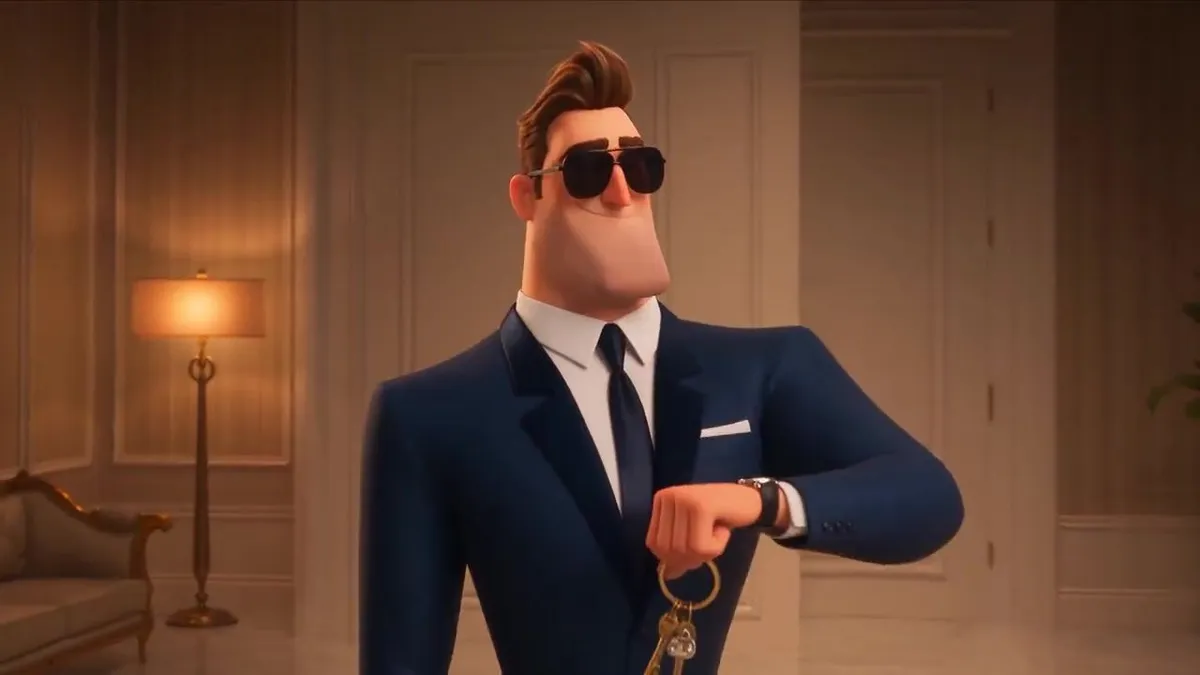
Create a 15-second hilarious animated sequence in the same warm, cinematic 3D cartoon style as the previous storyboard. Keep the same husband and wife characters, luxurious home interior, exaggerated facial expressions, fast-paced comedy, and smooth cinematic animation. Scene 1 — 0–3 sec: The husband is fully ready to go out, standing proudly at the main door wearing stylish clothes, shoes, and sunglasses. He checks his watch and calls toward the bedroom: Husband: “Are you ready?” From inside, the wife cheerfully replies: Wife: “Just two minutes!” 😄 Scene 2 — 3–11 sec: Fast-forward comedy montage Show everything happening inside the bedroom in extremely fast motion: * The wife tries on one dress, then throws it away. * Changes into another outfit… then another… and another. * Applies makeup. * Removes it and applies it again. * Carefully does her lipstick. * Fixes her eyebrows. * Tries different hairstyles. * Changes earrings and shoes. * Looks in the mirror, unhappy, then starts all over again. Meanwhile, cut back repeatedly to the husband waiting at the front door. Time passes ridiculously fast. His young, confident appearance gradually transforms—hair becomes gray, beard grows, posture bends, and eventually he becomes an old man still standing at the door holding his keys. 😂 Scene 3 — 11–15 sec: Finally, the wife walks out looking absolutely perfect and glamorous. She sees the husband, now old, gray-haired, and leaning on a walking stick. She smiles innocently and says: Wife: “See? I told you… just two minutes!” 😌✨ Final shot: The old husband slowly looks at the camera with a completely defeated expression, while his walking stick slips slightly and the keys fall from his hand. 😂