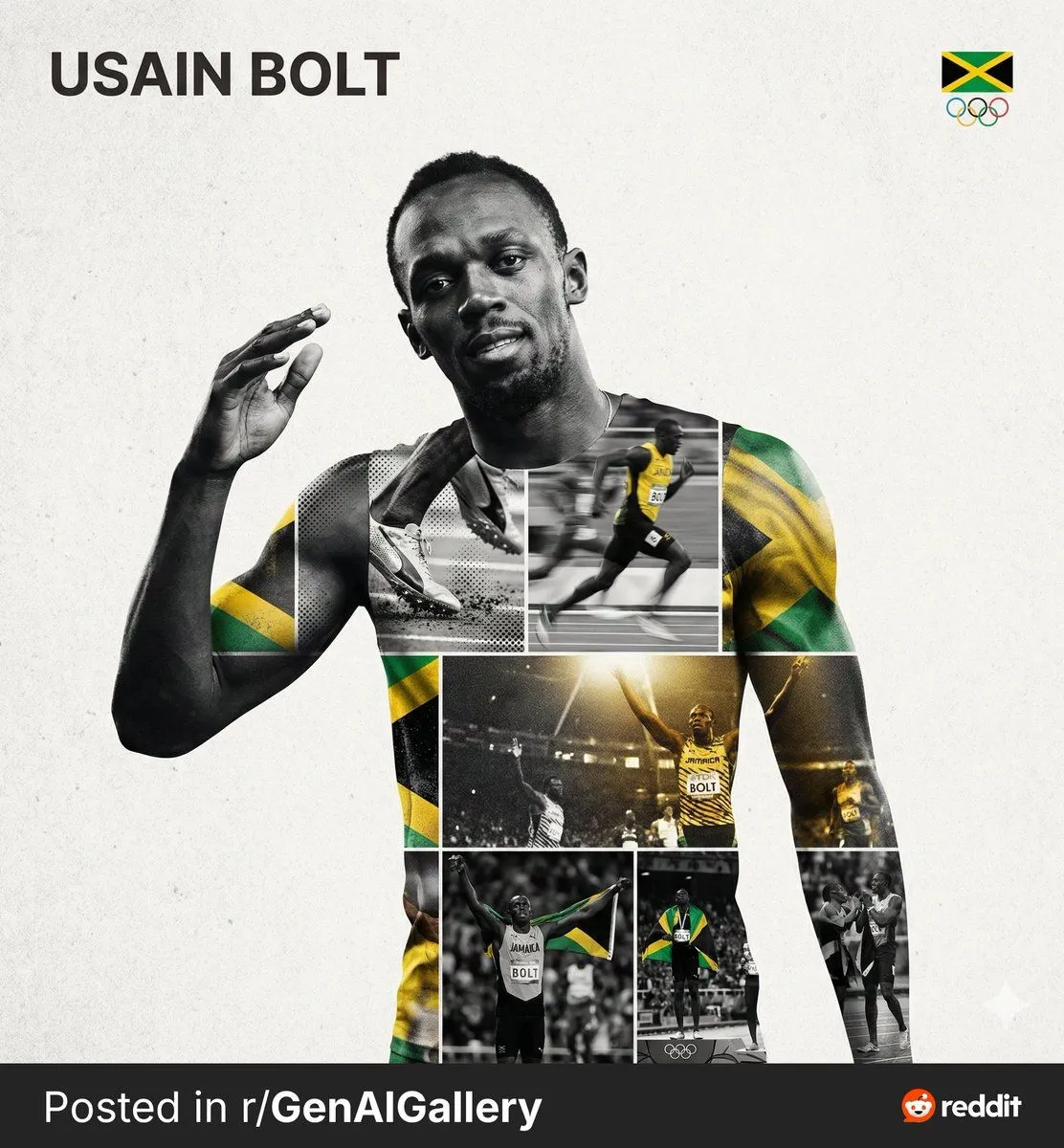
High-End Sports Graphic Poster Template
[PERSON NAME]. Act as a high-end sports graphic designer creating a conceptual tribute poster. The style is a complex "dual exposure photo-grid composite" with mixed-media textures. CENTRAL STRUCTURE (THE VESSEL): The central focus is a large-scale, high-contrast black and white portrait silhouette of person_name. This main portrait acts as the container. THE GRID FILL & TEXTURES (MIXED MEDIA): The interior of the silhouette is populated by a dense "photo mosaic grid" of action shots from the person's career. CRITICAL TEXTURE INSTRUCTION: Do not just paste flat photos. Apply artistic textures to various grid cells to create a tactile, collage feel. Use effects like: Halftone Dots: Comic-book style raster patterns on some cells. Fabric/Embroidery: Subtle thread or canvas textures suggesting a jersey or patch. Film Grain: Heavy noise on specific high-contrast action shots. COLOR STRATEGY: The base is Monochrome B&W. Use selective color overlays (relevant to the team/flag) ONLY on specific grid cells to create a rhythm. TYPOGRAPHY & BRANDING (STRICT MICRO-SCALING): Top Left (The Name): Write "person_name_2" strictly using the font Inter Semibold. Kerning: Tight negative kerning (-4%). Size: SMALL and discreet. It must occupy MAXIMUM 20% of the canvas width. Do NOT make it large or loud. Top Right (The Symbol): Place the primary logo (Team/Brand/Flag). Size: VERY SMALL. It must occupy MAXIMUM 10% of the canvas width. COMPOSITION & BACKGROUND: Background: Off-white or light grey with a visible high-quality paper or concrete texture. It should not be flat digital white. Alignment: Center the figure perfectly. Maintain wide negative space around the object.